How to Make a BFF Quiz Link Without an Account
Your group chat just died mid-banter because the quiz link demanded a signup, an email verification, and a "quick" profile setup that took longer than the quiz itself. Sound familiar? You're not alone, and the fix is simpler than you think.
You're right to be annoyed. Nothing kills quiz momentum faster than an account wall standing between your friends and the first question. Here's the promise: by the end of this guide, you'll know exactly how to make a bff quiz link without an account in under two minutes, using nothing but your name and a few taps on your phone.
Here's the roadmap: enter your name, answer a quick set of personal prompts, and copy a shareable link straight into WhatsApp, iMessage, or Instagram. No email. No app download. No password reset emails haunting your inbox.
But here's the part nobody tells you: the demand for this exact workflow is massive. A YouTube tutorial titled "how to make ur bestfriend quiz link" has racked up 16,537 views, proof that people are actively searching for a dead-simple, no-account way to create a BFF quiz link. The surprising part? Most quiz platforms still force you through account creation anyway. Friend Quiz doesn't, and the reason why matters more than you'd expect.
Step 1, Enter Your Name (15 Seconds)
Open Friend Quiz on your phone, type your first name into the homepage field, and tap the start button. That's the entire step, no account, no email, no app download required.
This is step one of the Zero-Account Speed Run framework, a three-step flow that takes under two minutes total. You need no prerequisites: just a phone with a browser and 15 seconds of attention. Here's the exact sequence:
- Open your mobile browser and go to friendquiz.org. The homepage loads directly into the quiz builder, no landing page maze or pricing table to scroll past.
- Type your name into the single input field at the top of the screen. Use whatever your friends actually call you in the group chat, nicknames work perfectly.
- Tap the start or continue button to advance to the first prompt. You should see the prompt screen appear instantly, confirming your name was accepted.
Success looks like this: your name appears at the top of the next screen, and the first personal trivia prompt is already waiting for you. If you see that, you're 15 seconds in and ready to move.
The friction most quiz platforms introduce here, mandatory signup forms, email confirmations, or app store redirects, is entirely absent. Friend Quiz was built for speed-run creation, which is why the homepage asks for exactly one piece of information: your name.
Step 2. Answer the Prompts (60 Seconds)
Answer each personal trivia prompt by tapping the option that best describes you. The prompts cycle through your daily habits, quirks, likes, and dislikes, the exact categories friends should know about you.
This is where your quiz actually takes shape. Each answer becomes a question your friends will face later, framed around how well they truly know you. As one YouTube tutorial for a similar best friend quiz puts it, the entire point is to test how well your BFF knows you, so answer honestly, not aspirationally.
Here's the step-by-step flow:
- Read the first prompt on your screen. It will ask about something personal, a habit, a preference, or a quirk.
- Tap the answer that matches you most accurately. Don't overthink it; your gut response is usually the one your real friends would guess.
- Repeat for each subsequent prompt until the flow completes. Expect roughly 8-12 prompts covering habits, quirks, likes, and dislikes.
- Watch for the completion screen, you should see a confirmation that your quiz is ready, typically with a share or copy-link button visible.
Here's where most quiz tools lose you: they interrupt the prompt flow with a signup popup right when you're invested. Friend Quiz doesn't. The prompts run start to finish without interruption, and your answers are packaged into a personalized challenge the moment you finish.
Once you see the completion screen, you're one tap away from the final step: copying your link and dropping it into the group chat.
Step 3, Copy Your Link and Share It (10 Seconds)
Your BFF quiz link is generated instantly after the final prompt, no waiting, no confirmation email. You need only your phone and the group chat you plan to send it to.
- Tap the "Copy Link" button on the results screen. The button sits directly under your quiz preview card. You should see a brief "Link copied!" toast notification at the bottom of your screen.
- Open WhatsApp, iMessage, Snapchat, or Instagram and navigate to the group chat or DM where you want to drop the quiz. Long-press the message field and tap "Paste", your link appears as a tappable preview card with your name.
- Hit send and watch the reactions roll in. Friends tap the link and answer instantly in their mobile browser, no app download, no email wall, no signup prompt. The quiz loads in under two seconds on a 4G connection.
What recipients see matters: your name appears at the top of the quiz, followed by the first question and a progress bar. There is no interstitial ad, no "Create an account to continue" gate, and no redirect to an app store. The experience is built for group chat momentum, one tap, instant play, immediate banter.
If you want a deeper walkthrough of the full creation flow, see our guide on how to make a friend quiz on mobile in under two minutes.
Once your link is live in the chat, the real fun starts: friends compete in real time, and every answer feeds a live scoreboard. Send the link now and let the bragging rights begin.
What Happens After Friends Answer? The Friendboard
The Friendboard is a live, real-time leaderboard that ranks every friend who answers your quiz by score, updating automatically as each response comes in. First place gets bragging rights, and everyone else gets instant motivation to retake the quiz.
Think of the Friendboard like a live sports scoreboard at a pickup game. You don't wait for a referee to tally points at the end; every basket changes the board immediately. The same happens here: when your friend Sarah answers question three correctly, her name jumps up the leaderboard before she's even finished question four.
Here's the progression from simple to advanced:
- Simple: You share your link. Friends answer. A ranked list appears showing who scored highest.
- Intermediate: The Friendboard updates live as each friend submits, so the person in first place can change mid-conversation. You can screenshot the board and drop it back into the group chat to stoke rivalry.
- Advanced: Because the board is tied to your unique quiz link, you can share the same link across multiple chats. WhatsApp, iMessage, Instagram, and every response feeds one consolidated ranking. The friend who finishes first across all platforms holds the crown.
This post-quiz mechanic is unique to Friend Quiz. Competitor platforms typically show each player only their own score at the end, leaving the group to manually compare results. The live Friendboard closes that loop automatically: the quiz doesn't end when someone answers, it ends when someone wins.
What does the Friendboard show after friends answer? It displays each friend's name, their score, and their rank in real time. The person in first place is highlighted at the top with a crown icon, and the list reorders instantly as new answers arrive. No refresh needed, no account required to view it.
Why No Account Actually Matters, The Friction Tax
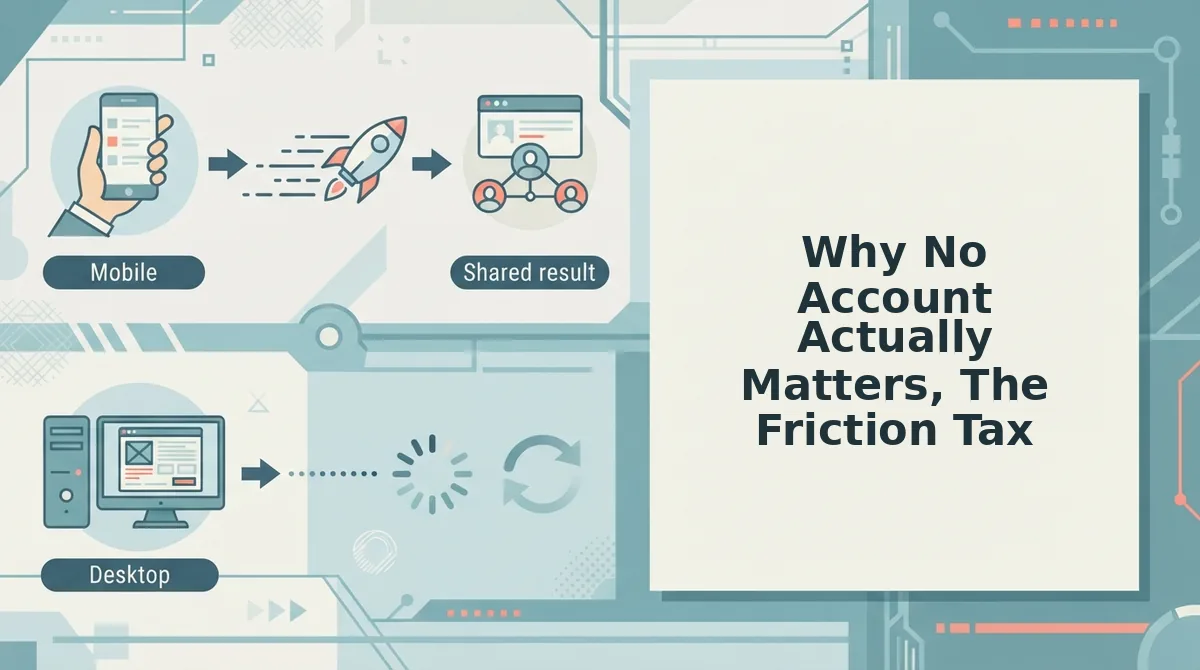
The Friction Tax is the hidden cost of every extra step between a friend tapping your quiz link and answering the first question, and it compounds fast. Every email wall, app-store redirect, or multi-page form reload silently kills completion rates.
Think of it like a restaurant that makes you fill out a loyalty card before you can order. The food might be great, but half your group walks out before the appetizer arrives. Competitor quiz platforms do exactly this: they require accounts, show ad clutter, and bounce users through multi-page reloads before the first question even loads.
Friend Quiz removes the tax entirely. Your friends tap the link and answer immediately in their mobile browser. No signup, no download, no email verification. That zero-friction design is what makes the quiz survive in a fast-moving group chat, where attention spans are measured in seconds. If you're wondering whether your friends need an account to play, the answer is simple: do friends need an account to play your quiz? No, and that's the entire point.
When the link works, the quiz flows. When it doesn't, the group chat goes quiet. Here's what to do when the link won't open.
Troubleshooting. When the Link Won't Open
Most BFF quiz link failures come down to three mobile-specific issues: the link opened inside a chat app's built-in browser, a stale copied link, or a weak connection. Work through these fixes in order, they resolve nearly every case in under a minute.
- Open the link in your phone's browser, not inside the chat app. WhatsApp, Instagram, and Snapchat use in-app browsers that sometimes block redirects or stall on quiz pages. Tap the three-dot menu and choose "Open in browser" to bypass the restriction instantly.
- Re-copy the link from the quiz maker and resend it. A truncated or partially copied link is the most common silent failure. Go back to your quiz page, tap the copy button again, and paste it fresh into the chat, never forward an old message with a broken preview.
- Check your connection and retry once. A weak signal can time out the quiz page before it loads. Toggle airplane mode off and on, or switch from Wi-Fi to mobile data, then tap the link again.
- Ask the recipient to paste the link directly into their browser address bar. Some chat apps strip special characters from links when auto-formatting. Pasting the raw URL into Chrome or Safari bypasses any app-level mangling.
- Verify the link still exists by opening it yourself first. If you can open it but a friend cannot, the issue is on their device or app. If you cannot open it either, regenerate the quiz link, the original may have expired or been overwritten.
- Clear the browser cache or try a private tab. A corrupted cached version of the quiz page can prevent loading. Opening the link in an incognito or private tab forces a fresh fetch from the server.
- Check what to fix before sending a quiz link. Prevention beats troubleshooting. Review what to fix before sending a quiz link so your next share opens cleanly on the first tap.
FAQ. BFF Quiz Links Without an Account
Quick answers to the questions people actually ask before making or sharing a BFF quiz link.
Do I need to download an app to make a BFF quiz?
No. Friend Quiz runs entirely in your mobile browser at friendquiz.org. You create the quiz, copy the link, and share it without installing anything or creating an account.
Can my friends answer without signing up?
Yes. Anyone who taps your link answers the quiz instantly in their browser. No email, no login, no app download, they just answer the prompts and see their score.
How long does it take to make a BFF quiz link?
Under two minutes. You enter your name, answer a short sequence of personal prompts, and the platform generates a shareable link immediately. The entire workflow is designed for speed.
Can I make a BFF quiz on my phone?
Yes. The quiz maker is mobile-first, so the full creation flow works smoothly on any smartphone browser. No desktop computer is required at any step.
What happens after my friends finish the quiz?
Their scores appear on a live Friendboard that ranks everyone in real time. The top scorer earns first-place bragging rights, which fuels friendly rivalry and repeat plays in the group chat.
Make Your BFF Quiz Link Now
The entire BFF quiz workflow, name, prompts, link, share, takes under two minutes from start to finish. What makes it stick is not the speed, though. It is the Friendboard payoff: every friend who answers lands on a live ranking where first place carries real bragging rights in your group chat.
That payoff is the open loop this guide promised. You do not just send a quiz; you launch a competition that friends check back on, screenshot, and argue about. The zero-account design means nobody has an excuse to skip it.
Your next step is one tap: make your BFF quiz link, drop it in the group chat, and watch the Friendboard fill up. The first-place title is waiting, someone has to claim it.