How to Make a Friend Quiz on Mobile in Under 2 Minutes
Your group chat is popping off, someone drops a "who actually knows me best" challenge, and then momentum dies because the quiz takes five minutes to load, asks for an email, or forces everyone to download an app. You're not imagining it: a Chikii lag fix video with 111K views proves mobile quiz and game users are actively hunting for ways to stop app lag from killing the fun.
You're right to be annoyed. Setting up a friend quiz should be faster than the banter it creates, and it can be. Here's the fix: you can make a friend quiz on mobile browser without app lag in under two minutes, no account, no email, no download required.
Here's the roadmap: first, we'll break down why quiz apps choke in group chats while browser-based quizzes don't. Then, you'll learn the 3-Tap Speed-Run, enter your name, answer a few prompts about yourself, and share a link your friends can open instantly without leaving WhatsApp or iMessage. Stick around to the end, because the reason browser-based beats Google Forms for this specific use case isn't what most people assume.
Why Quiz Apps Lag in Group Chats (And Browsers Don't)
App lag is the delay between tapping a button and seeing a response, caused by the extra work a native app must do before it can show you anything useful. A browser-based quiz skips most of that work entirely.
Think of a native quiz app like a restaurant where the waiter has to run to a warehouse across town before taking your order. A browser quiz is a food truck already parked at your table. Here's the progressive breakdown:
Simple: Native apps require a download first. A 150MB quiz app has to install, request permissions, and initialize before the first screen renders. A browser quiz loads a lightweight page in under two seconds on 4G.
Intermediate: Once installed, apps run background processes, push notification listeners, analytics trackers, and ad SDKs (software development kits that serve ads), all competing for your phone's memory and CPU. Every tap triggers server round-trips, where your request travels to a remote server and back before the app responds. On a crowded group chat night, that round-trip latency stacks up.
Advanced: The real killer is cold-start overhead. When you tap a quiz link in WhatsApp, a native app must launch from scratch, authenticate, sync data, and render its UI, often 5 to 10 seconds before you can answer a single question. A browser-based quiz renders directly in the WebView inside your chat app, so your friends answer without ever leaving the conversation.
Here's the self-contained answer to "why do quiz apps lag on mobile": Native quiz apps carry three layers of overhead that browsers eliminate, installation size, background process competition, and cold-start initialization. Each layer adds seconds between tap and response. A browser quiz has none of these layers: it loads as a static page, runs no background tasks, and renders instantly inside the chat app's built-in browser. That's why the Chikii lag fix video with 111K views exists, users are searching for workarounds to a problem that browser-based quizzes simply don't have.
The 3-Tap Speed-Run: Make a Friend Quiz in Under 2 Minutes
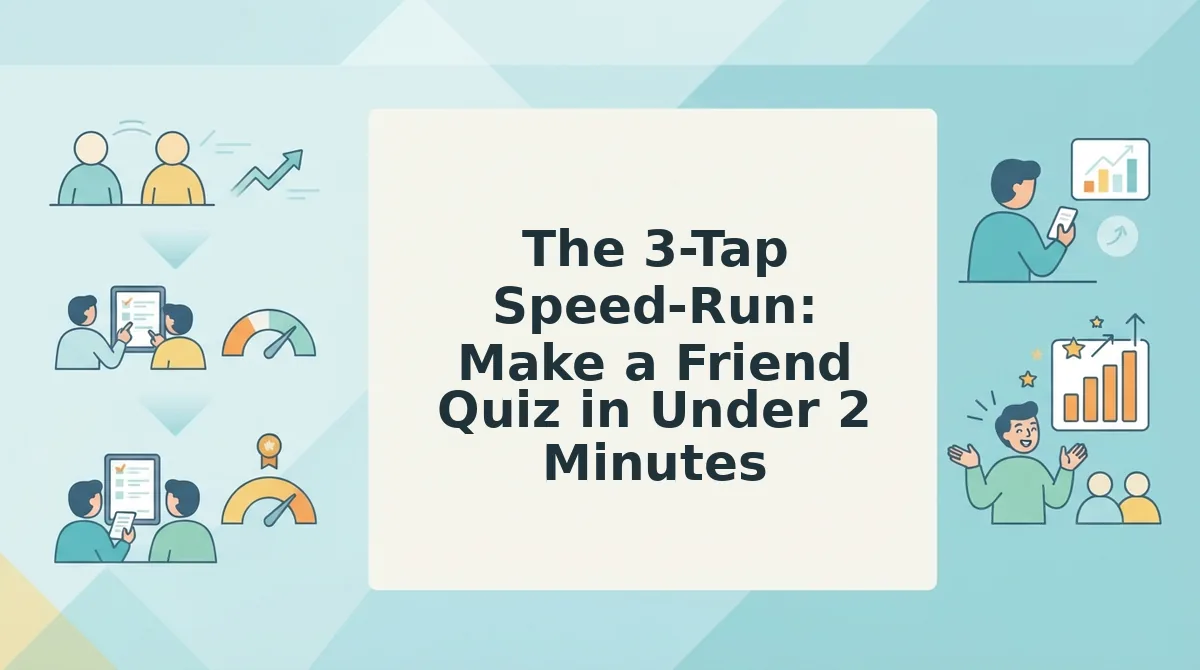
The 3-Tap Speed-Run is a mental model for quiz creation: enter your name, answer personal prompts, and share the link, three actions, under two minutes, zero friction. Here's exactly how to do it on your phone.
Prerequisites: A smartphone with any modern browser (Safari, Chrome, or Samsung Internet) and a group chat where you want to start the challenge. No app store visit, no email signup, no password.
- Open friendquiz.org in your mobile browser. Tap the link or type the URL directly. The page loads in under two seconds with no install prompt. You should see a name field front and center, that's your starting point. Time: 5 seconds.
- Type your name and tap through the personal trivia prompts. The site cycles through quick questions about your habits, quirks, likes, and dislikes, things like your go-to late-night snack or your most controversial opinion. Each tap saves your answer instantly. You should see the quiz assembling itself as you go, with no page reloads. Time: 60-90 seconds.
- Tap "Share" and drop the link into your group chat. The platform generates a personalized quiz URL immediately. Copy it and paste it into WhatsApp, iMessage, or Instagram. Your friends tap the link and answer directly inside the chat's built-in browser, no app download, no account creation. You should see their answers start rolling in within seconds. Time: 10 seconds.
Here's the worked example: You create a quiz about your coffee order, your gym playlist, and your "would you rather" takes. You paste the link into the WhatsApp group with the caption "Prove you actually know me." Your friends tap it, answer all questions without leaving WhatsApp, and the results appear instantly. The banter starts before you've even put your phone down.
That's the entire workflow, and it's why the browser approach leaves Google Forms in the dust for this use case.
Why Browser-Based Beats Google Forms for Friend Quizzes
A browser-based friend quiz maker beats Google Forms when the goal is instant group-chat banter, because it skips account setup, multi-page configuration, and form-reload friction entirely. Google Forms remains a solid tool for surveys and structured data collection, but it was never built for the 2-minute, zero-login speed run that friendship quizzes demand.
Kevin Stratvert's Google Forms quiz tutorial has 574K views for a reason: Forms is free, familiar, and genuinely useful for teachers and workplace trainers. The honest trade-off is that every respondent needs a Google account to submit answers, and the creator must configure question types, point values, and answer keys across multiple steps before sharing anything.
For a friend quiz shared in a WhatsApp or iMessage group, that setup cost kills momentum. Friends tap a link expecting to answer immediately, not to hit a sign-in wall or scroll through a form with progress bars. A browser-based quiz loads instantly, accepts answers without authentication, and scores results on the spot.
| Comparison Factor | Browser-Based Friend Quiz | Google Forms |
|---|---|---|
| Setup speed | Under 2 minutes, no configuration screens | 10-20 minutes including question setup and answer key |
| Account required | None for creator or respondents | Google account required to create; sign-in required to submit |
| Chat momentum | Instant load, tap-to-answer, immediate scoring | Multi-page form, submit button, no instant result reveal |
| Best for | Group chat instigators who want banter in under 2 minutes | Teachers, HR teams, and event organizers collecting structured responses |
Best for group chat instigators: a browser-based friend quiz that loads in one tap and scores instantly. Best for teachers and workplace trainers: Google Forms, where structured responses, response tracking, and spreadsheet exports matter more than speed.
If you need to collect 50 anonymous survey responses with charts and export options, Google Forms is the right tool. If you need to settle who knows you best before the group chat moves on to the next topic, a browser-based quiz wins on setup speed, zero sign-in friction, and instant result reveal.
What to Ask: Best Friend Test Questions That Actually Spark Banter
The strongest friend quiz questions fall into three categories: daily habits, quirks, and shared memories. Each category triggers a different type of reaction, from defensive laughter to nostalgic storytelling, which keeps the quiz moving and the chat active.
- Daily habits questions, expose what friends actually notice about you. Ask about your go-to coffee order, the first app you open in the morning, or what you always do before bed. These questions work because they reward friends who pay attention to your routine, not just your highlight reel.
- Quirk questions, surface the weird details only real friends know. Ask about your irrational pet peeve, the food combination you secretly love, or the phrase you overuse in every conversation. Quirk questions generate the most defensive laughter and "I knew that!" reactions in group chats.
- Shared memory questions, test who was actually there. Ask about the trip where everything went wrong, the inside joke nobody outside the group understands, or the moment you all still reference years later. These questions reward long-term friends and expose casual acquaintances fast.
- Controversial opinion questions, spark instant debate. Ask whether pineapple belongs on pizza, which friend is most likely to be late, or what your most unpopular take is. These questions shift the quiz from passive answering to active argument, which is exactly what group chats thrive on.
- Hypothetical scenario questions, reveal how friends predict your behavior. Ask what you would do if you won the lottery, how you would react to a surprise party, or which friend you would call first in a crisis. These questions test emotional intelligence and prediction skills, not just memory.
- Self-deprecating questions, lower the stakes and raise the laughs. Ask about your most embarrassing habit, the thing you are worst at, or the fashion phase you regret most. Self-deprecating questions make the quiz feel playful rather than competitive, which encourages more friends to participate.
- Rapid-fire either/or questions, keep the pace high. Ask whether you prefer texting or calling, staying in or going out, or sweet or savory snacks. These questions are fast to answer and easy to score, making them ideal for the final stretch of a quiz when attention spans drop.
For a full library of ready-to-use question ideas organized by category, browse the best friend quiz page. The best quizzes mix at least two categories so friends feel tested on both memory and prediction, not just trivia recall.
FAQ: Making a Friend Quiz on Mobile Without App Lag
A browser-based friend quiz maker eliminates app lag by loading instantly in any mobile browser, requiring no download, no account, and no sign-in before friends can answer. This section answers the most common questions from group chat users who want speed without friction.
How do I make a friend quiz on my phone without downloading an app?
Open a browser-based quiz maker like Friend Quiz, enter your name, and answer a short sequence of personal trivia prompts. The platform generates a shareable link immediately. No app store visit, no installation, and no account creation are required at any step.
Can I make a quiz without signing up?
Yes. Browser-based friend quiz platforms let you create and share a quiz without entering an email address or creating an account. Your friends also answer without signing in, which removes the biggest drop-off point in group chat quiz sharing.
Why do quiz apps lag in group chats?
Quiz apps lag because they require each friend to download the app, create an account, and often wait through loading screens before answering. Browser-based quizzes skip all three steps, loading instantly from a link tap in WhatsApp, iMessage, or Instagram.
What's the fastest way to share a quiz with friends?
Copy the quiz link generated after creation and paste it directly into your group chat. Friends tap the link and answer immediately in their mobile browser. No codes to enter, no usernames to remember, and no waiting for app downloads.
Do my friends need to download anything to answer?
No. Friends answer directly in their mobile browser by tapping the shared link. This works on any smartphone with an internet connection, regardless of operating system or app availability.
For a deeper look at how friendship quizzes measure connection quality, explore the friendship test page, which explains scoring methods and what results actually reveal about your relationships.
The Whole Point Was Never the Quiz, It Was the Banter
You started this article wanting a friend quiz in under two minutes. You now have the exact 3-tap sequence: type your name, answer a few prompts about yourself, and grab the share link. That link is the entire product. No app store detour, no account wall, no "please verify your email" dead end between you and your group chat.
Here's the synthesis that ties it all together: browser-based quizzes win because they collapse the gap between making and sharing to zero. Every extra step, an install, a login, a form reload, is a friend who loses interest before the first question loads.
So here's your next move, in one sentence: Make your friend quiz now, it takes 2 minutes. Then share it to your group chat and watch the Friendboard light up as answers roll in live.
If you want a faster starting point, grab a ready-made BFF test and personalize it in under a minute.
One final thought worth quoting: A friend quiz isn't a test of how well they know you, it's a reason to talk to each other again. That's the real result you're building, one share link at a time.