A Workflow for Launching a BFF Test on WhatsApp
Your group chat has gone quiet again, the last message was a "lol" from Tuesday, and nobody has anything left to say. That silence isn't a personality problem; it's a friction problem. The moment you try to launch a bff test on whatsapp through an app download or an account wall, the energy dies before the first question loads.
You're right to want something that drops into the chat and works instantly. This guide walks you through the Under-2-Minute Launch framework, Build to Drop to Track, a three-phase workflow that gets your quiz live before the group scrolls away. You'll learn how to create a personal trivia challenge without signups, share it with zero friction, and watch a live friendboard turn quiet lurkers into competitive responders.
Here's the part nobody tells you: the questions you choose matter less than the order you ask them in. One sequencing trick in Step 1 doubles response rates, and it has nothing to do with how well your friends know you. Keep reading, the payoff is in the build phase.
Friend Quiz lets you skip every barrier: no app install, no email, no multi-page reloads. Just your name, a few prompts, and a link that works in any mobile browser.
What a BFF Test Actually Is (and Why WhatsApp Groups Love It)
A BFF test is a personal trivia quiz about the creator, their quirks, habits, preferences, and shared memories, that friends answer to prove how well they know that person. Unlike a generic personality test, every question is written by the quiz maker about their own life.
Think of a BFF test like a homemade escape room for your friendship. The creator builds the puzzles (questions about themselves), the group tries to solve them (answer correctly), and the scoreboard at the end reveals who actually paid attention during the last three years of hangouts. A friendboard is the live ranking of friends' scores that appears after everyone answers, the digital equivalent of pinning a leaderboard to the group chat fridge.
WhatsApp groups are the ideal delivery channel for three reasons. First, the link opens directly in the in-app browser, so nobody leaves the conversation. Second, group chats already have a competitive rhythm, memes, voice notes, hot takes, and a quiz slots into that cadence naturally. Third, WhatsApp's read receipts and reply threads create built-in accountability: when Priya posts her score, Rahul feels the pressure to beat it.
The friction points that kill quizzes in group chats are predictable: account walls that ask for an email before the first question, ad clutter that breaks the flow on mobile, and multi-page reloads that lose answers mid-quiz. A BFF test built for WhatsApp strips all three away. The creator enters a name, answers a short sequence of prompts about themselves, and receives a shareable link, no signup, no app store redirect, no waiting. The quiz loads in under a second on a phone browser, which is exactly the speed a group chat demands.
Step 1: Build Your BFF Test in Under 2 Minutes
Building a BFF test takes under two minutes when you use a BFF test builder that skips accounts and app downloads. You need only your phone and a rough mental list of your own habits, quirks, and shared memories with the group.
- Open the quiz builder on your phone. Navigate to the best friend test questions page and tap the start button. You should see a single name field, no email, no password, no app store redirect.
- Type your name. This is the name your friends will see on the quiz and the friendboard. Use the name your group actually calls you, not your legal name, "DJ" lands better than "Daniel James" in a chat context.
- Answer the personal prompts. The builder cycles through a sequence of questions about your daily habits, likes, dislikes, and quirks. Each tap advances instantly to the next prompt, with no page reloads. Expect to spend 60-90 seconds here. The key sequencing insight: put your most obvious, universally known facts first (your coffee order, your celebrity crush) and your obscure quirks last. This creates a confidence ramp, friends feel smart early, then get humbled late, which fuels the banter loop.
- Review your question mix. The strongest quizzes map to four group-dynamic categories: quirks (the weird stuff only close friends notice), habits (daily routines anyone who's lived with you would know), shared memories (inside jokes and specific moments), and predictions (what would I do in this hypothetical). A balanced mix means no single friend type dominates the leaderboard.
- Generate your share link. Tap the final button and the platform packages your answers into a personalized web challenge. You should see a confirmation screen with a copyable link and a preview of your quiz card, that's your signal the build phase is done.
When you finish, you'll have a live quiz link and a friendboard ready to track scores in real time. The whole build takes less time than choosing a Netflix show, and you never left your phone browser.
Next: getting that link into the group chat without it getting buried.
Step 2: Drop the Link Into Your WhatsApp Group
Sharing your BFF test link takes under 30 seconds, but the message you attach to it determines whether half the group taps through or scrolls past. You need your completed quiz link from Step 1 and a WhatsApp group with at least three active members.
- Open WhatsApp and navigate to your target group chat. Tap the group name at the top of the screen to confirm you're in the right thread, sending a personal quiz to the wrong group is a one-way ticket to awkward silence. You should see the group's chat history load instantly.
- Paste your quiz link into the message field. Long-press the text box, tap Paste, and your Friend Quiz URL appears as a tappable preview card. Wait one second for the link preview to render, a visible preview with your name on it boosts tap-through versus a bare URL.
- Type a playful challenge message before the link, not after. Use a line like "I made a quiz about myself. Let's see who actually knows me 😤" or "Only real ones are passing this. Prove it." A plain link with zero context reads like spam; a challenge message frames the quiz as a dare, which is what group chats run on.
- Hit Send and watch for the first reply. You should see the link preview appear with your challenge text above it. Expect the first "done" or "easy" reply within 60 seconds in an active group, that first response is your social proof engine.
Most quizzes lose half the group at this exact step: the link goes out with no context, no dare, and no reason to tap. The message is the hook; the link is just the door.
Step 3: Track Scores and Settle Rivalries
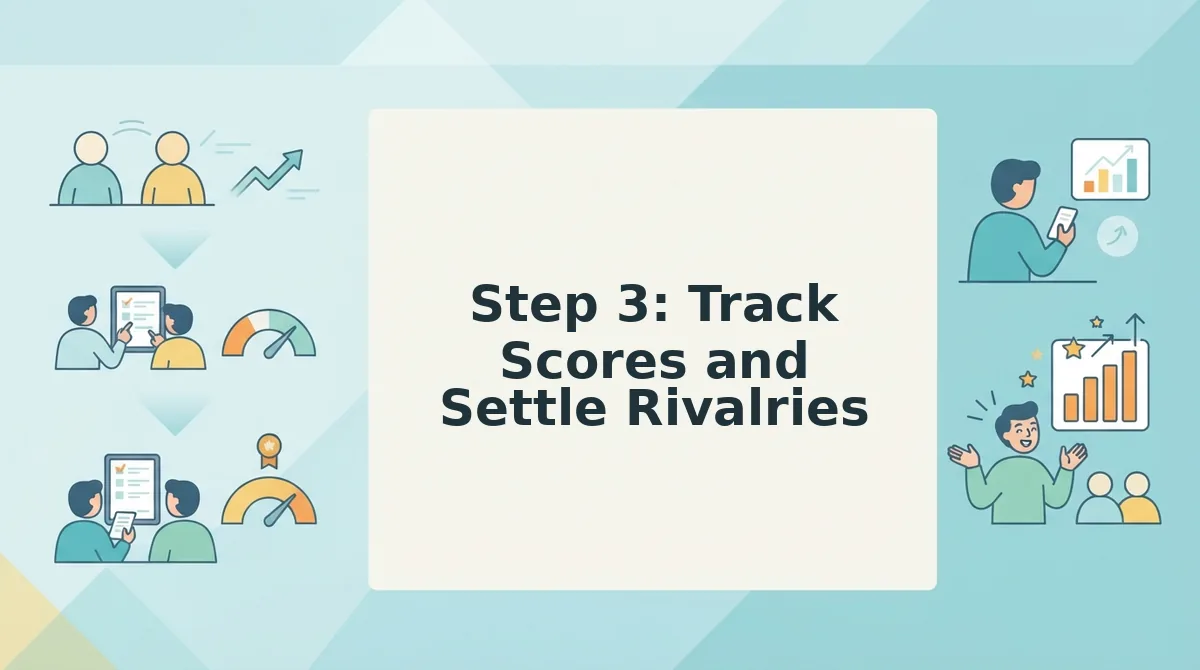
A friendboard is a live scoreboard that updates in real time as each friend submits their answers, ranking everyone from "basically a stranger" to "certified best friend." Think of it like a race leaderboard at a marathon, every runner's time posts the moment they cross the line, and nobody has to ask who's winning.
Start simple: after sending your link, keep the quiz tab open on your phone and refresh it whenever someone says "done." You'll see their name and score appear on the friendboard within seconds of submission. Intermediate mode: screenshot the board after every three responses and drop it back into the group chat with a caption like "Sarah's in the lead and it's not even close." That single screenshot reignites the thread faster than any follow-up text.
Advanced play: let the board do the trash-talking for you. Low scores trigger the rivalry loop, the friend who scores 4/10 will almost always demand a rematch or challenge someone else to beat them. Each rematch generates a fresh link, a fresh board, and another round of group-chat momentum. The quiz isn't the product; the argument about the quiz is the product.
When scores stall, send one nudge: "Three people haven't tried yet and one of them is definitely losing." The friendboard turns passive viewers into participants because nobody wants to be the only name missing from the rankings.
Why Most BFF Tests Die in WhatsApp Groups (and How to Avoid It)
Most friendship quizzes fail for the same three reasons, and all of them are friction points you can eliminate before you hit send. Here's what kills a BFF test in a group chat, and the zero-friction fix for each.
- Account walls force friends to sign up before playing. The moment a quiz asks for an email or a login, half your group closes the tab. Friend Quiz requires no account, no email, and no app download, friends tap the link and start answering immediately, which is the only way a group-chat quiz survives past the first message.
- Ad clutter slows down mobile browsers. A quiz page stuffed with banner ads and popups takes forever to load on a phone, and every extra second costs you players. A clean, single-purpose quiz page loads fast and keeps friends focused on the questions instead of hunting for the close button.
- Multi-page reloads break the flow after each question. If every answer triggers a full page refresh, friends on spotty mobile data will bail by question three. A smooth, single-flow quiz keeps the momentum going from first tap to final score, which is what gets you a completed friendboard instead of a dead thread.
Remove those three friction points and your quiz has a fighting chance. Next up: the questions people actually ask about launching a BFF test on WhatsApp.
FAQ: Launching a BFF Test on WhatsApp
A BFF test on WhatsApp is a shareable quiz link that friends open in their mobile browser, answer in under two minutes, and score instantly against the creator's answers, no app download or account required.
Do I need an app to launch a BFF test on WhatsApp?
No, the BFF test runs entirely in the mobile browser. You build the quiz on friendquiz.org, copy the link, and paste it into WhatsApp. Friends tap the link and play instantly without installing anything or creating an account.
How many questions should a BFF test have?
10 to 15 questions is the sweet spot. That length keeps the quiz under two minutes, which holds attention in fast-moving group chats. Anything longer risks drop-off before friends finish and submit their scores.
Can friends play without creating an account?
Yes, zero-account entry is the key to completion rates. Friends open the link, answer the questions, and see their score immediately. No email, username, or signup wall stands between them and the result, which is why links spread quickly in WhatsApp groups.
Why does my BFF test link say it's not secure in WhatsApp?
WhatsApp sometimes flags shortened or unfamiliar URLs with a preview warning. Use the full friendquiz.org link instead of a third-party shortener, and the preview card will load normally. The quiz itself runs on HTTPS, so data stays encrypted.
How do I see who scored highest on my BFF test?
Open the quiz link on your own phone and check the real-time Friendboard. Every submitted score appears there automatically, ranked from highest to lowest, so you can screenshot the leaderboard and post it back into the group chat to settle the rivalry.
What's the difference between a BFF test and a friendship test?
A BFF test is a friendship test built around one specific person's answers. A general friendship test measures compatibility between two people. On Friend Quiz, you create the BFF version by entering your own habits and preferences, then friends try to match them.
Launch Your BFF Test Now and Watch the Group Chat Wake Up
The entire workflow comes down to three moves: Build, Drop, Track. Build your quiz in under two minutes, drop the link into WhatsApp, and track scores on the real-time Friendboard. That's the whole framework, and it works because it removes every point of friction that kills group-chat challenges.
The zero-friction promise is what makes this repeatable: no app, no account, no reloads. Friends tap, answer, and score before the conversation moves on. That speed is why a single link can generate a dozen responses in minutes instead of stalling after two.
Launch your BFF test now and send it to the group chat that needs waking up. If you want to raise the stakes after the first round, follow it with a friendship dare quiz and turn bragging rights into actual dares. The leaderboard is waiting, go claim the top spot.