How to compare quiz link load times on your own phone
Your friend taps the quiz link mid-banter and the screen sits blank. By the time the first question appears, the group chat has already moved on to someone's dog photo. That stall is frustrating, and you can measure it.
You can compare quiz link load times yourself in about five minutes using two browser tabs and a stopwatch. Most quiz maker pages answer this question with a feature list. None of them give you a test you can run on your own phone.
This guide uses a working benchmark called the Tap Window. A friend who taps a link mid-conversation gives it roughly 3 seconds of patience and gives up somewhere around 10 seconds. These numbers frame what to time. They are not lab results.
First, you will get a threshold table that defines "fast enough." Then you will get a step-by-step two-tab test to run before you send your next best friend quiz. One warning: the number most people trust after their first try is often the wrong one, and the rerun step shows why.
How fast should a quiz link load, and what do you need before you start?
A quiz link should show its first answerable question in under 2 seconds. Around 3 seconds is the mid-conversation limit, and past 5 seconds you start losing the group. Treat these as working benchmarks for ranking quiz makers, not measured findings.
Time-to-Question-One (TTQ1) is the number of seconds between tapping a quiz link and seeing the first question you can actually answer. It ignores ads, footers, and background scripts that finish loading later. A friend in a group chat only cares when they can start playing, not when the page technically finishes.
| TTQ1 band | What it feels like | Verdict |
|---|---|---|
| Under 2 seconds | Feels instant, like opening a photo | Fast |
| 2 to 5 seconds | Noticeable wait; about 3 seconds is the mid-conversation limit | Borderline |
| Over 5 seconds | Friends switch back to the chat; near 10 seconds most give up | Losing the group |
Think of TTQ1 like ordering at a coffee counter. You care when the cup lands in your hand, not when the barista finishes wiping down the machine.
Why rank quiz makers against each other instead of chasing an absolute number? Phone timings swing with device age, signal strength, and time of day. The same link can score 2 seconds at noon and 4 seconds on a crowded evening network. Testing both links back to back on the same phone and connection cancels most of that noise. The result tells you which maker is faster for your friends right now, which is the comparison that matters. Mobile-first tools like Friend Quiz, which needs no app download or account, should still pass the same test as any other maker.
Before you start, gather four things:
- Your phone on cellular data with Wi-Fi switched off
- Two browser tabs, or two different browsers
- A stopwatch that shows seconds
- The two quiz links you actually want to compare
The two-tab stopwatch test, step by step
The two-tab stopwatch test times how long each quiz link takes to show its first answerable question on cellular data. You then run each link a second time to catch caching differences. The whole test takes about five minutes.
You need the four items from the previous section: cellular data, two tabs, a stopwatch app, and both links copied and ready to paste.
- Turn off Wi-Fi. Open Settings and toggle Wi-Fi off. The status bar should show a cellular indicator such as 4G or 5G instead of the Wi-Fi fan icon. (30 seconds)
- Reset your stopwatch. Open the stopwatch app and clear it to 0.00. Keep it one swipe away so you can start it the instant you tap. (15 seconds)
- Time the first link. Paste link one into tab one and start the stopwatch as you tap Go. Stop it when a question with tappable answers appears, then write the time down. (1 minute)
- Time the second link. Repeat step 3 with link two in tab two. You now have two cold-load TTQ1 numbers. (1 minute)
- Rerun both links. Reload each link and time it again the same way. These are your warm-cache numbers. (1 to 2 minutes)
- Compare all four numbers. Check each cold number against the threshold table. The lower cold TTQ1 wins, because that is what a friend sees on their first tap. (30 seconds)
Why these three rules change the result
Cellular only. Group-chat taps happen on buses and in hallways, away from the router. Wi-Fi hides slow pages, so keep it off for every run and both links.
Stop at question one. TTQ1 ignores the loading spinner and late ads. A page can show "done" long after a friend could have started answering, or long before they actually can.
Why time the same quiz link twice? The first load is cold: the phone has nothing stored and downloads everything from scratch. The second load is warm, because the browser reuses files it has already saved. If the warm time drops sharply, the maker is sending a heavy first payload that every new friend has to wait through. If both times stay slow, something keeps blocking the page on every visit, often an ad script that must finish before the question renders. The gap between the two runs tells you which problem you are dealing with.
If your own signal is weak, see how to make a BFF test on a slow phone connection without reloads.
A fast first question is only part of the picture, though.
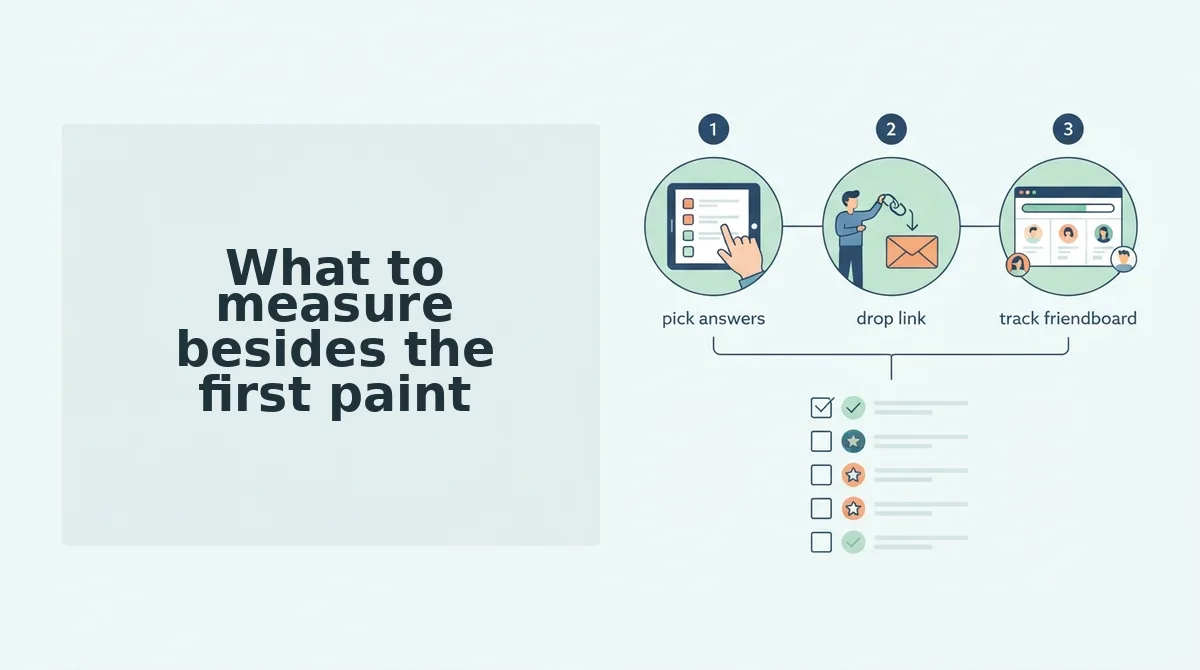
What to measure besides the first paint
Page-load time can look fast while the quiz itself stalls. Track five numbers instead, and you'll see whether a friend actually reaches a question.
- Time-to-Question-One (TTQ1). This is the seconds from tap to the first answerable prompt, not to page-load-complete. Record it as your headline number, because a quiz only earns attention once someone can answer something.
- Redirect chain length. Count every hop between the shared link and the quiz screen, including shortener and tracking domains. Each hop costs a round trip on cellular, so a three-hop chain can quietly double your TTQ1.
- Account wall. Note whether a signup or login prompt sits in front of question one. A wall converts a load-time win into a bounce, and it never appears in a stopwatch reading.
- Ad-induced layout shift. Watch whether the page jumps as banners and interstitials arrive, and whether the close button moves under your thumb. Shift costs taps, and mistaps register as abandonment.
- Questions per page. Count prompts before the next reload. Multi-page quizzes stack a fresh load on every screen, which is why a fast homepage can still feel slow by question four.
Time your runs inside the app you actually share to: in-app browsers in WhatsApp and Instagram throttle and cache differently, so a link that feels instant in Chrome can crawl when tapped from a chat. Redirect chains, multi-page reloads, and banner overlays are the three places quiz makers usually lose the race â signup walls that make friends bounce from a quiz link and playing a best friend quiz from an Instagram DM link cover two of them.
How to read your numbers and where quiz links lose the race
Raw seconds only become useful when they map to a decision. Under 2 seconds: share immediately. 2 to 3 seconds: fine for one-on-one taps. 3 to 5 seconds: expect drop-off. Past 5 seconds: find another link.
| Band | What friends actually do | Verdict |
|---|---|---|
| Under 2s | Reach question one before the chat scrolls | Share now â best for group chats of five or more |
| 2â3s | Single taps land fine; group taps start drifting | Send one-on-one â best for a single friend or a pair |
| 3â5s | A visible share quit before question one | Expect drop-off â best only when someone asked for the link |
| Past 5s | Most taps end in a back gesture | Find another link â best for nothing you want answered |
The gap between your first and second run is your cache reading. The second friend always waits longer than the first when a page ships no cache, which the rerun test exposes in one extra tap â a narrow gap means a lean payload, a wide one means render-blocking scripts are doing the damage.
Weight isn't automatically a fault. A maker that loads slower because it carries score history across sessions can still be the right pick for a rivalry running several weeks; measure the cost, then decide whether the feature is worth it. What you shouldn't excuse are the three repeat offenders behind slow results: a redirect from a link shortener, a signup interstitial before question one, and a quiz that reloads on every question.
Recommendation: run the four bands against two links already sitting in your chats, then make a BFF quiz link and confirm it lands on question one. You can create a quiz without an account, so there's no wall to measure around.
Run the test once, then share the link that passes
The test doesn't crown a universal winner, and that's the point: it ranks makers against each other on your phone, your network, in the app your group actually taps through â the only comparison that decides whether friends finish.
Three steps, in order. Rerun the stopwatch on two quiz links already in your group chat and note which reaches question one faster on cellular with Wi-Fi off. Then open a quiz that loads straight into question one, no wall in between: create a quiz without an account. Then build your own and send it â the friendship test takes under two minutes and needs no download.
Every metric you just learned points at the same finish line: the link that reaches question one fastest on cellular, in the app where your friends actually tap it. That's the one worth sending.