Can friends play a best friend quiz from an Instagram DM link?
Someone drops a link into your Instagram DM, you tap it, and a quiz about their coffee order and their worst habit loads right there â no app store detour, no password screen, no file to download. That is the entire delivery format behind a best friend quiz Instagram DM link: a plain web address, played inside Instagram's built-in browser.
If you have ever hovered a thumb over a link wondering whether it needs an app first, you are the reader this page exists for. Below you will find the four traits that make a link safe to paste into a chat, a straight comparison of DM versus story versus bio, and the one overlooked detail that quietly turns tappable text into dead grey letters.
The most-watched tutorial on this topic is nothing more than a bare quiz link pasted into a message â no attachment, no app, no account. That confirms the delivery format is a URL and nothing more. The turnaround is short enough to fit inside one chat session: a quiz is built in under two minutes and played in under three.
Start by making a best friend quiz you can paste straight into the thread.
What a DM-Safe Best Friend Quiz Link Needs Before You Send It
A DM-safe link is a plain https:// URL that opens a mobile web page with no signup wall and no download prompt. Four traits decide whether friends tap it or scroll past it.
Three terms come up constantly. A DM link is any URL pasted into a direct message. An in-app browser is the stripped-down web view Instagram opens over the chat instead of handing you off to Safari or Chrome. A Friendboard is a shared scoreboard that keeps results visible after the quiz ends.
- A plain URL that unfurls into a preview card â Instagram converts a bare address into a title-and-image card when the page carries proper metadata, and a shortened redirect often stays as dead text. Paste the full address, https:// included, so the card renders before anyone taps.
- No signup wall on the first screen â A signup or email wall is the single biggest drop-off point, because recipients are already inside a chat and will not leave it to create a profile. The first question should appear on the landing screen.
- A mobile-first layout that survives the in-app browser â The in-app view is narrower and stingier with features than a full browser, so wide tables, hover menus and heavy scripts break. Questions and buttons should sit within thumb reach.
- A result screen worth screenshotting â A visible score plus a shareable summary gives friends something to repost into the group. That screenshot is what pulls in the next five players.
Do friends need an account to play? No. A no-account quiz link opens directly on the first question, and the recipient taps through the whole set inside the same DM thread they were already reading. Nothing is installed, no email is collected, and the score appears on a result screen at the end. That matters because the entire handoff happens mid-conversation â any step that pushes someone out of Instagram, even briefly, is a step where they stop.
The two ends of the sharing spectrum sit far apart: pasting a bare URL costs nothing but a thumb press, while an Interact or ManyChat DM automation requires a business account and a configured flow. For a five-person group chat, the bare URL wins. Grab the questions from our BFF test questions and check the Friendboard once replies land.
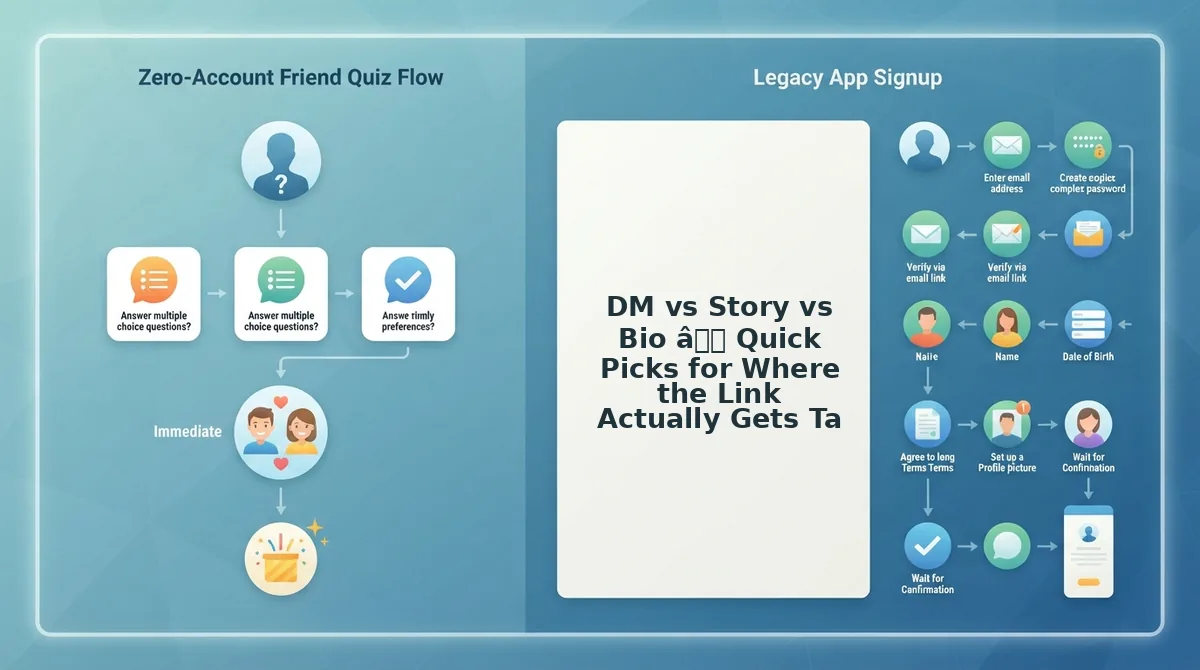
DM vs Story vs Bio â Quick Picks for Where the Link Actually Gets Tapped
Three surfaces deliver a quiz link, plus one variant: a one-to-one DM, a group chat DM, a story link sticker, and a bio link. A DM is the only route that reaches people who never open your profile.
| Delivery surface | Tappable in-app | Reaches non-followers | Keeps group banter visible | Exposes answers | Best for |
|---|---|---|---|---|---|
| DM, one-to-one | Yes, once the card unfurls | Yes | No â private thread | Only to the two of you | Best for a best friend who will trade answers back and forth. |
| DM, group chat (variant) | Yes, same behaviour as any DM | Yes, if they are in the group | Yes â everyone sees the guesses | Yes, publicly in the thread | Best for group chat instigators chasing immediate banter. |
| Story link sticker | Yes, through the sticker | No â followers only | No â replies land in your inbox | No | Best for broadcasting to a wide follower base at once. |
| Bio link | Yes | Yes, but only profile visitors | No | No | Best for creators with steady profile traffic and a pinned quiz. |
Story stickers and bio links are not weak options â they scale to audiences a DM cannot reach, and ManyChat-style DM automations genuinely solve delivery at volume for accounts with a business profile and a configured flow. The catch is conversion: a bio link only converts the people who visit your profile, while a DM lands in front of someone who may never open it. Group chat is a DM variant rather than a fourth surface, which keeps the real count at three routes plus one variant.
Next, the exact steps â including the fix for a link that refuses to turn blue.
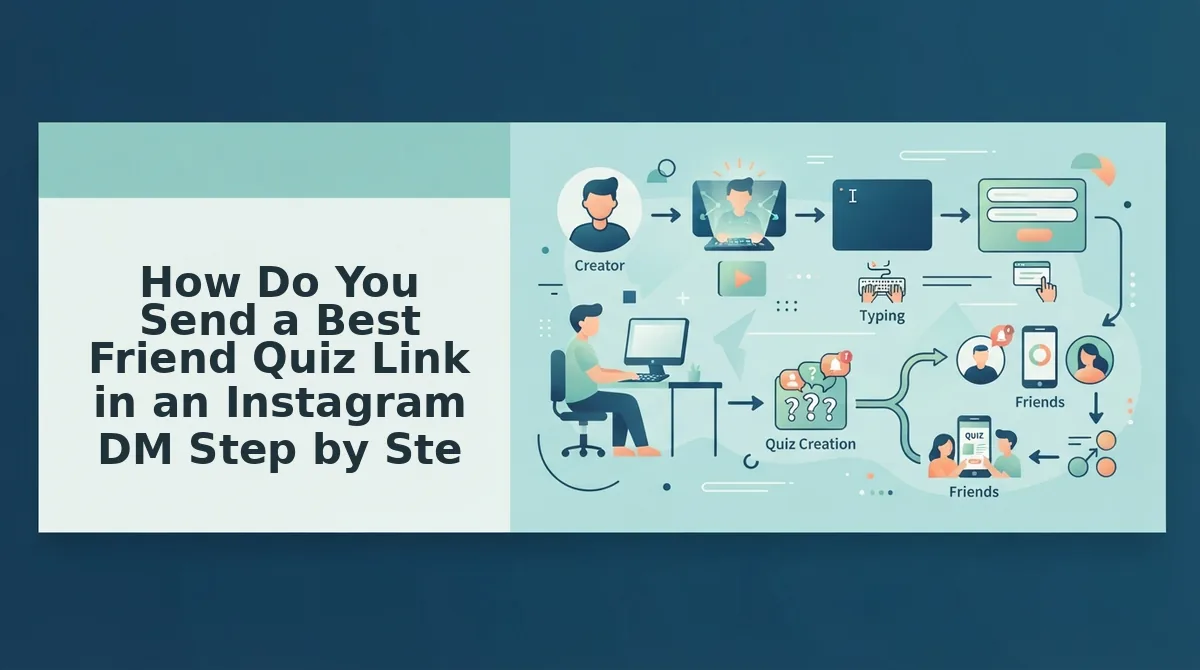
How Do You Send a Best Friend Quiz Link in an Instagram DM Step by Step?
Paste the raw quiz URL into the DM as plain text and send it. Five steps, roughly 30 seconds, no app install and no account for either of you â your friend taps the blue link and the quiz opens in Instagram's in-app browser.
You need one thing before you start: a quiz link already generated on friendquiz.org and copied to your clipboard. Use the Instagram app on a phone rather than desktop web, because mobile paste and link detection behave more predictably there.
- Open your quiz on friendquiz.org, tap the share control, then Copy Link. You should see the full https:// address on your clipboard.
- Open Instagram, tap the paper-plane icon, and search the recipient's handle. The DM thread should load.
- Paste the URL first in the message body â not behind a sticker, not inside an image. It should render blue and underlined.
- Type one line of context above it, such as "two minutes, no signup, be honest." The link should stay tappable.
- Tap Send, then reopen the sent bubble. The URL should still be blue, not grey.
Manual paste beats automation here. A ManyChat-style DM bot assumes you have a professional account and a comment trigger configured, which is more setup than pasting a link into a four-person group chat will ever need.
What Your Friend Sees After They Tap
The quiz loads inside Instagram's in-app browser, layered over the chat, with question one already on screen. There is no app store redirect, no email field, and no login wall. They finish, see their score next to yours, and the result lands on the Friendboard â and if it doesn't, the fix is in why your score isn't showing on the Friendboard.
The One-Tap Test for a Greyed-Out Link
If your link arrived unclickable, run three checks in order.
- Raw URL in the message body. Text typed over a sticker or baked into an image is not a link â retype the address directly.
- Recipient on mobile web, not desktop. Ask them to open the DM in the phone app; desktop Instagram often strips link formatting in DMs.
- Link not buried behind a reshare. Forwarding a screenshot or a forwarded message hides the address. Send the original.
Instagram only makes an address tappable when it recognizes a complete URL sitting in the message text. A link split across two bubbles, wrapped in extra characters, or pasted into a caption strip stops reading as a URL and starts reading as plain words â which is why the same link works for one friend and arrives grey for another. Resending the full address as its own uninterrupted line of text resolves the majority of these cases without touching any settings.
Expect a staggered finish. In a four-person group chat, two people usually complete the quiz before the third has even opened the link, which is exactly why the nudge message exists.
Paste these three messages verbatim:
- Invite: "Made a quiz about me â 10 questions, no signup. Link's above. Be honest."
- Nudge: "Two of you already beat me. [Name], you're the last one."
- Results: "Scores are on the Friendboard. Screenshot your rank before I retake it."
Send the invite, wait, then let the Friendboard carry the bragging rights.
Sending the Quiz Link in an Instagram Story Sticker Instead
A story link sticker puts your quiz on a frame that followers tap, and every reply it earns lands back in your DM thread. It is a reach play, not a delivery method â useful when people are already scrolling.
- Link sticker over a plain background. Place the sticker on a flat color or photo edge where no text sits underneath it. A tap target competing with a caption gets mis-tapped, and the story expires without a single completion.
- The story route as a reach play. Story reach is capped by who happens to see the frame in the 24 hours it lives, whereas a DM waits in the inbox indefinitely. Go to story when the group is asleep, when you want a public callout, or when you're re-sharing results after round one.
- Replies funnel back to the DM. Story replies open a private thread in your inbox by default, so the story route doesn't fragment the conversation â it feeds the same chat you'd have messaged directly.
- Time the frame to the group's active hours. A story posted at midnight reaches almost nobody. Post when your group normally scrolls, and expect the tap-through to arrive in a cluster rather than a trickle.
- Re-share the Friendboard after scores land. Screenshot the standings and post a second frame with the same sticker. Latecomers get a reason to play, which is the pattern behind Friendboard check-ins for long-distance friend groups.
Using Your Instagram Bio as the Backup Surface
A bio link is a single URL parked in your Instagram profile header, tappable by anyone who visits the profile.
Start simple: open your profile, tap Edit profile, then Links, and paste the quiz address. That takes about 20 seconds and the link stays live until you remove it. Unlike a story, it doesn't expire, and unlike a DM, it's visible to non-followers who land on your profile.
Think of it like a noticeboard in a hallway versus handing someone a flyer. The DM is the flyer â direct, timed, easy to ignore. The bio is the noticeboard: nobody walks past it by accident, but everyone who comes down the hall can still read it a week later.
The intermediate step is knowing why legacy quiz sites still push this route. QuizYourFriends treats bio placement as the primary distribution method, which is precisely the gap a DM-first workflow fills â the bio assumes people already visit your profile, while the DM assumes nothing.
Advanced sequencing is where it earns its place: send the DM first, then park the identical link in your bio so latecomers can still find round one. Rate it honestly as the weakest surface for immediate tap-through, and the strongest for persistence â if your group wants a spicier round two, the friendship dare quiz can sit in the same slot.
Send the link and let the group chat do the rest.
Send the Link and Let the Group Chat Do the Rest
Yes â a friend quiz link opens right inside Instagram's in-app browser, which means anyone who taps it is playing within seconds, with no download and no account. That was the finding the rest of this guide kept pointing at: the delivery surface, not the quiz itself, decides whether friends actually finish it.
One rule covers every surface: paste the full raw URL as plain text, never a shortened redirect and never a forwarded copy of someone else's message. A clean link stays tappable; a mangled one goes grey and quietly kills the tap-through.
Then run the surfaces in order â DM first for the friends who answer instantly, story sticker second for the wider circle, bio last as the permanent backup.
- Create: build the quiz with your name and a run of habit prompts â under two minutes, no signup.
- Share: drop the raw URL straight into the group chat and let the banter start.
- Check: open the Friendboard leaderboard to see who actually finished and who went suspiciously quiet.
And if a link ever lands greyed out, the fix is unchanged: repaste it as plain text and it turns tappable again.
The quiz is over in three minutes; the argument over the scoreboard lasts all week â bragging rights only count once someone's name is on the board.