Why is my score not showing on the Friendboard?
Your bestie swears they aced your quiz in the group chat, but the Friendboard says otherwise. If a score not showing on Friendboard has you wondering who's bluffing, the frustration makes sense, and you're far from the only one asking.
A score posts to the Friendboard only after the player answers every question and taps submit. The Friendboard is the live ranking of friends who submitted your quiz, so an unfinished attempt never appears on it.
Friend Quiz needs no account, email, or app download to play, so a missing login is never the reason a score disappears. In most cases, the fix takes one tap.
This guide covers the three attempt states that decide whether a score posts, five quick checks to run in your mobile browser, and a short triage that separates creator checks from player checks. One check sits earlier in the order than most guides place it, and that detail explains why refreshing so rarely solves the problem.
Why Is My Friend Quiz Score Not Showing on the Friendboard?
A Friend Quiz score is missing from the Friendboard because the player never finished submitting. Opening the link or answering some questions does not count. Only the final submit tap posts a score, so any attempt that stops early stays invisible to everyone in the group chat.
The Friendboard is the live ranking of friends who submitted your quiz. To submit means to make the final tap that sends the answers and posts a score. Each attempt sits in one of three states:
| Attempt State | What the Player Sees | Score on the Friendboard? | Fix |
|---|---|---|---|
| Opened | The quiz start screen | No | Start answering the questions |
| In Progress | A question still waiting for an answer | No | Answer every remaining question |
| Submitted | The result screen with a score | Yes | None needed |
Think of it like mailing a letter. A sealed envelope sitting on your desk has not been delivered, no matter how finished it looks. Submitting is the trip to the mailbox.
Here's a common way a score goes missing. A friend opens your quiz link inside WhatsApp, answers most of the questions, then switches chats and closes the tab before reaching the end. Because the attempt stopped in the In Progress state, the answers never left their phone and no score posted. From their side, it felt nearly done. From the Friendboard's side, the attempt never happened. The fix is simple: reopen the link, answer every question, and tap submit until the result screen appears.
Don't have a quiz of your own yet? You can create a friend quiz in under two minutes with no account, then drop the link into your group chat and watch the Friendboard fill up.
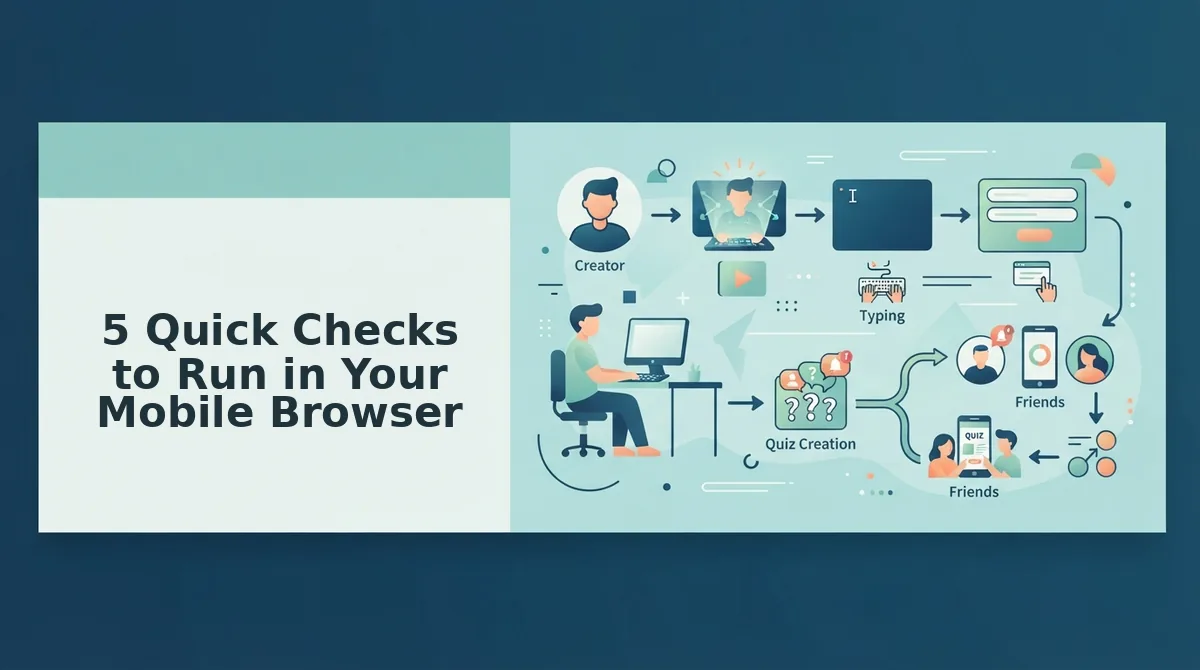
5 Quick Checks to Run in Your Mobile Browser
Run these five checks in order, starting with submission, because the cause usually sits upstream of the board. Most players answer quiz links in mobile browsers opened from WhatsApp, iMessage, and Instagram, so every check works on a phone.
- Confirm every question was answered.
- Confirm the player tapped submit and saw the result screen.
- Open the exact shared link.
- Refresh the Friendboard page.
- Open the link in Safari or Chrome.
What you need: the original quiz link, a phone with Safari or Chrome, and about two minutes. Refresh comes fourth on purpose: reloading a board can't show a score that was never submitted.
1. Confirm Every Question Was Answered
Ask the player to reopen the quiz link and scroll through it to find any skipped prompt. This takes about 30 seconds. Success means no question is left waiting for an answer.
2. Confirm They Tapped Submit and Saw the Result Screen
Ask the player whether they tapped the final submit button and landed on the result screen showing their score. If they never saw that screen, the attempt is still In Progress. Have them finish and submit, which takes under a minute.
Pro tip: Ask friends to screenshot their result screen. That screenshot proves the quiz was submitted and settles any "I swear I did it" debate in the group chat.
3. Open the Exact Shared Link
Tap the original link from the chat rather than a screenshot, a forwarded image, or an older link from a previous quiz. A score posts only to the Friendboard tied to the quiz the player actually took. Success looks like your name and questions loading on screen.
4. Refresh the Friendboard Page
Pull down on the page or tap the browser's reload icon to load the latest rankings. This takes about five seconds. A submitted score should now appear in the live ranking.
5. Open the Link in Safari or Chrome
As a general tip, tap the menu inside WhatsApp, iMessage, or Instagram and choose the option to open the page in your default browser. Then retake and submit if needed. Success means the quiz and Friendboard load fully in Safari or Chrome.
If all five checks pass, the next step depends on who is troubleshooting.
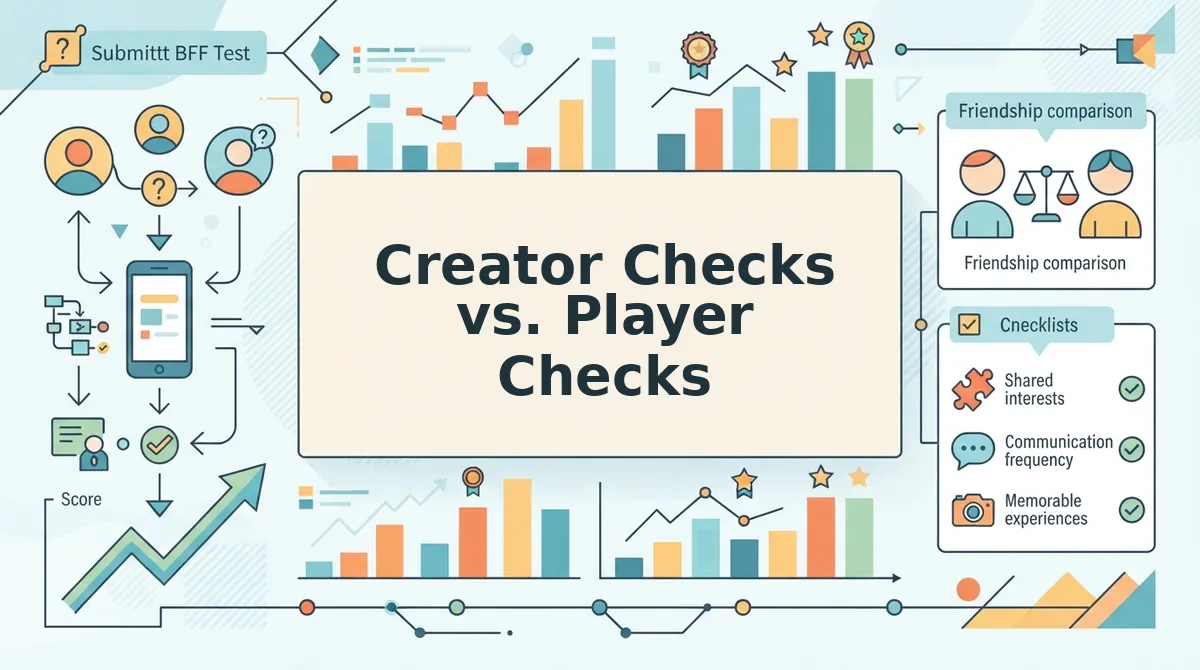
Creator Checks vs. Player Checks
The creator controls the link, and the player controls completion. Each side has its own short checklist, so running both settles group-chat blame faster than arguing over who broke the Friendboard.
| Check | Who owns it | Why it matters |
|---|---|---|
| Reshare the original quiz link | Creator | Scores post to the board attached to that specific quiz. |
| Confirm everyone has the same link | Creator | A different link may open a separate quiz with its own board. |
| Answer every question | Player | An unfinished quiz has no final score to post. |
| Tap submit | Player | The score is recorded only after submission. |
| Reach the result screen | Player | The result screen shows the submission went through. |
Creator checks are best for the group chat instigator who made the quiz and sees a gap where a friend's name should be. Player checks are best for the friend who swears they played but cannot find their score.
Neither list works alone. A perfect link cannot help a player who quit halfway, and a finished quiz cannot post to a board nobody shared.
Worked example: the creator reshares the original quiz link in the group chat and asks the friend to finish and submit. The friend's name then appears on the board.
If the original link is lost, start over. Enter your name, answer the prompts, and send a best friend test to the group in under two minutes, with no account required.
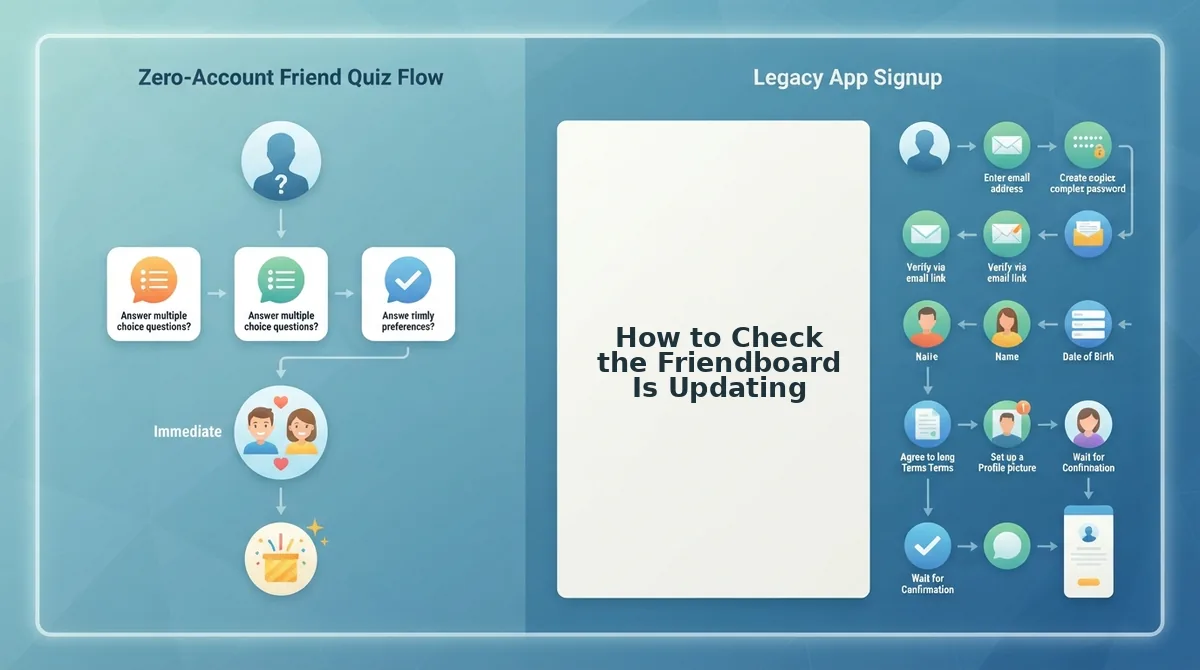
How to Check the Friendboard Is Updating
To check the Friendboard is updating, start with one question: did the player see a result screen? That answer decides whether to finish the quiz or refresh the board.
- Ask about the result screen. This 30-second triage depends on whether the player reached their results. If they did not, the score never posted.
- Finish and submit if there was no result screen. The player should go back, answer every question, and tap submit. Refreshing the board before this step changes nothing.
- Refresh the Friendboard if there was a result screen. A refresh only helps once submission is confirmed. Reload the board page in the mobile browser.
- Match the link to the creator's original. Compare the player's link with the one the creator shared in the group chat. A mismatched link points to a different board.
- Contact the team as a last resort. If every step checks out, contact the Friend Quiz team with the quiz link and the player's name.
Friendboard not updating? First confirm the player saw a result screen after answering every question and tapping submit. A score posts only after submission, so refreshing earlier will not help. If the result screen appeared, refresh the Friendboard, then check that the player's quiz link matches the original link the creator shared. For example, if a player saw a result screen but the board is still blank, refresh and compare links. If both check out and the score is still missing, contact the Friend Quiz team.
Get Every Friend on the Board
Scores get on the board in one order: answer all questions, tap submit, then refresh. Almost every missing name traces back to a step skipped or done out of order. A broken board is rarely the cause.
The fastest fix for a messy thread is often a clean start. Enter your name, build a fresh quiz, and drop one link into the group chat so everyone plays the same board.
Once every score is live, raise the stakes. Challenge the leaderboard with a Friendship Dare quiz, or test your closest friend with a BFF quiz.
Share one link and have everyone finish and submit, and the bragging rights will be on the board for the whole group to see.