How to share your best friend test score in a group chat
You just finished a friend's quiz from a WhatsApp group link, and your score is glowing on screen. Most people grab a lazy screenshot, drop it in the chat, and watch the conversation go quiet. If you want to share best friend test score results that start a rivalry, the format matters more than the number.
The reveal moment is the whole show. Best friend test videos like Beta Squad's editions have drawn millions of views because everyone waits for the score. Your group chat runs on that same tension.
This guide shows you how to turn one result into a chain of challengers across WhatsApp, iMessage, and Snapchat. You'll also learn the one share mistake that ends the banter instantly, and it's more common than you'd think.
Paste the quiz link into the same chat with your score in the caption. Tag the friend who made the quiz, then dare the next person to beat you.
What Makes a Score Share Restart the Group Chat?
A score share restarts the group chat when it gives friends something to tap, proof to argue with, and a dare to answer. Every app walkthrough below is judged against those three criteria.
A best friend test score is the number of correct guesses you made out of the total prompts in a friend's quiz. A Friendboard is a live ranking that shows who scored highest on that friend's quiz.
1. Include the link, not only a screenshot
This is the share mistake that ends the banter instantly. A screenshot is like posting a photo of a board game instead of passing the dice: friends can look, react with an emoji, and move on.
When deciding between a screenshot and the link, share both, but let the link do the work. A screenshot proves your score at a glance and catches attention in a fast-moving chat, but it gives friends nothing to tap, so the conversation usually stops at a reaction. Paste the quiz link directly under your screenshot or inside your caption, because the link turns a spectator into a player who can open the quiz in a mobile browser, answer the same prompts, and land on the Friendboard right next to you.
2. Show proof with your Friendboard placement
A raw score invites "sure you did" replies. Naming your Friendboard rank, such as first place or knocking someone out of the top spot, gives the chat a visible ranking to fight over.
Pair your score and your rank in one line so nobody has to ask.
3. Add a dare that recruits the next player
The most advanced move is the Score Drop: your score, the link, and a direct dare aimed at one named friend. Tagging a specific person creates pressure that a general "who's next?" never does, and the Score Drop gets its full app-by-app treatment later in this guide.
Haven't played yet? Take the best friend test first. It runs in your browser with no login or app download, so you'll have a score to drop right away.
Which App Should You Share Your Best Friend Test Score In?
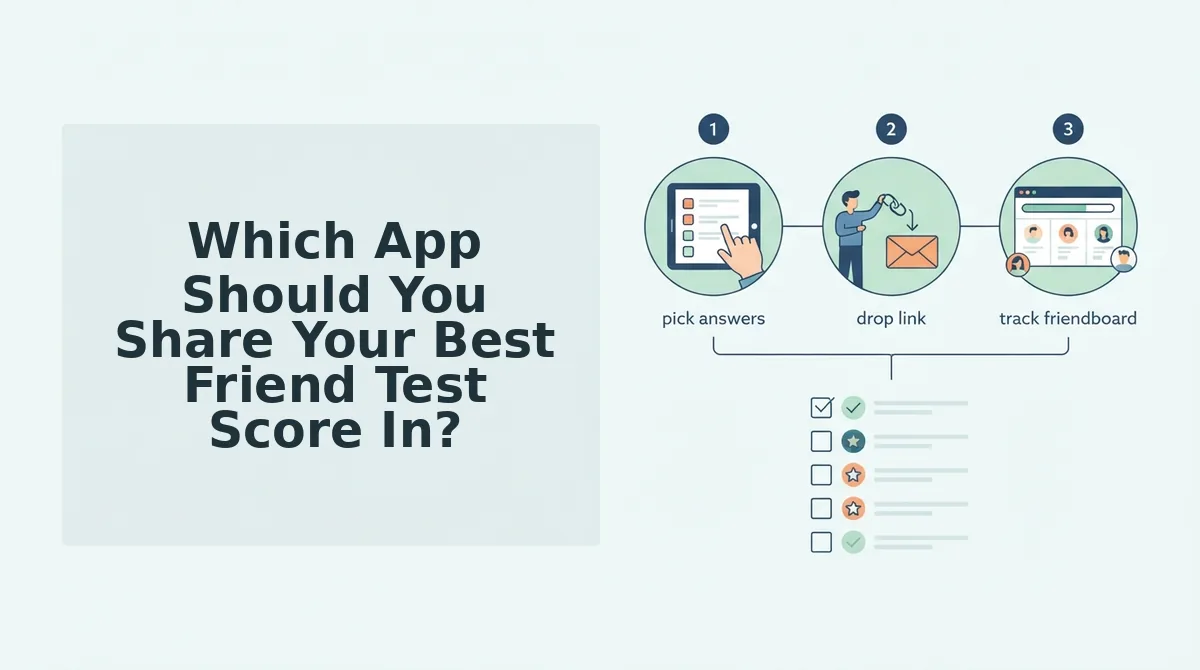
Share your score in whichever app your friend group already uses most, because every option below lets friends open the quiz instantly. WhatsApp suits big groups, iMessage suits close circles, and Snapchat suits a quick dare.
To share your best friend test score in a group chat, copy the quiz link, then paste it into the same chat where the quiz first appeared. Add a caption with your score and Friendboard rank, tag the quiz creator, and dare one named friend to beat you.
| App | Where to paste | Best format | What friends do next |
|---|---|---|---|
| The group chat where the quiz link was first shared | Link plus caption, screenshot optional | Tap the link, play in their browser, and reply in the thread | |
| iMessage | Your group thread or a direct thread with the creator | Screenshot plus link | React to your score, tap the link, and post their own result |
| Snapchat | A chat with your friend group or one rival | Screenshot plus link in the chat | Open the link and send their score back as a counter-dare |
- Best for big friend groups: WhatsApp, since it handles large group chats across both Android and iPhone.
- Best for close-circle banter: iMessage, which feels personal, though group threads work most smoothly when everyone uses an Apple device.
- Best for a quick dare: Snapchat, built for fast, casual messages, but less suited to a long-running leaderboard debate.
Do your friends need the same app or an account to play? No. Friend Quiz links open directly in the mobile browser with no account, email, or app download, so a friend who taps your link in WhatsApp, iMessage, or Snapchat can start answering immediately. The app you choose only changes how the conversation unfolds, not whether friends can join, so pick the chat where your group is most active and where your score will get the loudest reaction.
Start with the biggest audience first.
How to Share Your Score in a WhatsApp Group
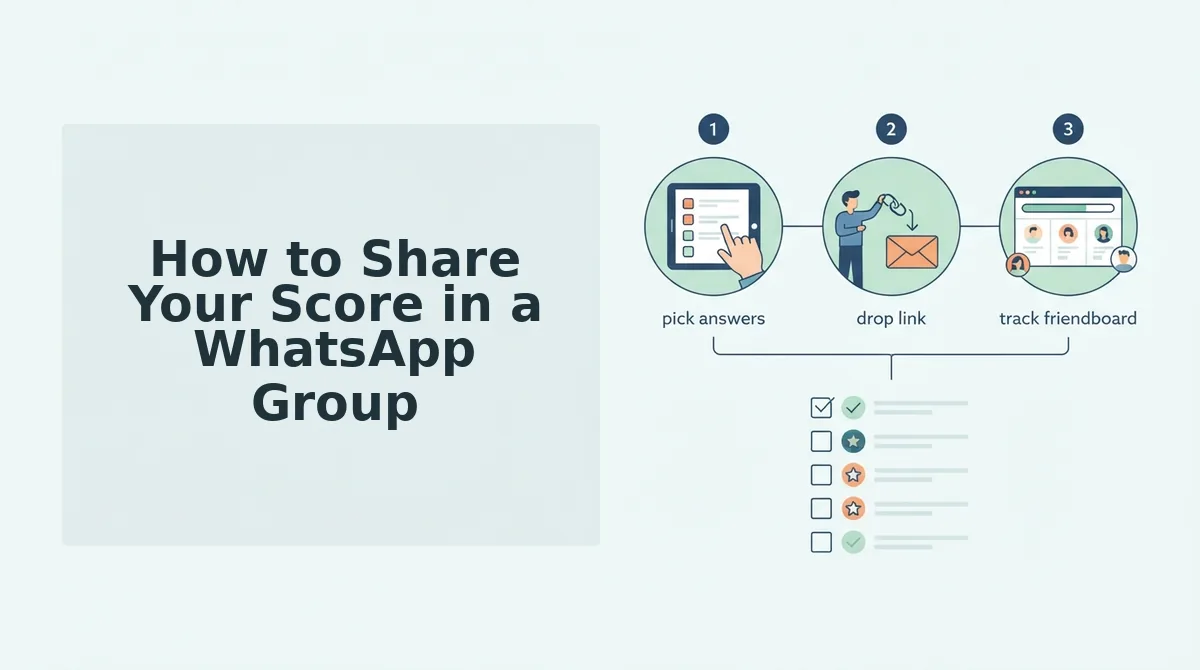
To share your best friend test score in a WhatsApp group, finish the quiz, copy the quiz link, return to the same group chat, paste the link, add your score as a caption, and tag the creator. The whole process takes under a minute.
What you need: WhatsApp on your phone, the group chat where the quiz link was posted, and a completed quiz. You don't need an account or app download.
- Finish the quiz. Answer the final question in your mobile browser. Your results screen should show your score. (About 1â2 minutes)
- Copy the quiz link. Tap the browser address bar, then tap Copy, or use the share option on the results screen. A "Copied" confirmation should flash. (5 seconds)
- Return to the same group chat. Switch back to WhatsApp and open the group the link came from. You should see the creator's original quiz message above you. (5 seconds)
- Paste the link. Long-press the message field and tap Paste. A link preview card should appear above the keyboard. (5 seconds)
- Add your score as a caption. Type your score and a brag line before or after the link. (15 seconds)
- Tag the creator. Type @ and select the creator's name from the list. Their name should turn into a highlighted mention. Tap Send.
Worked example: A player taps a quiz link posted in a WhatsApp group, finishes on their phone, and posts their score with the same link back into that chat. The next friend sees the score, taps the link, and the round keeps moving without anyone leaving the group.
Top-score brag captions:
- "Nailed it. Who's actually their best friend? Prove me wrong ð"
- "Retire the quiz. I already won."
- "Beat this score or stop calling yourself the bestie."
How to Share Your Score and Friendboard Spot in iMessage
In iMessage, post your score and the quiz link in the group, then check your Friendboard position and share it as a challenge. It takes about a minute and works for any score.
But what if you bombed it? A low score is often the funniest post in the chat, so share it anyway.
What you need: an iPhone with iMessage, the group thread, and a submitted quiz.
- Copy the quiz link. Tap the address bar on your results page and tap Copy. (5 seconds)
- Open the iMessage group. Tap the thread in Messages. You should see the original quiz link. (5 seconds)
- Paste and caption. Long-press the text field, tap Paste, and type your score. A rich link preview should load. (15 seconds)
- Check the Friendboard. Go back to the quiz page after submitting and find your name on the Friendboard. (10 seconds)
- Screenshot and send. Press the side button and volume up together, then attach the screenshot. You should see it sitting under your link. (15 seconds)
The Friendboard ranks players by how many answers they got right and updates in real time as friends submit. To climb, score higher on a retake if one is available, or answer more correctly on the creator's next quiz.
Worked example: A player submits, checks the Friendboard, and posts their position with the link as a challenge for anyone ranked below them.
Self-roast lines: "Apparently I've never met this person." / "Last place. Please don't unfriend me."
Friendboard #1 lines: "Top of the Friendboard. Come get me." / "#1 and staying there."
Will sharing my score reveal the answers? Your caption reveals only what you type. The link opens the quiz for friends to take themselves.
Want to be the one on top? Create your own BFF test in under two minutes and drop it in the same group.
How to Turn Your Score Into a Snapchat Dare
To turn your score into a Snapchat dare, use the Score Drop framework: show your score, tag the quiz creator, and dare the next friend with the link. It takes about 30 seconds per Snap.
What you need: Snapchat on your phone, a screenshot of your results screen, and the copied quiz link.
- Show the score. Open Snapchat, swipe up to Memories, select your results screenshot, and tap Edit. Your score should fill the Snap. (10 seconds)
- Tag the creator. Tap the Text tool, type @, and select the creator's username. Their name should appear as a tappable mention. (10 seconds)
- Dare the next friend. Tap the paperclip Link icon, paste the quiz link, and type a dare like "Beat this or you owe me snacks." Send it to friends or your Story. A link card should show on the Snap. (10 seconds)
Pro tip: Always attach the link to the dare. Without it, friends can see your score but can't take their turn.
Worked example: After several friends post their scores, the creator shares the quiz link back to the group to restart the round, pulling in anyone who hasn't played yet.
Want stakes beyond bragging rights? Pair your Snap with a friendship dare quiz so every score comes with a challenge attached.
Now flip the roles.
Ready to Be the One Everyone Has to Score Against?
The fastest way to own a group chat is to stop taking the quiz and become the quiz everyone has to take.
That's the payoff from the start of this article. A score only restarts the chat when friends can answer back. A screenshot gets a reaction. A link gets a rematch.
Use these three moves every time you share:
- Always share the link. Your score is the hook. The link invites everyone to beat it.
- Use the Score Drop. Post your result first, then let the Friendboard handle the trash talk.
- Match the caption to your score band. A perfect score earns a flex. A low one earns a self-roast that dares someone to do worse.
Then flip roles. When you make the quiz, every new score lands on your Friendboard.
A custom quiz takes under two minutes, with no account, email or app download. Make your own best friend quiz and drop the link where the banter already lives.
Your score starts the conversation, but your link keeps it going.