Buddy Meter alternative for group chats without ads or signups
Your friend drops a quiz link into the group chat and everyone taps it â then a display banner parks itself over the Submit button, the tab closes, and nobody posts a score.
The quiz was supposed to be the fun part. What stands between your group chat and thirty seconds of banter is usually an ad slot, a sign-up wall, or a page that reloads between every question. A workable buddy meter alternative removes all three and lets the thread carry the momentum instead of the tool interrupting it.
What follows is a fault-by-fault breakdown of why these quizzes stall on a phone, a three-step way to judge any friend quiz maker before you paste the link, and an honest case for staying with the tool your group already uses.
Friend Quiz is a mobile-first friend quiz maker that generates a shareable link with no account and no app download, and it keeps a live Friendboard so every score lands in one ranking. That pairing is why it holds a group chat together where most alternatives lose it.
Keep one thing in mind as you read: the test most quiz sites fail by question three.
What is a good Buddy Meter alternative for group chats?
A group-chat-ready Buddy Meter alternative is a friend quiz maker that opens straight from a shared link with no account, no app install and no page reload between questions, then keeps a live ranking of who scored highest. Momentum inside the thread matters more than template count.
A Buddy Meter alternative is any tool you reach for instead of Buddy Meter's own quiz link, but the label only earns its place if it changes what happens after the tap. Roughly two-thirds of the results ranking for this query are commercial roundups that name tools without tying them to WhatsApp, iMessage or Snapchat in-app browsers â the three surfaces a shared link actually has to survive.
Start simple: the link opens and question one is already on screen, inside whichever browser the chat handed it to. Step up a level, and the final screen gives the player a score worth pasting back into the thread. The advanced case is aggregation â every friend's result rolls into one ranking, which is what a Friendboard does, instead of ten screenshots scattered across the chat. Think of the difference as a shared document versus emailing five people separate attachments: same information, one place to look.
Here is the working filter. Ask whether a friend who has never heard of the tool can get from tapping the link to submitting an answer without creating an account, installing anything, or handing over an email address. If any of those three appear, the tool is built for collection rather than for the chat, and the group thins out before question three. The rule holds whether you share into WhatsApp, iMessage or a Snapchat thread. Friend Quiz keeps that entire path inside one mobile browser tab: type your name, answer the prompts, get a link, share it.
Why do Buddy Meter quizzes stall in a group chat?
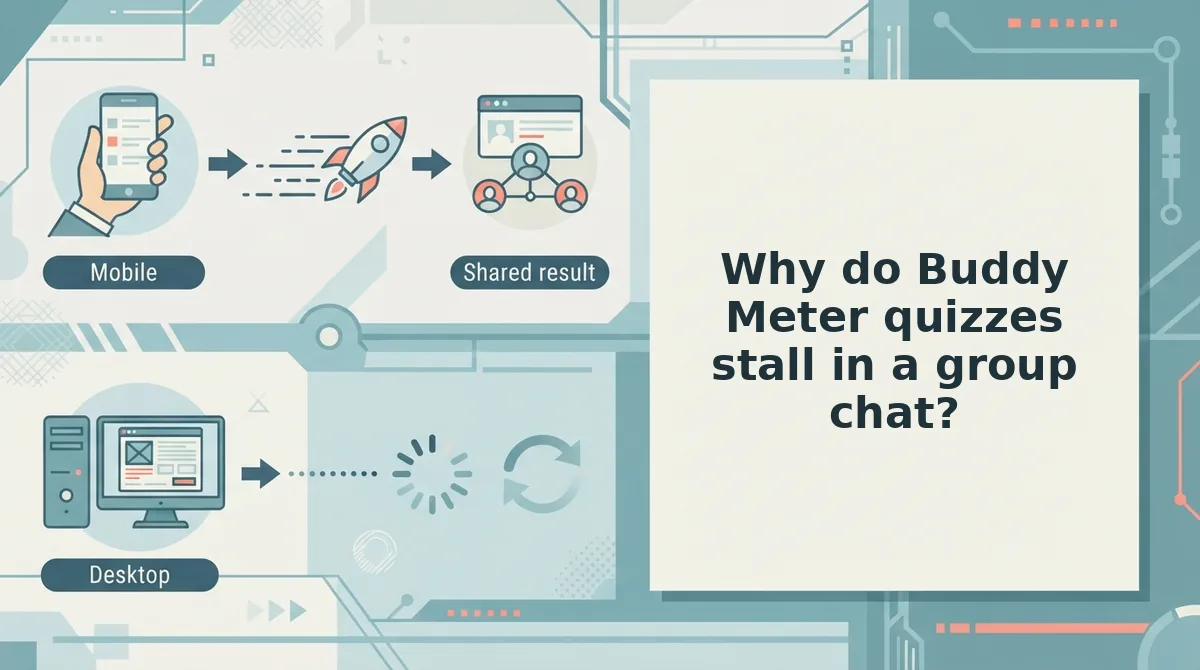
Three failure modes account for most abandoned quiz links: an ad sitting on top of the Submit button, a reload that wipes the player's place, and form controls built for a mouse rather than a thumb.
- Ad interception over the Submit button. A display banner loads into the space the interactive element occupies, so the tap lands on the ad instead of the quiz. It matters because the player reads it as their own mistake and stops rather than retrying. When you open any quiz link, watch where the button sits relative to the ad slot before you ask the group to play.
- Reloads that reset scroll and focus. A page that navigates between questions returns the player to the top and often re-runs its load sequence. It matters because every reload is another chance to lose the tab to a notification or a dropped connection. Prefer tools where question two appears in place, with the previous answer still visible.
- Dated desktop-style form styling. Small radio buttons, wide margins and typing-heavy fields signal a survey rather than a game. It matters because the group reads the effort level in the first two seconds and decides whether the payoff is worth it. Test the link on the phone you actually use, not on a laptop.
Picture the sequence: a friend opens the shared link inside a WhatsApp chat, taps Submit, a banner loads over the button, the tap registers on the ad, and the tab is closed. The cost is social, not technical â a chat that goes quiet because nobody has a score to post.
Here's where it gets worse: those three problems compound, which is why a single blocker is rarely the whole story.
That compounding is exactly what the next test is built to catch.
What is the Question Three Test for judging a friend quiz maker?
The Question Three Test is a phone-based check that counts the taps, screens, and blockers between tapping a quiz link and submitting the first answer. A tool passes when a friend reaches question three without hitting an account wall, an app-store prompt, a page reload, or an ad covering the submit button.
Think of it like a coffee shop line. If the line looks long at the door, people leave before ordering. Each blocker adds another person to the line, and a friend who has only just tapped your link will walk away.
Step 1: Run it the simple way
Open the quiz link on your phone, not your laptop. Most friends will tap it inside WhatsApp, iMessage, or Snapchat, so a desktop test hides the problems they will actually hit. Count every tap and every new screen until your first answer is submitted.
Step 2: Count the four blockers
The mnemonic is Account, App, Reload, Ad. Score one point for each blocker you meet. A score of zero is the target.
| Blocker | What it looks like on a phone | Momentum cost |
|---|---|---|
| Account wall | A sign-up or login screen, or an email field, before the first question appears | High: the friend has to stop playing and start filling out forms |
| App-store prompt | A banner or popup pushing an install, or a redirect away from the browser | High: leaving the chat app breaks the flow, and many friends won't come back |
| Page reload between questions | A blank or loading screen after every answer | Medium per question, but the cost repeats with every answer |
| Ad over the submit control | A banner sitting on top of the button you need to tap | High: mis-taps open ads, and a stuck button looks like a broken quiz |
Step 3: Apply the question-three threshold
Question three matters because a friend has invested the least effort at that point. Sunk cost, the pull to finish something because you have already put time into it, is close to zero. That makes early drop-off the easiest kind to cause and the easiest for a creator to miss, since you never see the friends who quietly gave up.
Run the test on whatever quiz you were about to share, Friend Quiz included. Friend Quiz is built so friends answer in their mobile browser with no app download and no account login. Your phone is the fairest judge of whether a tool delivers on that.
How do Buddy Meter and Friend Quiz compare side by side?
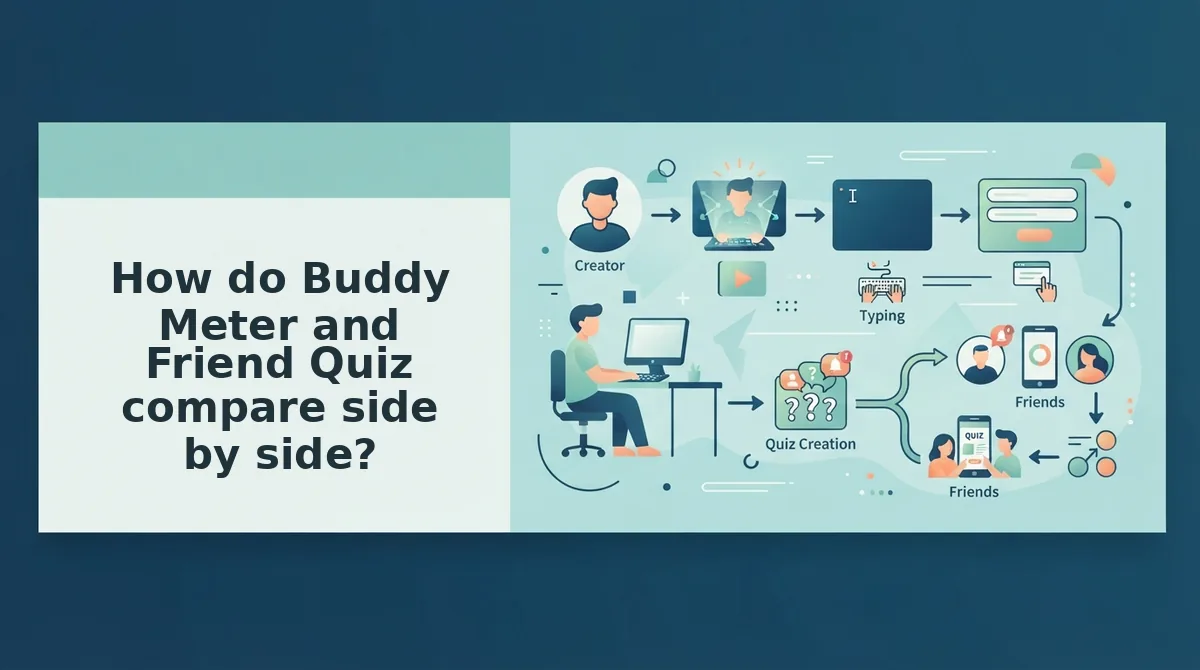
Buddy Meter is a familiar, recognisable link that still works for casual play. Friend Quiz is built for group chats, with no account, no app install, and a real-time Friendboard for tracking scores. The right choice depends on your group and how much the score matters to them.
| Criterion | Buddy Meter | Friend Quiz |
|---|---|---|
| Setup steps | Create questions, then share a link | Enter your name, answer prompts about yourself, then share the generated link (under two minutes) |
| Account requirement | Check the current flow before you share | No account, email, or login |
| App install | Browser-based | None; runs in the mobile browser |
| Reloads | Users report multi-page reloads | Mobile-first flow designed to avoid multi-page form reloads |
| Ad behaviour | Users report banners blocking submit buttons | Run the Question Three Test yourself |
| Leaderboard | Score shown after playing | Real-time Friendboard ranking the group |
| Answer privacy | Public tools exist that reveal answers (see below) | Judge it with the same test; no tool should be treated as cheat-proof |
| Verdict | Sensible for low-stakes fun with a group that already knows it | Better for group chats where the score is the point |
Buddy Meter: best for groups that have played it before
Buddy Meter's biggest strength is recognition. Plenty of people already know the link, so nobody needs it explained. If your friends only want a quick laugh and nobody is keeping score, it remains a reasonable pick.
Friend Quiz: best for group chat instigators chasing bragging rights
Friend Quiz suits the person who drops a link into WhatsApp or iMessage and wants replies within minutes. The Friendboard shows who scored highest, which turns a solo quiz into a group rivalry. For a quick rival-proof format, try the best friend test.
Can people cheat on Buddy Meter?
Yes, and the tools to do it are public. A Chrome extension called splitline/buddymeter-cheater is published on GitHub and built to reveal quiz answers. HACK?" has 3,382, which is more attention than ordinary gameplay uploads in the same results.
That pattern suggests much of the search interest around Buddy Meter is about beating the quiz, not playing it. A real alternative should treat answer integrity as a selection criterion. For the live-scoring angle, read the full Buddy Meter vs Friend Quiz comparison.
How do you make a Friend Quiz in under two minutes?
Now the fun part: you enter your name, answer a set of prompts about yourself, and share the link that Friend Quiz generates. That is three steps on three screens, with no account and no download.
- Enter your name. The homepage asks for one thing, so you can start without a signup form.
- Answer the prompts. Cycle through questions about your habits, quirks, likes, and dislikes. Your answers become the answer key.
- Share the link. Friend Quiz packages your answers into a personal quiz URL, ready to paste into any chat.
Many multi-page quiz builders spread setup across editors, settings panels, and preview screens. Here, each step does one job, so you go from idea to shareable quiz without leaving the flow.
Worked example: one link, one iMessage thread
You finish the last prompt and copy the URL. You paste it into your group's iMessage thread with "bet none of you get 8/10." Friends tap the link, the quiz opens in their mobile browser, and they start answering. Nobody sees a sign-up prompt, and nobody is asked to install anything.
The link is the product. You don't need a dashboard tour or settings menu before you share. As answers come in, the Friendboard ranks who actually knows you best, which settles the argument the chat was always going to have.
This is also why the Question Three Test matters more than any feature list. A quiz only creates banter if friends get past the first few answers. Remove the account wall, the app prompt, the reloads, and the blocked submit button, and the conversation keeps going.
Your next step: make a best friend quiz, drop the link in your busiest group chat, and watch the Friendboard decide who really knows you best.