How to create a friend quiz from your phone in two minutes
Your group chat has been dead since dinner, and the last three things you sent got a single "lol" between them. You want to create a friend quiz right now, on the phone already in your hand â not after an app install, an email confirmation, and a password you will forget by tomorrow.
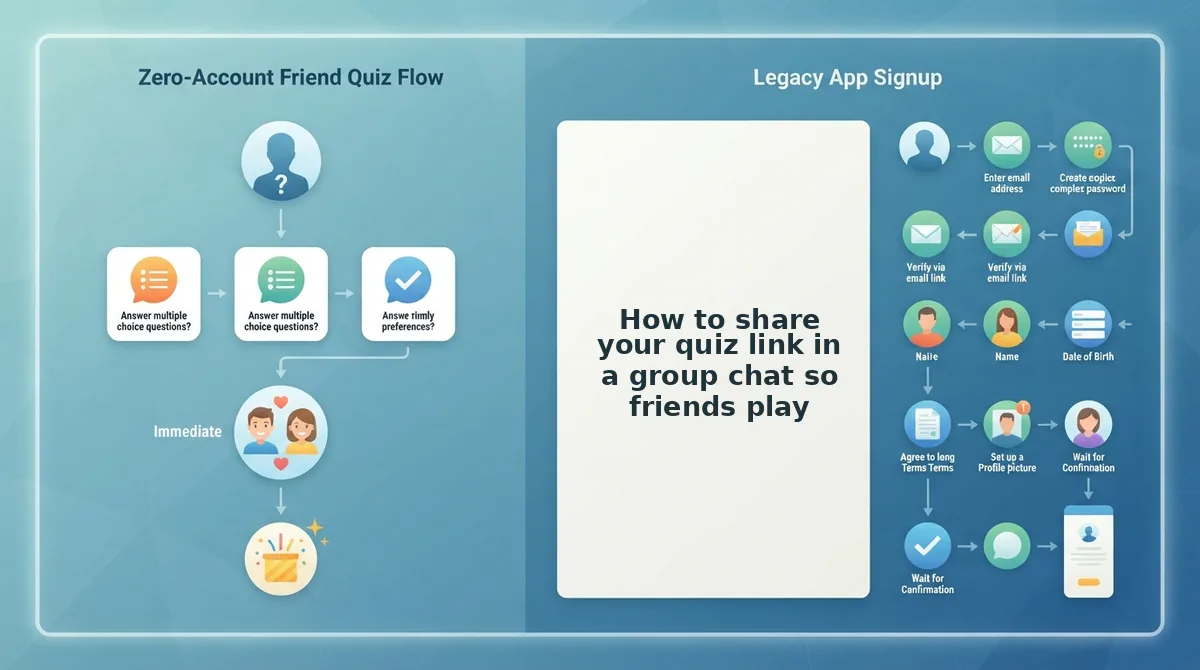
Here is the part that decides whether anyone actually plays: your friends need no app and no account either. They tap your link and answer in their mobile browser, straight from WhatsApp, iMessage or Instagram. No download, no sign-up, no verification email.
In the next few minutes you will get the timed four-step flow for building the quiz, the question filter that keeps players from quitting halfway, the exact message to paste into the group chat, and where to check who scored highest.
One warning before you start: the two-minute part is only the setup. The part almost everyone gets wrong is the questions themselves â including the question count that quietly loses you half your players.
What do you need before you make a friend quiz?
A friend quiz is a short set of personal trivia questions about you that your friends answer as a scored challenge, delivered as a single link. That link is the entire product â it opens in whatever browser your friend already has.
Your prerequisites are effectively zero: a phone, a browser, and a group chat with at least one competitive friend. Setting one up is closer to sending a voice note than to building a website, because you supply the answers and the site handles the packaging and scoring.
What you do not need:
- An account, username or password
- An email address or confirmation link
- An app store download
- Multiple form pages to reload on mobile data
Those four friction points â account walls, ad clutter, install prompts and page reloads â are the usual reasons people abandon a quiz maker mid-build. The friend quiz maker skips all of them and drops you straight into the name field.
How do you create a friend quiz on your phone in two minutes?
You can create a friend quiz on your phone in about two minutes: open the maker in your mobile browser, type your name, answer a short run of prompts about your habits, quirks, likes and dislikes, then copy the generated link and paste it into your group chat. No download, account or email step interrupts the flow. The clock splits as roughly 15 seconds for your name, 75 seconds for the prompts, and 30 seconds to copy and share. You only need your phone and an open group chat.
- Open the maker and type your name (0:00â0:15). Load the homepage in your phone browser and enter the name your friends actually use for you, not your full legal name. Tap through to the first prompt. You should see your name carried onto the quiz and the opening question on screen.
- Answer the habit and quirk prompts (0:15â1:00). Select the option that genuinely matches your routine â how you take your coffee, what you do when you are late, the odd thing you always do. Resist picking the answer you wish were true; the quiz only works if friends can guess it. You should see the progress advance to the next prompt after each selection.
- Finish the like and dislike prompts (1:00â1:30). Work through the remaining like and dislike choices at the same pace. If a prompt does not apply, pick the closest option rather than stopping to overthink it. You should see a completion screen once the last prompt is answered.
- Copy your link and drop it in the chat (1:30â2:00). Tap the copy control on the finished quiz, open your group chat, and paste. You should see a preview of your quiz link with your name on it â that is your confirmation the link is live and ready to answer.
Link steps are where walkthroughs usually stop short. The "rpw things" link tutorial (16,561 views) shows people want that final share step spelled out, but it never gives a step count or timings â which is why the sequence above is stamped against the clock.
Ready to run it for real? Start on the friend quiz maker homepage and you will have a shareable link before your kettle boils.
Timing is the easy half. The decision that determines whether friends finish the quiz is how many questions you put in it.
How many questions should a friend quiz have?
A friend quiz should have 6 to 10 questions. That range is long enough to separate true best friends from guessers and short enough to finish before the group chat moves on. Every question must also pass the Screenshot Test: answerable in under 3 seconds and funny enough to screenshot.
- Cap the quiz at 6 to 10 questions. Below six, scores bunch together and nobody wins clear bragging rights. Above ten, players drift back to the chat before they finish.
- Skip the "top ten" reflex. The most-viewed creation video, Aqi_Adi creations' "2020 friends challenge" (94,274 views), uses a top-ten format, but ten is a habit, not a rule. Momentum matters more because other quiz platforms lose players to reloads before question three.
- Pass the 3-second check. A friend should know or guess the answer in under 3 seconds. If a question needs thinking time, cut it or simplify it.
- Pass the screenshot check. Every question should make someone want to screenshot it and drop it back into the chat. If it would not get a reaction, swap it for something sharper.
Pro tip: Draft ten questions, then delete any that fail either check. The six to eight left are your quiz. Rather skip writing? Use the ready-made best friend quiz.
How to write friend quiz questions people want to answer
Turn generic trivia into specific habit, quirk, like and dislike prompts that friends can answer fast and want to argue about. Ready-made question lists are a useful starting point, but rewriting them is what creates banter.
| Prompt type | Weak version | Screenshot Test rewrite | Why it works |
|---|---|---|---|
| Anchor | What's my favourite colour? | Which colour do I wear way too often? | It replaces a coin-flip guess with a gentle roast. |
| Habit | Do I drink coffee? | How many snoozes before I actually get up? | Close friends know it, and the answer stings. |
| Quirk | Am I weird? | Where do I always lose my keys? | It is specific and instantly recognisable. |
| Like | What food do I like? | What's my 2 a.m. order? | It rewards shared late nights. |
| Dislike | What do I hate? | Which chat habit makes me leave you on read? | It invites the group to call each other out. |
Best for first-timers: ready-made lists. Best for banter-hungry creators: the rewrites above. Best for bold chats: the spicier friendship dare quiz.
How to share your quiz link in a group chat so friends play
Paste your quiz link with a short, competitive message and send it while the chat is active. You only need your finished quiz link and the group chat open on your phone.
Creation videos such as rpw things' cover the link step but never the message, so here is the copy they skip.
- Copy your quiz link (5 seconds). Tap copy on your finished quiz screen. The link is now on your clipboard and ready to paste.
- Paste a message for your app (15 seconds). Choose the line that fits your chat:
- WhatsApp: "Made a quiz about me. Lowest score buys snacks ð [link]"
- iMessage: "Settling who my real best friend is. 2 minutes, no app. Go. [link]"
- Snapchat: "Bet you can't beat 7/10 on me ð¤ [link]"
- Send while the chat is buzzing (instant). Drop the link right after a burst of messages, not during a quiet stretch. Replies and first scores should follow while everyone is already online.
- Check the Friendboard (ongoing). Open your quiz to watch names rank in real time. Then share your score in a group chat to keep the rivalry going.
No quiz yet? Create your friend quiz in about two minutes with no app or login. For a chattier format, try the BFF test.
Once the link is out, make sure it actually works.
How to check your friend quiz worked (and fix it if it didn't)
Your friend quiz worked if friends open the link in their mobile browser and their scores start showing up on your Friendboard. A Friendboard is the real-time leaderboard that ranks every friend who takes your quiz by score.
To confirm a friend quiz is working, check three signals in order. First, a friend taps the link in WhatsApp, iMessage, or Instagram, and the quiz loads straight in their browser with no app or login. Second, after they finish, their score appears on the Friendboard in real time. Third, once two or more friends finish, a ranking forms and someone holds first place. It works like a bowling alley scoreboard. Each player's total lights up when they finish, so everyone can see who is winning without asking.
Troubleshooting Q&A
- Link not opening? Copy the full link and paste it again. A cropped URL is the usual cause.
- Friend stuck mid-quiz? Ask them to open the link in their phone's main browser instead of the chat's in-app preview.
- Score not appearing? Read why your score is not showing on the Friendboard.
- Chat went quiet? Post who is in first place and dare someone to beat them.
- Late joiners? Share the original link again instead of making a new quiz, so everyone stays on one Friendboard.
Friend quiz FAQ
These answers cover the questions the steps above leave open: cost, where the link works, and how scoring is decided.
Is it free to make a friend quiz with no sign-up?
Yes. Making and sharing a quiz on Friend Quiz is free. You don't need an account, an email address, or a download. You type your name, answer the prompts, and get a link. Friends play the same way, right in their mobile browser.
Does the quiz link work in iMessage and Instagram, not just WhatsApp?
Yes. The link opens in the mobile browser, so it works in WhatsApp, iMessage, and Instagram. Friends tap it and play without installing anything. If you want a "how well do you know me" format, try the friendship test.
What counts as a correct guess?
A guess is correct when your friend picks the same answer you chose when you built the quiz. Your own answers work as the answer key. For edge cases, see what counts as a correct guess.
How is the friendship score calculated?
The score is based on how many of your friend's guesses match your answers. More matches mean a higher spot on the Friendboard. For the full breakdown, read how the accuracy score is calculated.
Make your friend quiz now
You can create a friend quiz in about two minutes: type your name, answer the prompts, and drop the link in your group chat. It stays that quick because every step happens in your phone's browser, with nothing to install and no account to create.
Your checklist is name â prompts â link â Friendboard. Stick to 6 to 10 questions that pass the Screenshot Test, so friends finish fast and want to share their results.
The quiz is only the start. The real fun is the live ranking that keeps the chat arguing about who knows you best.
- Start here: Create your friend quiz on the homepage.
- Short on time? Use the ready-made best friend quiz.
Send the link and let the Friendboard decide who takes first place.