How to answer best friend quiz setup prompts without overthinking
How do I answer best friend quiz setup questions quickly? Pick the answer your friends have actually seen, not your private truth. Use one rule per prompt type (habits, quirks, likes, dislikes), give each prompt five seconds max, and take the closest fit when no option feels perfect.
You typed your name on the homepage, hit the first habit prompt, and froze. That stall is normal. Best friend quiz setup prompts look like a personality test, so your brain treats every choice like a permanent record.
A setup prompt is a personal trivia question you answer before sharing your quiz link. It is a guessing game for your friends, not a self-portrait.
Setup takes under two minutes with no account, email, or app download. Enter your name, answer the habit, quirk, like, and dislike prompts, and then get your quiz link for the group chat.
This guide gives you three rules: choose the observable answer, sort each prompt with one bucket rule, and cap every decision at five seconds. One of those rules fixes almost every stall on its own. It depends on a question most creators never ask: who are you actually answering for?
What Makes a Good Answer to a Best Friend Quiz Setup Prompt?
A good setup answer is one your friends could reasonably guess from what they've seen of you. A best friend quiz measures what friends notice, not what you privately know about yourself.
A best friend quiz is personal trivia scored by your friends' guesses. Think of it like a pub quiz where you wrote every question about yourself. If the answers live only in your head, nobody at the table can score.
Use three criteria, from simplest to sharpest.
It is observable. A friend has witnessed it. That could be the drink you always order, the seat you always grab, or the song you keep putting on.
It is current. It has been true lately, not years ago. If you switched from coffee to tea a while back, answer tea, because that's what your friends see now.
It is fast. You can pick it in seconds. If you're stuck between two options, the debate itself tells you neither one is obvious to your friends, so take the one that came to mind first.
Clever or obscure answers backfire because of how scoring works. Your Friendboard is the live ranking of who scored highest on your quiz. If you pick answers only you would know, everyone scores low and the leaderboard tells you nothing.
Observable answers spread the scores out, so your closest friends rise to the top and earn their bragging rights. If you're unsure how matches are judged, read what counts as a correct guess.
Friends play in their mobile browser with no account, so you're the only one doing setup work. When you're ready, create your best friend quiz and apply these criteria as you go.
Quick Picks for Each Prompt Type (Habits, Quirks, Likes, Dislikes)
The 4-Bucket Decision Rule gives each setup prompt type one sorting question. For habits, pick what you did this week. For quirks, pick what friends tease you about. For likes, pick what someone has seen you choose. For dislikes, pick what you've complained about in the chat.
These four buckets match the setup flow itself: habit, quirk, like, and dislike prompts. Use the table to sort any prompt in seconds.
| Prompt type | Decision rule | Example situation |
|---|---|---|
| Habits | What you did this week | A prompt asks your go-to breakfast. Pick what you actually ate most mornings this week. |
| Quirks | What friends tease you about | A prompt asks your weird habit. Pick the one that gets roasted in the group chat. |
| Likes | What someone has seen you choose | A prompt asks your favorite snack. Pick the one friends have watched you buy. |
| Dislikes | What you've complained about in the chat | A prompt asks what annoys you most. Pick the thing you've already ranted about. |
Habits are best for first-time creators. Recent routines tend to produce the easiest guesses, so they make a good warm-up.
Quirks are best for tight-knit friend groups. They create the most banter and separate close friends from casual ones.
Likes are best for wider circles like classmates. Visible choices give everyone a fair shot.
Dislikes are best for active group chats. They reward the friends who actually read your messages, which makes them the trickiest bucket for lurkers.
To be fair, "test your friend" videos are useful for players who want to warm up before guessing. They just don't give creators a sorting rule like this one.
Every bucket works because of one deeper principle, which is where Rule 1 begins.
Rule 1: Why Should You Pick the Observable Answer Over the Honest One?
Pick the observable answer because a best friend quiz scores what your friends have noticed, not what you privately know about yourself. If nobody has seen it, heard it, or teased you about it, nobody can guess it.
The Observable-Answer rule is a setup habit: answer each prompt with what your friends have seen, heard, or teased you about. It doesn't mean lying. You're choosing the true answer your friends can actually see.
Think of it like a trivia night where every question comes from your diary. The answers are accurate, but nobody else could get them right.
Why private truths break the quiz
Why should a best friend quiz answer be observable instead of honest? A best friend quiz tests what friends notice, so the right answer is the one they could have witnessed. A private truth, such as a habit nobody has ever seen, is honest but impossible to guess. Every friend misses it, every score drops, and the group chat has nothing to argue about because nobody had a fair shot. An observable answer, such as a quirk the chat already jokes about, gives the people who pay attention a real chance to get it right. That mix of right and wrong guesses is what turns a quiz link into banter and bragging rights.
Worked example: the quirk prompt
You hit a quirk prompt, and two options feel true. One is a private habit only you know about. The other is the trait your group chat already roasts you for.
You skip the private habit and tap the trait the chat jokes about. Friends who have been paying attention guess it right and earn their place on the Friendboard. Anyone who misses it gets called out in the chat. One answer has started the banter you wanted.
The three-question check before you tap
Run any answer through this filter:
- Seen: Has a friend watched you do it?
- Heard: Have you said it out loud or complained about it in the chat?
- Teased: Has anyone made fun of you for it?
If the answer to all three is no, pick a different option.
At the advanced level, observable doesn't have to mean obvious. A detail that only your closest friends have witnessed still passes the check. It also separates the people who really know you from those who are guessing.
Sometimes none of the options passes the check, or none fits you at all.
Rule 2: How Do You Use the 5-Second Cap When No Option Fits?
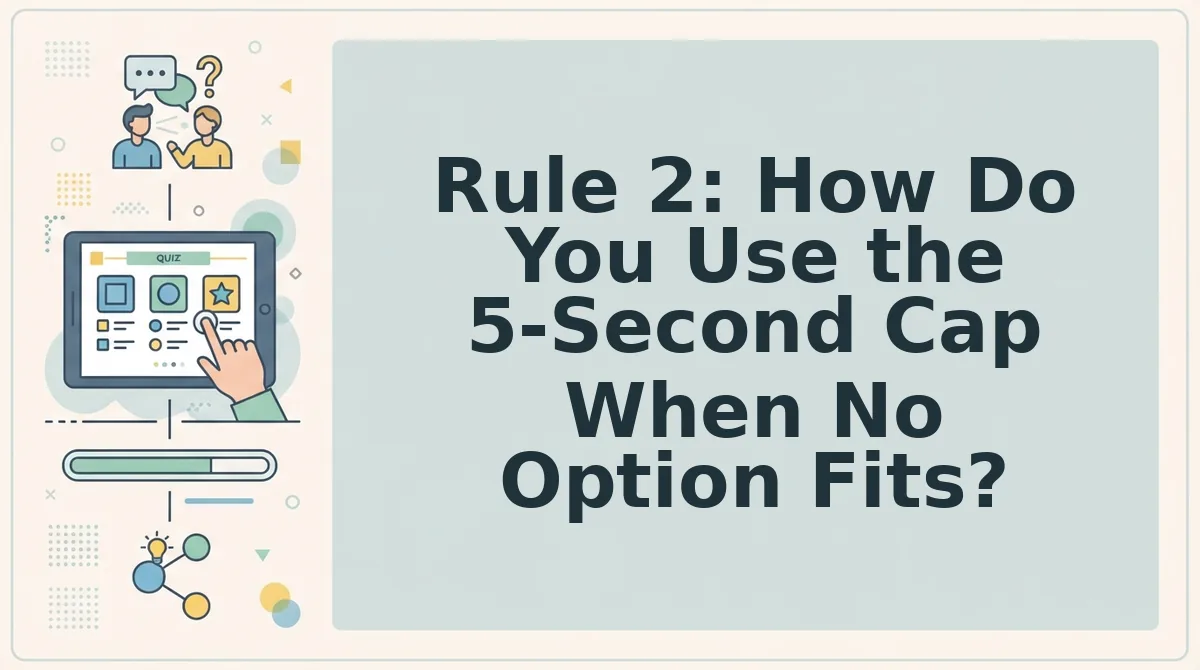
Give each setup prompt five seconds, and if nothing fits exactly, take the closest option and move on. Setup is built to finish in under two minutes, so a perfect answer you stall over costs more than a close one you ship.
Prerequisites: your name and one open browser tab. No account, email, or app download is needed.
When no option feels exactly right, stop auditioning answers. Friends guess the nearest option anyway, so precision past "close enough" does not change the game â it just burns the clock. Read the prompt once, name which bucket it belongs to, apply that bucket's rule, and take the closest fit within five seconds. The answer you hesitated over and the answer you picked in three seconds usually score the same, and only one of them gets you to the shareable link.
- Read the prompt once â 1 second. One pass, no rereading. You should land on the topic: habit, quirk, like, or dislike.
- Name the bucket â 2 seconds. Say the category in your head. That tells you which rule applies before you start weighing options.
- Apply the bucket rule â 3 seconds. Habits: what you did this week. Quirks: what friends tease you about. Likes: what someone has seen you choose. Dislikes: what you have complained about in the chat.
- Select the closest option. Not the perfect one. You should see your choice register immediately.
- Tap next and repeat. The flow advances to the next prompt. You should reach the end of setup inside the under-two-minute window.
Worked example. You type your name, hit a habit prompt, apply the "this week" rule, pick an answer in three seconds, and keep moving. Setup finishes inside the under-two-minute flow with an answer for every prompt.
Rule 3: How Do You Set the Difficulty So the Friendboard Gets Competitive?
Make most answers ones anyone in the chat could guess, reserve a few for your closest friend, and leave one as a wildcard. That spread is what makes the Friendboard rank friends meaningfully instead of bunching everyone at the same score.
Treat this as a Difficulty Dial and set it before you start answering.
- Most answers: easy. Anyone in the group chat should be able to land these. They keep every friend off zero and keep the quiz feeling fair.
- A few answers: BFF-only. These are the ones only someone who actually pays attention gets. They are where first place is won, and they pair well with the BFF test framing.
- One answer: wildcard. A single genuinely weird choice nobody would predict. It seeds the "how did you not know that" argument the chat came for.
The Friendboard ranks friends live by score, so a flat difficulty curve flattens the bragging rights too. Mixing the three tiers spreads the rankings, which is the whole point â settle it early with fair Friendboard rules, then build your quiz at friendquiz.org and watch the standings sort themselves out.
Answers are locked â now the link needs to land where the back-and-forth actually happens.
Finish Setup and Drop the Link Where the Chat Is Loudest
Finish setup by running three quick rules, then paste your quiz link into your busiest group chat.
- Observable answer: pick what friends have seen, not what only you know.
- 5-Second Cap: take the closest fit and move on.
- Difficulty Dial: mix easy and tricky picks so Friendboard scores spread out.
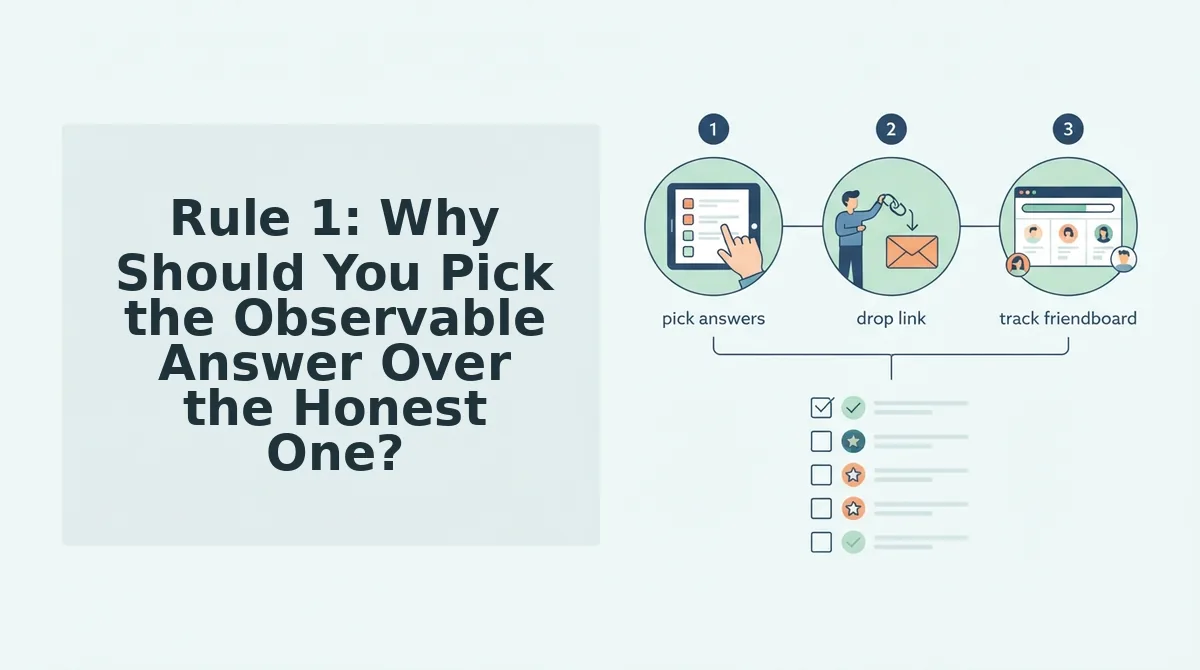
Now the fun part: watching who actually knows you. Copy the quiz link and drop it into WhatsApp or iMessage. Friends play instantly in their mobile browser, with no account, email, or app. Their scores land on the Friendboard, and the rivalry starts itself.
Want a bolder round? Try the Friendship Dare quiz, or switch formats with a friendship test.
Enter your name and run the rules now. The best friend quiz that wins the chat is the one your friends can actually play.