How to make a friendship dare quiz link for a group chat fast
Your group chat has been silent since last night, and eleven people are watching a typing bubble that never sends. Then one person drops a dare quiz link, and replies start landing before anyone scrolls past it.
You can be the person who breaks the silence, and you should not need a tutorial video to do it. Most guides on how to make friendship dare quiz link pages bury the steps inside a three-minute clip that sends you across two different websites. This guide gives you the written version instead: a working link in under two minutes, with no app, account, or email.
The process has four beats, and each one fits inside the Chat-Momentum Window, the short stretch between deciding to post and the moment your chat moves on without you:
- Type your name (seconds)
- Choose the Friendship Dare Quiz format (seconds)
- Answer the prompts (about a minute)
- Copy and paste your link (seconds)
Speed is not the step that decides whether your chat erupts or shrugs. That depends on which prompts you pick, and the winning choice runs against instinct. Step 3 explains why.
What You Get and What You Need Before You Start
A friendship dare quiz link is a shareable URL that opens your own dare-style friend quiz in any mobile browser, with no install step. You need a phone browser, your name, and about two minutes.
The link itself is simple. Tap it, and the quiz loads where the chat already lives. There is no store page to visit and no sign-up screen to get past.
Under the surface, the link does more than a static quiz. A static quiz is a fixed list that everyone reads the same way. Your link is generated for you, records who answered, and feeds a live scoreboard called the Friendboard.
Think of it like a party invitation that also counts the RSVPs and ranks your guests by how well they know you.
Do your friends need to download an app to take a friendship dare quiz? No, because the quiz opens directly in the mobile browser your friends already use when they tap a link in WhatsApp, iMessage, or Snapchat. Neither you nor your friends need an account, an email address, or a download, so the only action anyone takes is tapping the link and answering questions about you. That matters, because every extra install or login screen is a point where a friend can give up before the scoring even starts.
Before you start, have these ready:
- A phone with any mobile browser
- Your name
- About two minutes
When you are ready, create your Friendship Dare Quiz and watch the Friendboard fill up as answers arrive.
How Do You Make a Friendship Dare Quiz Link Step by Step
To make a friendship dare quiz link, type your name, choose the Friendship Dare Quiz format, answer the personal prompts, and copy your instant link. The whole process takes under two minutes in a mobile browser, with no account or download.
All you need is your phone's browser and your name. Nothing has to be installed first.
- Type your name (a few seconds). Enter your name in the name field on the homepage. This tells everyone whose quiz it is. When you share it, your name appears on the link preview in the chat.
- Choose the Friendship Dare Quiz format (a few seconds). Open the Friendship Dare Quiz page so your prompts follow the dare-style format. Once you see the first personal prompt, you are on the right path. Friend Quiz also offers other formats, such as the Best Friend Quiz and the Friendship Test, but stick with the dare format for this guide.
- Answer the prompts (about a minute). Cycle through the prompts about your habits, quirks, likes, and dislikes, and choose your real answer for each one. Your choice of prompts decides whether the chat argues or goes quiet:
- Pick: habit and quirk prompts, such as what I do when I am annoyed or what I ordered last time. Friends remember these differently, and that gap starts debates.
- Skip: safe factual prompts, such as my birthday. Everyone either knows the answer or does not, so nobody argues about it.
- Copy your instant link (a few seconds). Tap to copy the link the browser generates. This URL is your dare quiz link. Nothing was installed, and it is ready to paste.
Here is how the prompt choice plays out. Picture a creator who swaps three factual prompts for habit prompts before sharing. Instead of a chat that types nothing, the group spends the next twenty minutes arguing about one answer, with each friend sure they remember the last order correctly.
That debate is the surprising lever mentioned earlier. Speed gets the link into the chat inside the Chat-Momentum Window, but the prompts decide whether anyone keeps talking once it lands.
With your link copied, the next move is getting it in front of the right people.
How Do You Share the Link in WhatsApp, iMessage, or Snapchat?
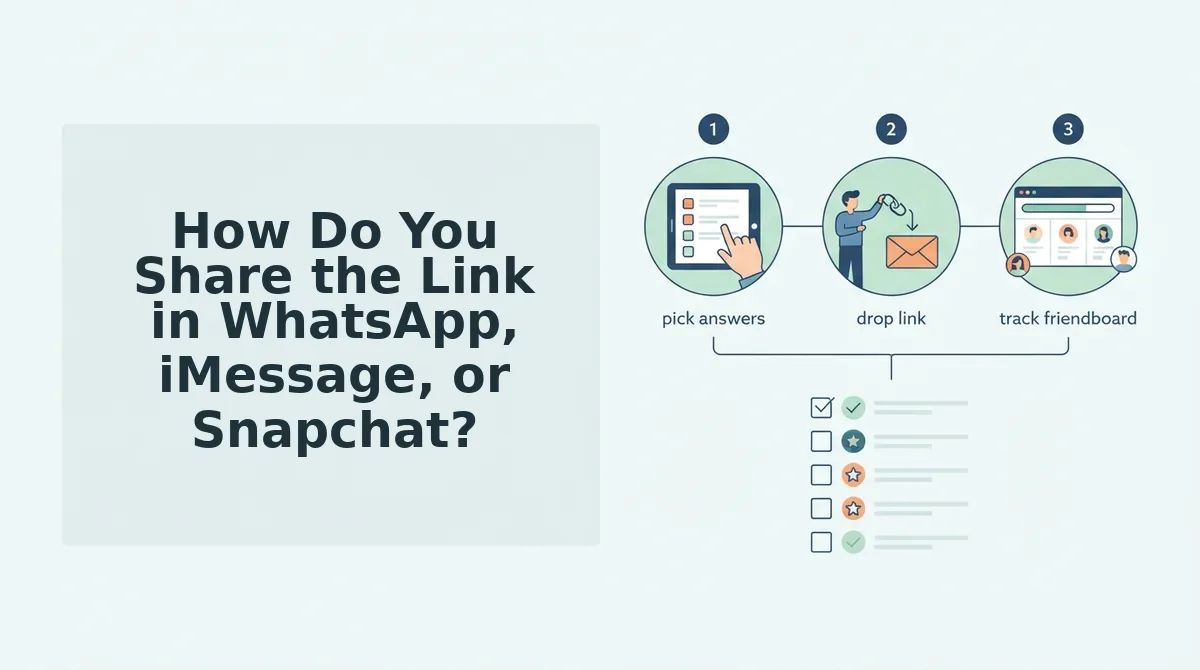
Copy the link from your results screen and paste it as a plain message into the chat where your friends already talk. A friendship dare quiz link is a web address that opens your personal trivia challenge in any mobile browser, with no app download or account login.
Think of it like leaving a party invite on the table where everyone is already sitting. If the link lands there, people open it. If it lands anywhere else, they don't.
| Chat | Exact paste-and-post action |
|---|---|
| WhatsApp group | Open the group, long-press the message field, tap Paste, add a one-line dare, and send. |
| iMessage thread | Open the thread, tap the text field, paste, wait for the preview to load, and send. |
| Snapchat chat | Open the chat (not a Story), paste into the message bar, and send. |
How do you know the link worked?
- The link preview shows your name.
- A friend's score appears on your results screen.
- Their entry appears on the Friendboard, your quiz's live scoreboard.
Fixing silent failures
- Link won't open: Copy it again from the results screen. Don't retype it, because one wrong character breaks it.
- Friend asks for an app: Tell them to tap the link in the browser they already have.
- Chat scrolled past it: Repost the link and quote your first prompt as a teaser.
Should you make a new friendship dare quiz link when the group chat goes quiet? No. Keep the same link alive, because every score already on your Friendboard stays tied to that address, and a new quiz would wipe the standings your friends are competing against. Repost the original link with a nudge like "only two of you have beaten my best friend so far" and the rivalry picks up where it stopped.
Once scores come in, you can share your score in a group chat to start the next round of banter.
Which Way to Build a Dare Quiz Link Is Fastest?
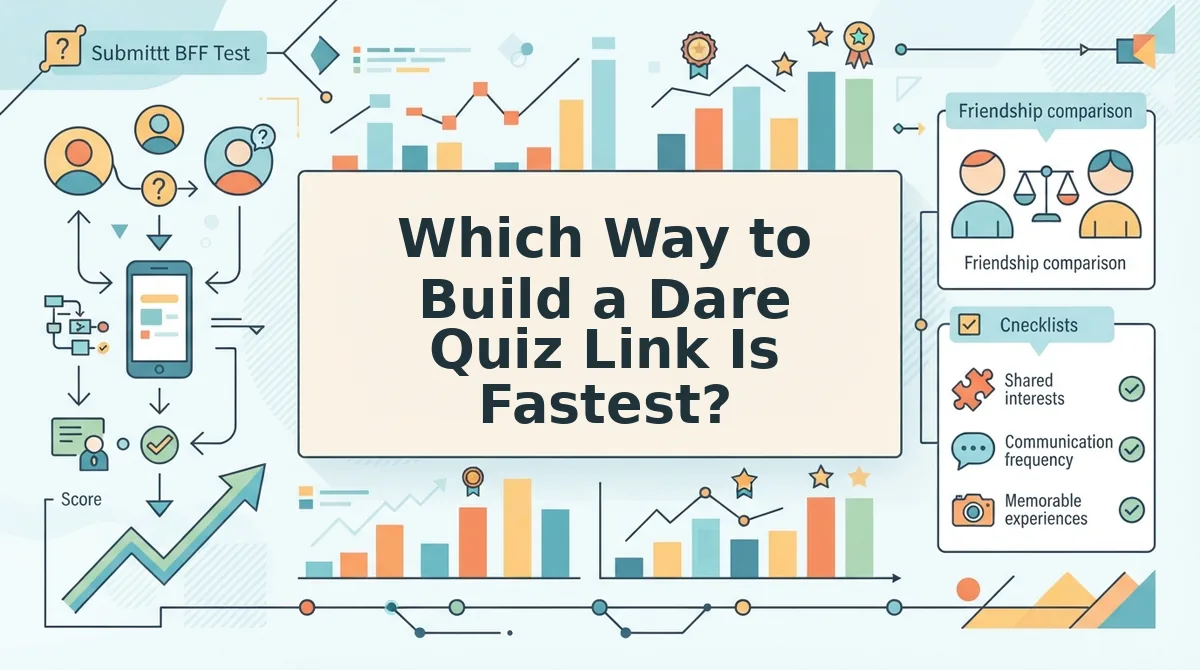
A hosted maker with no account is the fastest route, at about two minutes from your name to a shareable link. The other two routes have real strengths, but each one adds steps before your friends can play.
| Method | Setup | Account needed | Install risk | Mobile load |
|---|---|---|---|---|
| Hosted zero-account maker | About two minutes | No | None | Light page |
| Self-hosted PHP dare quiz script | Server, database, and file uploads | Hosting account | Tutorial viewers report install errors | Depends on your server |
| Multi-website video tutorial flow | Several sites | Varies | Unclear which step creates the link | Varies by site |
- Best for group chat instigators: The hosted maker, because the link is ready before the chat moves on.
- Best for developers: The PHP script, which gives you full control of design and your own domain if you're comfortable debugging a server.
- Best for visual learners: Video tutorials, which show every tap. The catch is that you have no way to confirm the link actually worked.
If your group won't touch dares, a BFF quiz or a friendship test keeps the same rivalry without the dares.
Type Your Name and Let the Chat Settle It
The whole job takes four steps: type your name, answer the prompts, copy the link, and paste it where your friends already talk. The real test comes after you post.
A group chat moves on in minutes, but the Friendboard is what brings friends back to the same link. They return to check who beat them, then retake the quiz to get back on top.
Your next step is to type your name to start and post the link while the chat is still active. Then watch the Friendboard show who really knows you best.