How is a friend quiz accuracy score calculated?
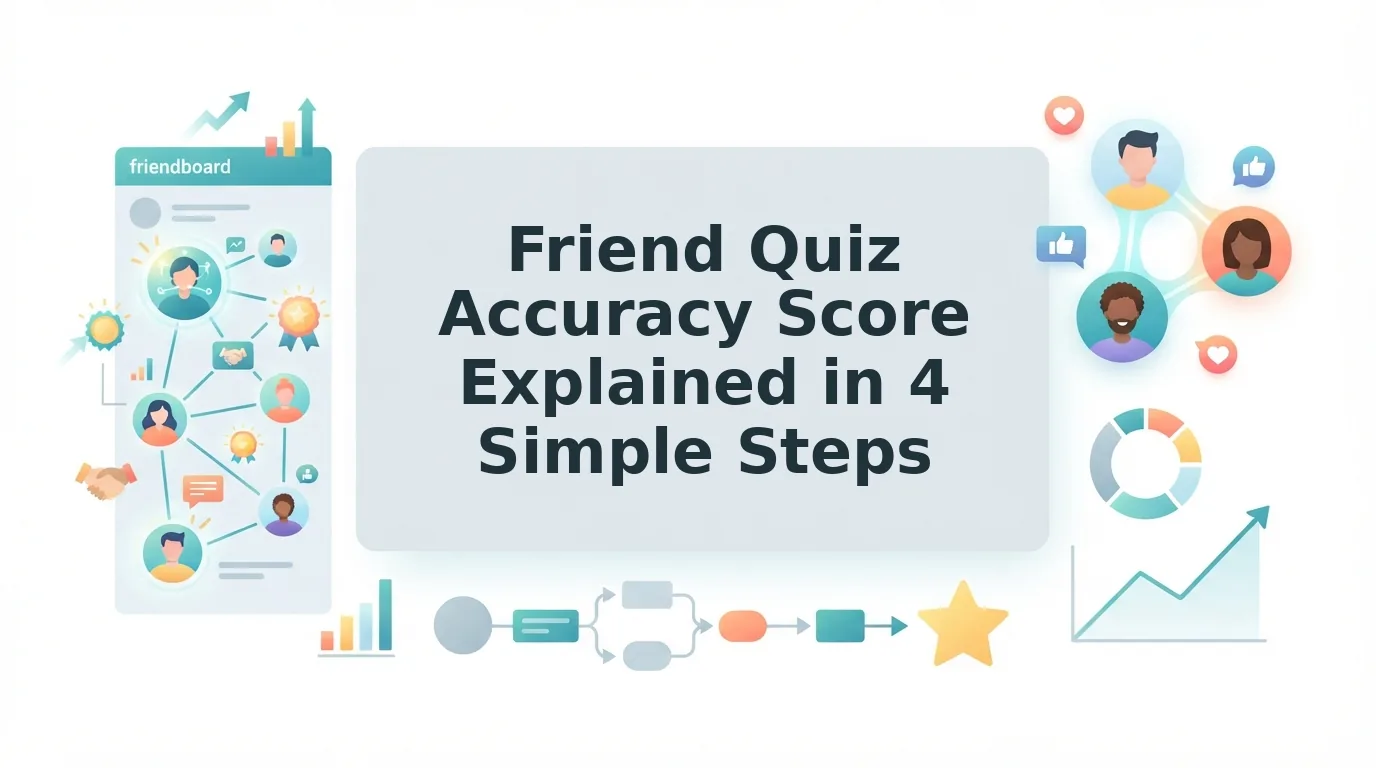
Someone drops a best friend quiz link into the WhatsApp group, and within minutes three friends are racing to submit first. Then the real argument starts: who actually scored highest, and how was that number decided?
Wanting to know who knows you best is half the fun of any friendship quiz. This guide explains exactly how a friend quiz accuracy score is calculated, so nobody in the chat can claim the result was rigged.
You'll follow the four-step flow from submit to score, then learn how to check your placement. The prerequisites are short: a quiz you build in under two minutes, with no account, email, or app download.
To set one up, type your name on the homepage, answer the prompts about your habits and quirks, and share the link in your group chat. One twist waits near the end: the Friendboard never stays still, and a single friend's submit can reshuffle everyone.
Quick answer: A friend quiz accuracy score is the share of a player's guesses that match the quiz creator's own answers. The score posts the moment the player submits, so nobody has to tally by hand.
How Is a Friend Quiz Accuracy Score Calculated?
A friend quiz accuracy score is calculated by comparing each guess a player submits against the quiz creator's answers. Every match counts as one correct guess, and the total becomes the player's accuracy score the instant they hit submit.
Most video friendship tests skip this part entirely. They read out questions and ask viewers to keep their own tally, which leaves room for miscounts and "generous" scoring. A friendship quiz on Friend Quiz handles the math for you. The quiz creator is the person who typed their name and answered the personal prompts; those answers become the answer key. A correct guess is any player selection that exactly matches the creator's answer to the same question. Once the player submits, the platform checks every question, adds up the matches, and posts the result immediately.
Before you start: you need a phone or browser and a shared quiz link. No account, email, or app download is required.
- Submit your guesses. Open the quiz link, pick an answer for every question, and tap Submit. This takes about a minute. You should see the quiz close and the results screen begin loading.
- Compare with the creator's answers. The platform matches each of your selections against the creator's answer key, question by question. This happens instantly, with no action needed from you.
- Count the correct guesses. Each exact match adds one point; mismatches add nothing. Your total reflects how many of the creator's answers you guessed right.
- Post the score. Your accuracy score appears on screen as soon as counting finishes. You should see your result immediately, ready to screenshot and drop back into the group chat.
Want to be the one setting the answer key? You can make a best friend quiz in under two minutes and let the scoring settle every debate automatically.
How to Check Your Score and Friendboard Placement
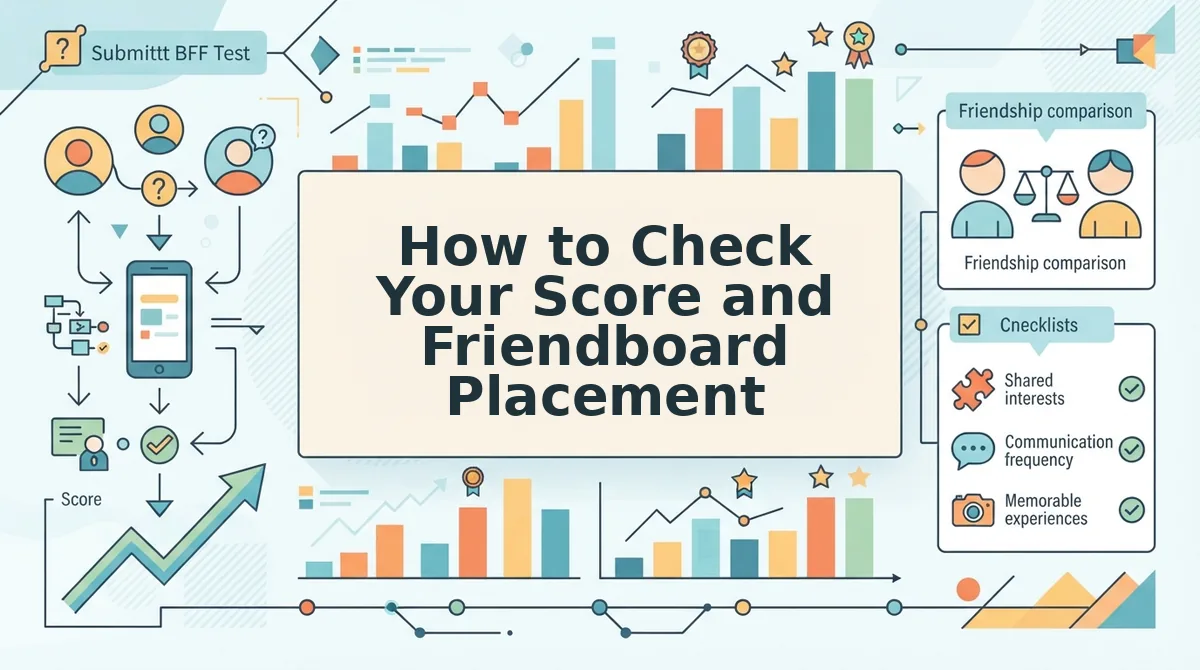
Your score appears the moment you hit submit, with no account and no page reload. Your placement then shows on the creator's Friendboard alongside everyone else who took the quiz.
Picture a friend who opens the link in iMessage, taps through their guesses, and hits Submit. The score lands on their screen immediately, and their name joins the rankings without anyone in the chat doing math.
Popular video friendship tests take a different route. They often say the quiz is "better done while with your friend," and they rely on manual tallying. That format has real strengths: it's social, it works on any shared screen, and it sparks conversation as answers are revealed.
| Factor | Hand tally (video tests) | Instant scoring (Friend Quiz) |
|---|---|---|
| Who counts | The players themselves | The platform, automatically |
| When the result appears | After everyone finishes and adds up | The moment a player submits |
| Need to be together? | Works best in person | No; anyone with the link can play |
| Where the result lives | On paper or in memory | On the live Friendboard |
| Best for | Friends hanging out in the same room | Group chats spread across cities or schedules |
Now for the Friendboard twist. Every new submission re-sorts the board by score, so one friend's late submit can push everyone else down a spot. The person sitting at the top an hour ago isn't guaranteed to stay there, which is exactly what keeps a group chat buzzing. You can watch it happen on the live Friendboard rankings, where scores update as each player finishes.
To read your placement:
- Check your score first. The Friendboard orders players by score, then assigns rank.
- Revisit after new submissions. Your rank can shift whenever another friend submits.
- Share the board. Drop a screenshot in the chat to claim bragging rights while they last.
If your group keeps arguing over who really knows you best, share one link and let the Friendboard keep the receipts. The scoring is only as fair as the questions, though.
How to Write Questions That Make Scores Fair
Fair accuracy scores come from questions with one objective, checkable answer. When every prompt has a single correct choice, the final percentage reflects what your friends actually know about you, not lucky guesses.
- Ask about concrete favorites. Prompts like "What's my favorite snack?" have one true answer that a close friend can recall. Use specific categories, such as snack, drink, or app, instead of broad ones like "food I love."
- Ask about repeatable habits. A habit such as "What do I order at a coffee shop?" stays stable week to week, so the answer doesn't shift. Pick routines your friends have actually seen you do.
- Ask about signature behaviors. Your go-to emoji or usual sign-off in the group chat is observable and verifiable. These questions reward friends who pay attention, which makes the score feel earned.
- Avoid mood-dependent prompts. "What would I pick if I'm bored?" can have several right answers depending on the day. That ambiguity turns correct guesses into coin flips.
- Avoid opinion questions. "What's my best quality?" invites debate, not recall. Opinion questions add noise to Friendboard rankings because two friends can both be right while only one gets credit.
Pro tip: Rewrite vague prompts until only one answer fits. Change "What music do I like?" to "Which artist have I played most this year?" Objective, single-answer questions make the accuracy score reflect what friends actually know.
If you'd rather explore deeper, values-based prompts, try a friendship test instead.
Friend Quiz Score FAQ
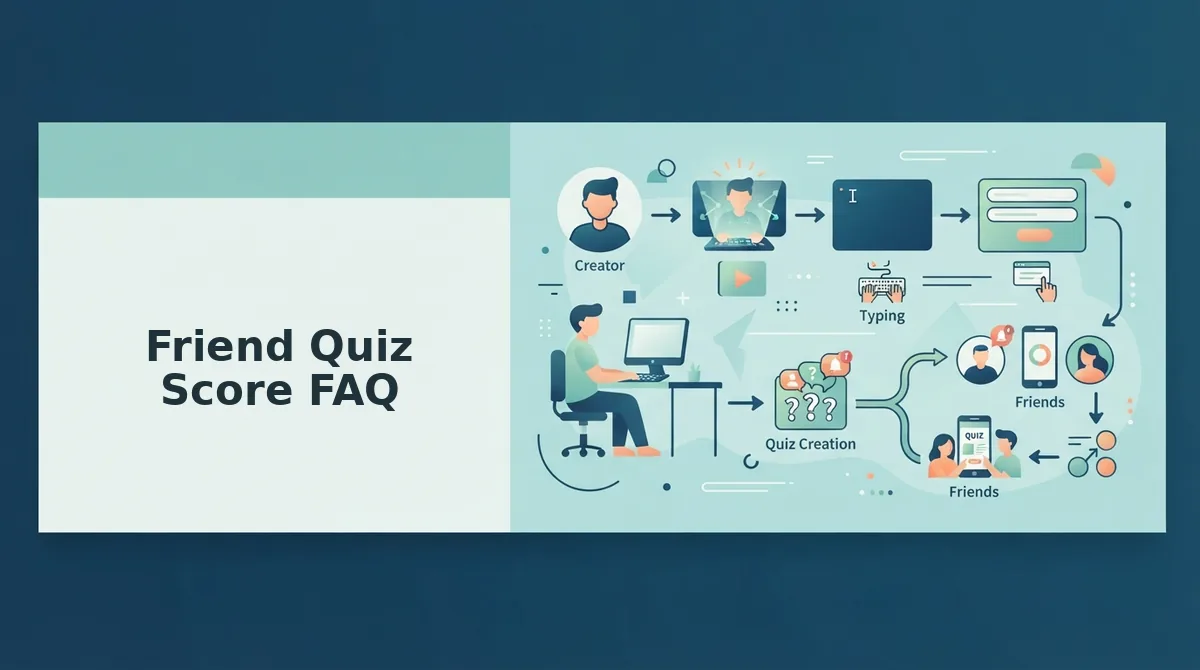
These answers cover what the score means, what you need to see it, and why other formats don't produce one.
Does a low score mean a weak friendship?
No. A friend quiz score measures trivia recall, not closeness. A best friend of ten years can miss your go-to emoji. If a group is arguing over who knows you best, re-share a Friendship Dare link and let the Friendboard settle the rivalry.
Do I need an account to see my score?
No. Friend Quiz requires no account, email, or app download. You answer in your mobile browser and see your result as soon as you submit. The same zero-login flow applies when you take a BFF test shared in a group chat.
Why don't video friendship tests give me a score?
Video friendship tests rely on hand tallying. Viewers pause, pick answers on paper, and count correct responses themselves, which invites miscounts and disputes. A link-based quiz checks each answer automatically and posts the result, so nobody has to trust anyone's math.
Does the creator see my wrong answers?
The confirmed shared view is the Friendboard, which ranks everyone who took the quiz by score. It shows how you placed, which is the point of the bragging rights. Before writing anything personal into a quiz, keep in mind your score and name appear to the group.
Build Your Quiz and Claim the Top Spot
The accuracy score is only as meaningful as the questions behind it. Objective prompts turn your quiz into a real test of attention, and that's what makes a top Friendboard spot worth bragging about.
Write questions with one checkable answer. Drop the link into the group chat where your friends already talk. Check the Friendboard after each submit to see who actually knows you.
Building takes under two minutes, with no account, email, or app download. Start now and create your best friend quiz so your friends can prove what they know. Enter your name and share your link.