QuizYourFriends vs Buddy Meter vs Friend Quiz for Phones
The group chat has gone quiet, and someone is about to drop a quiz link. Whether that link revives the thread or dies at question two depends on the tool behind it, which is why the quizyourfriends vs buddy meter debate matters most on a phone.
Both are classics, and both work the same basic way. Each one sends a share link that friends open in a mobile browser straight from WhatsApp or iMessage. The trouble is that neither brand page gives a neutral, phone-first verdict.
This guide gives you that verdict. You will get a direct answer on which tool is easier to finish on a phone. Then you will get a four-point Chat Momentum Audit that covers taps to question one, account walls, mid-quiz ads and score visibility.
Those checkpoints target the friction that stalls a chat before friends reach question three: account walls, ad clutter and multi-page reloads. Keep reading for a third option built for something neither classic was designed to do. If you already want zero sign-ups, you can create a friend quiz in under two minutes.
Which Is Better on a Phone, QuizYourFriends or Buddy Meter?
On a phone, Buddy Meter is lighter for the friends answering, because they do not need an account to play. The trade-off is that it reloads the page on every question and shows ad banners. QuizYourFriends appears to add account friction (inferred). Neither tool was built mainly for live score tracking.
The best pick still depends on your scenario. A quick laugh between two friends can survive more friction than a group race for bragging rights.
A phone quiz is a share link that opens a set of personal trivia questions in a mobile browser. A share link is a single URL your friends tap, with no app required.
An account wall is any screen that asks for a sign-up, login or email before the quiz continues. A page reload happens when the browser loads a brand-new page between questions, which briefly blanks the screen.
Why does this friction matter so much on mobile? Each page reload is a chance to lose a player before question three. A quiz works like a line of doors in a hallway. Every extra door slows people down, and some players simply turn back. On a phone, a reload brings a blank screen and a spinner, and it can load a fresh ad layout. All of this can happen while a new notification pulls the player back to the chat. A sign-up screen is an even heavier door, because it asks for effort before any fun has started. Across a full quiz, these moments stack up, and the group thins out before the results arrive.
If you want a quiz with no account and no reloads between questions, Friend Quiz keeps every question in one mobile-browser flow and ends on a live Friendboard.
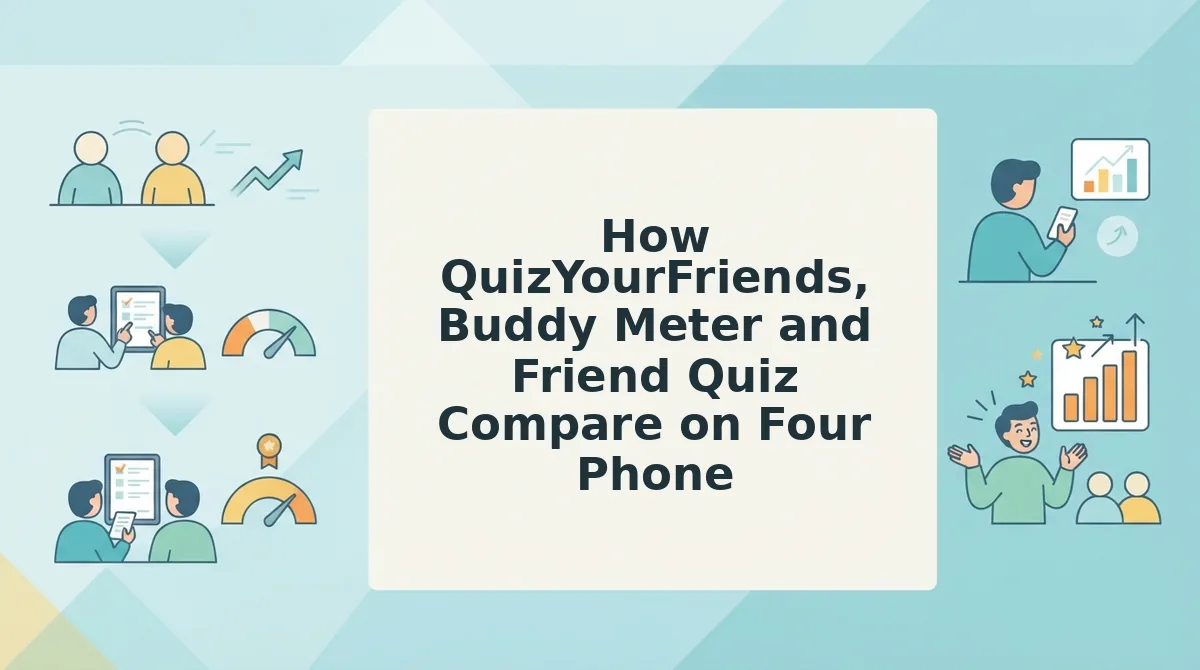
How QuizYourFriends, Buddy Meter and Friend Quiz Compare on Four Phone Criteria
The Chat Momentum Audit is a four-checkpoint method for judging any quiz link on a phone. It checks taps from link to question one, account or email walls, ad interruptions mid-quiz, and score visibility after submitting. You can run it yourself on any tool before you share.
A Friendboard is a real-time score ranking that shows how every friend placed after they submit.
| Criterion | QuizYourFriends | Buddy Meter | Friend Quiz |
|---|---|---|---|
| Load behavior | Static, form-style pages (inferred) | Multi-page, with a reload on each question | Single mobile-browser flow |
| Account hurdles | Account steps likely (inferred) | No account needed to answer | No account, email or app download |
| Ad clutter | Not documented; check during the audit (inferred) | Banners that can block submit buttons | No ad reloads between questions, since all questions sit in one flow |
| Score tracking | Static results (inferred) | Not built mainly for live tracking | Live Friendboards |
| Do friends need an account to answer? | Likely yes (inferred) | No | No |
Each tool has a real strength. QuizYourFriends is a recognizable classic, and Buddy Meter lets friends answer without signing up. Friend Quiz is the only option of the three built around live score tracking.
- QuizYourFriends, best for: creators who already use the site and like its familiar format.
- Buddy Meter, best for: one-off, low-stakes quizzes in a small chat where friends will put up with a few reloads.
- Friend Quiz, best for: group chat instigators who want a fast race with live bragging rights.
Use this checklist on any quiz link before you share it:
- Open the link on your phone from inside WhatsApp or iMessage, not on a desktop.
- Count the taps it takes to get from the link to question one.
- Note any sign-up, login or email screen before, during or after the quiz.
- Answer every question, and watch for reloads or banners that cover the submit button.
- Submit your answers, then check whether you can see your score ranked against your friends' scores.
The second checkpoint is where QuizYourFriends faces its biggest test.
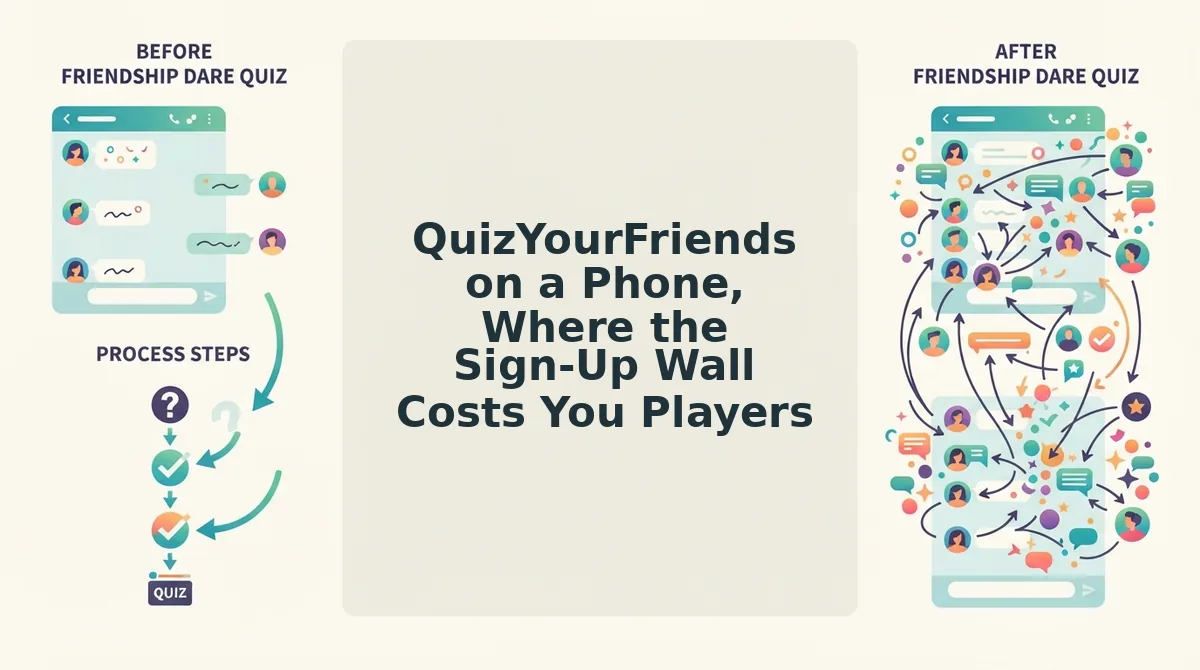
QuizYourFriends on a Phone, Where the Sign-Up Wall Costs You Players
QuizYourFriends still works on a phone. In our assessment, though, its account step and static forms lose friends who tapped your link on impulse.
QuizYourFriends is a long-running web quiz maker that lets you write questions about yourself and send them to friends. Its biggest strength is legacy name recognition. It still appears across search results for friendship quizzes, and people who are comfortable with traditional web forms will find it familiar.
Where the friction shows up
We think the weakness is the registration step combined with static forms. A static form is a page where you fill in the boxes, press submit, and wait for the whole page to reload instead of updating as you tap. This is our reading of the product flow, not the result of a published study.
Consider how a link gets opened in a group chat. A friend taps it inside WhatsApp's in-app browser, which is a stripped-down browser that opens inside the chat app instead of in Safari or Chrome. If any screen asks for an account, that friend has to type details on a small keyboard and may need to leave the chat to finish signing up.
It works like a party with a bouncer who checks ID before you can see who's inside. Curious passers-by usually walk on. An impulse tap gets only a few seconds of attention, and a sign-up screen uses all of it.
For a zero-account comparison, try a friendship test with no sign-up, where friends land directly on the first question. To see how scoring compares, read our QuizYourFriends vs Friend Quiz rankings.
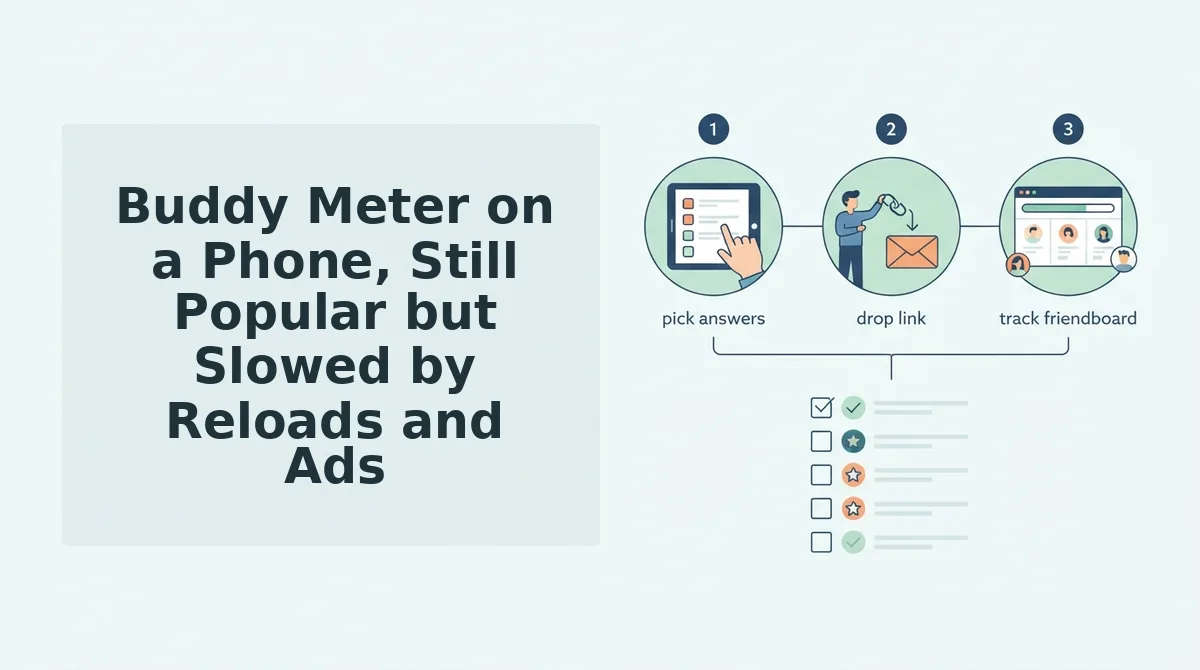
Buddy Meter on a Phone, Still Popular but Slowed by Reloads and Ads
Buddy Meter still has loyal users on phones. Page reloads on each question and ad banners slow it down enough to lose casual players.
Buddy Meter isn't dead, and we should say so first. YouTube creators still post "Buddy Meter Challenge" videos with buddymeter.com links in the description. One creator offered a custom edit to anyone who scored 10/10 on their quiz.
Many of these videos have low view counts. That points to a niche culture that keeps going, not a mass market, but the challenge format clearly still motivates people.
3 friction points that slow Buddy Meter on a phone
- A page reload on every question. Each answer sends you to a new page, so the screen goes blank and loads again before the next question shows up. On a weak mobile signal, every one of those waits gives a player another chance to switch back to the chat.
- Banners that can cover the submit button. On a small screen, an ad can sit on top of or right next to the button a player needs to tap. A misplaced tap opens an ad, and the player loses their place in the quiz.
- Slow reloads that lose players before question three. Several slow reloads in a row feel like a stalled video, and impulse players rarely wait for it. When the early questions drag, they often quit before they reach the questions that would show who really knows you.
What this looks like in a group chat
A sender drops a Buddy Meter link into the chat. Friends tap it, answer the first question, and wait for the page to reload. A banner then loads over the submit button. Some friends close the tab, and the leaderboard never fills up.
Who Buddy Meter suits best
Buddy Meter is the best fit for a challenge host, such as a creator with an audience that will put up with ads to win a prize. For challenges inside a group chat, a friendship dare quiz keeps the stakes without the reloads. If you mainly want live rankings, see our Buddy Meter leaderboard alternative.
Friend Quiz on a Phone, What It Does Better and Where It Falls Short
Friend Quiz is the third option, and it was built for the in-app browsers that group chats open. It removes the account step entirely, but it has real limits too.
Friend Quiz is a mobile-first quiz maker that turns your answers about yourself into a shareable link your friends can play in their phone browser.
What's a good alternative to QuizYourFriends or Buddy Meter?
Friend Quiz is a strong alternative when your friends will open the link from a group chat on their phones. You type your name on the homepage, answer a short set of prompts about your habits, quirks, likes and dislikes, and get a shareable quiz link in under two minutes. Neither you nor your friends need an account, an email address or an app download. As friends play, a live Friendboard ranks their scores in real time, so you can see who scored highest without asking anyone to send a screenshot.
A Friendboard works like the scoreboard above a bowling lane. It updates as each player finishes, so the group chat can argue about the rankings while they happen. Try it with a best friend test with live Friendboards. Write it while you wait for your coffee, then drop the link in the chat.
Where Friend Quiz falls short
We'd rather list our limits ourselves. Friend Quiz doesn't have the long-standing name recognition of QuizYourFriends or the YouTube challenge culture around Buddy Meter. A friend who has never heard of us may hesitate before tapping.
A Friendboard only matters once friends actually play. A board with one score on it doesn't create much rivalry. Friends also still need to tap a link and answer in a browser, so a removed sign-up step lowers the effort but doesn't remove it.
So which quiz should you actually drop into the group chat?
Which Friend Quiz Should You Send to Your Group Chat?
The right friend quiz depends on where your friends already play. The phone audit answered the question the intro raised: on a phone, friction loses players before the first answer.
Find your row and act on it:
- You miss classic web forms: pick QuizYourFriends and accept the sign-up step.
- You host YouTube or Twitch challenges: stay with Buddy Meter, because your audience already knows its culture.
- You start the banter on WhatsApp or iMessage: pick Friend Quiz. It needs no account and no app, and it shows a visible winner on the Friendboard.
If you want a smaller first round, start with the BFF quiz for a quick, low-stakes test.
Our recommendation: If your quiz lives in a group chat, create a friend quiz in under two minutes. Enter your name, answer the prompts, share the link.
Scores land on the Friendboard as friends answer, so the bragging starts in the same thread.
The quiz that wins your group chat is the one your friends can finish before they lose interest.