Buddy Meter Leaderboard Alternative With Live Friendboard Scores
The quiz link lands in the WhatsApp group, the replies stack up, and everyone finishes within minutes. Now the creator wants one answer: who ranks first?
That moment is why people search for a buddy meter leaderboard alternative. Sharing a quiz is easy. Turning scattered individual results into one ranking the whole chat can see is where many tools fall short.
This guide shows which tool tells the chat who actually knows the creator best. You will get a direct verdict, a 5-point test for judging any friend quiz leaderboard, and a side-by-side look at Buddy Meter and Friend Quiz.
One feature settles the comparison, and it is easy to miss on a results screen.
For groups that want ranked, live results, start with Friend Quiz. Its Friendboard ranks every friend by accuracy in real time, with no app download or account login. Build your quiz, drop the link in the chat, and let the scores start the banter.
What Is the Best Buddy Meter Alternative With a Live Leaderboard?
Friend Quiz is the best Buddy Meter alternative for groups that want a live leaderboard. Its Friendboard ranks each friend's accuracy score in real time, so the whole chat sees who knows the creator best. You do not need an app, account, or email, and setup takes under two minutes.
A live leaderboard is a shared ranking that updates automatically as each friend submits answers. It orders players by how many questions they got right.
Think of it like the scoreboard at a pub trivia night. Each team cares about its own score, but the real fun is checking where everyone else landed.
Which Tool Fits Your Group?
- Friend Quiz: Best for groups that want bragging rights and a public ranking everyone can check.
- A results-only tool: Best for private, one-on-one fun where only the creator and one friend compare answers.
How the Friend Quiz Workflow Builds
- Simple: Type your name on the homepage. Then answer prompts about your habits, quirks, likes, and dislikes.
- Intermediate: Friend Quiz packages your answers into a personalized link. Drop it into WhatsApp, iMessage, or Snapchat, and friends answer in their mobile browser.
- Advanced: Each finished attempt feeds the Friendboard, the real-time bragging-rights tracker. The ranking reshuffles as new scores arrive.
Want to see who tops your chat? Create a best friend test, and the Friendboard starts ranking the moment the first friend finishes.
Results vs. Rankings: The 5-Point Test for Any Friend Quiz Leaderboard
A useful friend quiz leaderboard passes five tests. It gives each player an accuracy score, ranks players against each other, updates live, is visible to the whole group, and lets friends join without an account. Results show one person's score, while rankings show the whole chat.
Buddy Meter cells below are marked Unverified because they were not confirmed through firsthand testing in November 2026. Check its current features before you choose.
| Test | Buddy Meter | Friend Quiz |
|---|---|---|
| 1. Per-player accuracy score | Unverified | Yes, each friend's accuracy score appears on the Friendboard |
| 2. Ranked players | Unverified | Yes, friends are ranked against each other |
| 3. Live updates | Unverified | Yes, the Friendboard updates in real time |
| 4. Visible to the whole group | Unverified | Yes, the Friendboard is shared with the group |
| 5. Joinable with no account | Unverified | Yes, with no account, email, or app download |
| Setup time | Unverified | Under two minutes |
| Mobile reloads and ads | Unverified | Mobile-first browser flow with no app download |
Buddy Meter's strength is familiarity. Many friends may already recognize its format, so it needs little explanation.
- Buddy Meter: Best for creators who want a familiar format and private results.
- Friend Quiz: Best for group chat instigators who want a public, live ranking.
If your chat finishes a quiz and the conversation stalls, a shared ranking fixes that. Type your name, answer the prompts, and share the link. The Friendboard then ranks everyone as they finish your friendship test.
The Chat Momentum Map
- Open link: Account walls kill momentum at the first tap. Skipping the login keeps play instant.
- Answer: Multi-page reloads and ad clutter make friends drop off mid-quiz on mobile.
- See own score: A per-player accuracy score gives every friend a personal result.
- See rank vs. friends: A live ranking the whole group can see turns individual results into banter.
Picture the chat after everyone finishes: a few reactions, then silence. The creator drops the Friendboard link, the top scorer starts gloating, and the friend in last place demands a rematch.
Next, here is how Buddy Meter handles the results side.
How Does Buddy Meter Show Quiz Results?
Buddy Meter shares every quiz through a single quiz link, and the experience is built around the score a friend earns after answering. As of November 2026, we could not confirm whether creators get a ranked, group-visible list. This section separates what is confirmed from what is not.
Buddy Meter is a friendship quiz website where a creator answers questions about themselves and friends try to match those answers. The basic workflow is simple: the creator builds the quiz, copies one link in the buddymeter.com/quiz.html format, and drops it into a chat.
The results moment is where things get less clear. A results page shows one person how they scored. A leaderboard, meaning a shared list that ranks every player, shows how everyone compares.
Think of the difference this way. A results page is a graded test handed back to you privately. A leaderboard is the class standings sheet pinned to the wall.
Scores clearly matter to Buddy Meter players. That demand raises a fair question about score integrity, which we come back to in the section on when a public Friendboard is the wrong choice.
- Confirmed: Quizzes are shared through one quiz link (buddymeter.com/quiz.html format).
- Confirmed: There is public interest in maxing out scores, based on the SteegTV "100% hack" video.
- Not verified: Whether the creator sees a list of all friends' scores.
- Not verified: Whether friends can see each other's scores, or whether any list updates live.
For a side-by-side look at question styles, see Buddy Meter quiz formats compared.
How Does the Friend Quiz Friendboard Rank Players?
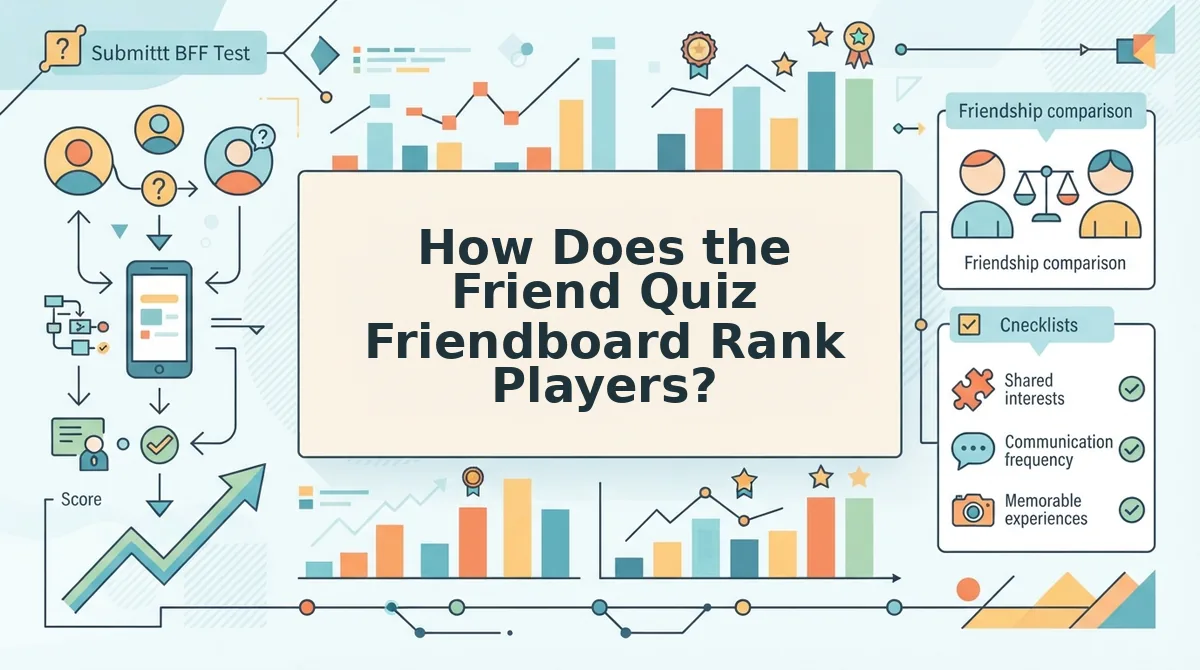
The Friend Quiz Friendboard ranks players by accuracy, so whoever matches the most of your answers sits at the top. It updates as friends finish, and nobody needs an account to join.
A Friendboard is the live ranking on Friend Quiz where every player's accuracy score is posted and ordered by who knows the quiz creator best. When a friend finishes answering, their score lands on the board next to everyone else's. The whole group can see the standings, which turns a solo quiz into a shared competition. Friends join by tapping the quiz link in a mobile browser, with no app download, email, or login. The board keeps a running record of bragging rights. That makes it easy to see who truly knows the creator and who has some catching up to do in the next group chat round.
What you need: a phone with a mobile browser and a group chat on WhatsApp, iMessage, or Snapchat. You don't need an account, an email address, or an app. The full setup takes under two minutes.
- Type your name on the homepage. Open friendquiz.org and enter the name your friends know you by. This takes about 10 seconds. You should land on the first trivia prompt right away.
- Answer the prompts about yourself. Tap through the questions about your habits, quirks, likes, and dislikes. This takes about 90 seconds. When you finish, Friend Quiz packages your answers into a personal quiz link.
- Share the link in your group chat. Paste the link into WhatsApp, iMessage, or Snapchat. This takes about 10 seconds. Friends tap it, the quiz opens in their mobile browser, and they can start answering immediately.
Worked example: Suppose a creator used to send a results-only quiz, where each friend saw just their own score. They rebuild it as a BFF quiz with a live Friendboard and share it in an iMessage group. As each friend submits, their accuracy score appears in ranked order.
The creator watches the Friend Quiz leaderboard fill in real time. Friends see exactly where they placed, which tends to restart the banter in the chat.
When Is a Public Friendboard the Wrong Choice?
A public Friendboard is the wrong choice when the quiz is a private, one-on-one moment rather than a group competition. In that case, an unranked results page may suit the creator better.
A public Friendboard is a ranking that every player can see, ordering friends by how accurately they answered. In a busy group chat, that visibility drives the fun. In a quiz sent to a single partner or a new friend, though, a ranking can feel like a performance review.
Think of it like posting grades on the classroom door. That works for a friendly class contest. It feels awkward when only two people took the test and one of them scored low.
Score integrity is the more advanced concern. A visible ranking raises the stakes, because a top spot is public bragging rights instead of a private number.
Can friends cheat their way to the top of a friend quiz leaderboard? Possibly, and we won't claim otherwise. This article does not promise any anti-cheat feature on Friend Quiz, because none is confirmed in the information we reviewed. A friend could ask the creator for answers, compare notes in a side chat, or retake a quiz if the setup allows it. What a visible Friendboard does change is the social math. Treat the board as banter, not as a verified exam.
So which format fits your next group chat?
Which Friend Quiz Should You Send Next?
Send Friend Quiz when your group wants ranked, live bragging rights. Keep a results-only quiz for private one-on-one play.
That is the payoff the 5-point test promised. The right quiz depends on who is playing and what they want to win, not on which tool has more features.
Before you drop a link in the chat, use these three moves:
- Run the 5-point test first. If the answer is "group plus bragging rights," pick the Friendboard. If it is "just one friend," a results-only quiz is enough.
- Build it in under two minutes. Type your name, answer the prompts about your habits and quirks, and share the link. You do not need an account or an app.
- Queue your next share. After the scores settle, send the Friendship Dare quiz to restart the rivalry.
Expect a live ranking that shows the whole chat exactly who knows you best.
A score only means something when everyone can see who beat it.
Your friends think they know you. Make them prove it. Build your quiz and claim the top spot.