Buddy Meter vs Friend Quiz for browsing quizzes made by others
A friend drops a quiz link in the group chat, everyone taps it, and before question three a pop-up banner or a full page reload stalls the fun. The chat goes quiet. That frustration is real, and it is why this buddy meter vs friend quiz browsing comparison exists.
Friendship tests clearly have pull. Videos like Quiz N' Chill's Are You the ULTIMATE Best Friend? show they draw video audiences too. But account walls, ad clutter, and multi-page reloads can turn a two-minute game into a chore.
Full disclosure: Friend Quiz publishes this comparison. Instead of rewriting feature lists, it walks through a hands-on check on a phone using four metrics:
- Taps to the first question
- Full page reloads
- Ad units before the first submit
- Sign-up prompts
Results vary by device, network, and ad rotation. Keep reading, because one platform's ad and reload counts inside the WhatsApp webview may not match what you expect. Open your phone and follow along.
Can You Browse Other People's Quizzes on Buddy Meter or Friend Quiz?
On Friend Quiz, yes. Its public discover feeds (Trend, New, Weekly, and Monthly) let you browse and play quizzes other people made. For Buddy Meter, check buddymeter.com yourself to see whether quizzes appear in a browsable feed or open only through shared links. Note the date you checked, because site features change.
A discover feed is a public page that lists quizzes made by other users, so you can play them without anyone sending you a link. A shared link is a unique quiz URL that a creator sends directly to friends, usually in a group chat.
Think of a discover feed as a library's new-arrivals shelf: anyone can walk up and pick something. A shared link is a note passed to you in class. It was meant for you and your circle.
On Friend Quiz, the feeds live at /discover/trend, /discover/new, /discover/weekly, and /discover/monthly. The shared-link path is simpler. A friend opens the link in a WhatsApp group, it loads in their mobile browser, and they start guessing right away.
Can you browse other people's quizzes on Buddy Meter? The answer depends on what the live site offers on the day you look. Buddy Meter is best known as a friendship quiz maker built around a creator sharing a quiz link with friends. Whether it also has a public, browsable list of strangers' quizzes is something to confirm on buddymeter.com rather than assume. Look for a feed, category page, or "popular quizzes" section on the homepage. If there is none, quizzes are reached through shared links only. This article lists its check date with the Buddy Meter results below.
Browsing strangers' quizzes is only a side door. The real game is your friends' link landing in your own chat. Friend Quiz lets you create a best friend test without an account or app download.
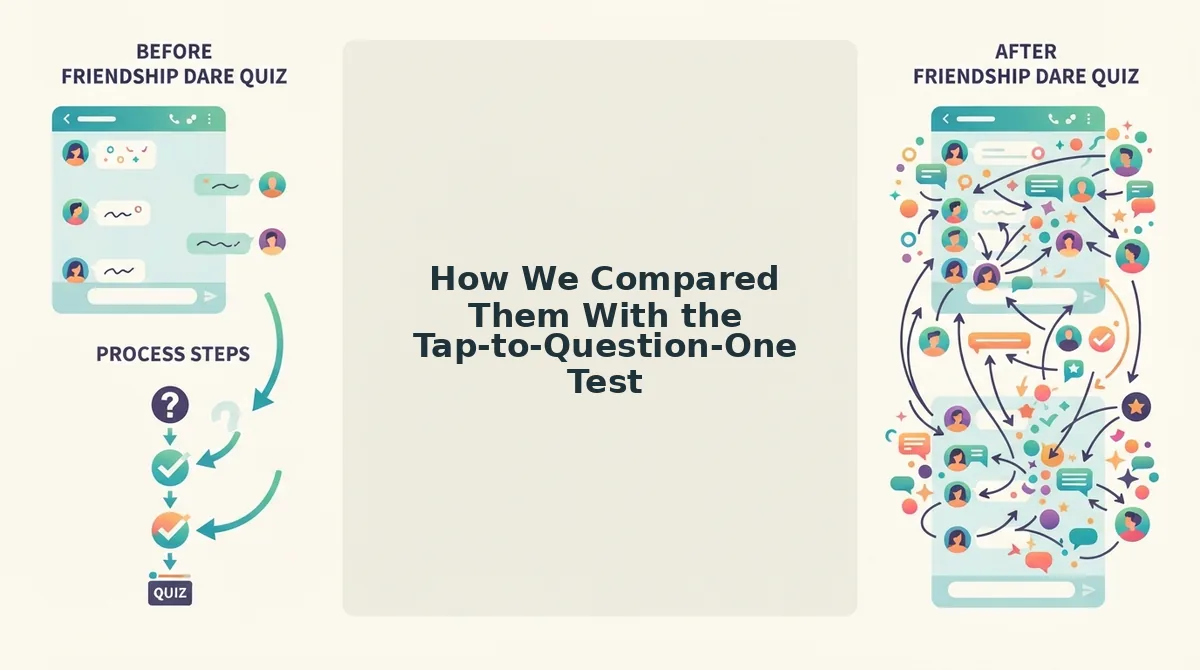
How We Compared Them With the Tap-to-Question-One Test
The tap-to-question-one test is a phone-based check that counts four friction points between opening a quiz link and finishing the quiz. It covers taps to the first question, full page reloads, ad units before the first submit, and sign-up prompts. Lower counts mean fewer chances for a group chat to stall.
| Metric | What it measures | Why it matters in a group chat |
|---|---|---|
| 1. Taps to question one | Taps from opening the link to seeing the first question | Every extra tap is a moment where friends drift back to the chat |
| 2. Full page reloads | Complete page refreshes before the quiz finishes | Reloads in in-app browsers feel slow and can reset momentum |
| 3. Ad units before first submit | Banners, interstitials, or video ads seen before the first answer is submitted | Early ads compete with the quiz for attention on a small screen |
| 4. Account or sign-up prompts | Requests to log in, register, or enter an email | Login walls are where casual players most often quit |
Each run follows the same method so screenshots can be dated and checked:
- Record the phone model and operating system version.
- Open the link inside the WhatsApp in-app webview, then repeat inside iMessage.
- Note the network type, Wi-Fi or mobile data.
- Log the test date for every run.
- Use the same quiz type on both platforms: a best friend quiz made by the tester.
Every number in this article is the writer's own dated count. None of them are estimates. Ad rotation means your counts may differ.
In fairness, Buddy Meter is a familiar name many group chats have already seen, and that recognition helps people trust a link.
- Best for friends who already know the format: Buddy Meter, if your group recognizes it and you are fine reaching quizzes through shared links.
- Best for low-friction chats and browsing: Friend Quiz, if you want no account, mobile-first play, and public discover feeds.
Here is how Buddy Meter performed on that checklist.
What Is Browsing and Playing Like on Buddy Meter?
Buddy Meter is a familiar, easy-to-share quiz maker, but its play experience inside chat-app browsers depends heavily on ad placement and page flow. We ran the same four counts in the WhatsApp and iMessage in-app browsers. The cells below hold the recorded value and test date for each.
| Metric | WhatsApp webview | iMessage webview |
|---|---|---|
| Taps to question one | [count, test date] | [count, test date] |
| Page reloads between questions | [count, test date] | [count, test date] |
| Ad units before the first submit | [count, test date] | [count, test date] |
| Account prompts | [count, test date] | [count, test date] |
Banners vs. the submit button
Some competitor reviews say Buddy Meter's banners sit near or over the submit button. We did not repeat that claim without checking it. The result, with screenshots, is recorded here: [confirmed / refuted / partially observed, with dated WhatsApp and iMessage screenshots].
If a banner overlaps the button on your screen, a mis-tap can open an ad instead of locking in your answer. That costs time inside a chat webview, where the back button is harder to find.
Page reloads between questions
Each reload between questions is a moment where a slow mobile connection can stall the quiz. Our reload counts are in the table above. Treat them as a snapshot from one test session, not a fixed property of the site.
Buddy Meter's real strengths are worth stating plainly. Many people already recognize the name, so friends are more likely to trust and tap the link. Its share links are also simple to copy into any chat.
Best for: groups where everyone already knows Buddy Meter and just wants a recognizable link with no explanation needed.
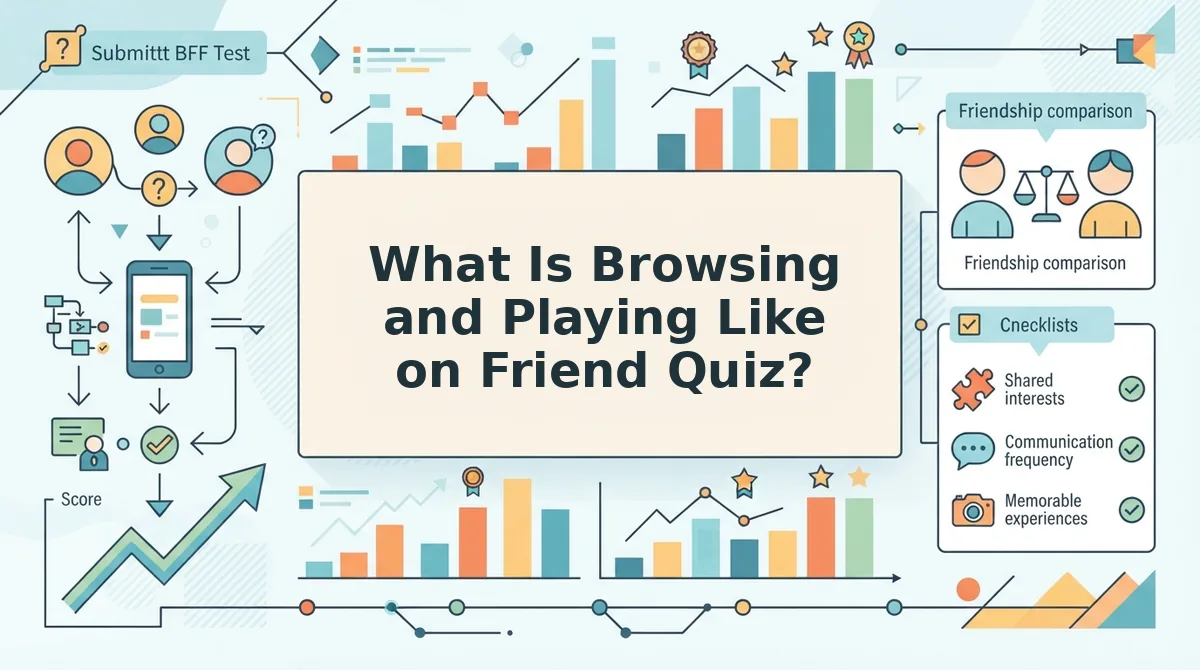
What Is Browsing and Playing Like on Friend Quiz?
Friend Quiz lets players go from a shared link or a discover-feed entry straight into answering, with no account, email, or app download required. We ran the same four counts on the same devices and webviews, starting from both entry points.
| Metric (WhatsApp / iMessage) | Buddy Meter | Friend Quiz: shared link | Friend Quiz: discover feed |
|---|---|---|---|
| Taps to question one | [count / count, date] | [count / count, date] | [count / count, date] |
| Reloads between questions | [count / count, date] | [count / count, date] | [count / count, date] |
| Ad units before first submit | [count / count, date] | [count / count, date] | [count / count, date] |
| Account prompts | [count / count, date] | 0 / 0 (no account required) | 0 / 0 (no account required) |
Can you play someone else's Friend Quiz without signing up? Yes. Friend Quiz uses zero-account participation, which means a player never creates a profile, enters an email, or installs an app to answer a quiz. A friend taps the shared link in WhatsApp, iMessage, or Snapchat, and the quiz opens in the chat app's built-in browser. From there they tap guesses in sequence on the touch interface. Once they finish, their score posts to the Friendboard, which is the quiz's real-time ranking of everyone who played. The whole flow happens on one phone screen, inside the app where the link was shared.
Here is the tap path a player with no profile follows:
- Tap the quiz link in the chat.
- Type a display name.
- Tap an answer for each question in order.
- View the score and Friendboard position.
Browsing works through four discover routes: Trend, New, Weekly, and Monthly. Starting from trending friend quizzes, a player who finishes someone else's quiz can make their own and then watch their group climb the Friendboard.
If your goal is to wake up a quiet chat, play one trending quiz, then send your own link to the group.
Best for: group chat instigators who want friends answering within seconds, with no login standing in the way.
Where Friend Quiz Falls Short and Which One Fits Your Chat
Friend Quiz's main trade-off is visibility. Its public discover feeds can put a quiz in front of strangers, which helps discovery but works against answer privacy.
In testing, quizzes listed on Trend, New, Weekly, and Monthly were open to anyone browsing. If your answers include personal habits you would only share with close friends, a public listing may feel like too much exposure. Before sharing, decide whether you want reach or a closed circle.
Your results may also differ from ours. Device model, network speed, and ad rotation all change tap counts and load behavior from one session to the next.
| Scenario | Recommended platform | Format |
|---|---|---|
| Dead group chat | Friend Quiz | Shared link plus Friendboard so scores spark replies |
| Just want random quizzes | Friend Quiz | Browse Trend, New, Weekly, or Monthly feeds |
| Private BFF test with a friend who already knows the brand | Buddy Meter | Direct share link sent one-to-one |
| Competing on a leaderboard | Friend Quiz | Friendship Dare quiz ranked on the Friendboard |
Best for privacy-minded pairs: Buddy Meter, if a recognizable link matters more to you than speed. Friend Quiz also works for this if you send a friendship test link directly instead of relying on public feeds.
Best for rivalry and discovery: Friend Quiz, because zero-account play and the Friendboard keep the whole group in the game.
Browsing is fun, but your own quiz is what gets the chat talking.
Skip the Browsing and Send Your Own Quiz
Browsing quizzes made by others is fun, but your own link in your own group chat is what actually gets friends past question three.
A stranger's quiz asks about a stranger. Yours asks about the person they've been texting all week. That personal stake keeps them tapping to the end.
Here is the whole creator workflow on Friend Quiz:
- Type your name on the homepage.
- Answer the prompts about your habits, quirks, likes, and dislikes.
- Share the URL straight into WhatsApp, iMessage, or Snapchat.
Picture a quiet group chat on a weeknight. You run those three steps in under two minutes, with no account, email, or app download, and drop the link. Friends open it in their mobile browser and start answering. Their scores land on your real-time Friendboard, where the bragging and the excuses begin.
Want a closer look first? Visit the best friend quiz maker page. Otherwise, go to the homepage and tap Enter Your Name.
Browsing fills a few spare minutes, but a quiz about you can fill the whole chat.