Where can I find a friend quiz to play when I'm bored?
Your group chat has gone quiet, you have ten minutes to kill, and you don't want another app install or login screen. Endless scrolling and watch-along quiz videos fill time, but they rarely fix boredom because you are only watching someone else play.
The quicker fix is a friend quiz to play when bored: one you open and answer yourself in a single tap. All you need is a phone browser, with no app download, no account and no email.
This guide matches each quiz feed to your kind of bored and shows you how to play without signing up. It also covers the backup plan when nothing grabs you: make your own quiz and drop the link in the chat. Along the way, you'll see why one quiz format pulls roughly 10x more views than the classic friendship test.
You can find a friend quiz to play right now on Friend Quiz, which sorts playable quizzes into four feeds: Trending, New, Weekly and Monthly. Open any feed in your phone browser, tap a quiz and start answering immediately. You don't need an app or a signup, and you don't have to share an email or create an account.
Which friend quiz feed fits your kind of bored?
Pick Trending for a quick hit, New for something you haven't seen, Weekly to revive a group chat and Monthly for a longer session. All four feeds live on Friend Quiz at /discover/trend, /discover/new, /discover/weekly and /discover/monthly, and each one opens straight in your phone browser. You can skip the app, the account and the email, so you are playing within a tap of deciding you are bored.
Trending feed: a list of the quizzes people are playing most right now.
Quiz link: a shareable URL that opens a specific quiz directly in any browser.
| Your situation | Feed | Why it fits | Best for |
|---|---|---|---|
| 2-minute gap | Trending | Popular quizzes are already filtered for you | Commuters and queue-waiters |
| Want something unseen | New | Shows the latest quizzes first | Regulars who've played the hits |
| Dead group chat | Weekly | This week's picks give everyone a shared topic | Group chat instigators |
| Long evening | Monthly | A deeper pool of picks for back-to-back play | Night-in quiz marathons |
To be fair to other options, YouTube quiz videos are great when you want hands-free entertainment. Big quiz sites offer wide topic libraries too. None of the competing search results, however, sort quizzes by freshness or match them to how much time you have.
Trending (quick hit)
Open the trending friend quizzes when you only have a minute or two. For something even shorter, try a quick BFF test.
New (something unseen)
Browse new friend quizzes when the popular ones feel familiar. The newest quizzes appear first, so you aren't replaying something you've already seen.
Weekly and Monthly (group chat revival and longer sessions)
Drop one of the weekly friend quiz picks into a quiet chat to get replies flowing. If you have a whole evening, work through the monthly friend quiz picks or raise the stakes with a friendship dare quiz.
If nothing in the feeds fits, type your name and build your own quiz link to share with friends.
How do you play a friend quiz without an app or account?
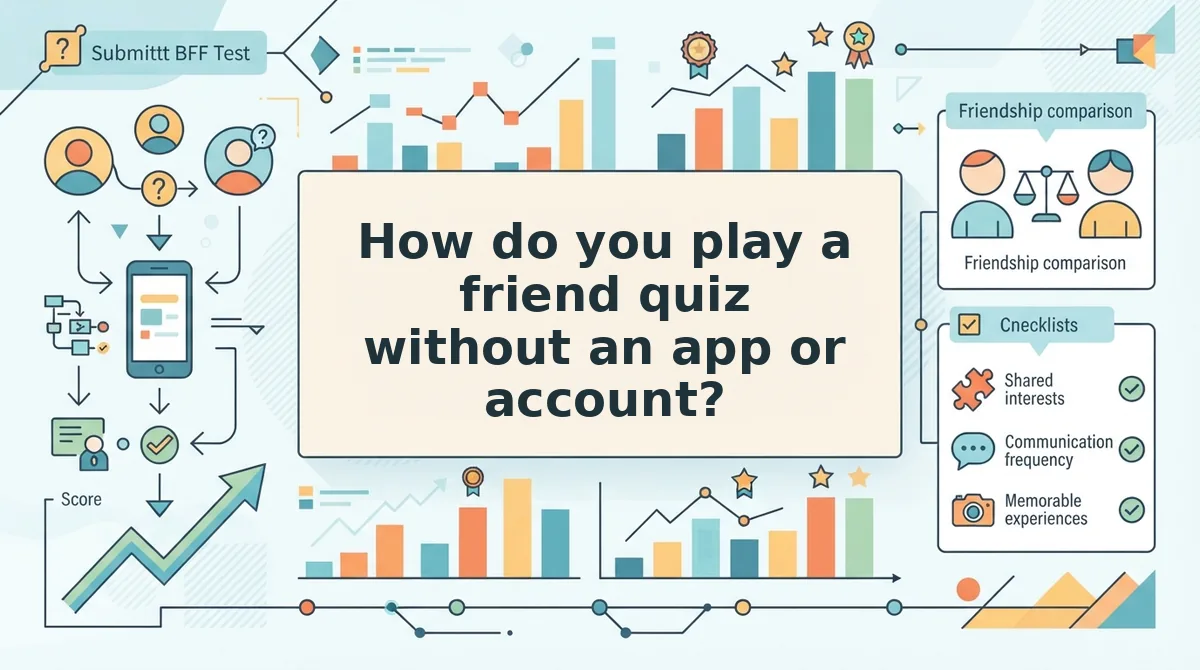
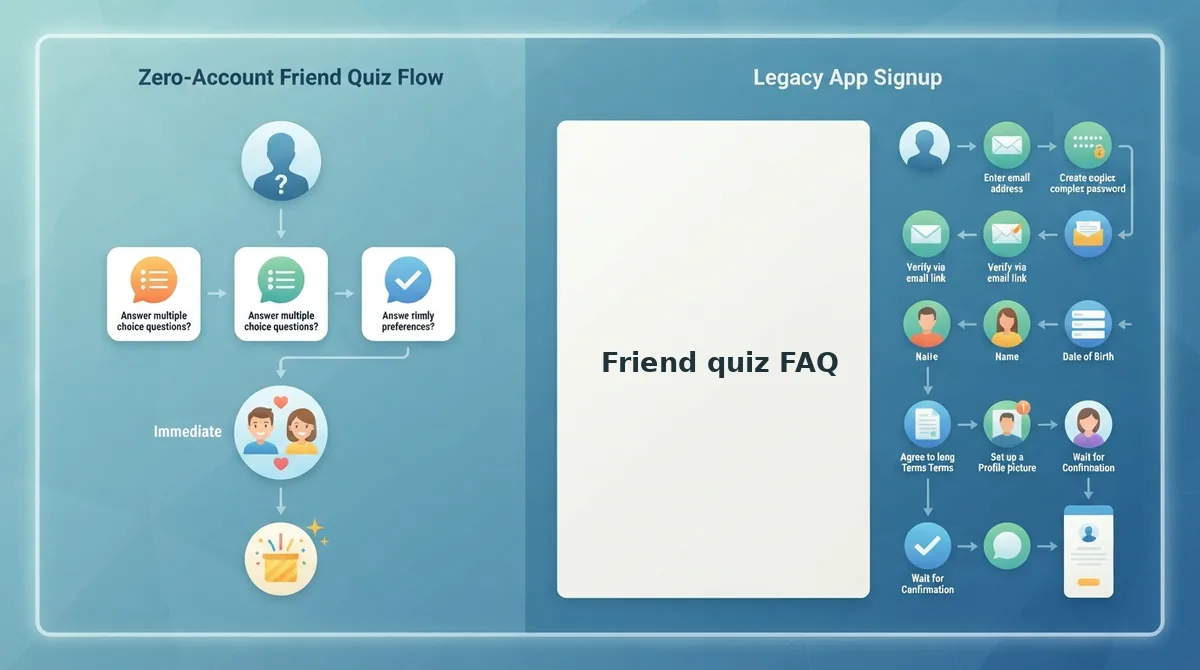
Yes, you can play right in your mobile browser. Friend Quiz needs no app download, account or email, so there is no login wall or install screen between you and the first question. Quizzes also open inside the WhatsApp, iMessage and Instagram in-app browsers, which means a shared link plays without leaving the chat. You can tap straight into the questions without bouncing between pages.
What you need: a phone with any web browser and an internet connection. A full play-through usually takes just a couple of minutes.
- Tap a quiz from the Trending, New, Weekly or Monthly feed, or tap a quiz link a friend shared. The first question should appear in your browser right away.
- Guess each answer one at a time by tapping your choice. The quiz moves to the next question without reloading the page.
- Submit your answers when you reach the last question. You don't have to fill in a profile, password or email form.
- See your score immediately on the results screen. It shows how well you know the quiz creator.
Worked example: A friend shares a quiz link in WhatsApp. You open it inside WhatsApp, tap your guesses one by one and submit. Your score appears without your ever creating an account.
Quiz Madness describes its format as playable "by yourself, or with a friend," and both modes work here. Play solo from a feed, or send a friendship test with no signup to your group chat and compare scores.
Ready to start? Play a best friend quiz, then build your own so friends can guess your answers.
Playing feels different from watching, so how do you know it worked better?
How can you tell playing beat watching a quiz video?
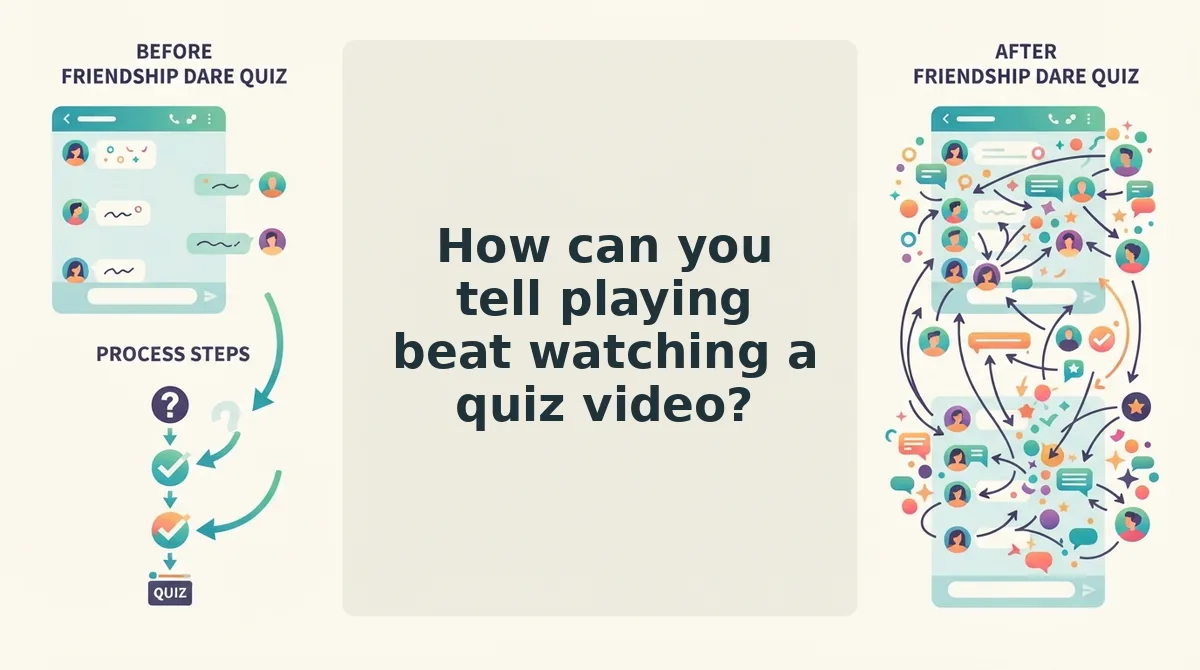
You can tell playing beat watching because a played quiz leaves proof: a saved score, your name on the Friendboard, and replies in the group chat. A quiz video leaves nothing behind once it ends.
A Friendboard is the live ranking of who knows the quiz creator best. It updates in real time as each friend finishes.
Simple: videos keep no score
Watching a quiz video is like watching a game show from the couch. You might shout answers at the screen, but nobody records them, so you get no score and no bragging rights.
Intermediate: rivalry is what people actually want
YouTube data as of 2026-11-14 shows three comparative "Most Likely To" videos totaling 3,607,296 views. Two friendship-test videos total 365,219 views, so the rivalry format pulls roughly 10x more.
Quiz Madness alone reaches 3,308,978 views, and The Quizness reaches 251,306. The two Quiz N' Chill friendship-test videos sit at 334,552 and 30,667.
That gap suggests group rivalry beats solo trivia when boredom hits. People want to compare themselves with friends, not just test themselves.
Advanced: turn rivalry into rankings
A playable link turns that rivalry into real standings. Each friend answers in their browser, the score saves, and the friend quiz leaderboard reorders as results come in.
Run these checks after you play:
- You see your score the moment you finish.
- Your name appears on the Friendboard.
- The chat replies with banter about who ranked where.
If all three happen, playing beat watching.
Friend quiz FAQ
These answers cover the questions people still ask after they find a quiz: solo play, setup speed, group chats, and broken links.
Can I play a friend quiz alone, or do I need friends?
You can play a friend quiz alone or with friends. Play a feed quiz solo to kill a few minutes, or share a link so your friends can play together. Solo play fills boredom quickly, and a shared link adds saved scores, live rankings, and group chat banter.
How fast can I make my own friend quiz?
You can make your own friend quiz in under two minutes. You don't need an account, email, or app download. Type your name on the homepage, answer the prompts about your habits and quirks, then share the link. Friends answer right in their mobile browser.
Are friend quizzes good for group chats?
Yes, friend quizzes work well in group chats. Comparative formats spark replies, and the Friendboard keeps the rivalry going after the first round. Bigger groups need the right setup, so read which friend quiz format works best for big group chats before sending.
What do I do if a friend quiz link won't load in WhatsApp?
Try opening the link in your phone's main browser, then work through a few quick checks. Our guide to a friend quiz link stuck in the WhatsApp browser covers each one, so you can get back to playing fast.
Pick a feed and play, or make your own
The fastest fix for boredom is a quiz that keeps score, not a video that doesn't. That 10x gap in views points to the same thing: people want rivalry with friends more than trivia on their own.
Use the Boredom Matcher above to pick one feed and play a quiz right now.
Nothing in the feeds fits your crew? Build your own in under two minutes:
- Enter your name on the homepage.
- Answer the prompts about your habits, likes, and quirks.
- Share the link in WhatsApp, iMessage, or Instagram.
Picture a group chat that's been quiet for a week. You drop your quiz link in, and every friend can answer in their browser without downloading anything.
Play a feed quiz now, or make your own friend quiz and let the Friendboard settle who really knows you best.