Which friend quiz format works best for big group chats?

You drop a quiz link into a 40-person group chat. Three people answer, and everyone else lurks. The right friend quiz format for big group chats fixes that: post one browser-based quiz link that needs no account, email, or app download, and send everyone to one shared Friendboard.
Big chats go quiet fast, and every sign-up wall makes it worse. If your crew already ignores group games, start with these tips for reviving a quiet group chat.
The setup takes under two minutes. Enter your name, answer the personal prompts, and drop the link into your WhatsApp group. Below, you will find four formats ranked for big groups, the "One Link, One Board" rule, and a hook line you can paste for each one. One format on this site works well for some groups but does not belong in a big chat.
Key Takeaway: Post one browser quiz link that requires zero accounts. Everyone plays in their phone's browser and lands on the same Friendboard, so the whole group competes for a single ranking.
How We Picked the Best Friend Quiz Formats for Big Group Chats
The Friendship Dare Quiz is the top pick for big chats full of lurkers. Its challenge framing gives silent members a reason to tap: they want to beat everyone else for the top Friendboard spot. It also needs no account, email, or app download, so nothing stops a curious tap from turning into a score.
The "One Link, One Board" Rule
- One creator: one person builds the quiz about themselves.
- One link, posted once: the link stays in one spot in the chat, so it does not get buried by reposts.
- One Friendboard: every player lands on the same real-time ranking.
The Friction Audit
Each format had to pass every check, because a big chat drops off at the first obstacle:
- No account, no email, and no download
- Plays inside the in-app browser that WhatsApp, iMessage, or Instagram opens
- No multi-page reloads and no popups before question one
- One shared Friendboard for the whole group
- A link preview that reads clearly in the chat
Which friend quiz format works best for a large group chat? Pick a challenge-framed quiz link that opens straight in the mobile browser with no sign-up, then post it once. In a large group chat, most members read without replying. A dare gives them a low-effort way to join in: they tap, answer, and see their rank on one shared Friendboard. Classic trivia formats work too, but they rely on people already wanting to prove how well they know you. A dare creates that motivation through rivalry. Keep everyone on one board, because separate links split the competition and kill the bragging rights.
Other formats have real strengths. The Best Friend Quiz is the most familiar format, and a friendship test fits groups that like a more earnest score.
Quick Picks: Format-to-Group Matrix
| Format | Best group vibe | Hook line to post | Platform fit |
|---|---|---|---|
| Friendship Dare Quiz | Big, lurker-heavy chats | "I dare anyone here to top my Friendboard." | WhatsApp, iMessage groups |
| Best Friend Quiz | Close crews who like classic trivia | "Who actually knows me best?" | WhatsApp, Instagram |
| Friendship Test | Groups that want a scored verdict | "Let's see who passes." | iMessage, WhatsApp |
| BFF Test | Best-friend circles and small chats | "BFF status is on the line." | Snapchat, Instagram |
Best for: dares suit chat instigators, the Best Friend Quiz suits longtime friend groups, and the friendship test suits classmates who want a clear score.
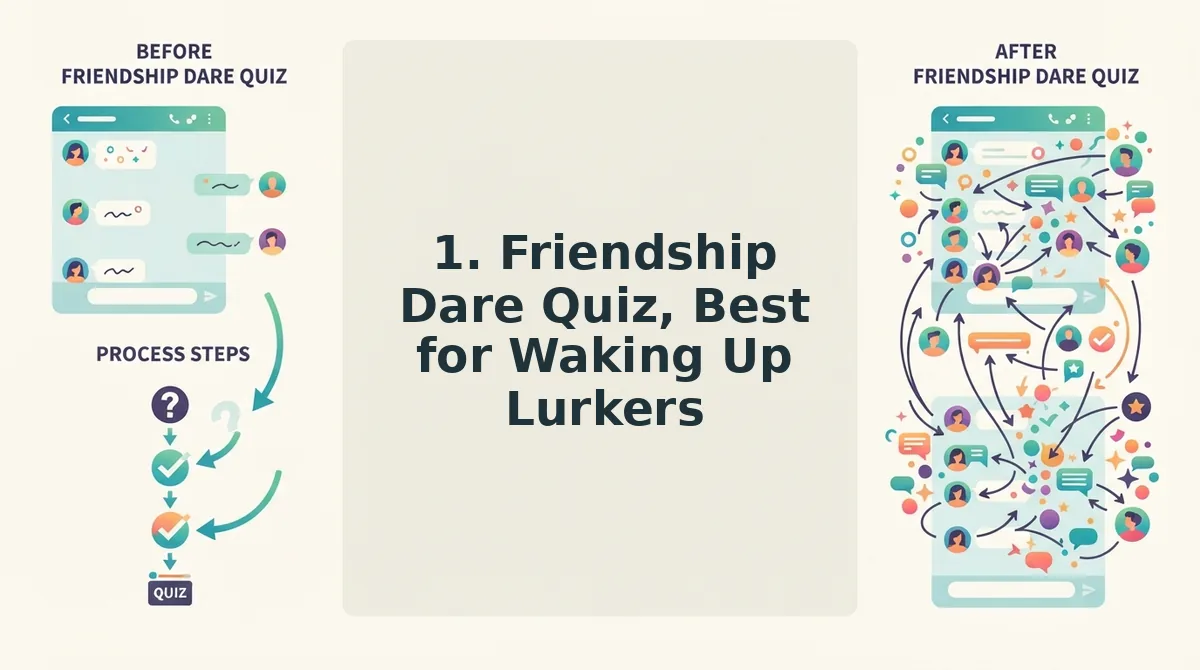
1. Friendship Dare Quiz, Best for Waking Up Lurkers
A Friendship Dare is a quiz link framed as a challenge. It works because the dare turns a passive question into a public competition. Silent members tap to see whether they can beat everyone else on the shared Friendboard.
Why the Dare Framing Works
Think of an arcade high-score screen. Nobody needs an invitation to play once they see a name sitting at the top. The friendship dare quiz uses the same pull. The Friendboard is the high-score screen, and the top spot is the bragging right.
A plain "take my quiz" message asks lurkers for a favor. A dare gives them a rival to beat, which is a much easier reason to tap.
The Workflow
- Type your name on the homepage and answer the personal prompts.
- Copy your quiz link.
- Paste the hook line below with the link, and post it once.
- Pin the message if your chat allows it, so the dare stays visible.
Ready-to-Paste Hook Line for a 40-Person Chat
"40 of you in here and I bet nobody can top my Friendboard. One link, no sign-up, two minutes. Prove it."
WhatsApp Sharing Note
On WhatsApp, the link opens in the in-app browser. That in-app browser is the mini browser WhatsApp uses instead of Chrome or Safari, so players never leave the chat. Post the link once so the preview carries the dare without clutter. If a friend reports the page won't load, see this fix for a link stuck in the WhatsApp browser.
If your group prefers trivia to trash talk, the next format is a better fit.
2. Best Friend Quiz, Best for Classic Who-Knows-Me Trivia
The best friend quiz is the default format for a big group chat that already banters. Everyone answers the same questions about you, and nobody needs an app or account to play.
What you need: a phone with a web browser and access to your group chat. You do not need an account, an email address, or a download.
- Open the quiz page and type your name. Go to the best friend quiz page and enter your name in the name field, which takes about 10 seconds. You should see the first personal trivia prompt appear.
- Answer each prompt about yourself. Tap your true answer to every question about your habits, quirks, likes, and dislikes, which takes about 90 seconds. When you finish the last prompt, your personal quiz link should be ready.
- Copy the link and paste it into the chat. Post the single link with a challenge line such as "Who actually knows me?" This takes about 15 seconds. You should see the link appear in the thread, ready for friends to tap.
Worked Example: An iMessage Player
A friend taps your link in an iMessage group. It opens in their phone's browser, they answer your questions, and they hit submit without creating an account, entering an email, or downloading anything.
If anyone in the thread gets stuck, send them this short guide on how to open a friend quiz link in iMessage. Most players never need it.
If your chat already argues about who knows you best, turn that argument into one link everyone can answer. Build yours in under two minutes.
3. Friendship Test, Best for Mixed Friend Groups
The friendship test works best for chats that mix college friends, coworkers, and old friends, because a live ranking makes uneven knowledge part of the fun. A friendship test is a shareable quiz that scores how well each person knows the creator and ranks their results together.
Simple: One Link, Everyone Plays
In a mixed chat, your childhood friend knows your first pet, while your coworker only knows your coffee order. The test gives everyone the same questions, so each friend group gets a fair shot.
Intermediate: How the Friendboard Ranks Players
A Friendboard is the real-time score ranking shared by everyone who answers one link. Each new submission takes its place on the board immediately, so no one has to tally scores by hand.
Think of it like the scoreboard at a bowling alley. Every lane can see the standings change after each turn, and that visibility is what keeps people talking.
Advanced: Using the Board to Drive Follow-Up Banter
When dozens of people play, the board turns into a debate prompt. Did the work friend beat the college roommate? Is the old friend slipping? Post a screenshot or link the live Friendboard rankings to restart the conversation.
Worked Example: Settling the Debate
After a day of guessing, the group checks the Friendboard. The top scorer claims bragging rights, and everyone below starts demanding a rematch.
Keep it light. A friendship test is for banter, not a real measure of how strong a friendship is.
4. BFF Test, Best for Tight Inner Circles Inside Bigger Chats
The BFF test ranks last because it works best for the closest few people inside a large chat. Treat it as a side quest: post it to the whole group and let your inner circle fight for the top spots.
- Post it to the whole chat. Share your BFF test in the main thread instead of a private side group. Casual members can still try it, and your closest friends get an audience for their scores.
- Keep one link and one board. Do not send separate links to different friends. A single link feeds one Friendboard, so the inner-circle rivalry plays out where everyone can see it.
- Call out your inner circle by name. Tag the three or four people who claim to know you best. A direct challenge turns a passive link into a public contest.
- Match the share to each platform. Each app handles links a little differently. A short check before posting helps every friend open the quiz on the first tap.
How to Share a BFF Test on WhatsApp, iMessage, and Snapchat
To share a BFF test on WhatsApp, paste your single quiz link into the group and wait for the link preview to load before sending, so friends see a tappable card. On iMessage, send the same link and let the preview appear; tapping it opens the quiz in the phone's browser with no app or account needed. On Snapchat, paste the link into the chat, where friends tap it to open the quiz in Snapchat's in-app browser, and they can answer and submit without leaving the app.
For more detail, see how friends can play a BFF test on Snapchat.
Not every format earns a spot in your chat, so here is which one to skip and how to launch yours now.
Which Format to Skip and How to Launch Yours Now
Skip the Love Calculator in big group chats. It's built for pairs, so dropping it into a 20-person thread splits everyone into couples and scatters scores across dozens of private matchups instead of one shared board.
That's the trap. It looks fun, but it quietly kills the group energy you wanted.
Every format that works in a big chat follows the same rule:
- Pick by vibe: a Friendship Dare Quiz for quiet lurkers, a Best Friend Quiz for classic trivia, a Friendship Test for mixed crews, a BFF Test for inner circles.
- Post one link: a single link keeps every answer flowing to the same place.
- Point everyone to the Friendboard: one live ranking turns scattered replies into an actual rivalry.
Expect replies within minutes once the leaderboard starts moving. No app, no login, just friends chasing the top spot.
The best group chat quiz isn't the cleverest format. It's the one that keeps everyone on a single board.
Ready? Make a friend quiz in under two minutes. Enter your name and drop the link.