How to get a quiet group chat to play your friendship test
You drop the link, watch two blue ticks appear, and then nothing. No taps, no scores, just a group chat full of people who clearly read it and moved on. This guide shows you how to get group chat to play friendship test links instead of watching them sink.
The lurkers aren't ignoring you. They need a reason to play and zero effort to start. You'll learn how to turn a dead thread into one that plays, posts scores, and argues about who knows you best.
Send a link that opens instantly with no app or account. Have one or two close friends play privately to seed the Friendboard first. Post a hook instead of a polite request. Then call out the leaderboard so every score becomes a challenge the rest of the chat can't ignore.
All you need is a phone, your name, and two minutes. Neither you nor your friends need an app, an account, or an email.
Below are seven moves, each matched to the reason lurkers stall. The move most people make first is the one that guarantees silence. Step 2 flips it.
Why Do Quiet Group Chats Ignore Quiz Links?
Quiet group chats ignore quiz links because lurkers drop off at predictable friction points, not because they don't care. Remove the friction at each point and the same people start playing.
A lurker is a group chat member who reads messages but rarely posts. Think of a party where everyone wants to dance but nobody wants to be first on the floor. The interest is there. What's missing is an easy first step and some proof that others are already in.
The Lurker Ladder
The Lurker Ladder is a four-rung model of how a reader becomes a player. Each rung has one friction point that knocks people off:
- Sees the link. Friction: a cold message like "take my quiz" gives no reason to tap.
- Taps. Friction: account walls and "download our app" prompts end the visit before it starts.
- Reaches question three. Friction: ad clutter and multi-page reloads kill momentum before question three.
- Posts a score. Friction: there's no visible reason to share a result.
The top rung is where a Friendboard matters. A Friendboard is a live ranking of friends' scores on your quiz. It turns one private result into a public position that others want to beat.
Most guides jump straight to "create a quiz" and never explain why nobody plays. If you haven't built yours yet, make a friendship test before reading the steps. It takes under two minutes, and your friends answer it in their phone's browser.
How to Get Your Group Chat to Play, Step by Step
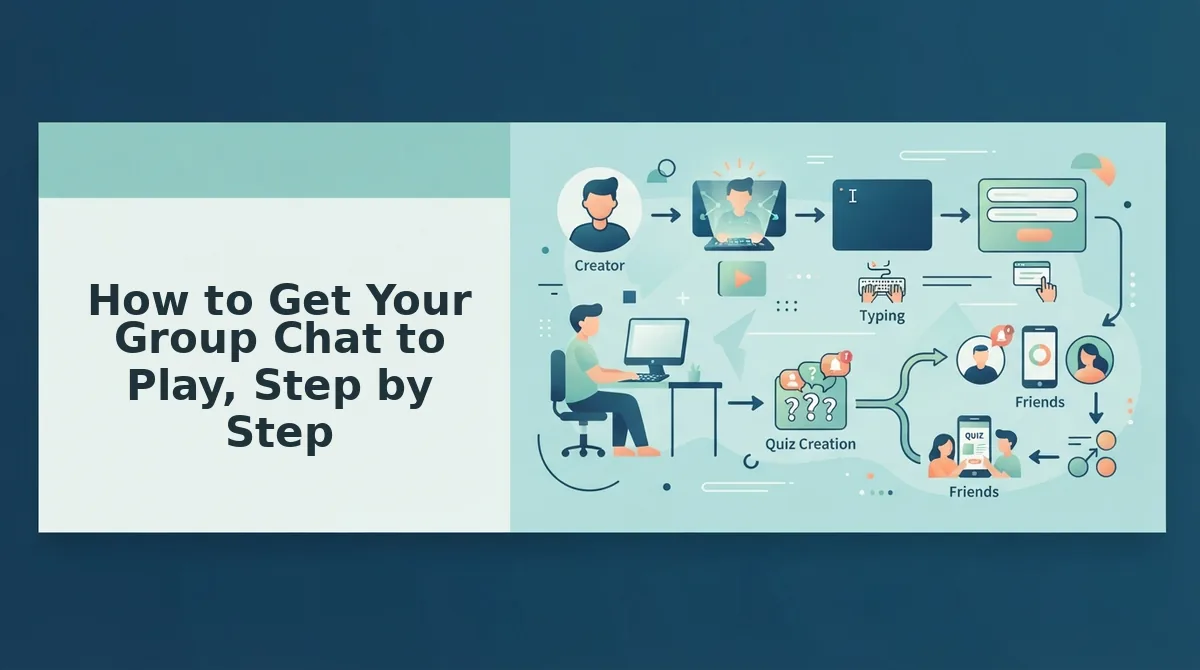
To get a quiet group chat to play, remove every barrier to tapping, seed the Friendboard before you post, send a hook instead of a request, time it to an active moment, and call out scores as they land. The seven steps below take about ten minutes in total.
Prerequisites: a phone, your name, and a group chat on WhatsApp, iMessage, or Snapchat.
- Kill the friction (Rung 2, 2 minutes). Type your name on the Friend Quiz homepage, answer the prompts about your habits and quirks, and share the generated link. The whole sequence takes under two minutes. Success: you have a link that opens in any mobile browser with no app, account, or email.
- Seed the Friendboard first (Rung 4, 3 minutes). Send the link privately to one or two close friends before it goes to the group. Success: the Friendboard already shows names and scores.
Pro tip: Posting the link to the full group first is the move that guarantees silence, because nobody wants to be the first score on an empty board. Seed the board privately first, so your group post shows a contest already in progress.
- Text a hook, not a request (Rung 1, 1 minute). Skip "pls take my quiz." Paste one of these instead:
- "Sam got 4/10 on my quiz. Embarrassing. Who's next?"
- "Bet you can't beat Priya's score ð"
- "Whoever scores lowest picks the next restaurant."
- "Quiz on me. Loser admits they don't actually know me."
- Turn it into a dare (Rung 1). Stakes give lurkers a reason to act. If your chat runs on challenges, try a friendship dare quiz. You build it the same way, with the same link sharing and the same live Friendboard, so the dare is built in. Success: friends tag each other to play.
- Pick a moment when the chat is already active (Rung 1). A link dropped mid-conversation lands in front of people who are already looking at the thread. The same link sent into a quiet thread gets buried. Success: taps arrive within minutes.
- Call out the leaderboard (Rung 4, ongoing). Post scores back to the chat as they come in. For example, you post "Jordan just took first with 9/10," and a friend who hadn't said a word all week replies "absolutely not" and plays. Success: lurkers become challengers.
- Keep it personal and short (Rung 3). Momentum dies before question three on cluttered quizzes, so use fewer, sharper prompts. Pull ideas from these best friend test questions. Success: friends finish and post their score.
The fastest way to get a quiet group chat to play a friendship test comes down to four moves. Start with a frictionless link that opens in the mobile browser with no app, account, or email, so a tap leads straight to question one. Then seed the Friendboard by having one or two friends play privately, so the group sees a contest already underway. Next, post a hook message such as a score callout or a dare instead of asking people to play. Finally, call out the leaderboard each time a new score lands, turning silent readers into players who want to beat their friends.
Once the scores start rolling in, here's how to judge whether it worked.
How to Tell If It Worked (and What to Fix If It Didn't)
It worked if names appear on the Friendboard and at least one friend posts their score back to the chat without being asked. If you see neither, find the Lurker Ladder rung where people stalled and apply that rung's fix.
| Symptom | Likely cause | Fix | Best for |
|---|---|---|---|
| Link seen, no taps | Cold message with no reason to click | Re-send with a hook that dares people | Instigators whose first send got buried |
| Opens but no scores | Mid-quiz friction | Keep questions personal and fast (see why friends quit before question three) | Creators who wrote generic prompts |
| Scores but no chat replies | The board went unannounced | Call out the current leader by name | Chats that play quietly but never talk |
| Total silence | Bad timing | Re-share during an active moment | Chats that went dormant |
Why does a re-shared quiz link get more taps than the first send? The second send carries proof that other people have already played. Once you have seeded two friends, the Friendboard shows real names and scores, so your re-share reads as "Sam got 7/10, who can beat that?" instead of another link. Lurkers who ignored a blank challenge now see a ranking they are missing from. Send that re-share while the chat is already moving, such as right after someone posts a meme, so it lands in front of active readers.
Some chats stay quiet no matter what you try. Nudge once or twice, then stop, because repeated pings make the quiz feel like a chore.
Group Chat Friendship Test FAQ
These answers cover the questions people still ask after the quiz link is out.
Do my friends need an app or an account to play?
No. Your friends tap the link and play straight in their mobile browser, with no download, signup, or email required. That zero-account entry matters in group chats, where any extra step gives a hesitant friend a reason to scroll past.
Can I see who scored highest on my friendship test?
Yes. Every finished attempt lands on your live Friendboard, which ranks friends by score in real time. You can screenshot the board or name the leader in the chat to restart the banter.
How do I keep the chat going after everyone plays?
Use the Friendboard rankings as your follow-up. Tag the leader, tease the lowest score, and invite anyone missing so nobody feels left out. When the board settles, send a second format such as a BFF quiz to start a new round.
How often should I re-share the quiz link?
Re-share twice at most: once after seeding a couple of friends, and once during an active moment in the chat. After that, stop. Friends who still have not played are unlikely to respond to more nudges, and extra pings can sour the fun.
Drop the Link and Watch the Board
A quiet chat rarely revives because of a better link. It revives when the Friendboard gives people something to react to. Your job is to fill that board fast enough that the banter starts on its own.
- Seed two friends privately so the board shows names before the group sees it.
- Paste one hook that dares people to play.
- Call out the leader once scores land.
Building the quiz takes under two minutes on Friend Quiz, with no app and no account. Enter your name. Answer the prompts. Drop the link. Watch the board, and let the next screenshot be your score.