Why friends quit a friend quiz before question three
You dropped the quiz link in the group chat, three people tapped it, and nobody finished. If you have wondered why friends quit a friend quiz before question three, the cause usually has little to do with your questions.
Picture a friend tapping your link inside WhatsApp and landing on a sign-up form instead of question one. Friends answer in mobile browsers on WhatsApp, iMessage and Instagram, where patience is short.
Friends stop playing a friend quiz when friction hits before and between questions. Common examples are sign-up walls, app install prompts, page reloads after every answer and ad banners covering the submit button. A weak results payoff, with no score or ranking to brag about, gives them no reason to reach the end.
By the end of this guide, you will be able to spot the exact stage where friends bail and fix it. You need a phone, a group chat and a quiz link. The goal is a friend quiz the whole chat finishes.
The guide covers a four-stage bounce point map, seven mistakes with fixes and a five-check audit. One finding may surprise you: most players leave before question one, so bad questions are rarely the first problem.
Where Do Friends Quit a Friend Quiz? The Bounce Point Map
Friends quit a friend quiz at four predictable stages. The first two stages, the link tap and the first question, cost the most players.
Quiz drop-off is a player leaving a quiz before seeing their results.
Think of your quiz like a checkout line at a store. Every extra form, wait or blocked button gives the shopper another reason to put down the basket and walk out. The map below shows where each of those lines forms.
| Stage | What the friend sees | Quit trigger | Fix |
|---|---|---|---|
| Link Tap | A loading screen inside the chat app's built-in browser | Slow load, sign-up wall | Open straight to question one |
| First Question | A prompt to install an app or fill in account fields | Install prompt, account fields | Play in the mobile browser with no login |
| Mid-Quiz | A blank flash between questions and a banner near the button | Page reload per question, banner covering the submit button, generic trivia | Use a single-page flow, clear buttons and personal questions |
| Results | A thin "thanks for playing" screen | No score, no Friendboard, unclear answer privacy | Show the score and ranking, and state who sees the answers |
The first two rows are about access. The last two are about momentum and reward, which only matter once a friend gets inside the quiz.
Competitor quiz makers publish question lists but do not diagnose drop-off by stage. A competitor analysis observed reload lag and banners blocking submit buttons on Buddy Meter. It also observed account hurdles and slow mobile pages on QuizYourFriends.
These observations explain the surprise from the introduction. The heaviest friction sits before question one, so a friend who never sees your first question cannot judge whether it is any good.
Why do friends stop playing a friend quiz?
Friends stop playing a friend quiz because each step between the link and the results asks for more patience than a group chat moment allows. Sign-up walls and install prompts block them before question one, then page reloads, misplaced banners and generic trivia wear them down mid-quiz. If the results screen shows no score, no ranking and no word on who sees their answers, players have no payoff to chase and little reason to finish.
For a reference example, take a friendship test that runs as a single flow. You tap the link, answer in your mobile browser without a profile or email, and see where you rank.
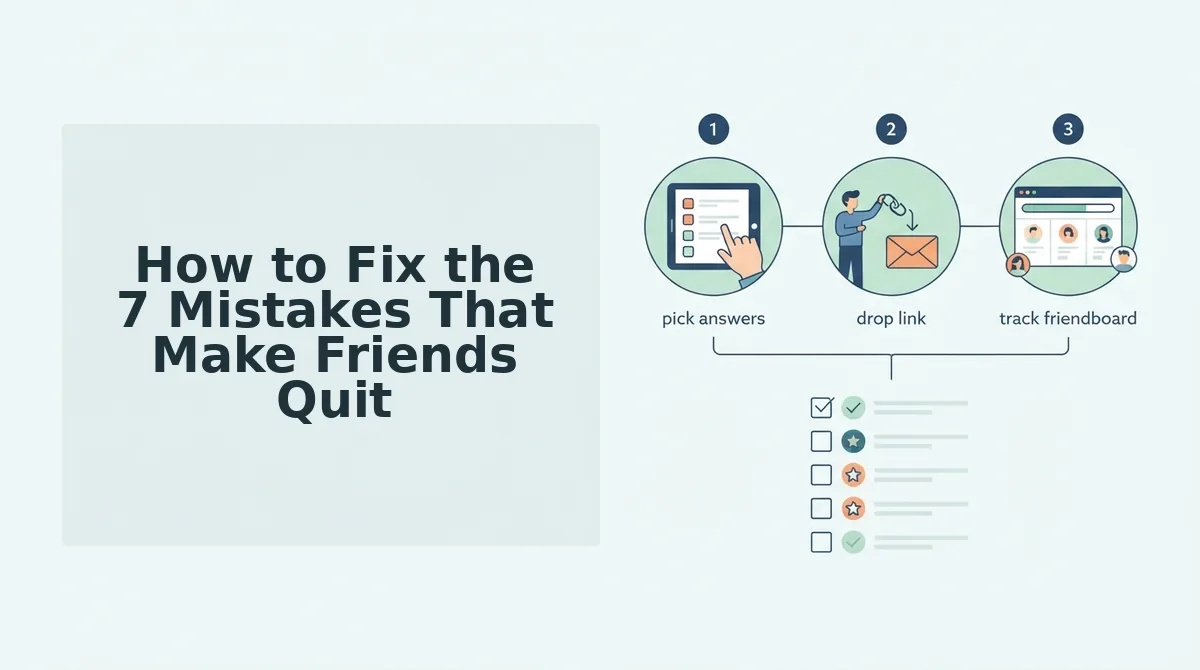
How to Fix the 7 Mistakes That Make Friends Quit
Fix the seven mistakes in order of the stage where they occur: before question one, mid-quiz, then at the finish. You need a phone, your group chat and your quiz link, and the full check takes about 10 minutes.
Before Question One
Remove the sign-up wall (2 minutes). Open your quiz link in a private browser tab. You should see question one immediately, with no form in the way.
A zero-account quiz is a quiz friends can answer without creating a profile, entering an email or logging in.
Do you need an account to answer a friend quiz? No. On a zero-account quiz, friends tap the link and answer in their mobile browser without a profile, email or password. Any account field placed before question one gives friends a reason to quit, so only the creator should need to enter a name.
Skip the app install (1 minute). Tap your link from WhatsApp on your own phone. If you see an install prompt or an app store redirect, switch to a quiz that plays in the mobile browser. You should land on the first question inside the chat.
Here's where it gets worse.
Mid-Quiz
Kill the page reload between questions (3 minutes). Answer three questions in WhatsApp, then repeat in iMessage. You should see each new question appear with no blank white flash.
Why does a friend quiz load slowly in WhatsApp or iMessage? Both apps open links in an in-app browser, which is a simplified browser window that runs inside the chat app, and every full page reload restarts the wait on mobile data. A quiz that reloads after each answer repeats that delay on every question, right when attention drifts back to the chat. A single-flow quiz loads once and swaps questions on the same page, so answers register instantly.
Keep ad banners off the submit button (1 minute). Scroll to each submit button on a small screen. In one competitor example, a banner covered the submit button mid-quiz and the player tapped away. If any ad overlaps a button, the quiz fails this check.
Cut generic or overly long question sets (2 minutes). As an editorial recommendation, keep the quiz to about 10 questions so it takes roughly two minutes to finish.
Pro Tip: Write questions about your personal habits and quirks, not trivia anyone could guess.
If your current quiz fails Steps 1 through 5, try the BFF test with no app download. It is a zero-account, touch-friendly flow: type your name, pick your habits and quirks, and drop the link in the chat.
So what does a finish that keeps players look like?
At the Finish
Add a scoreboard payoff (1 minute). A Friendboard is the live ranking of who scored highest on your quiz. After the last answer, you should see each player's score and rank, which gives the rest of the chat a reason to finish and claim bragging rights.
The reveal is what holds attention. Denis's "My Friends Failed my Friendship Test.." (516,290 views) and GQ's Friendship Quiz series both build to the score, including the Zendaya & Robert Pattinson episode (1,522,442 views). For
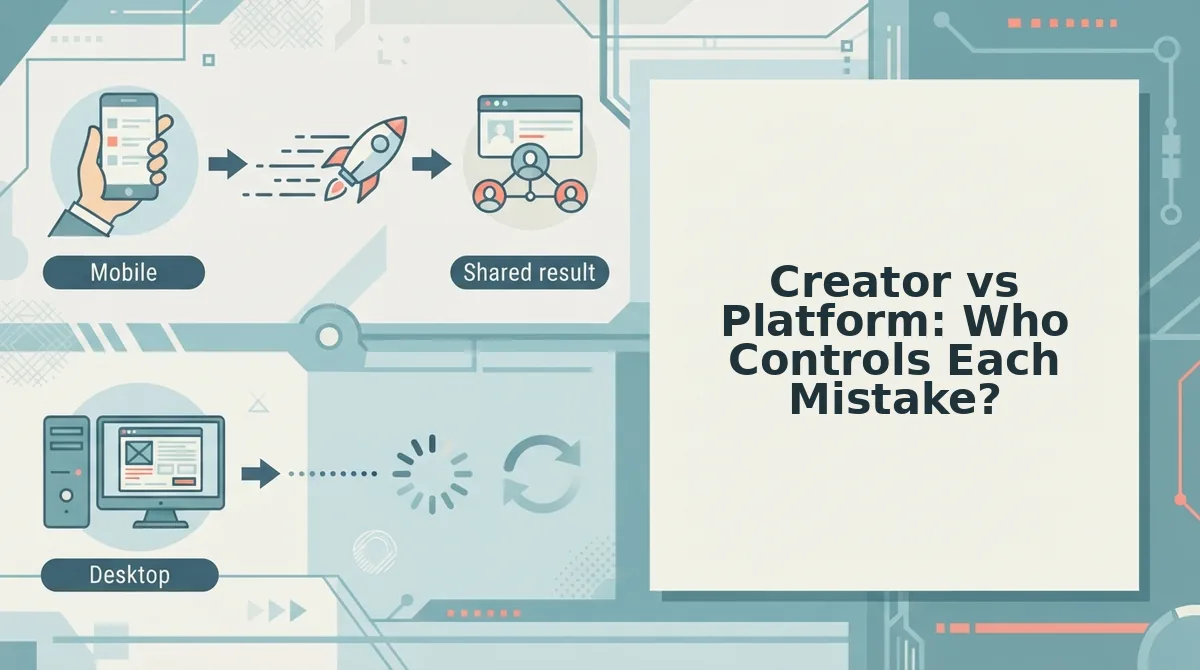
Creator vs Platform: Who Controls Each Mistake?
Creators control the content and the payoff message, and platforms control the friction. Sort each mistake into the correct column before you rewrite a single question.
Creator controls (fix by editing) Platform controls (fix by switching tools) â Question count is short enough to finish in one sitting â No account or email before question one â Questions cover personal quirks, not generic trivia â No app install, opens in the chat browser â The message sent with the link sets up the rivalry â Questions advance without full page reloads â Banners never cover the answer or submit buttons â A Friendboard and a clear answer privacy setting appear at the end Tools built around accounts have real strengths. If you want your quiz history saved across devices or need tight control over who can respond, a login can be worth the extra step.
Best for group chat instigators: a friend quiz without account logins. On Friend Quiz, you enter your name, answer the prompts, and share the link in under two minutes.
Best for anyone with unticked boxes: look at where the empty boxes sit. If most are in the platform column, the fix is switching tools, not rewriting your questions.
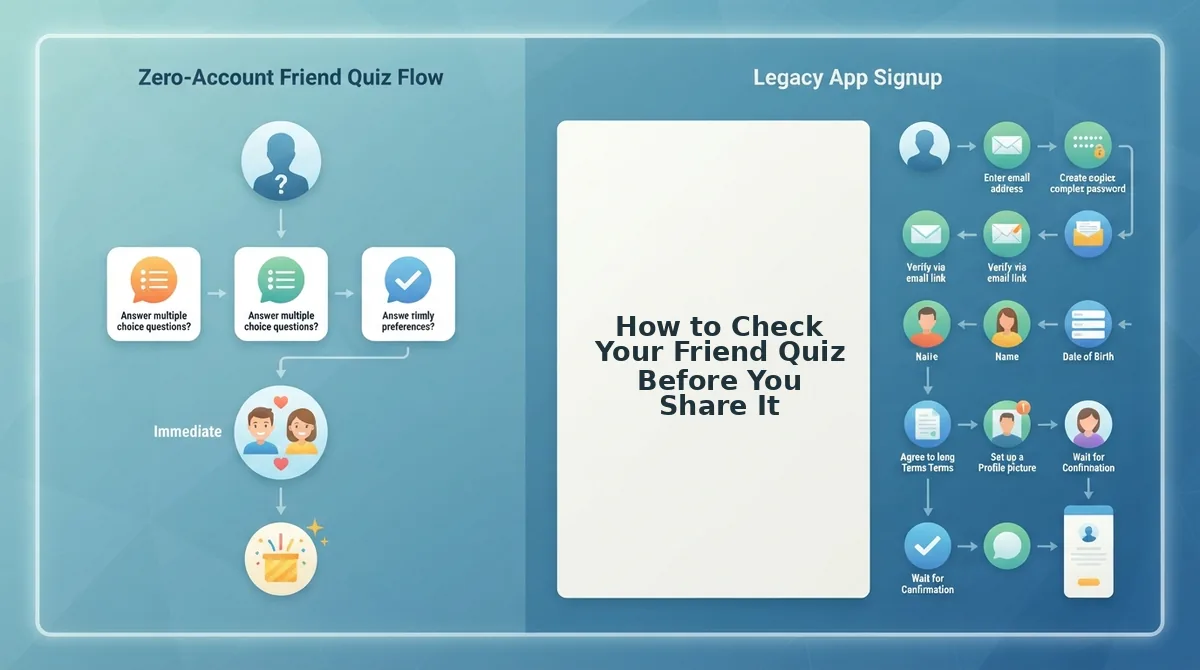
How to Check Your Friend Quiz Before You Share It
Open your own link on your phone and run a five-point yes/no audit before it reaches the group chat. If any answer is "no," go back to the matching fix above before you send the link.
- Does question one load without a sign-up? This guards the first stage of the Bounce Point Map.
- Does it open in the WhatsApp or iMessage browser with no install?
- Do questions advance without a full page reload?
- Is the submit button always visible and clear of banners?
- Do friends see a score and a Friendboard at the end, with clear answer privacy?
This article has no FAQ section because the common questions about accounts, slow loading, question count, and getting the whole chat to play are already answered in the numbered fixes.
The audit also confirms the finding promised at the start. Most friends who quit before question three were not bored by your questions. They were stopped by friction you never saw because you built the quiz and never had to take it.
Your next step: make a best friend quiz and run the five checks. Then drop the link and watch the Friendboard fill up as your friends find out who really knows you best.