How to create a BFF test link without leaving the chat for long
Someone in the group chat just typed "okay but who actually knows me best?" and the replies are already coming in. You have a short window before the thread moves on, so you need to create bff test link quickly and get it back into the chat while everyone is still paying attention.
Most quiz tools kill that momentum. Account walls, email confirmations, and page reloads turn a fun idea into a chore. By the time you return, the chat has moved on to someone's lunch.
Friend Quiz removes that friction. You step out of the chat, type your name, tap through a few personal prompts, and come back with a shareable link in under two minutes. All you need is a phone with a mobile browser. You don't need an account, an email address, or an app.
The format already works. Popular creator "Best Friend Test" videos show how much people enjoy being challenged on what they really know about someone.
Below are the three creation steps, a timing plan that keeps the chat warm, and pasting tips for each app. The last section also covers the one line to send with your link that actually gets replies. To see what your friends will experience, take the BFF test yourself first.
How do you create a BFF test link quickly?
Drop a one-line hook in the chat, such as "quiz incoming, don't leave." Then open Friend Quiz, enter your name, tap through the personal prompts, and copy the generated link. Paste it back into the thread. The whole loop takes under two minutes, with no account or app.
A BFF test link is a shareable URL to a personal trivia quiz that your friends answer in their mobile browser. To make one, you need a phone with a browser and your name. There is nothing to install or sign up for.
- Open the homepage and type your name. Go to create your quiz and enter your name in the "Enter your name" field. This takes a few seconds, and the personal prompts start right away.
- Answer the personal prompts. Tap through the questions about your habits, quirks, likes, and dislikes, and pick the answer that's actually true for you. This step uses most of your two minutes. When you finish, Friend Quiz packages your selections into a personalized challenge.
- Copy the generated link. Copy the quiz link from the final screen. The link is now on your clipboard and ready to paste.
Pro tip: Go straight to the homepage instead of searching for the site. That way the flow begins at "Enter your name" and you skip any detours.
Can you make a BFF test without leaving the chat for long? Yes. Friend Quiz has no account wall, no email step, and no app download, so the whole process takes under two minutes. Post a short hook so the group knows something is coming. Then switch to your mobile browser, enter your name, answer the personal prompts, and copy the link. Switch back and paste it while people are still replying. Friends tap the link and play in their own browsers. Their scores then land on a real-time Friendboard, so the bragging continues in the chat.
| Beat | Do this | Not that |
|---|---|---|
| Hook message | Post "quiz incoming, don't leave" before you switch apps. | Don't vanish silently and hope the chat waits for you. |
| Create | Tap through the prompts with your first honest answer. | Don't agonize over each pick while the thread cools down. |
| Paste plus dare line | Paste the link, then add a challenge right under it. | Don't drop a bare link with no reason to tap. |
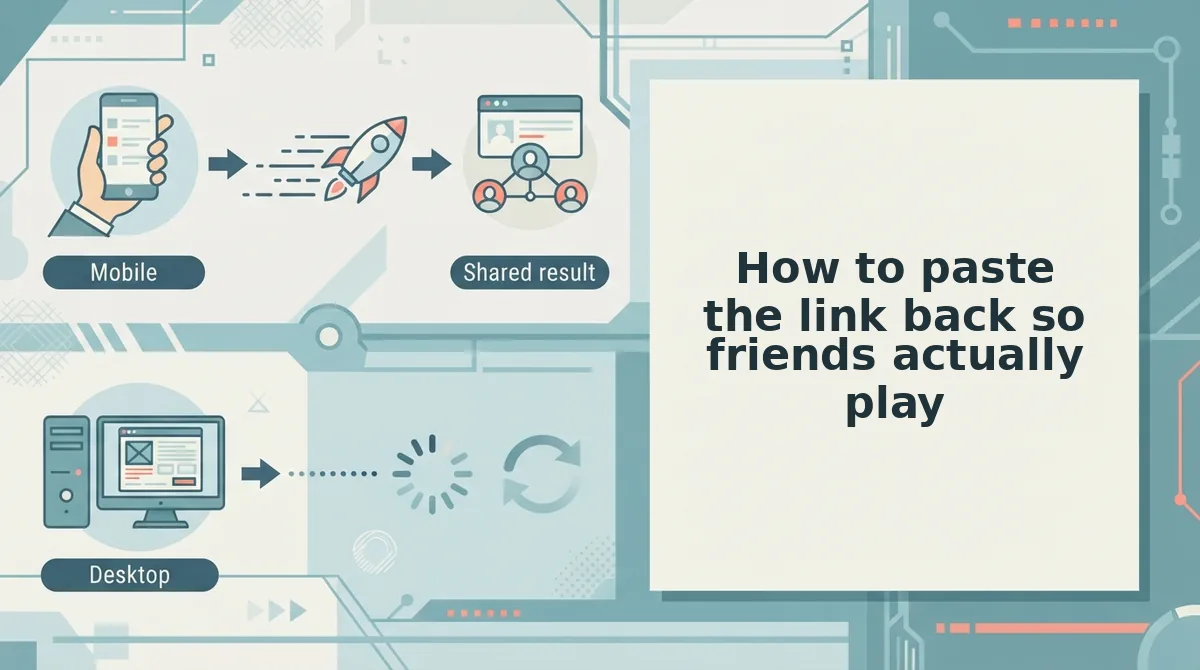
How to paste the link back so friends actually play
Send the link as its own message right after your hook, then put a dare line directly under it. A clean placement and a clear challenge get more taps than a link buried in a wall of text.
- Send the hook first. A short teaser like "quiz incoming" builds curiosity before the link appears. People keep watching the thread instead of drifting off.
- Send the link alone. Paste the link as a standalone message, with nothing else in it. This keeps it from getting lost in a long reply and makes it easy to tap.
- Add the dare line underneath. Follow the link right away with a competitive one-liner. The dare gives everyone a reason to play now instead of later.
Paste the link into the group thread as its own message. Tapping it opens the quiz in the mobile browser, with no download needed.
iMessage
Send the link alone so it stands out in the conversation. Friends tap it and play in their mobile browser.
Snapchat
Drop the link in the group chat right after your hook. It opens in the mobile browser, so nobody needs another app.
Instagram DMs
Paste the link into the group DM and put your dare directly below it. The quiz loads in the mobile browser.
Dare lines that get replies
This is the line that turns a link into a reply. Pick one, or borrow more from the friendship dare quiz.
- The snack stakes: "Lowest score buys snacks next time. No excuses."
- The listening check: "Prove you actually listen when I talk."
- The title defense: "Whoever tops the Friendboard is officially my BFF. Fight for it."
- The callout: "Some of you are about to get exposed. Go."
Once the dare is posted, make sure the link actually works.
How to check your BFF test link worked
No, your friends do not need an app or an account to play. A working link passes two checks: the recipient path is friction-free, and finished scores land on your Friendboard.
Check 1: Audit the recipient path
Tap your own link inside the chat, the same way a friend would. Then compare what you see against this table.
| Friction point | Friend Quiz | Typical legacy quiz maker |
|---|---|---|
| App install | None, opens in the mobile browser | Some push a download |
| Account login | Not required | Often required to save or share |
| Email verification | Not required | Sometimes required before results |
| Page reloads | Built to avoid multi-page form reloads | Multi-page forms are common |
| Ad clutter and popups | Built to avoid intrusive popups. Confirm on your phone. | Varies by site |
| Saved quiz library | Not the focus | A real strength, because accounts keep quizzes across devices |
Best for group chat instigators: Friend Quiz, when you want answers before the conversation moves on. Best for organized collectors: a legacy maker with accounts, if you want a logged-in archive of past quizzes.
Picture a friend tapping your link inside WhatsApp. The quiz opens in their mobile browser, and they start answering without signing up for anything.
Check 2: Confirm scores reach the Friendboard
To know whether your BFF test link is working, watch the Friendboard after the first friend finishes. The Friendboard is the live ranking that shows who scored highest on your quiz. If a new name appears with a score, the whole path works: the link opened, the questions loaded, and the result saved. If nobody shows up after a friend says they finished, have them reopen the original link in their mobile browser rather than a screenshot or a forwarded preview. When scores post while the chat is still reacting, that live climb usually brings in the next round of players.
Your link passes both checks? Send the full best friend quiz to the group and let the rankings do the trash talk.
BFF test link FAQ
These quick answers cover the questions people ask most often before they share.
Does a BFF test link work in iMessage and Snapchat?
Yes. The link opens in the mobile browser, so it works anywhere you can paste a URL, including iMessage, Snapchat, WhatsApp, and Instagram DMs. Your friends tap it, answer the questions, and their score posts to your Friendboard. They do not need to install anything.
How long does it take to set up a BFF test?
Setup takes under two minutes. You type your name on the homepage and tap through prompts about your habits, likes, and dislikes. The platform then turns your picks into a shareable quiz link that you can drop straight back into the chat.
Do friends need an account or email to answer?
No. Friends do not need an account, an email address, or a login to answer your quiz. They open the link, pick their answers, and see their score. Removing these steps keeps the chat moving and gets more friends to actually play.
Is there a different friendship format besides the BFF test?
Yes. For a different spin on testing your crew, try the friendship test. It runs the same way, with a link-based quiz that friends answer in their mobile browser. It works well when you want a new round after everyone has played your BFF test.
Drop the link before the chat goes quiet
A BFF test lands best while the chat still has momentum, not after it goes quiet. The Chat-Momentum Window comes down to three beats: hook the group, create the quiz, then paste the link with a dare.
The rule holds whether your group is huge or tiny. A quiz that friends can answer instantly beats a perfect quiz that shows up an hour late.
Enter your name and drop the link now. Create your quiz, paste it while people are still typing, and let the Friendboard decide who really knows you best.