Friend quiz without account logins for WhatsApp and iMessage
You drop a quiz link in the group chat, and everyone hits a signup screen before question three. The chat moves on.
Quiz links should be instant, and you're right to expect that. A friend quiz without account logins lets friends play with no app, profile, or email. Type your name, answer a few habit prompts, and paste your best friend quiz link into your WhatsApp group.
Key Takeaway: Friends open the link in their mobile browser and answer immediately. You skip signup too and build the quiz in under two minutes.
The best friend test videos from Beta Squad and Quiz N' Chill show the format is fun to watch, but they don't explain how to run one inside a chat. Below you'll find the recipient flow, an Account Wall Map, setup steps, and how the link behaves in WhatsApp and iMessage. You'll also see the one account wall that most "no signup" quizzes still hide.
Do Your Friends Need an Account or an App to Play?
No. Friends tap the shareable link and answer in their mobile web browser, with no app download, profile, or email required. The quiz opens like any web page from WhatsApp or iMessage, and the questions start once they type a name.
A friend quiz link is a shareable custom URL that opens a touch-friendly quiz in the browser. It works like a restaurant's QR code menu: you scan it and order, and nobody asks you to make an account.
What Your Friend Actually Sees
- Tap the link in the group chat.
- The phone's browser opens the quiz page.
- Enter a name so the score lands on the Friendboard.
- Tap answers to each question.
To play, a friend needs only two things: the quiz link and a phone with a web browser, which is the built-in app that already loads pages when you tap a link in WhatsApp or iMessage. There is no profile to fill in, no password to remember, and no verification email to find in an inbox, so the path runs straight from the tap to the first question. Many tool pages promise "no signup" in a single line, but this recipient-side flow is what that promise should actually mean.
Read why we skip signup entirely. Then build your own quiz in under two minutes and send the link.
Where Account Walls Hide in Friend Quizzes
Account walls usually hide on the creator side, not the recipient side. Many quiz tools let friends answer freely but still make the creator log in before the link exists.
An account wall is any step that forces a sign-in, install, or verification before you can create or play. Use this Account Wall Map to check any tool.
| Wall | Creator side | Recipient side | How to spot it |
|---|---|---|---|
| App install | Download before building | "Open in app" prompt | Redirects to an app store |
| Recipient profile | Rare | Sign-up before answering | Form asks for more than a name |
| Email verification | Confirm before sharing | Code before results | "Check your inbox" |
| Creator login | Required to publish | Usually none | Share button locked until sign-in |
| Multi-page reloads | Each step reloads | Each question reloads | Screen flashes between questions |
| Ad banners covering submit | Banner over publish | Banner over answer button | Tapping submit opens an ad |
Creator logins have a real upside because they let you save and edit quizzes across devices. Login-based tools suit planners who manage many quizzes. No-login tools like Friend Quiz suit group chat instigators who want a link out fast.
Every redirect out of WhatsApp or iMessage gives the chat a chance to move on. Players drop off because they have to leave the conversation, not because the form is hard.
The next section shows how to avoid every one of these walls.
How to Make and Send a Friend Quiz Without an Account
To make a friend quiz without an account, open friendquiz.org in your phone's browser, type your name, answer the habit prompts, copy your shareable link, and paste it into your WhatsApp or iMessage group with a one-line challenge. The whole flow takes under two minutes, and no step asks for an email or login.
What you need: a phone with a mobile browser and an open group chat. You do not need an app, an email address, or a password.
- Type your name on the homepage. Enter it in the name field and tap to start, which takes about 10 seconds. The first habit prompt should load right away, with no sign-up screen before it.
- Answer the habit prompts. Pick your real answers about your daily habits, quirks, likes, and dislikes, which takes about a minute. Each answer should move you straight to the next prompt.
- Copy the shareable link. Tap the copy option on the finish screen. Your personalized quiz link should be on your clipboard, ready to paste.
- Paste it with a one-line challenge. Open your group chat, paste the link, and add a send line such as: "Think you know me? Prove it before anyone else does." A link preview should appear above your message. For more openers, see what to write before you drop the link.
- Watch answers arrive. Friends tap the link and play in their browser. Their scores should start showing up as each person finishes.
Worked example: You enter your name, answer the prompts, and paste the link into an iMessage group in under two minutes. You never create a login at any point.
Ready to get the chat going? Start your friend quiz now. If you want a different format, try the BFF test instead.
How the Quiz Link Opens in WhatsApp, iMessage, and Snapchat
In all three apps, friends tap the quiz link and it loads in a browser. There is no app store step and no login.
Friends open a friend quiz link by tapping it inside the chat where it was shared. The quiz loads in a web browser, so there is nothing to install and no account to create. That browser can be the chat app's in-app browser or the phone's default browser. An in-app browser is a lightweight web view built into apps like WhatsApp or Snapchat, and it opens links without leaving the chat. In-app browsers can behave differently from default browsers depending on the app version and settings. If a page looks off, friends can use the menu to open the link in their main browser, such as Safari or Chrome.
- On tap: A link preview appears in the chat. Tapping it opens the quiz in both groups and direct chats.
- Browser: It may open in an in-app view or in the default browser. This depends on the phone and its settings.
- Tip: Send the Friendship Dare link as a viral variant. It pulls more of the group into the game.
iMessage
- On tap: Friends tap the preview and the quiz loads. There is no App Store step.
- Browser: Links usually open in the default browser. Friends land directly on the quiz.
- Tip: Post the link once in the group thread rather than to each person. Learn how to share quizzes in group chats.
Snapchat
- On tap: You can paste the link in a chat or attach it to a snap. Friends tap it to open the quiz.
- Browser: It typically opens in Snapchat's in-app view. Friends can play there without leaving the app.
- Tip: If anything stalls, switch to the main browser. Use the in-app view's menu to make the switch.
How to Check It Worked With the Tap-to-Question-One Audit
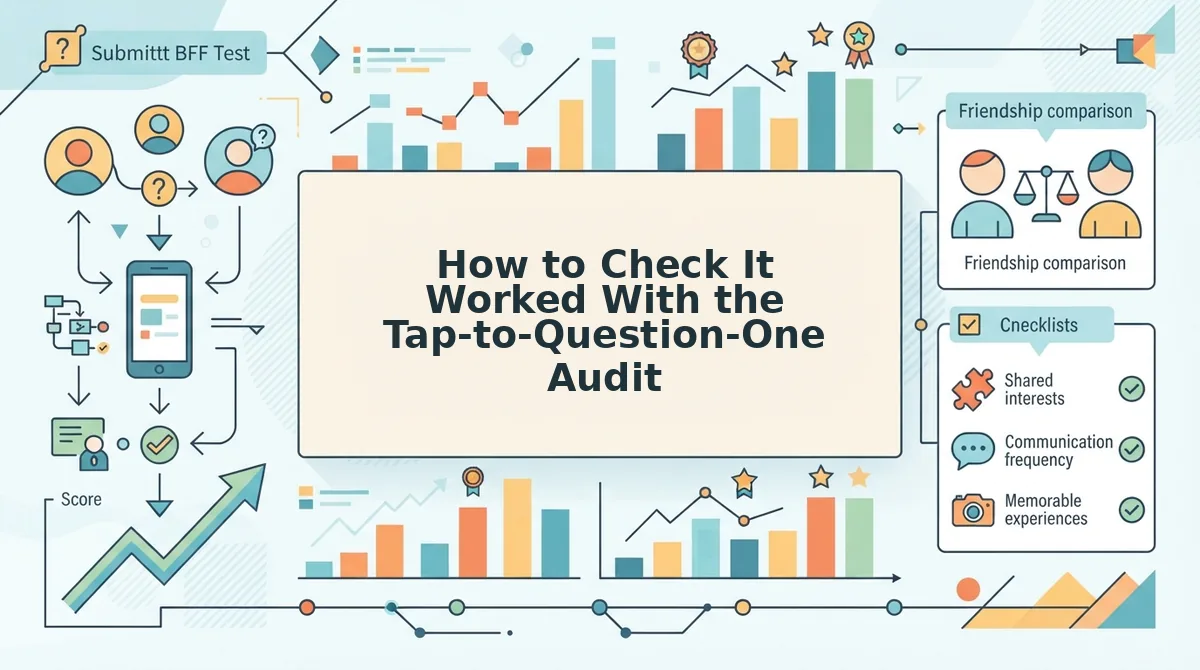
The Tap-to-Question-One audit counts every screen, tap, and form between opening a link and seeing the first question. Any login prompt, app store redirect, or email field counts as a fail.
What you need: your quiz link, plus a second phone or a private browser tab. The audit takes about three minutes.
- Send the link to yourself. Paste it into a chat on a second phone, or open it in a private tab. You should see the link preview or the quiz page load.
- Count the recipient steps. Tap the link and log each screen until question one appears. On Friend Quiz, the steps are: open link, enter name, first question. This passes because there is no account step.
- Count the creator steps. Open the homepage in a fresh private tab and log each screen until the first prompt appears. On Friend Quiz, the steps are: type name, first prompt. This also passes.
- Check for fail signals. Compare both columns against the table below. Any fail signal means you should fix the problem before you share the link.
| Check | Creator | Recipient |
|---|---|---|
| Steps to question one | 2 (name, first prompt) | 3 (open link, name, first question) |
| Fail signals | Login prompt, app install redirect, email verification, reload between questions, ad covering submit | |
This audit shows why mobile browser quizzes beat app downloads. Once the link passes, the next question is where everyone's scores end up.
How Scores Show on the Friendboard Without Logins
Scores appear on the Friendboard automatically, with no accounts involved. Each friend enters a name, answers your questions, and gets scored against your answers.
A Friendboard is the real-time leaderboard that ranks everyone who takes your quiz by how closely they matched your answers.
It works like a bowling alley scoreboard. You type a name at the lane, play, and your score appears beside it, with no membership required.
No login is needed because the quiz link itself connects each answer to your quiz. In iMessage, you paste the link into the group thread, and friends tap it and answer. The Friendboard then updates with each name and score as that friend finishes.
Trust note: anyone holding the link can play, so share it only with your intended group. Names appearing on the Friendboard are your final sign that the quiz is live.
Friend Quiz Without Account FAQ
These answers cover cost, phone compatibility, forwarded links, and player names.
Is Friend Quiz free to create and play?
Yes, Friend Quiz is free for the creator and every friend who plays. There is no payment step, subscription, or account sign-up. Friends go straight from tapping the link to answering the first question in their mobile browser.
Does the friend quiz work on both Android and iPhone?
Yes, it works on both because the quiz runs in any mobile web browser, not a native app. Android friends in WhatsApp and iPhone friends in iMessage open the same link and answer the same questions.
What happens if someone forwards the quiz link outside the group?
Anyone who receives a forwarded link can play, and their score lands on your Friendboard. The link is the only key, so share it in chats you trust rather than posting it publicly.
What name should friends type before playing?
Friends should type a name the group recognizes, because that exact name appears beside their score on your Friendboard. A clear first name or familiar nickname makes the bragging rights obvious and avoids confusing duplicate entries.
Send Your No-Login Quiz Link Now
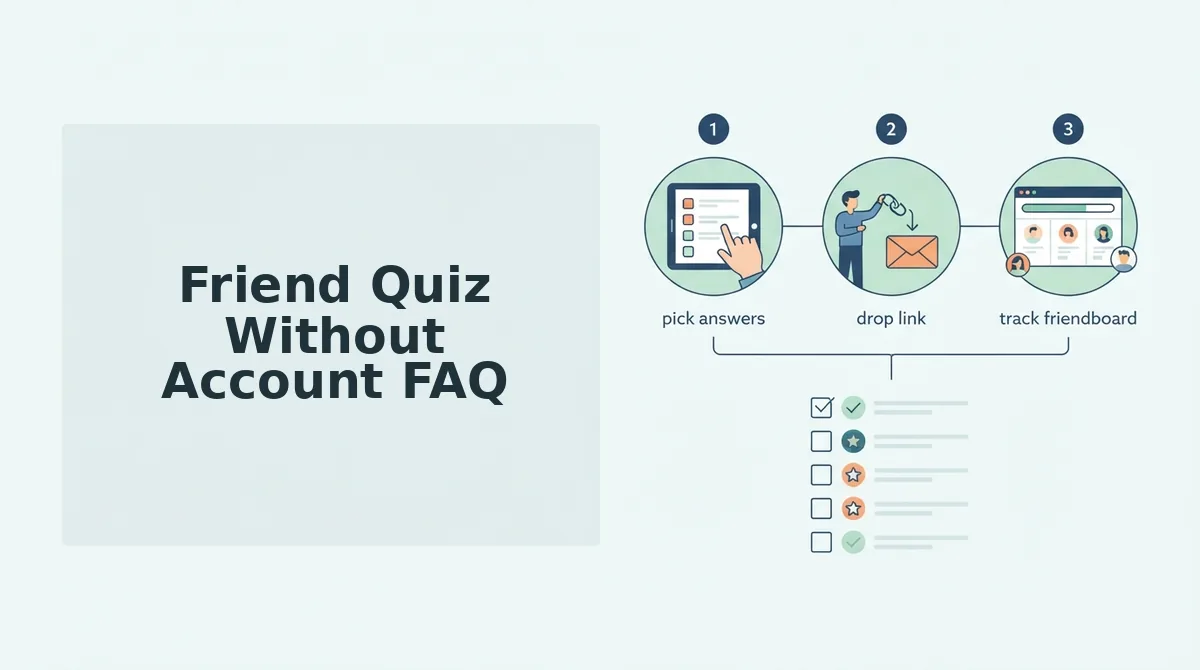
Your quiz is ready to send as soon as you finish your answers. The setup takes three steps: enter your name, answer the prompts, and share the link. With no account wall, nothing stands between a friend's tap and the first question.
- Run the tap audit on your own phone before you post.
- Pick the chat app your group uses most, such as WhatsApp or iMessage.
- Post the link with a challenge line like "Bet nobody here knows me."
Create a best friend quiz now and send the link before the chat goes quiet. The first name on your Friendboard starts the rivalry.