How to make a friend quiz in under two minutes on any phone
Your group chat has been silent for three days, and the last message is a meme nobody reacted to. Knowing how to make a friend quiz is the fastest fix, but most quiz tools stall the fun with account walls, email checks, and pages that reload mid-question.
You don't need any of that. This guide shows you how to get a shareable quiz link in under two minutes. The only prerequisites are a phone, any mobile browser, and your name. You need no account, no email, and no app download.
The whole flow is simple: type your name on the homepage, answer the prompts, and drop your custom link into your WhatsApp group.
A friend quiz takes under two minutes to build and share. It runs in any mobile browser with zero sign-up. Your question mix decides whether the chat erupts or stalls.
Below, you'll find the three-step creation flow, then the one prompt mix that keeps scores close.
How Do I Make a Friend Quiz on My Phone?
You make a friend quiz on your phone in three steps, and the process takes under two minutes. You won't see any forms, email checks, or onboarding screens.
- Type your name on the Friend Quiz homepage.
- Cycle through the prompts about your habits, quirks, likes, and dislikes.
- Copy your custom quiz URL and paste it into any group chat.
Before you start, open any mobile browser on your phone, such as Safari or Chrome. That browser is the only tool you need.
To make a friend quiz on your phone in under two minutes, open friendquiz.org in your mobile browser and type your name on the homepage. The platform skips sign-up forms, email verification, and onboarding screens, so you go straight to the questions. Next, cycle through the personal trivia prompts and pick the answers that describe your daily habits, quirks, likes, and dislikes. When you finish the last prompt, the platform packages your answers into a personalized quiz and gives you a custom link. Copy that link and paste it into WhatsApp, iMessage, or Snapchat, and your friends can answer the quiz instantly in their own mobile browsers.
Step 1: Type your name
Tap the name field on the homepage and type your name. This takes about 10 seconds. The first trivia prompt should appear right away, with no account screen in between.
Step 2: Cycle through the prompts
Tap your answer for each prompt about your habits, quirks, likes, and dislikes. Plan on roughly 60 to 90 seconds for this step. You'll know you're done when your personalized quiz link appears.
Step 3: Copy your custom quiz link
Copy the custom URL and paste it into your group chat. This takes about 15 seconds. Friends tap the link and play in their browser without downloading anything.
Ready to try it? Make a friend quiz now, then watch the real-time Friendboard rank who knows you best as friends finish.
What Makes a Good Friend Quiz Question?
A good friend quiz question is one that some friends get right and others miss. Mixing easy, medium, and insider prompts spreads scores out, and that spread fuels banter and bragging rights.
The Guessability Ladder is a way to sort quiz prompts by how many people in your circle could answer them correctly. Think of it like a video game with easy, normal, and hard levels. A game with only hard levels makes everyone quit.
| Tier | Example prompt type | Who gets it right | Effect on scores |
|---|---|---|---|
| 1. Anyone knows | Favorite food | Most people in the chat | Gives everyone a few points to start |
| 2. Close friends know | A weird habit | Your inner circle | Separates casual friends from close ones |
| 3. Only the group chat knows | An inside-joke quirk | The few who were there | Crowns the true best friend |
Start simple. Tier 1 prompts warm players up so nobody feels shut out on the first question.
Next, add Tier 2 prompts. These questions reward people who pay attention to you, which is where rivalries begin.
Finally, include a few Tier 3 prompts. They act as tiebreakers and give the winner something to brag about on the Friendboard.
Harder is not better. If every prompt is obscure, everyone scores close to zero, nobody has bragging rights, and the chat goes quiet again. A score only sparks banter when it can be compared, and a board full of zeros gives friends nothing to compare.
Pro tip: Pick prompts from all three tiers so scores spread across the range instead of clustering at the top or the bottom. Close but different scores are what keep friends arguing and retaking the quiz.
Once your prompts are balanced, the next step is getting the link in front of the right crowd.
How Do I Share My Quiz Link in a Group Chat?
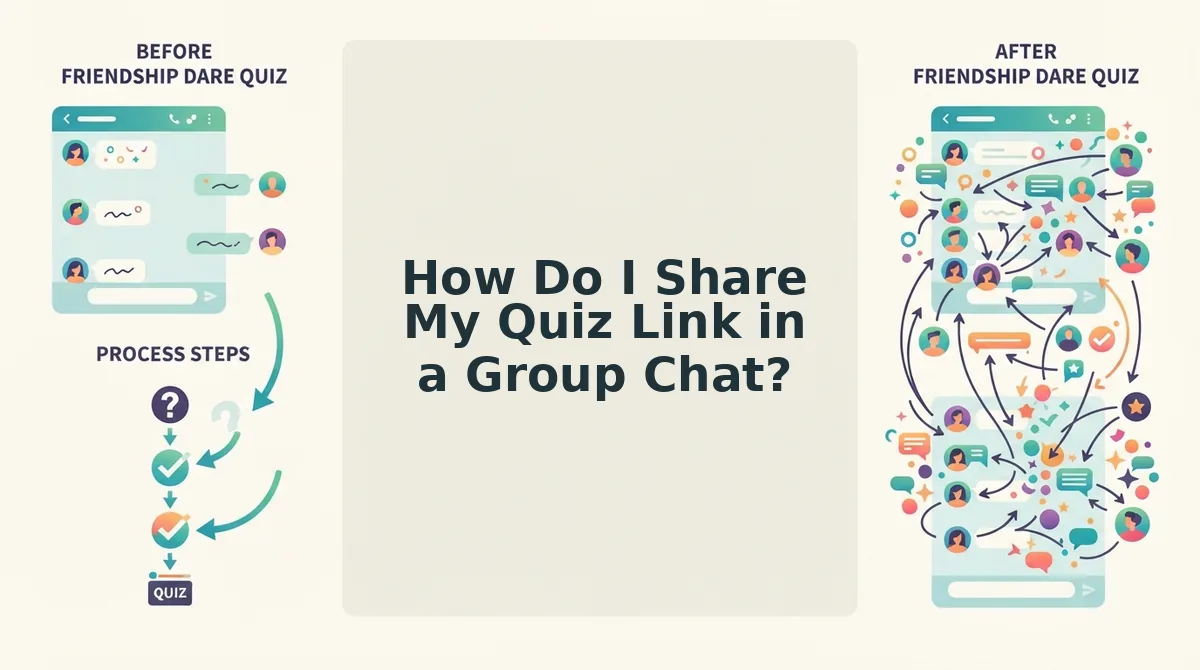
Copy your quiz link, paste it into WhatsApp, iMessage, or Snapchat, and send it with a one-line teaser. Friends tap it, the quiz opens in their mobile browser, and they answer with no account, profile, or app download.
Before you start: you need the link generated when you finished creating your quiz and your group chat app open on your phone. Sharing takes about 30 seconds.
- Tap the copy button beside your quiz link (5 seconds). Your phone should briefly confirm that the link is copied.
- Open your group chat in WhatsApp, iMessage, or Snapchat (5 seconds). You should see the message box ready for typing.
- Type a short teaser line, such as "Bet none of you get 8/10," then long-press the message box and select Paste (10 seconds). The link should appear under your teaser.
- Tap Send (2 seconds). The link should post to the chat for everyone to see.
Worked example: Maya drops her best friend quiz into a group of five. Each friend taps the link, it opens in Safari or Chrome, they type their name, and they start answering. Nobody signs up for anything.
Solo or side by side?
- Solo in the chat: pick this for async banter, when friends answer on their own time and trash-talk the results later.
- Side by side: pick this for live reactions. Many quiz videos call this format "better done with your friend" because you see every wrong guess happen.
For more teaser lines and timing ideas, see our guide on how to share a quiz link in a group chat. Then build your quiz and send the link while the chat is still active.
Why Do Some Friend Quizzes Die Before Question Three?
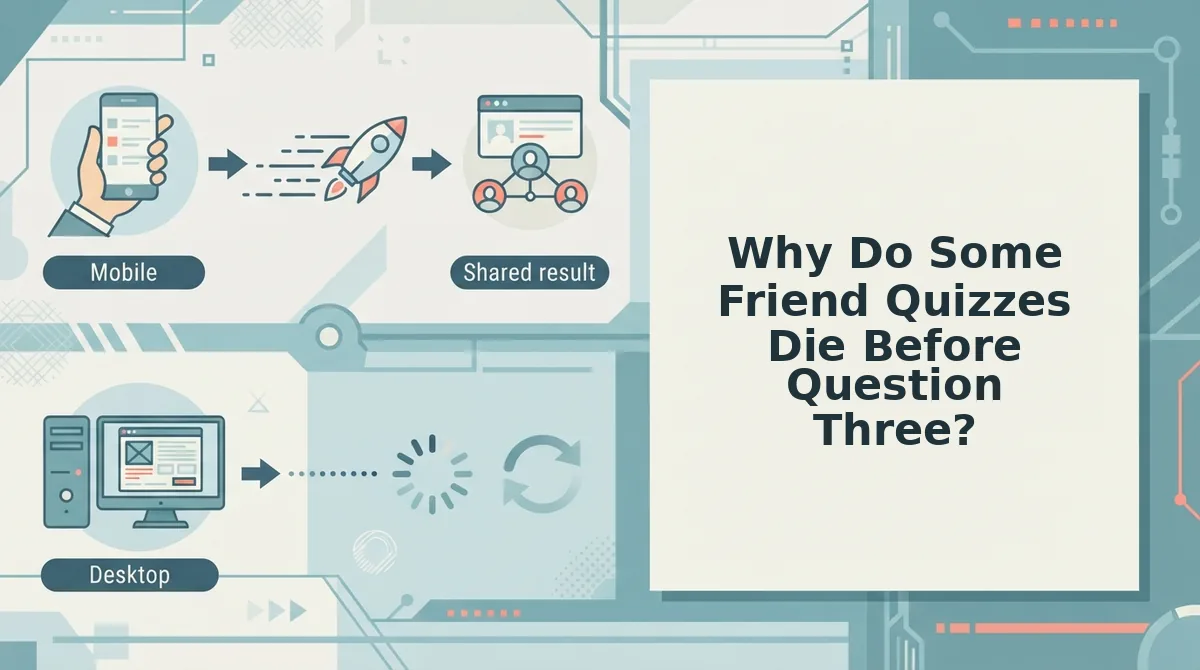
Most friend quizzes fail because of friction, not because the questions are bad. Account walls, ad clutter, and multi-page reloads give friends an easy reason to quit before they reach question three.
| Friction point | What it does to the chat | How the Friend Quiz flow avoids it |
|---|---|---|
| Account walls | Friends close the tab instead of signing up | No account, email, or app is needed |
| Ad clutter and popups | Answers get buried under interruptions | Mobile-first screens built around the questions |
| Multi-page reloads | Every wait gives friends a chance to drift away | A single shareable link with no form reloads |
| Lost momentum | The group goes quiet before question three | Fast answering keeps the banter flowing |
Why does friction kill group chat quizzes? A group chat quiz runs on momentum. When you drop a link, attention peaks in the first few minutes while everyone is still looking at the thread. If a friend taps the link and hits a sign-up screen, a popup, or a slow page reload, the quiz now competes with every other notification on their phone. One person dropping out also lowers the stakes for everyone else. A zero-account, single-link flow removes those exit points, so friends reach the questions while the teaser is still fresh.
Best for: Account-based quiz platforms suit users who want saved profiles and long-term history. Friend Quiz suits group chat instigators who want instant, no-login play.
How Do I Know It Worked? Checking Scores and Friendboards
Your quiz worked when friends' scores start arriving and their names appear on your Friendboard. The scores show who knows you best, and the live ranking tracks bragging rights.
A Friendboard is a real-time leaderboard that ranks each friend by how many of your answers they guessed correctly.
Simple: Check each friend's score as they finish. A high score means that friend really knows your habits, quirks, likes, and dislikes.
Intermediate: Watch the Friendboard update as more friends play. Think of it like the high-score screen on an arcade machine. Every new entry can bump someone out of first place.
Advanced: This is where the Guessability Ladder pays off. A quiz with mixed-tier questions produces close scores, and close scores make the ranking worth fighting over. If everyone gets 10/10, nobody has anything to brag about.
Want higher stakes? Try the Friendship Dare quiz, a challenge variant where a low score comes with a consequence.
But what happens if a friend taps the link and nothing loads?
What If My Quiz Link Won't Open?
Most broken quiz links come from a clipped URL or an in-app browser, and copying the full link into your phone's browser usually fixes it. Match the problem below to its one-line fix.
- The link won't open. Copy the full URL and paste it straight into Safari or Chrome. Chat apps sometimes open links in a limited built-in viewer, and a regular browser skips that layer. For example, a friend taps the link in WhatsApp, gets a blank screen, pastes the full URL into the browser instead, and the quiz loads.
- The preview isn't showing. Send the link anyway, because a missing preview card doesn't mean the link is broken. Some chats only build previews for certain links or after a short delay. Add a line like "tap this" so friends know to open it.
- A friend can't find the quiz. Resend the link as plain text in a fresh message. Links get buried fast in busy group chats, and a new message puts the quiz at the bottom of the thread again. Before sending, run through the quiz setup checklist to confirm you copied the complete link.
Make Your Friend Quiz and Send the Link
A friend quiz takes three steps: enter your name, answer a mix of easy, medium, and deep-cut prompts, and drop one link in the chat. The two-minute promise from the intro depends on that order. Picking good prompts matters more than speed, and one well-timed link gets more answers than any number of reminders.
Your next step is to enter your name and send the link. If your crew would rather test a single best friend, try the BFF test as an alternate format. Every score that lands on your Friendboard settles another debate about who knows you best.