Quick BFF Quiz Setup Checklist to Launch in Seconds
You just dropped a quiz link into the group chat, and three friends reply "it's broken" before you can even type "wait, try refreshing." Momentum dies, the banter never starts, and your carefully crafted questions sit unanswered. That friction is exactly why most friendship quizzes flop before the first answer lands, and why a best friend quiz needs a quick bff quiz setup checklist to launch in seconds, not minutes.
You're not wrong to want speed. Buddy Meter buries quizzes under ad clutter, QuizYourFriends gates everything behind account walls, and multi-page reloads kill the group chat vibe. Meanwhile, demand is real: Quiz N' Chill's BFF Friendship Test has racked up 325,295 views on YouTube, proving people crave this format when it loads instantly.
Here's the promise: follow three checks, name, prompts, link preview, and you'll go from idea to shareable link in under 90 seconds, no account required. Stick around for the surprising reason most "wrong answers" aren't your friends' fault; it's a setup mistake you can eliminate before anyone clicks.
Check 1: Enter Your Name Correctly
Your name is the identity anchor every friend answers against, if it's misspelled, abbreviated inconsistently, or replaced with a nickname nobody uses, answer accuracy drops before the first question loads.
Friends answer questions about the name they see on screen. A wrong name leads to wrong answers, because your friends mentally match each prompt to the person they think created the quiz. If you type "Sam" but your group chat knows you as "Sammy," every answer gets filtered through the wrong identity lens.
- Open the Friend Quiz homepage on your phone, no account or email needed, so skip any signup prompts entirely.
- Type your full first name exactly as your friends know you in the name field. Use the version your group chat actually uses, not your legal name. You should see the name appear in the preview instantly.
- Check capitalization and spelling before moving on. A lowercase "alex" reads differently than "Alex" in a quiz header.
- Run the test-it-on-yourself protocol: open your own quiz link in an incognito or private browser tab before sharing. You should see your name displayed exactly as intended on the first screen.
This self-test takes under 10 seconds and catches the most common setup failure: a name that looks right to you but renders oddly on someone else's device. If the name looks correct in incognito mode, your identity anchor is set and you can move to prompt selection with confidence.
Check 2: Pick Prompts Friends Can Actually Answer
The right prompt set balances depth against attention span: aim for 8-12 questions that mix specific shared memories with personality traits your friends genuinely know.
Quiz N' Chill's BFF Friendship Test uses roughly 10 questions and holds viewer attention through the full video, a strong signal that 8-12 prompts is the sweet spot for a bff test that friends finish instead of abandoning mid-scroll.
- Stick to the 8-12 question sweet spot. Fewer than 8 feels shallow and doesn't separate real friends from casual acquaintances. More than 12 tests chat attention spans, and drop-off rates climb fast on mobile screens.
- Apply the specificity rule to every prompt. Avoid generic questions like "what's my favorite color", replace them with shared-memory prompts like "what did I order last time we got takeout." Specific questions reward friends who were actually present, which is the entire point of the quiz.
- Mix observable habits with inside jokes. Include prompts about daily routines (coffee order, gym schedule) alongside one or two callback moments only your inner circle would know. This creates score separation between close friends and acquaintances.
- Avoid prompts with ambiguous answers. If two answers could both be defensible, friends will argue with the quiz instead of laughing at it. Each prompt should have one clearly correct answer in your own mind.
- Test each prompt against the "would they know this?" bar. If you can't picture at least one specific friend confidently answering, cut it. A quiz full of unanswerable prompts reads as a trap, not a game.
Once your prompts pass the specificity and answerability checks, you're ready to generate the link and preview the full experience before it hits the group chat.
Check 3: Generate the Link and Preview It
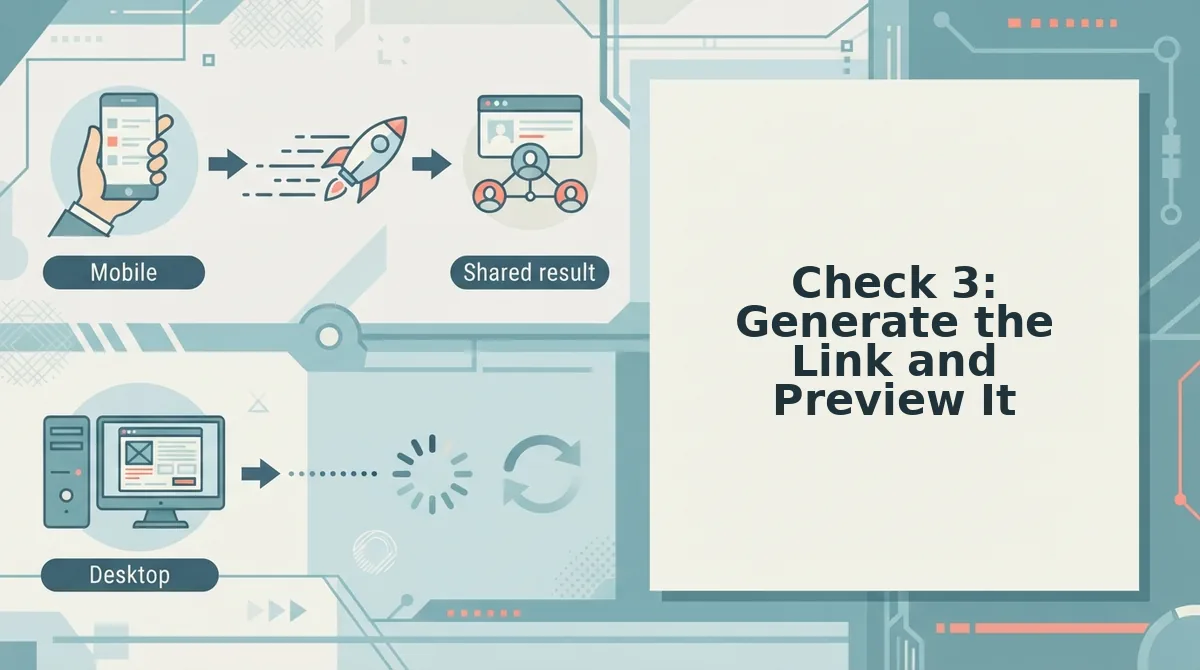
Generating your quiz link takes under 10 seconds on Friend Quiz, no account, no email, no app download required. Follow these steps to create and verify your link before it reaches the group chat.
Prerequisites: You've completed your name entry and prompt selection on friendquiz.org.
- Tap the Generate button on the final prompt screen. The button appears after your last answer. You should see a loading spinner for about 2 seconds, followed by a confirmation screen with your unique quiz URL.
- Tap Copy Link to save the URL to your clipboard. Your phone should show a "Link copied" toast notification. This URL is permanent and reusable across multiple group chats.
- Open the link yourself in an incognito or private browser tab. This simulates what friends see without your cached session. You should see the quiz load in under 3 seconds on mobile data.
- Answer the first question as a test submission. You should see your score appear immediately after the final answer, confirming the flow works end-to-end.
This incognito test catches broken flows before 20 friends see them. Contrast this with Google Forms, which requires a multi-step setup wizard, Kevin Stratvert's tutorial runs over 15 minutes just to configure sharing permissions. Friend Quiz's zero-account mobile flow follows the 3-second rule: every second of setup friction costs roughly 30% of group chat participants. If your link doesn't open instantly, regenerate it before sharing. For a full walkthrough, see how to make a friend quiz on mobile.
Check 4: Confirm Answer Privacy and Score Tracking
Answer privacy on Friend Quiz is the system that lets friends submit responses without creating accounts, entering emails, or downloading an app, their scores appear instantly while their personal data stays off the platform.
Think of it like a pickup basketball game at a park: everyone plays, the scoreboard updates in real time, but nobody has to register with a league or hand over an ID to join. That's the privacy model at work.
What friends see when they answer: After submitting the final question, each friend sees their own score immediately. They also see the leaderboard, Friend Quiz's real-time Friendboard feature, which ranks everyone who has completed the quiz so far. No names beyond what friends choose to enter, no email collection, no app install prompts.
Why this keeps group chats playful: When scores appear as bragging rights rather than data collection, friends compete freely. The Friendboard updates live as each person submits, creating a rolling scoreboard inside the chat thread. This resolves the setup question from the start of this checklist: you can share one link knowing every friend gets the same frictionless, private experience. If you want to track who's winning across multiple quizzes, the Friendboard on Friend Quiz handles that without requiring logins from anyone involved.
Check 5: Write a Share Message That Gets Clicks
A share message decides whether your quiz gets opened or ignored. Use these templates to frame scores as bragging rights, not judgment, and keep the tone playful across every platform.
- WhatsApp, "I made a quiz about myself. Let's see who actually knows me." This works because it issues a soft challenge without pressure. The phrase "actually knows me" triggers competitive curiosity in group chats where friends already banter.
- iMessage, "3 questions. No studying allowed. Prove you're my best friend." This works because the short question count lowers the perceived time commitment. The "no studying" line signals it's fun, not a test, which keeps the tone light.
- Snapchat, "Just made a BFF quiz. Only real ones will score above 7." This works because a specific score threshold creates a clear goal. Framing it as "real ones" turns the quiz into a badge of honor rather than an evaluation.
- Group chat follow-up, "Current leader: Sarah with 9/10. Someone beat her." This works because naming a current leader adds urgency and stakes. It converts passive readers into active participants who want to reclaim the top spot.
For more on why certain messages spread faster than others, read what makes a friend quiz go viral. Once your message is ready, it's time to send it and watch the Friendboard light up.
Check 6: Send It and Watch the Friendboard
A Friendboard is a real-time leaderboard that updates scores the moment each friend submits their answers, no refresh required.
Think of it like a live sports ticker for your friendship group, every answer lands like a shot on goal, and the scoreboard shifts instantly.
Start simple: drop the link into one group chat and watch the first few scores roll in. Intermediate move: screenshot the Friendboard mid-game and post it back to the chat to bait the friends who haven't answered yet. Advanced play: call out the current leader by name and dare the rest to knock them off the top spot.
Real-time score tracking lets you celebrate, banter, and rematch as scores come in, no waiting for a final tally. Friendboard rankings create bragging rights without app downloads, which is exactly why a friendship test lands harder than a static quiz link. The moment someone drops to second place, the rematch request writes itself.
Check 7: Troubleshoot Before You Blame the Quiz
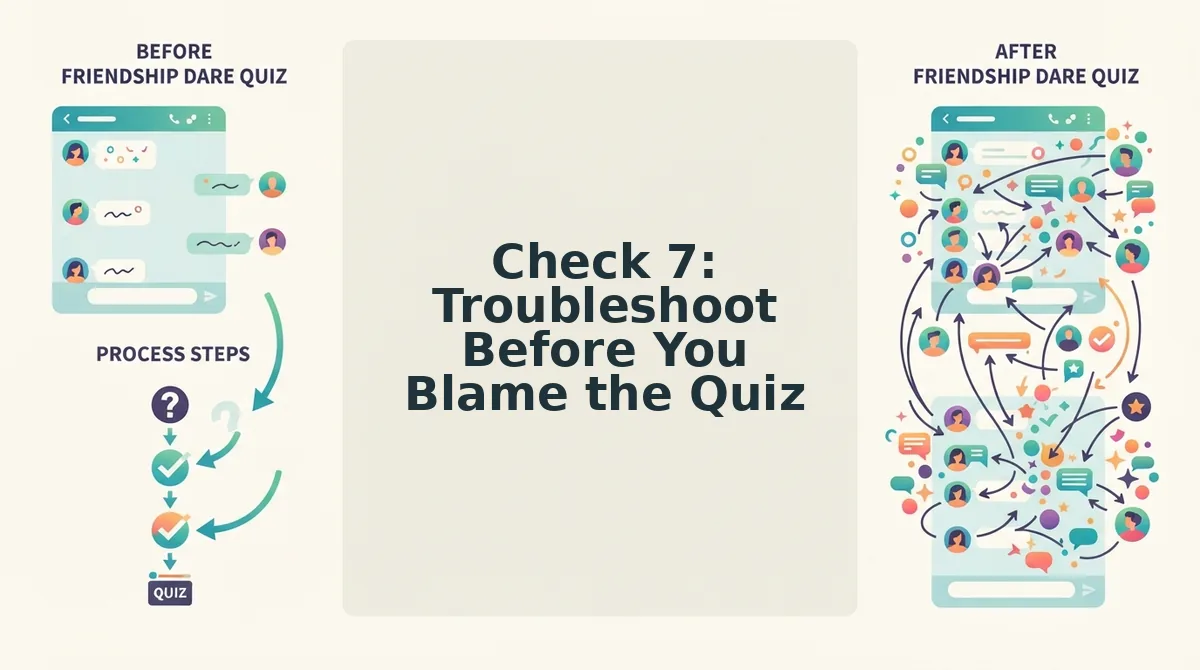
Most launch failures are device-side, not quiz-side. Before you rebuild anything, run through this four-row checklist.
| Symptom | Likely cause | One-line fix |
|---|---|---|
| Link won't open | App preview browser blocking redirect | Tap "Open in browser" or paste the link into Chrome or Safari |
| Blank screen | Stale cached page | Clear cache or open in a private/incognito tab |
| Score not updating | Friendboard not refreshed | Pull down to refresh or reopen the link |
| Wrong name showing | Typo at creation | Edit your name and resend the same link |
Best for group-chat launchers: Friend Quiz, because the Friendboard updates without app installs. Best for classroom or workplace settings: any quiz tool with a shareable link, though most require accounts. Best for solo diagnostics: the what to fix before you send a friend quiz link guide covers pre-send checks competitors don't offer.
If the link opens on your phone but not a friend's, the issue is almost always their in-app browser. Ask them to long-press the link and choose "Open in browser", that single step resolves most blank-screen reports.
FAQ: Quick BFF Quiz Setup Questions
Do my friends need to download an app to take my BFF quiz?
No. Friend Quiz runs entirely in mobile browsers with zero account creation, zero email entry, and zero app installs. Friends tap your link, answer the prompts, and see their score instantly, nothing to download or sign up for.
How many questions before a BFF quiz gets boring?
8-12 prompts keeps chat momentum without dragging. Fewer than 8 feels too easy to game; more than 12 risks friends abandoning mid-quiz. Friend Quiz's prompt flow is built around that sweet spot.
What if my friend gets a low score?
Frame it as bragging rights, not judgment. A low score is a rematch invitation, "You got 4 out of 10, run it back", not a verdict on the friendship. The best group chats treat low scores as comedy material, not conflict.
Can I see who answered my quiz?
Yes. The Friendboard shows real-time rankings as each friend submits, so you can see who answered, what they scored, and who's currently leading without refreshing or checking individually.
For a deeper look at quiz tools that skip the sign-up wall entirely, see our roundup of ad-free friend quiz makers. Ready to put the checklist to work? Launch your BFF quiz in 90 seconds.
Launch Your BFF Quiz in 90 Seconds
All seven checks take under 15 seconds each, that's 90 seconds total from blank screen to shareable link. No account, no email, no app download. The sequence is simple: name, prompts, link, privacy, message, send, troubleshoot.
Here's the pattern interrupt: most people spend more time choosing a group chat sticker than launching a quiz. You now have a repeatable sequence that beats that.
- Run the seven checks in order, once.
- Share the link in your group chat.
- Watch the Friendboard update as answers roll in.
The open loop from the intro closes here: the fastest way to launch isn't skipping checks, it's running them as one fluid motion. Each check compounds the next, so a 90-second pass eliminates the 10-minute troubleshooting spiral later.
Your next step: open friend quiz and run the sequence right now. Then send this checklist to whoever always overcomplicates group plans.
A quiz that takes 90 seconds to launch beats one that takes 90 minutes to fix.