What Makes a Friend Quiz Go Viral in Group Chats
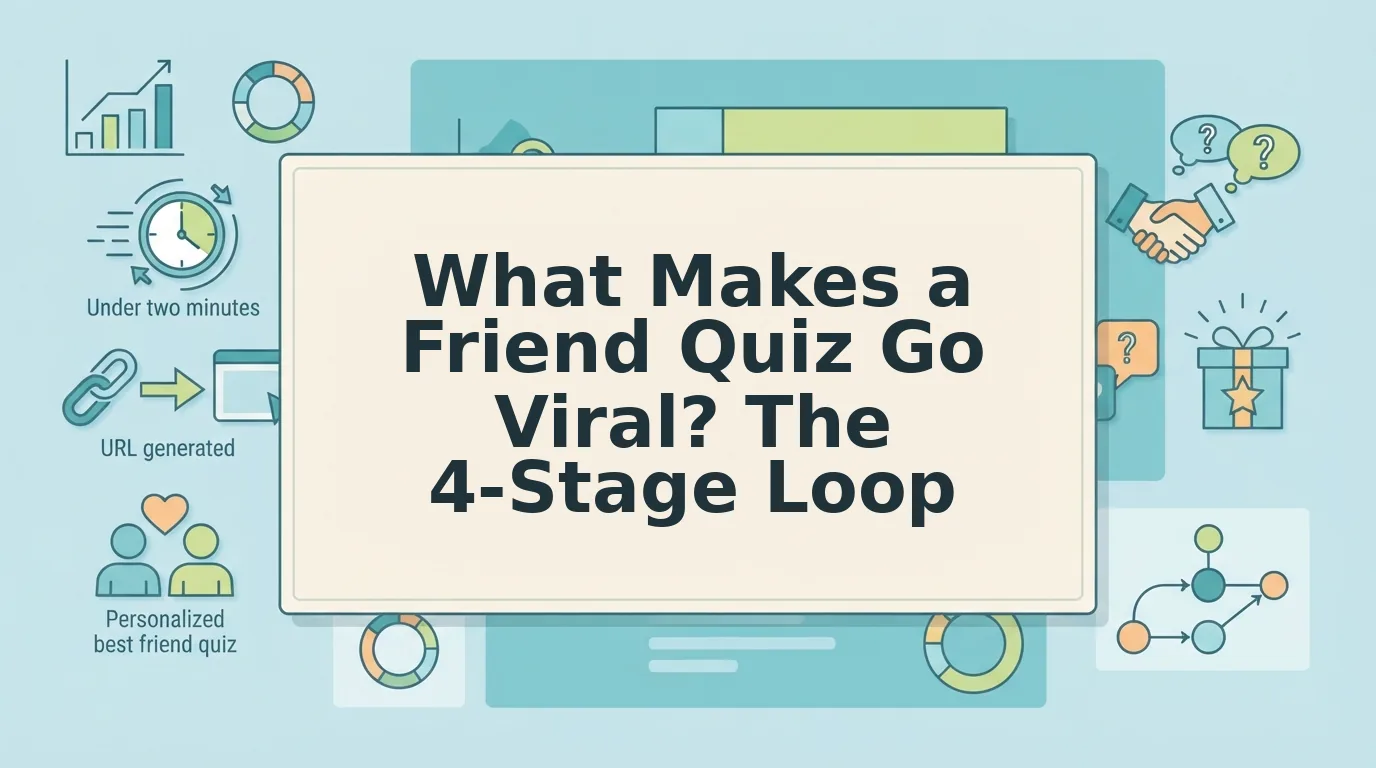
One quiz link can resurrect a group chat that's been silent for three weeks, and it does so faster than any meme, poll, or news story you could forward. The question of what makes a friend quiz go viral isn't about luck or algorithm roulette; it's about a predictable sequence of emotional triggers that compels people to tap, answer, and challenge back within seconds.
You've seen it happen: someone drops a friend quiz link, and suddenly everyone's typing. That's not an accident. This article breaks down the exact mechanics behind that reaction, walking you through the 4-Stage Viral Loop framework. Trigger to Answer to Compare to Challenge, that turns a simple quiz into a group chat event. You'll learn the five question archetypes that reliably spark responses, the friction points that silently kill shares, and how to build a quiz in under two minutes that your friends can't resist finishing. One of these stages contains a counterintuitive finding most quiz makers get completely backwards, and it's the difference between three responses and thirty.
The Viral Loop: Why Friend Quizzes Spread Differently Than Other Content
A viral loop is a self-reinforcing cycle where each person who interacts with a piece of content creates a reason for at least one new person to interact with it. Friend quizzes don't spread through passive scrolling, they spread through a four-stage chain of active participation that ordinary content can't replicate.
Think of a friend quiz like a game of hot potato with a scoreboard attached. A meme gets passed along and forgotten. A quiz gets passed along, answered, and then thrown back at the sender with a challenge attached. That return throw is what other content lacks.
The 4-Stage Viral Loop framework works like this:
- Trigger. The quiz creator drops a link with a line like "Bet you don't know my coffee order." This stage works because the challenge is personal, not generic. The trigger must name a specific claim about the creator that friends feel compelled to verify.
- Answer. Friends open the quiz in their mobile browser and answer immediately. No account creation, no app download, no email gate. The 2-minute creation rule applies here in reverse: if answering takes longer than the time it took to create the quiz, the loop breaks.
- Compare. The answerer sees their score instantly, alongside how they rank against others who've taken the same quiz. This comparison moment is the emotional peak, it's where pride or mock outrage kicks in.
- Challenge. The answerer shares their score back into the group chat or creates their own quiz to prove they know the original creator better. This is the stage that restarts the loop with a new Trigger.
Most viral content stops at stage two, someone views it, maybe shares it, and the chain dies. A best friend quiz built on this framework keeps the loop spinning because every answer generates a score, every score invites comparison, and every comparison dares someone to respond. The quiz isn't the product; the argument it starts is.
The key difference between a quiz that gets three responses and one that gets thirty is whether stage four is built into the design. If the score screen doesn't make sharing feel like the obvious next move, the loop terminates at the first answerer. If it does, each participant becomes a distribution channel without realizing it.
The 5 Question Archetypes That Trigger Group Chat Responses
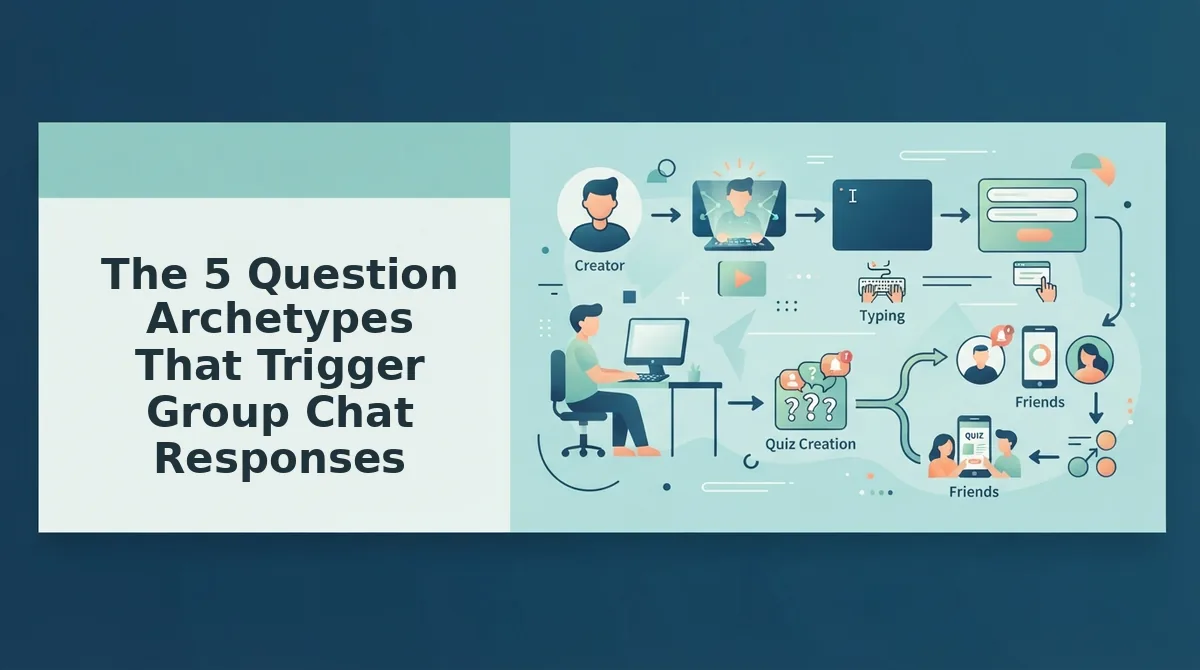
Not all quiz questions are created equal. Five distinct archetypes drive the overwhelming majority of group chat engagement, and each one spreads for a different psychological reason. YouTube engagement data consistently shows that "who is more likely to" formats dominate comment sections and share rates, the same pattern holds when those formats are transplanted into friend quizzes.
- Reveal. Questions that expose a hidden fact about the creator, such as "What's my go-to order at 2 AM?" These work because they create an information gap: the answerer genuinely doesn't know, and finding out feels like gaining insider access. Use Reveal questions early in the quiz to hook answerers with curiosity before moving to higher-stakes formats.
- Roast. Questions that invite playful mockery, like "What's my most annoying habit?" Roast questions spread because they're inherently quotable, the answerer wants to screenshot the question and send it to the creator with a laughing emoji. They lower the barrier to sharing because the humor does the social work for the answerer.
- Predict. Questions that ask friends to forecast behavior, such as "Who's more likely to cancel plans last minute?" These mirror the YouTube format dominance of "who is more likely to" videos, which generate outsized comment engagement because everyone wants to defend or dispute a prediction. Predict questions turn a solo quiz into a group debate.
- Dare. Questions that attach a consequence to the answer, like "If you get this wrong, you owe me coffee." Dare questions create stakes, and stakes create follow-through. They work best as the final question in a quiz because they convert the score into a real-world obligation that keeps the conversation going after the quiz ends. For ready-made dare formats, friendship dare questions provide a starting template.
- Nostalgia. Questions that reference shared history, such as "What did I wear to our first day of high school?" Nostalgia questions spread through emotional resonance rather than competition, they remind the answerer why the friendship matters, which makes them more likely to share the quiz with a sentimental caption. They're the glue that keeps the quiz feeling personal rather than generic.
The most effective quizzes mix at least three of these archetypes, front-loading Reveal and Nostalgia questions to build investment, then escalating to Roast and Predict formats that demand a public response. Next, the shareable link itself can quietly sabotage everything, here are the six friction points that kill virality before the first answer lands.
The Shareable Link Audit: 6 Friction Points That Kill Virality
A shareable link audit is a 6-point checklist that tests whether your quiz link survives the journey from your phone to a group chat and back. Run this audit before you send any friend quiz, each fix takes under 2 minutes and directly removes the friction that makes friends abandon a quiz mid-scroll.
Prerequisites: Your completed quiz link, a phone on mobile data (not Wi-Fi, to simulate real-world conditions), and a friend's phone or an incognito browser tab. No tools or accounts required.
- Open your quiz link on mobile data and time the first paint. Tap the link from a chat app, not a browser address bar. Count seconds until the first question appears. You should see content in under 3 seconds; if it takes longer, your quiz host is loading unnecessary scripts or ads. Friend Quiz renders the first prompt immediately because it serves a lightweight, no-install page.
- Click through the first question without logging in. Do not enter an email, phone number, or username. If any account wall appears before question two, the quiz is dead on arrival in group chats. You should land directly on question one and answer it with a single tap.
- Count every ad, popup, or auto-playing video before question three. Scroll the full page and note each interruption. Buddy Meter alternatives without ad clutter exist precisely because ad-heavy quizzes see answer abandonment spike after the second interstitial. You should see zero full-screen interruptions; a single dismissible banner is the maximum acceptable.
- Check whether answers are private by default. Answer one question and look for any public leaderboard, share prompt, or "post your result" nudge that reveals your response before you finish. You should see no forced social sharing and no visible answer feed. If the quiz exposes answers publicly, friends will self-censor or quit.
- Verify the scoreboard appears immediately after the final answer. Submit the last question and count the seconds until you see a score, rank, or Friendboard. You should see results instantly, with no "processing" spinner and no redirect to a results page that reloads. Instant scoreboards are what trigger the re-share impulse.
- Test the re-share button from the results screen. Tap the share control and confirm the pre-filled message includes the quiz taker's score and a working link back to the quiz. You should see a native share sheet open with a one-tap send to WhatsApp, iMessage, or Instagram. If re-sharing requires copying a link manually, you lose the viral loop at the exact moment of peak emotion.
Run this audit on every quiz you create. Each friction point you eliminate is a friend who answers instead of scrolling past, and a friend who answers is a friend who shares.
What BuzzFeed's Publisher Reveals About Share Psychology
Share psychology is the study of why people forward content to others, and BuzzFeed's former publisher Dao Nguyen demonstrated that identity expression, not information value, is the strongest predictor of a share. Her TED talk insight applies directly to friend quizzes: people share results that make them look good, funny, or uniquely known.
Think of a friend quiz result like a mirror in a clothing store. You don't send a photo of the mirror to your group chat because the mirror is interesting; you send it because you look great in it. A quiz result works the same way, the share happens when the score flatters the taker's identity as a loyal, observant, or hilariously accurate friend.
At the intermediate level, this means quiz design should optimize for identity-reinforcing outcomes. A score of "9/10. You basically share a brain" gets shared because it says something positive about the taker. A score of "3/10. Do you even know me?" also gets shared, but as a joke at the taker's expense, which still drives the same viral loop through mock outrage and challenge re-shares.
The advanced application is sequencing. BuzzFeed's data showed that identity-driven content outperforms curiosity-driven content when the identity payoff is immediate and visual. For friend quizzes, that means the result screen must display a bold, screenshot-ready score and a one-line verdict before any share button appears. The verdict is the identity statement; the share button is the mirror's frame. Remove either and the psychology collapses.
FAQ: What Makes a Friend Quiz Go Viral in Group Chats?
A friend quiz goes viral when it loads instantly, requires no account, reveals a flattering or funny identity result, and makes re-sharing a one-tap action from the scoreboard. The viral loop is: answer fast, see a verdict that says something about you, share that verdict to prove it.
What makes a friend quiz go viral?
A friend quiz goes viral when it combines zero-friction access with an identity-driven result. The taker must reach a score in under 60 seconds without logging in, then see a verdict worth screenshotting, like "You know me better than my mom", and a one-tap share button. Identity expression, not quiz difficulty, drives the forward.
How many questions should a viral friend quiz have?
Keep it between 8 and 12 questions. Fewer than 8 feels too shallow to produce a meaningful score; more than 12 triggers drop-off before the payoff. Each question should take under 5 seconds to answer on mobile, keeping the total quiz time under 90 seconds.
Do I need an account to take a friend quiz?
No. Any account wall, email prompt, or app-install requirement kills virality in group chats. The best friend quizzes, including those on Friend Quiz, let takers answer immediately in a mobile browser and see results without creating a profile or entering personal data.
What types of questions get the most responses in group chats?
Questions about shared memories, embarrassing habits, and inside jokes generate the most replies. "What's my go-to drunk food?" and "Which of my exes did I almost text back?" outperform generic trivia because they invite banter and debate in the chat thread itself. See BFF test questions for ready-made examples.
Why does mobile load speed matter for quiz virality?
Mobile load speed determines whether a friend taps your link and stays. If the first question takes more than 3 seconds to appear on mobile data, most people close the tab. Lightweight, no-install quiz pages that render instantly on a phone are the single biggest technical factor in share-through rate.
The Viral Loop Closes When You Ship the Link
Virality isn't luck. It's a friction audit you run before you hit send. The quizzes that spread are the ones where every tap feels effortless: no app store redirect, no account wall, no "wait, which one is you again?" moment. When you remove those six friction points and build questions around the five archetypes that trigger responses, you're not just making a quiz, you're engineering a conversation starter that group chats can't ignore.
Here's the payoff the intro promised: the difference between a quiz that dies at three responses and one that hits fifty isn't question quality alone. It's whether the link respects the chat's rhythm. Fast load, instant answer feedback, and a Friendboard that updates in real time keep people tapping and tagging.
Your next move is simple:
- Make a friend quiz in under two minutes, no account, no email, no download.
- Drop the link into your most active group chat and let the first response trigger the cascade.
- Watch the Friendboard light up as scores roll in and bragging rights shift in real time.
Every share is a small bet that someone knows you well enough to keep playing. The quizzes that go viral are the ones that make that bet feel worth taking.