A Workflow for Building a Friend Quiz in 90 Seconds
Your group chat just died at 11:47pm on a Saturday, again. The last message was a thumbs-up emoji from three hours ago, and nobody has anything left to say. That silence is not a personality flaw in your friend group; it is a friction problem. The moment someone suggests an app download or a sign-up wall, the momentum evaporates before the fun even starts.
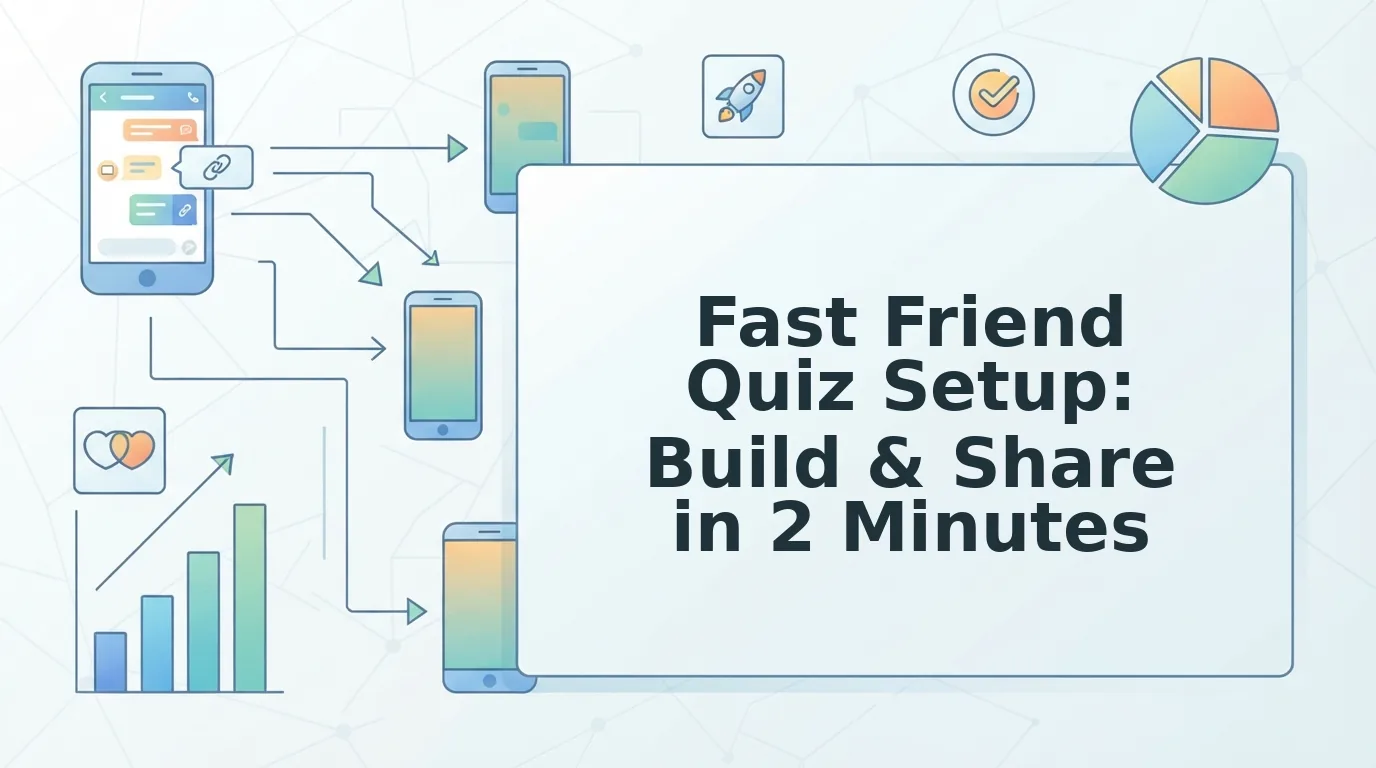
Here is the fix: a fast friend quiz setup workflow to build and share a personalized trivia challenge in under 90 seconds, no account, no email, no app install. You type your name, answer 10 personal prompts, copy your link, and paste it into the chat. That is the entire workflow.
This guide walks you through the exact 4-step speed run, explains why account walls and app downloads are the silent killers of quiz momentum, and previews the friendship test questions that turn a dead chat into a bragging-rights battleground. One surprising detail: the prompts you answer are not generic trivia, they are the specific quirks your friends will either know or hilariously miss. Keep reading to see why that distinction changes everything.
The 4-Step Speed Run: Name, Answer, Link, Share
A complete friend quiz takes under 90 seconds from start to share. You need only a phone with a mobile browser, no downloads, no sign-ups, no email verification. Follow these four steps in order.
- Enter Your Name (10 seconds). Open friendquiz.org on your phone. Type your first name into the single input field on the homepage and tap the start button. You should see the first personal prompt appear immediately, no loading screen, no redirect.
- Answer the Personal Prompts (60-90 seconds). Cycle through roughly 10 quick questions about your habits, quirks, likes, and dislikes, such as your go-to late-night snack, your most-used emoji, or your unpopular opinion. Each tap advances instantly to the next prompt on the same page. You should see a progress indicator filling as you go.
- Generate Your Custom Link (instant). After the final prompt, the platform packages your answers into a personalized quiz URL automatically. Tap the copy button. You should see a confirmation that your link is ready to paste, no preview page, no "create account to continue" interstitial.
- Share to the Group Chat (10 seconds). Open WhatsApp, iMessage, Instagram, or Snapchat and paste the link into the conversation. Friends tap it and answer in their mobile browsers instantly. You should see responses start rolling in within minutes, with scores appearing on a real-time Friendboard.
If you want to raise the stakes before sharing, swap in harder prompts, the kind of best friend quiz questions that separate ride-or-dies from casual acquaintances. The workflow stays identical; only the difficulty of your answers changes.
For anyone asking "how long does it take to make a friend quiz," the full breakdown is: 10 seconds to enter your name, 60-90 seconds to answer prompts, instant link generation, and 10 seconds to share. Total time from blank screen to group chat: roughly 90 seconds, with zero friction points in between.
Why Account Walls and App Downloads Kill Quiz Momentum
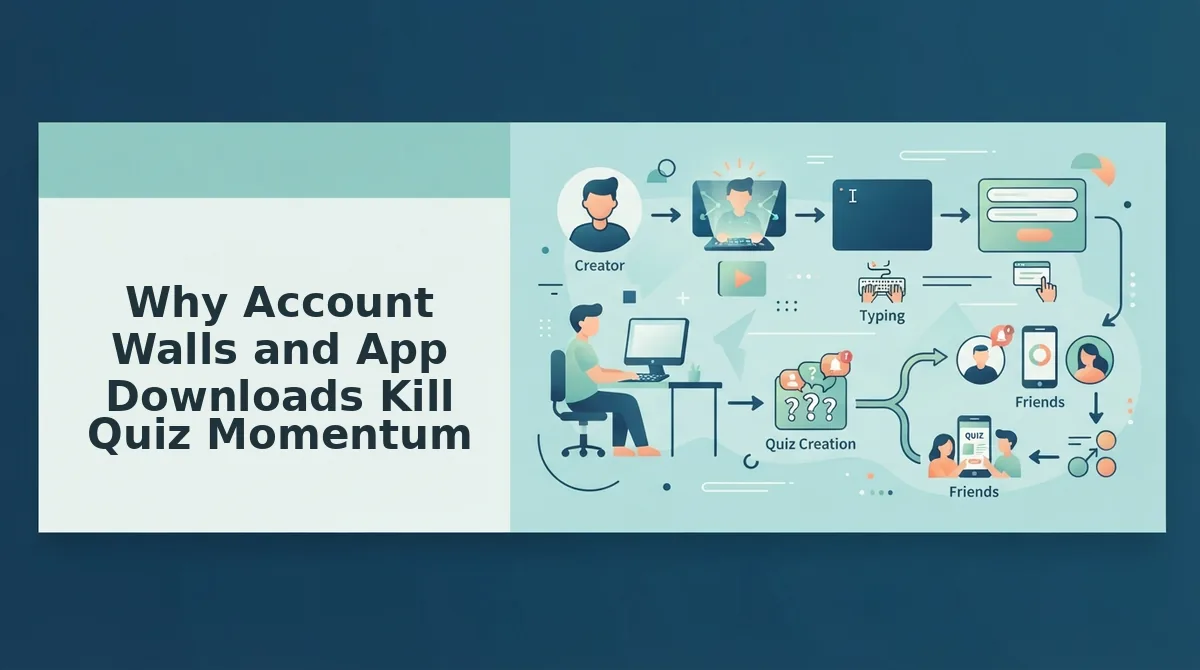
Quiz friction is any step between a person's impulse to play and their first answer, and it is the single biggest reason group-chat activities die before they start.
Think of quiz momentum like a game of hot potato. The link is the potato, and every extra step, an app store redirect, an email verification, a "create your profile" form, is a pause where the potato cools down. By the time your friend finally reaches the first question, the impulse is gone, and the chat has moved on to a different topic.
The friction points are predictable. Account walls demand an email or phone number before a single question loads. App downloads force a 100MB install for what should be a 30-second browser experience. Multi-page reloads break the flow between every prompt. Ad clutter buries the actual quiz under popups and auto-play videos. Each one adds 10-60 seconds of dead time, enough to lose half the group.
The fixes are equally clear. A zero-account flow lets anyone tap and play immediately. A mobile-browser experience removes the install barrier entirely. Single-page prompts keep the momentum continuous, and an ad-free interface keeps attention on the questions, not the interruptions. That is the exact design Friend Quiz uses: no login, no download, no reloads, just a link that works the second it lands in the chat.
Now that the friction is gone, the only thing left to decide is what your friends will actually be quizzed on.
What Questions Should You Answer?
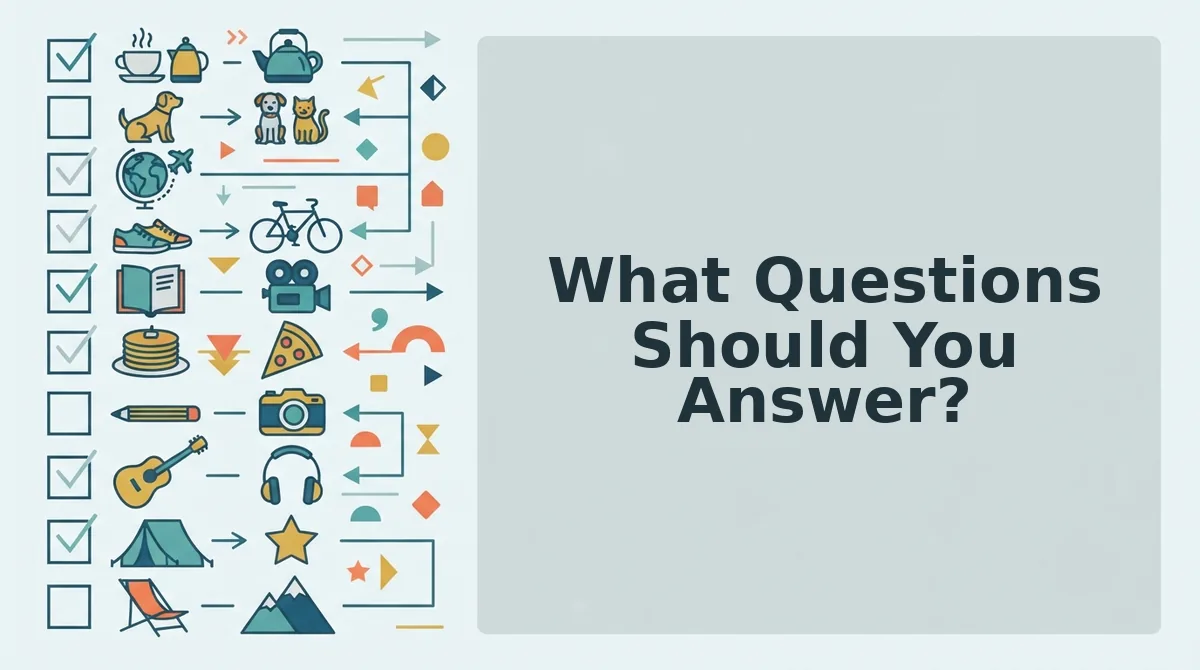
Friend Quiz prompts fall into four categories, habits, quirks, likes, and dislikes, and each one you answer becomes a trivia question your friends must guess correctly. Answering a mix from all four categories makes the quiz feel personal, not predictable.
- Habits, the daily routines your friends actually witness. These are the easiest questions for close friends to nail, like what you order at your usual coffee spot or which side of the bed you sleep on. They reward the people who pay attention to your everyday life, so lead with two or three of these to build early confidence.
- Quirks, the weird little behaviors only real friends know. Quirks separate acquaintances from best friends, covering things like your irrational fear of pigeons or your habit of rewatching the same sitcom every fall. Use these as mid-quiz difficulty spikes that make the final score feel earned.
- Likes, the preferences you broadcast loudly. Favorite artist, go-to comfort food, dream vacation spot, these are the answers friends half-remember from your stories and posts. They keep the quiz moving fast because most people can make an educated guess without overthinking.
- Dislikes, the pet peeves and dealbreakers you complain about. The friend who knows you hate cilantro or refuse to watch horror movies proves they listen when you vent. Dislikes add a playful edge and often spark the best post-quiz banter when someone gets one hilariously wrong.
For a deeper look at question styles that separate casual acquaintances from ride-or-die friends, browse our best friend quiz questions guide.
Sharing to WhatsApp, iMessage, and Snapchat: The Mobile-First Path
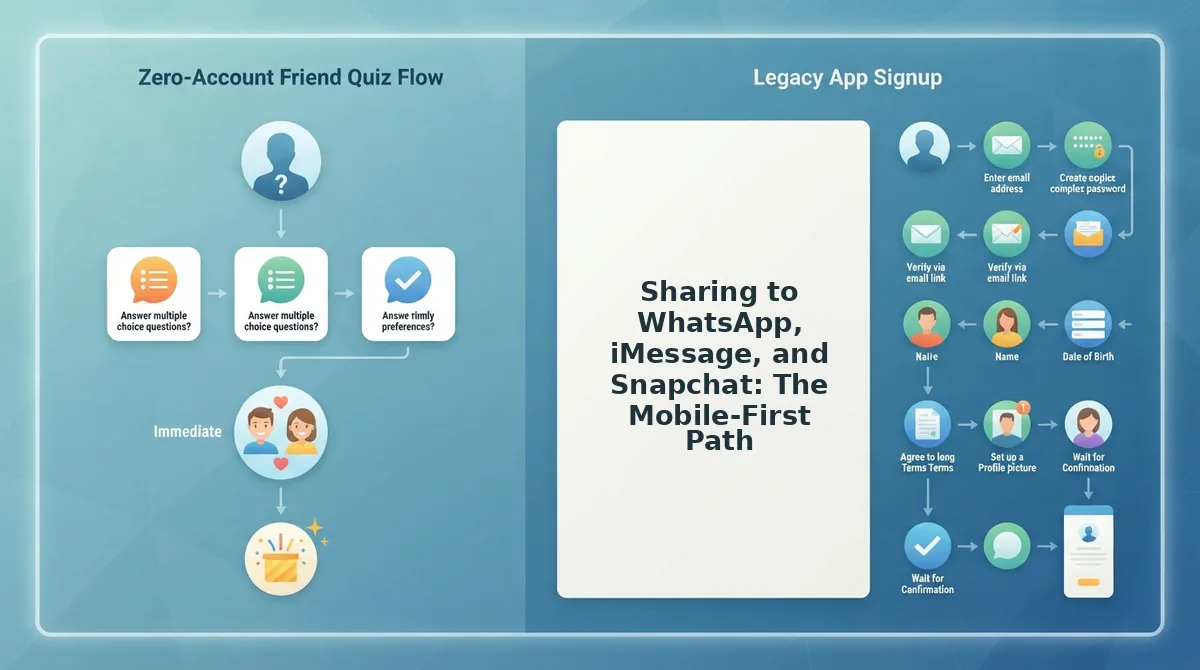
Sharing a Friend Quiz takes under 10 seconds per platform because the quiz link opens directly in each app's mobile browser, no installs, no logins, no friction. Here is the exact flow for the three biggest group chat apps.
- Open your quiz link after creation. Tap the share button on the quiz completion screen to copy the personalized URL to your clipboard. You should see a brief "Link copied" confirmation.
- Paste the link into a WhatsApp chat. Open the group or individual chat, tap the message field, and paste. Friends tap the link and it opens instantly in their mobile browser. WhatsApp does not block or redirect it, so the quiz loads in about 2 seconds.
- Send via iMessage as a rich message bubble. Paste the link into an iMessage thread and hit send. The link appears as a tappable bubble with a preview, and recipients open the quiz in Safari without leaving the conversation or installing anything.
- Drop the link into a Snapchat chat for in-app play. Paste the URL into a Snapchat chat message and send it. When friends tap the link, it opens inside Snapchat's in-app browser, so they can answer the quiz and return to the chat without switching apps.
One detail competitors miss: on all three platforms, the quiz runs as a progressive web page, meaning friends answer question by question in a single scroll flow rather than waiting for a separate app to boot. This is why a quiz shared at 9pm gets completed by 9:02pm, the link tap and the first question are separated by a single page load, not an App Store redirect.
How Friendboards Keep the Banter Going After the Quiz
A Friendboard is a live leaderboard that updates in real time as each friend submits their answers, ranking everyone by score the moment they finish. Think of it like a scoreboard at a bowling alley, every roll (or quiz submission) instantly changes the standings, and nobody has to ask "who's winning?"
Here is how the engagement loop works. When you share your quiz link, each friend who completes it gets their score logged automatically. The Friendboard then displays every participant's name and score in ranked order, with the top spot updating live. This turns a one-and-done quiz into an ongoing competition: the first friend to finish sees their name at the top, the second friend tries to knock them off, and the group chat fills with screenshots of the shifting Friendboard rankings.
The mechanic compounds because latecomers see a full board of scores before they even start, which raises the stakes, they are not just answering questions, they are trying to beat a specific friend's number. That is the difference between a quiz people take once and a quiz people talk about all night.
If you are wondering how to handle common setup questions, the next section covers the most frequent Friend Quiz issues.
FAQ: Fast Friend Quiz Setup
Yes, you can build and share a friend quiz in under 90 seconds without creating an account, entering an email, or downloading an app. The entire workflow runs in your mobile browser.
Can I make a friend quiz without an account or app download?
Yes. Friend Quiz requires no signup, email verification, or app install. You open friendquiz.org in any mobile browser, type your name, answer a short sequence of personal prompts, and receive an instant shareable link. Nothing is stored behind a login wall.
What is the fastest workflow to create and share a friend quiz?
The fastest workflow is four steps: enter your name, cycle through the personal trivia prompts, copy the generated quiz link, and paste it into WhatsApp, iMessage, or Snapchat. The entire process takes about 90 seconds from homepage to group chat.
How do I keep friends from bouncing before they finish the quiz?
Keep the quiz short and mobile-native. Friend Quiz packages your answers into a single scrolling challenge with no page reloads, no popups, and no account prompts, the three biggest friction points that cause mid-quiz abandonment on mobile.
Why does a friendship quiz need to work inside a group chat?
Because group chats are where the banter already lives. A quiz link that opens instantly in the in-app browser keeps momentum, while anything requiring an app download or signup breaks the conversation flow and kills participation before the first question.
What should I do after my friends finish the quiz?
Check the Friendboard to see live scores and settle who actually knows you best. If you want to raise the stakes, turn the results into a friendship dare quiz where the lowest scorer owes the winner a challenge.
The 90-Second Habit That Beats Every Quiz App
The real insight isn't that friend quizzes are fun, it's that speed is the feature. Every extra tap, login prompt, or app-store redirect costs you participants before the first question loads. Friend Quiz removes all of it: name, answer, link, share.
The entire workflow takes less time than reading this article. That's the point. You don't need a content calendar, a design tool, or a friend group that's "ready", you need 90 seconds and a group chat that's already active.
Your next step: open the bff test on your phone, answer the prompts, and drop the link into your most active chat. The Friendboard will handle the bragging rights from there.