Why Mobile Browser BFF Tests Beat App Downloads
Your group chat is popping off. Someone drops a "how well do you know me" link. Everyone taps. Half the group bails the second the App Store screen loads. Sound familiar? That's the exact moment a mobile browser bff test vs app download decision decides whether your quiz lives or dies in the chat.
You're right to be annoyed. Nobody wants to burn their data plan, wait through a 200MB install, and hand over an email address just to answer five questions about your best friend's coffee order. The friction is real, and it kills the fun before question one.
This guide breaks down exactly why browser-based BFF tests win the group chat battle. You'll see a side-by-side speed comparison, learn the three-stage friction model that silently murders quiz participation, and get a clear picture of when an app actually makes sense. Along the way, you'll discover one surprising stat about how fast friends can start playing when there's nothing to install, and it's lower than you think.
Ready to skip the download screen entirely? You can create a BFF test in under two minutes right from your mobile browser, share the link, and watch your friends answer instantly. No app store, no signup, no momentum lost.
Why Should You Use a Mobile Browser BFF Test Instead of Downloading an App?
A mobile browser BFF test is a friendship quiz that runs entirely inside a phone's web browser, no installation, no account creation, no app store redirect. Friends tap a link and start answering immediately.
The core advantage comes down to one thing: friction. Every extra step between tapping a link and answering question one costs you players. Browser tests remove nearly all of those steps. App-based quizzes stack them up.
Think of it like ordering food at a drive-thru versus a sit-down restaurant with a waitlist. The drive-thru gets you your meal in minutes because the entire experience is engineered for speed. A browser BFF test is the drive-thru: tap, answer, done. An app download is the restaurant with the host stand, the 20-minute wait, and the menu you have to study before you can even order.
The Chat Momentum Kill Framework
No competitor has named this sequence, but anyone in a group chat has lived it. When a quiz link requires an app, players move through three friction stages:
- Redirect: Tap link to App Store or Google Play opens to chat momentum breaks.
- Install & permission prompts: Download, wait, accept notifications, grant contacts access, create an account.
- Return to chat: Find the original link again, reopen it, and hope the quiz is still there.
Each stage loses players. Some bail at the redirect. More bail at the permission prompts. By stage three, only the most determined friends remain, and the casual fun is gone.
Friend Quiz's actual product flow eliminates all three stages. The creator enters their name, answers a sequence of personal trivia prompts about their habits and quirks, and shares a link. Friends tap it and play instantly in their mobile browser. That's the entire workflow: enter name to answer prompts to share link to friends play. No redirect, no install, no return trip.
For the creator, setup takes under two minutes. For friends, the quiz starts in under ten seconds. That speed gap is why browser BFF tests dominate group chats on WhatsApp, iMessage, and Instagram, the platforms where attention spans are shortest and momentum is everything.
Speed Comparison: Browser BFF Test vs App Download
A browser BFF test gets friends answering in under 10 seconds, while an app-based quiz typically adds 2-5 minutes of download, install, and signup before question one. The gap is the single biggest predictor of whether your quiz gets finished or abandoned.
To be fair, app-based quiz platforms aren't without merit. Native apps can offer push notifications, offline play, richer animations, and persistent leaderboards that a browser tab can't match. If you're building a long-term trivia community with daily challenges, an app's infrastructure has real advantages. But for a one-off friendship test shared in a group chat, that infrastructure is overkill, and the friction it introduces actively works against you.
| Factor | Browser BFF Test (Friend Quiz) | App-Based Quiz [est.] |
|---|---|---|
| Creator setup time | Under 2 minutes | 5+ minutes (download, account, permissions) |
| Friend time to first question | Under 10 seconds | 2-5 minutes (store redirect, install, signup) |
| Account required | No | Usually yes |
| Works in group chat | Yes, tap link, play instantly | Partial, redirect breaks chat flow |
| Best for | Spontaneous banter, one-off quizzes, large group chats | Recurring trivia communities, daily challenges, offline play |
Best for spontaneous group chat fun: Browser BFF tests. If your goal is to drop a link in WhatsApp and have five friends answer within the next ten minutes, nothing beats the zero-install flow. You can create a best friend quiz without an app and have it circulating in your group chat before an app download would even finish.
Best for recurring trivia communities: App-based quizzes. If you're running a weekly league with standings, notifications, and offline access, a native app's persistence pays off over time.
Here's the self-contained answer to the speed question: A browser-based BFF test lets a creator build a personalized quiz in under two minutes by entering their name and answering a series of prompts about their habits and preferences. Friends receive a link, tap it, and begin answering in under ten seconds, no app store redirect, no download, no account creation. An app-based quiz, by contrast, requires friends to visit an app store, download the application, grant permissions, and often create an account before they can answer a single question. That process typically takes two to five minutes per friend, and every additional step causes some percentage of players to drop off before they ever see question one.
But apps aren't going anywhere, and there are scenarios where they genuinely earn their place. Here's what app-download quizzes get right, and when you should actually use one.
What App-Download Quizzes Get Right (And When to Use Them)
An app-download quiz is a native mobile application that delivers trivia questions through software installed on a device's operating system, rather than through a web browser. Think of it like owning a dedicated board game versus borrowing one from a friend's shelf: the app lives on your phone, remembers your progress, and works even when you're offline.
Apps earn their install friction in three specific scenarios. First, offline play matters when you're on a plane, in a subway tunnel, or at a campsite with no signal. A downloaded quiz app stores its question bank locally, so it runs without a connection. Second, push notifications let an app ping you when a friend posts a new score or challenge, which keeps a rivalry alive across days rather than minutes. Third, saved progress means you can start a 50-question quiz, close the app, and resume at question 31 tomorrow without losing your place.
Use an app when you plan repeated, long-form quiz sessions with the same group over weeks. Use a browser BFF test when the goal is instant group chat participation: zero account creation, one tap on a shared link, and everyone playing within seconds. The browser approach wins for speed and reach; the app approach wins for persistence and offline reliability.
How Browser BFF Tests Work in WhatsApp, iMessage, and Snapchat
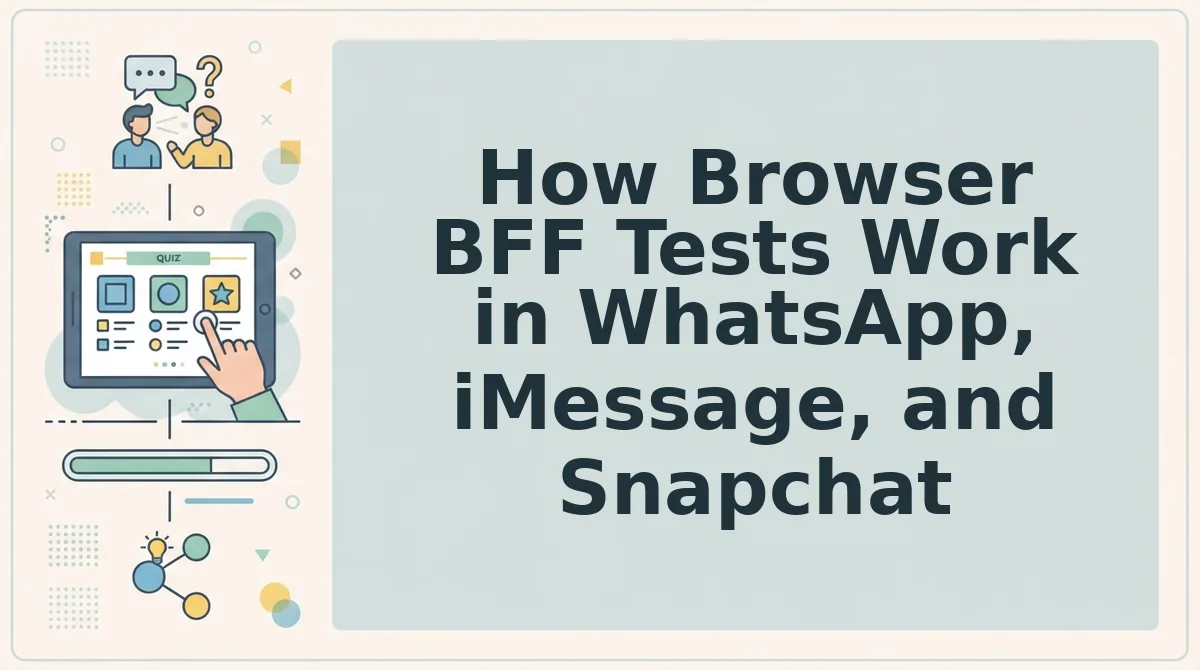
A browser BFF test runs entirely in a mobile web page, so sharing it in a group chat requires no downloads, no accounts, and no waiting. The Zero-Tap Participation model means a friend taps your link once and lands directly on the first question, with no install prompt or signup wall between the chat and the quiz.
Prerequisites: a smartphone with WhatsApp, iMessage, or Snapchat installed, and an active internet connection. You'll also need about two minutes to create the quiz on this browser-based friendship test.
- Open Friend Quiz in your mobile browser. Navigate to friendquiz.org on your phone. You should see the quiz builder load in under three seconds with no app store redirect.
- Type your name in the name field. Enter the name your friends know you by. This name appears on the quiz link preview and the results screen.
- Answer the personal trivia prompts. Tap through each question about your habits, likes, and quirks. Each tap advances instantly to the next prompt, with no page reloads. Expect to finish all prompts in 60 to 90 seconds.
- Tap the Share button. This copies your unique quiz link to the clipboard. You should see a confirmation message like "Link copied" appear briefly on screen.
- Paste the link into your group chat. Open WhatsApp, iMessage, or Snapchat, long-press the message field, and tap Paste. Send the message. Friends see a tappable link preview with your name.
- Friends tap the link and play instantly. Each friend lands on the first question with zero additional taps. They answer, see their score, and the results post to the group chat conversation, sparking immediate banter.
The entire flow from entering your name to friends playing takes under two minutes on the creator's side and under ten seconds on each friend's side. That speed is why browser BFF tests convert group chat members into participants at a rate app-download quizzes cannot match.
Frequently Asked Questions About Browser BFF Tests
Browser BFF tests are friendship quiz links that open instantly in a mobile web browser, requiring no app install, account, or email to create or play. Here are the questions people ask most before sharing one in a group chat.
Do browser BFF tests work without an account?
Yes. Friend Quiz requires no account, email, or signup to create or take a quiz. You enter your name, answer prompts, and share the link. Friends tap and play immediately, with no registration wall blocking the first question.
Can I share a browser BFF test in a group chat?
Yes. The shareable link works instantly in WhatsApp, iMessage, and Snapchat. Paste the link into any group chat, and each friend who taps it lands directly on the first question in their mobile browser, with no app store redirect.
How long does a browser BFF test take to set up?
Under two minutes from entering your name to sharing the link. The prompt sequence takes 60 to 90 seconds to complete, and the share button copies your instant BFF test link to the clipboard in one tap.
Is a browser BFF test as accurate as an app quiz?
Yes. The questions and scoring logic are identical to app-based quizzes; only the delivery friction differs. A browser test removes install time and signup steps, but the trivia content and results calculation remain the same.
Why does a browser BFF test open faster than an app quiz?
Because there is no install step. An app quiz requires visiting an app store, downloading, granting permissions, and creating an account before the first question. A browser test skips all four steps, so friends go from link tap to first question in under ten seconds.
The Browser Wins on Speed, and Speed Wins on Participation
Every tap between the link and question one costs you players. A browser BFF test takes under 10 seconds for friends to start, while an app download adds 2-5 minutes of friction before anyone sees a single question. That gap decides whether your quiz becomes a group chat event or a forgotten link.
The math is simple:
- Browser test: tap link, answer question one, done in seconds.
- App quiz: tap link, open store, download, wait, install, grant permissions, create account, then finally start.
You already know which one your friends will actually finish. The open loop from the start resolves here: browser BFF tests win because they remove every barrier between curiosity and participation.
Your next move is one sentence: start your BFF test now, no download, send it to one friend, and watch the response time. Then scale it to your whole group chat and let the Friendboard track who actually knows you best.
Friendship is tested in seconds, not in app stores.