Buddy Meter vs Friend Quiz for BFF Test Speed
Your group chat just went quiet. Someone types "who actually knows me best?" and suddenly the race is on, who can get a shareable quiz link into the thread fastest? The buddy meter vs friend quiz bff test speed question isn't just about milliseconds; it's about whether your friends are still interested by the time the link lands.
You're right to care about speed. A dead chat stays dead when the quiz takes three minutes to set up, demands an account, or forces everyone to download an app before answering a single question. That friction kills the exact banter you're trying to spark.
This guide breaks down the timed setup flow for both platforms, introduces a friction tax framework you can use to evaluate any quiz tool, and reveals which option gets a working BFF test into your group chat before the conversation moves on. One platform has a structural advantage that has nothing to do with software quality, and everything to do with how friends actually behave on mobile.
Friend Quiz's zero-account participation model means the person answering never hits a login wall. Keep reading to see exactly where the seconds add up.
Buddy Meter vs Friend Quiz: The Speed Test at a Glance
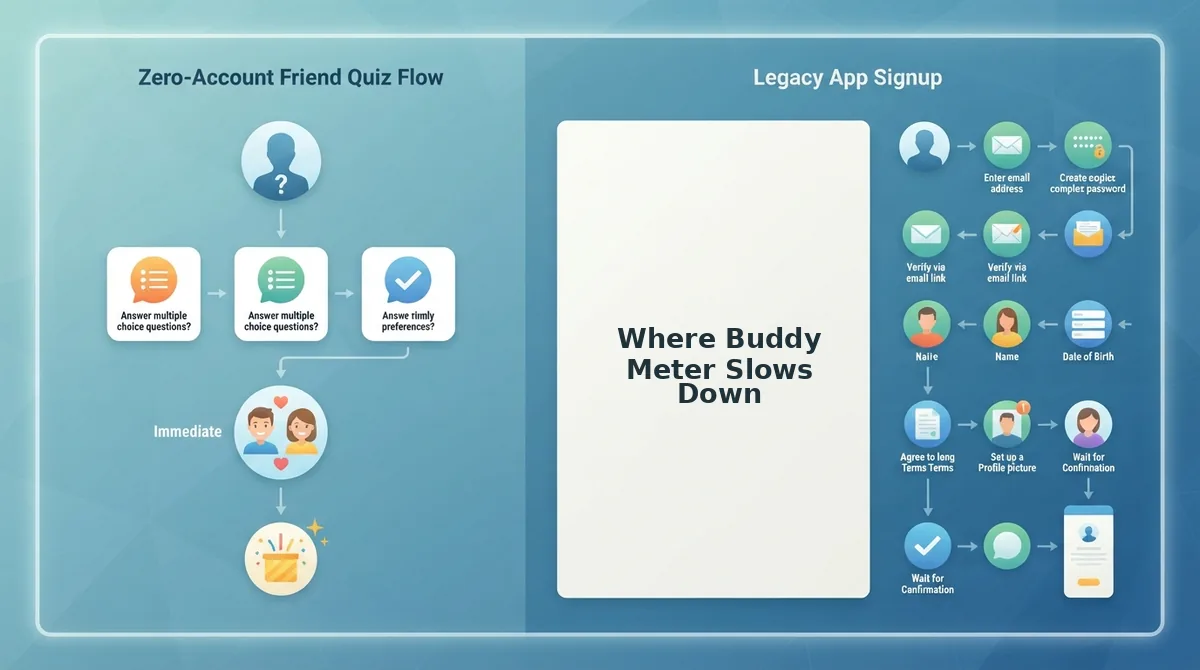
The core speed difference comes down to one structural choice: Buddy Meter requires account creation before quiz building, while Friend Quiz lets you type a name and start answering prompts immediately. Neither approach is wrong, they serve different use cases.
Buddy Meter's account system enables persistent quiz libraries, saved results, and cross-device history. That's genuinely useful for someone who runs quizzes regularly and wants a dashboard. The tradeoff is a slower first-run experience: email verification, profile setup, and a confirmation step before the first prompt appears.
Friend Quiz optimizes for the opposite scenario: a spontaneous group chat moment where the quiz creator has never visited the site before and needs a working link in under two minutes. No email, no password, no app install.
| Comparison Point | Buddy Meter | Friend Quiz |
|---|---|---|
| Account required to create | Yes, email signup or social login | No, type name and start |
| Setup steps to shareable link | Signup to verify to create quiz to add questions to publish | Type name to answer prompts to copy link |
| Friend friction on receiving end | May require account to view results | Opens instantly in mobile browser |
| Best for | Regular quiz creators who want saved libraries and analytics | Spontaneous group chat banter and one-off BFF tests |
Best for Buddy Meter: The organized friend who runs weekly quiz nights and wants every quiz archived, scored, and shareable across multiple platforms with a persistent profile.
Best for Friend Quiz: The group chat instigator who needs a personalized BFF test link in the thread before the conversation pivots to something else, typically within a 90-second window.
Here's the friction tax framework in one paragraph: every step between "I want to make a quiz" and "my friend answered question one" is a tax on participation. Account walls tax the creator. App download prompts tax the answerer. Page reloads tax both. Ad banners tax attention. A platform's true speed isn't its page load time, it's the sum of every friction tax multiplied by the number of people in the chain. When five friends each hit a login wall, that's five separate taxes on one quiz. Friend Quiz's zero-account design eliminates the largest tax category entirely, which is why its under-two-minute creation claim holds up even for first-time visitors on a shaky mobile connection.
How Fast Is Friend Quiz for Making a BFF Test?
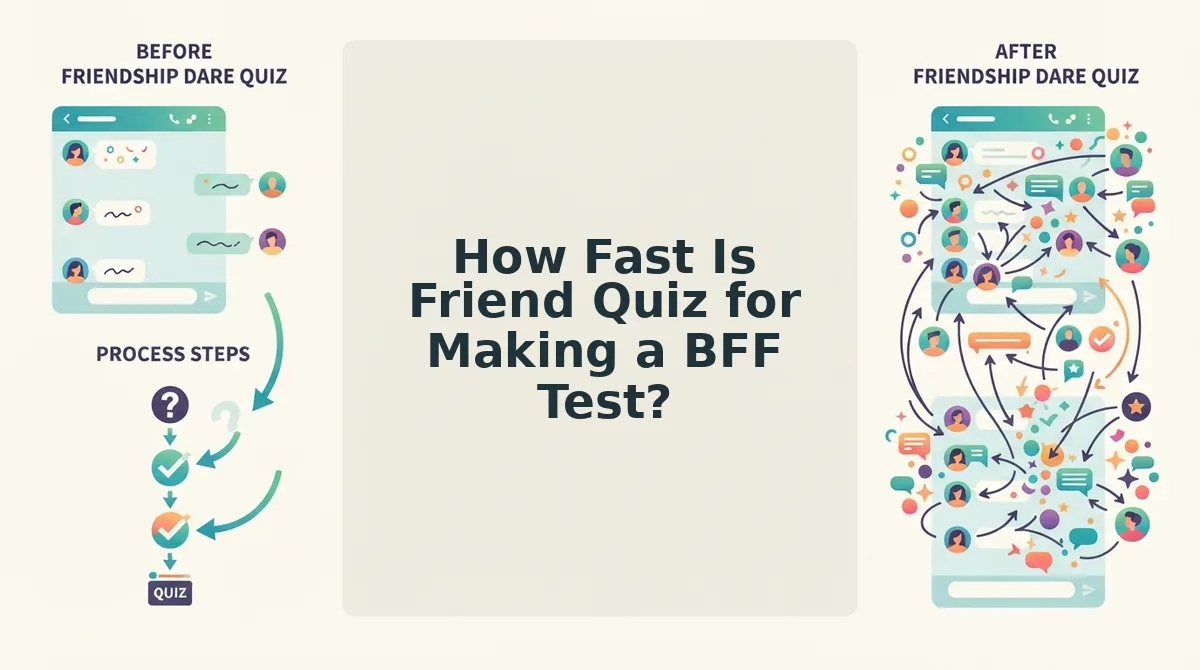
Friend Quiz gets a shareable BFF test link into your hands in under two minutes because the entire flow is three steps with zero account friction. Here's the exact speed run from landing page to group chat.
Prerequisites: A phone or desktop browser with an internet connection. No app download, no email address, no profile creation.
- Type your name on the homepage. Open friendquiz.org and enter your first name in the main input field. You should see the prompt sequence begin immediately, no redirect, no loading spinner, no signup modal.
- Cycle through the personal trivia prompts. Answer each question about your habits, quirks, likes, and dislikes by tapping your choice. Each tap advances instantly to the next prompt. Expect to complete this in 60-90 seconds depending on how decisively you answer.
- Copy your custom quiz link. After the final prompt, the platform generates a personalized URL tied to your answers. Tap the copy button and paste it into your group chat. Your friends open it in their mobile browser and start answering immediately, no account, no app install, no email gate.
Success looks like this: a friend taps your link and lands directly on question one of your quiz within three seconds of opening it. If anyone in the chat hesitates because of a login wall, the moment is lost.
The zero-account participation model is the entire speed story. When the answerer faces no signup barrier, the quiz spreads through a group chat the way a meme does, tap, answer, share your score. That's why the under-two-minute creation claim matters less than the under-five-second answering experience on the receiving end. If you want to make a BFF quiz that actually gets answered, the friction profile of the answerer matters as much as the creator's setup time.
Now let's look at where Buddy Meter's account-first design adds seconds, and where those seconds cost you participants.
Where Buddy Meter Slows Down
Buddy Meter is a quiz-building tool that packages personal trivia questions into shareable links, but its creation flow introduces friction at three distinct levels that compound as you move from first tap to final share.
At the simplest level, the friction is visual. Users report ad placements that sit directly over or immediately beside the submit button, so a mistimed tap opens an advertiser's page instead of advancing your quiz. Think of it like a toll booth placed across the entrance to a drive-thru: the food is still fast once you're inside, but getting past the gate is where the delay lives.
The intermediate layer is structural. Buddy Meter's form flow reloads the page between question steps rather than updating inline. Each reload re-fetches the page shell, re-renders the layout, and re-triggers any ad scripts before you can answer the next prompt. On a mid-range phone over cellular data, those reloads stack into noticeable seconds between taps.
The advanced friction point is the dated form layout itself. The interface presents questions in a desktop-era stacked format that requires vertical scrolling and precise tap targets, which fights against the thumb-driven, one-handed usage pattern that dominates WhatsApp and iMessage group chats. The result is a tool that works, but asks mobile users to adapt to its rhythm rather than matching theirs.
Beyond Speed: What Else to Compare
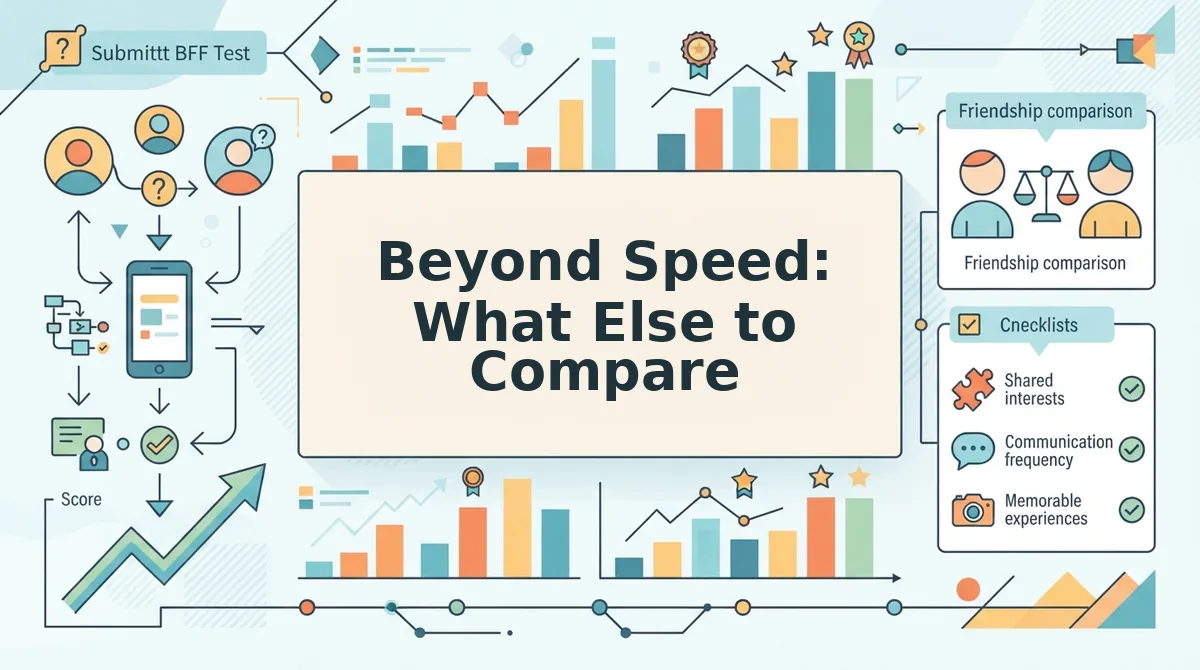
Speed gets you to the share link, but three other factors decide whether your BFF test actually lands in the group chat and keeps people playing.
- Answer privacy in group chats. Friend Quiz lets friends answer privately in their own browser tab, so nobody sees anyone else's responses before submitting. This matters because public answer formats let later players copy early answers, which kills the competitive tension that makes a friendship test fun.
- Friendboard rankings and bragging rights. Friend Quiz tracks scores on a real-time Friendboard that shows who knows you best, turning a one-off quiz into an ongoing rivalry. Use this to settle debates in the group chat: whoever tops the board earns the bragging rights until the next quiz resets the standings.
- Mobile experience on WhatsApp, iMessage, and Snapchat. Friend Quiz links open instantly in the in-app browser of all three platforms, with no app download prompt and no account wall. If your group chat lives on any of these apps, the quiz should feel native to that environment rather than bouncing friends out to a separate signup flow.
- Question variety for repeat play. A good BFF test needs enough personal trivia prompts to feel fresh on the second and third run. Friend Quiz cycles through daily habits, quirks, likes, and dislikes, so you can build a new quiz around different parts of your personality each time.
- Zero-account access for everyone. Neither the creator nor the friends answering need an email, username, or password. This removes the single biggest drop-off point in quiz sharing: the moment a friend taps your link and hits a login screen instead of question one.
If you are still deciding what to ask, browse best friend test questions to build a quiz that actually challenges your closest friends instead of recycling generic trivia.
FAQ: Buddy Meter vs Friend Quiz Speed Questions
Which is faster, Buddy Meter or Friend Quiz?
Friend Quiz is faster, taking under 2 minutes to create a full BFF test from first tap to shareable link. Buddy Meter's creation flow includes page reloads between question steps and ad placements that can interrupt the flow, adding time before you can share your quiz.
Does Buddy Meter have ads that slow down quiz creation?
Yes, Buddy Meter displays ads during the creation flow, and users report ad placements that can block or sit directly beside submit buttons. A mistimed tap opens an advertiser's page instead of advancing your quiz, forcing you to navigate back and re-tap.
Can you make a BFF test without an account on Friend Quiz?
Yes, Friend Quiz requires no account, email, or app download for either the creator or the friends answering. You type your name, answer personal trivia prompts, and get an instant share link, while friends open that link and answer immediately in their mobile browser.
Why does Buddy Meter reload the page between questions?
Buddy Meter uses a multi-page form structure where each question step triggers a full page reload rather than updating inline. Each reload re-fetches the page and re-triggers ad scripts, which stacks into noticeable delays on mobile connections.
How do I make a friendship test that friends can answer instantly?
Use Friend Quiz's friendship test builder: enter your name, cycle through personal trivia prompts about your habits and quirks, and share the generated link. Friends tap the link and answer in their in-app browser with no signup step in between.
Speed Wins the BFF Test, and Friend Quiz Takes the Crown
Friend Quiz wins the speed race because it removes every step that doesn't directly create or take a quiz. No account setup, no email verification, no app download, no ad interruptions between prompts. Buddy Meter's friction tax adds up: each extra tap, each loading screen, each permission request costs seconds that compound across a group chat waiting for the link.
The friction tax framework makes the verdict simple. Every non-quiz action a platform demands is a tax on momentum. Friend Quiz's tax rate is effectively zero. Buddy Meter charges more at each stage, and speed-sensitive users feel it immediately.
Here's the payoff from the intro: the fastest BFF test isn't the one with the most features. It's the one that gets from "let's do this" to "I got 9 out of 10" before the group chat moves on.
Your Next Move
- Create a quiz now, type your name, answer a few prompts, and share the link in under two minutes. No account required.
- Compare features side by side, revisit the breakdown above if you need more than raw speed.
- Turn up the heat, after your BFF test, send a friendship dare quiz to keep the banter rolling.
The core insight worth quoting: a BFF test lives or dies by how fast it reaches the group chat, and Friend Quiz removes every tax that slows the journey.