How to Make a BFF Test on Mobile in Under 2 Minutes
Your group chat just died at 11:47pm because someone suggested a "fun quiz" that required an app download, an email verification, and a password with a special character. By the time anyone got past the sign-up wall, the momentum was gone and so was the conversation. You don't need a bigger quiz platform, you need a workflow that lets you make a bff test on mobile fast and drop the link before the banter cools off.
Here's the reality: you're not lazy, and your friends aren't flaky. You're all just allergic to friction. That's why link-based quiz creation works. YouTube creator rpw things demonstrated this with a shareable BFF test link video that pulled 16,540 views, proving real demand for quizzes that open instantly in a browser. Competitor tools that force app installs or account sign-ups kill chat momentum before friends reach question three.
This guide walks you through a tap-by-tap method to make a best friend test on your phone in under two minutes, explains why 8-12 questions is the completion-rate sweet spot, and hands you question ideas that actually reveal something. Stick around for the Chat Momentum framework, it's the reason most friend quizzes fail before question five, and it's simpler than you think.
How to Make a BFF Test on Mobile in Under 2 Minutes Step by Step
A BFF test is a personalized trivia challenge about you that friends answer to prove how well they know you. On Friend Quiz, you can build one entirely in your mobile browser with zero downloads, zero accounts, and zero email verification, just your name, a few taps, and a shareable link.
Prerequisites: A smartphone with a mobile browser (Safari, Chrome, or Samsung Internet) and an active group chat or social feed where you'll share the link. No app store visit required.
- Open friendquiz.org in your mobile browser. Tap the address bar, type the URL, and hit go. The homepage loads in under three seconds on a standard 4G connection. You should see a single input field asking for your name, no sign-up prompt, no cookie banner blocking the screen.
- Type your first name and tap the start button. This takes about 10 seconds. The quiz builder immediately launches into the first prompt. You should see a question about one of your habits or preferences appear on screen with tappable answer options.
- Tap through 8-12 personal trivia prompts. Each prompt presents multiple-choice options about your daily routines, quirks, likes, and dislikes. Budget 60-90 seconds total, roughly 5-8 seconds per question. After each tap, the next prompt slides in instantly with no page reload. You should see a progress indicator filling as you go.
- Review your quiz preview. Once you finish the final prompt, the platform packages your answers into a personalized challenge page. This step is automatic and takes under 5 seconds. You should see a preview of how your quiz will appear to friends, including your name and the question count.
- Tap the share button and copy your quiz link. The share button sits at the bottom of the preview screen. Tapping it copies a unique URL to your clipboard in about 10 seconds. You should see a confirmation toast or checkmark confirming the link is copied.
- Paste the link into your group chat. Open WhatsApp, iMessage, Instagram DMs, or Snapchat and paste. Friends tap the link and answer instantly in their mobile browsers, no account creation, no app install, no email prompt. You should see their scores appear on your Friendboard in real time without refreshing the page.
Speed benchmark: entering your name takes about 10 seconds, answering 8-12 prompts takes 60-90 seconds, and sharing the link takes about 10 seconds. Total time from opening the browser to dropping the link in chat: under 2 minutes. The zero-account participation model means your friends spend their time answering questions about you, not filling out registration forms, which is the entire point of a BFF quiz maker built for group chat velocity.
If you've ever abandoned a quiz tool because it asked for an email before showing you a single question, this workflow removes that barrier entirely. Friends who tap your link land directly on question one, answer in under a minute, and see their score immediately, no refresh, no waiting, no friction.
Why 8-12 Questions Is the Sweet Spot for a Mobile BFF Test
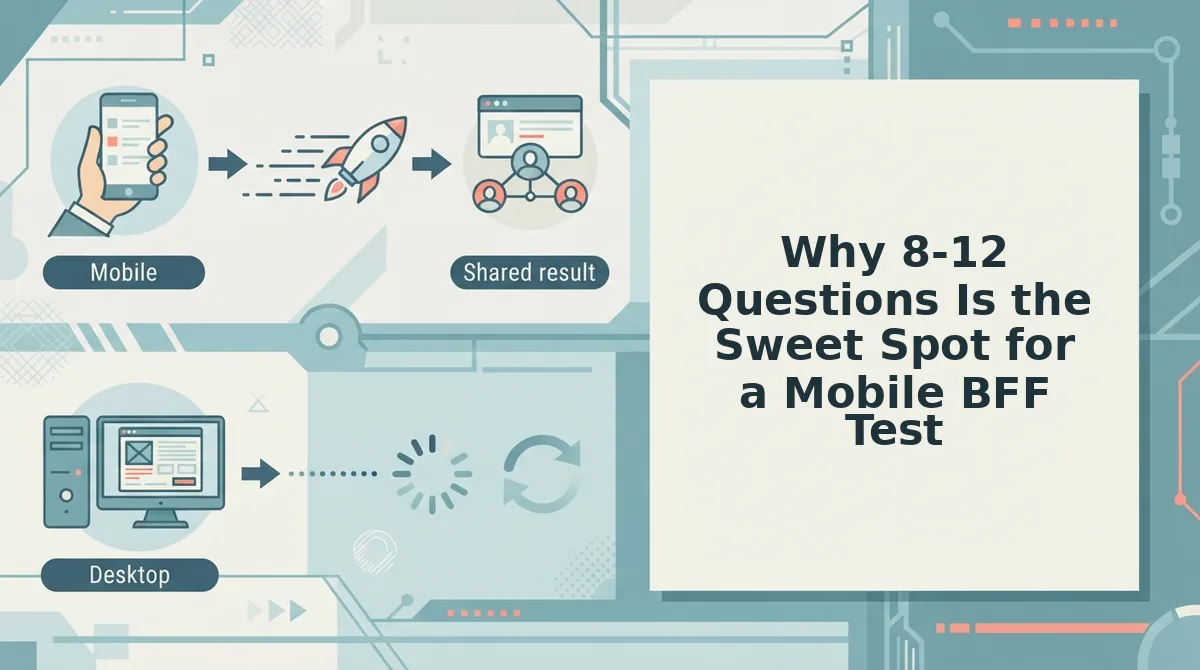
A mobile BFF test is a short-form friendship quiz optimized for thumb-speed answering and chat-based sharing, and its ideal length is 8-12 questions. Fewer than eight questions feels too shallow to prove anything, while more than twelve triggers drop-off on a phone screen.
Think of a BFF test like a good trailer for a movie. A trailer doesn't show you the whole film, it gives you just enough to feel invested and leaves you wanting the payoff. Eight to twelve questions gives friends enough material to feel challenged without turning the quiz into a chore they abandon halfway through.
The Chat Momentum framework explains why this range works. It has three rules: (1) under 2 minutes to build, if the creator can't finish making the quiz before their coffee cools, they won't share it; (2) zero taps to join, friends must land directly on question one with no sign-up, no app store redirect, no email gate; and (3) results visible without refresh, scores should appear the moment answers are submitted, not after a page reload or a "check back later" message.
Here's the contrarian take most quiz platforms ignore: mobile chat momentum dies after question 10. Attention spans in a group chat are measured in seconds, not minutes. Every additional question after the tenth increases the chance a friend swipes away to check a notification, answer a text, or scroll another feed. An 8-12 question range keeps completion rates high because friends can finish the entire quiz during a single commercial break or elevator ride.
This length also creates better friendship test questions because it forces you to curate. Instead of padding with filler like "what's my favorite color," you select only the prompts that genuinely separate close friends from casual acquaintances. The result is a quiz that feels dense with meaning rather than stretched thin with trivia.
Ready to fill those 8-12 slots with questions that actually reveal something about your friendships?
BFF Test Question Ideas That Actually Reveal Something
The strongest BFF test questions fall into five categories that map to real friendship depth: daily habits, food quirks, pet peeves, inside jokes, and would-you-rather scenarios. Each category below includes example prompts designed to spark banter the moment your link lands in the group chat.
- Daily habits that expose how closely you pay attention. Questions like "What's the first app I open in the morning?" or "Do I shower before or after coffee?" reveal whether your friend tracks your routines or just guesses. Use these early because they are easy to answer and set a confident tone for the rest of the quiz.
- Food quirks that separate surface-level friends from ride-or-dies. Ask "What's my go-to hangover order?" or "Which food do I pretend to like but secretly hate?" These prompts reward friends who have actually eaten with you, not just texted you, and they reliably trigger follow-up arguments in the chat.
- Pet peeves that test emotional proximity. Questions like "What makes me irrationally angry in under 10 seconds?" or "Which habit of mine annoys you most?" cut through small talk fast. They work because answering correctly requires having witnessed you at your worst, which is exactly what a BFF test should measure.
- Inside jokes that only your inner circle can decode. Use prompts like "What phrase do I say so often it became a meme in our group?" or "Which night out do I still bring up every time we hang out?" These questions create instant exclusivity and make anyone who scores low feel motivated to try a friendship dare quiz next.
- Would-you-rather scenarios that reveal how well they predict you. Ask "Would I rather cancel plans or show up late?" or "Would I rather lose my phone or my AirPods for a week?" These force friends to simulate your decision-making, which is a deeper test of knowing you than recalling a favorite color.
- Throwback questions that verify shared history. Prompts like "What was my worst fashion phase?" or "Which teacher did I complain about most in school?" separate real friends from acquaintances who met you last year. Keep one or two of these near the end to reward long-term friendships.
- Wildcard questions that spark post-quiz debate. End with something like "What's the most embarrassing thing I've done in front of a crush?" or "Which friend would I call first in an emergency?" These generate the most group chat replies and often lead friends to build their own quiz immediately after finishing yours.
Mix two questions from at least three categories to keep the quiz under two minutes while still feeling layered. The goal is not to stump your friends but to give them enough material to argue about the results for the rest of the day.
FAQ About Making a BFF Test on Mobile
A BFF test on mobile is a browser-based friendship quiz you create by answering personal trivia prompts about yourself, then sharing a link that friends open instantly in any messaging app. No app download, account, or email is required, and the entire setup takes under two minutes.
Do I need to download an app to make a BFF test?
No. Browser-based tools like Friend Quiz run entirely in your mobile browser, so you can create and share a BFF test in under two minutes without installing anything. The quiz link opens directly in your friends' browsers, which removes the biggest friction point that kills group chat participation.
Can I see who answered my BFF test?
Yes. Live friendboards show rankings in real time as each friend submits their answers, so you can watch scores update without refreshing or waiting for a results email. This real-time visibility is what turns a passive quiz into an active group chat competition.
Does a BFF test link work in WhatsApp group chats?
Yes. The link opens in WhatsApp's in-app browser, so friends never leave the chat to answer. The same applies to iMessage and Instagram DMs, which means your quiz reaches people exactly where they already spend their time.
How do I make a BFF quiz link without creating an account?
You can make a BFF quiz link without an account by entering your name, answering the personal trivia prompts, and copying the generated URL. No email verification, password, or sign-up step is required at any point in the workflow.
How many questions should a mobile BFF test have?
Eight to twelve questions is the sweet spot. This range keeps the quiz under two minutes to complete, which respects mobile attention spans while still providing enough data to produce meaningful scores and rankings on the friendboard.
Why does my BFF test score feel inaccurate with only a few questions?
Too few questions leave too much room for lucky guesses, which inflates scores and weakens the bragging-rights payoff. Eight to twelve questions across multiple categories such as daily habits, food quirks, and inside jokes creates enough variance to separate genuine best friends from casual acquaintances.
Your BFF Test Is One Group Chat Message Away
The entire workflow, from typing your name to copying the share link, takes less time than reading this article. No app download, no sign-up, no desktop forms, just a browser tab and a few honest answers about yourself.
You now have the question framework, the ideal length, and the step-by-step flow. The only missing variable is your friends' scores, and those will not exist until you send the link.
Make a BFF test right now, drop it in your group chat, and let the friendboard decide who actually knows you best.