Switching quiz makers when half the chat already played
Half your group chat played the old quiz link, four people posted scores, three never tapped it, and the thread has moved on to someone's lunch. Switching quiz makers mid group chat doesn't require resurrecting that dead link â it takes one clean second round that lands every friend on the same board.
The stall is almost never about friends losing interest. Account walls, ad banners sitting on top of the submit button, and multi-page reloads are what quietly end a quiz. On Friend Quiz, setup takes under two minutes with no account, no email, and no app download, so a restart costs you almost nothing but a message.
You'll leave with a two-round switch plan that credits early players instead of merging their scores, a three-bucket triage for whoever is stuck where, and copy-paste lines that announce the change without flattening the banter. The twist arrives in the final step: the fairest move is the one most people instinctively resist.
What you need before you switch and what you'll end up with
A quiz switch is the act of moving an unfinished group quiz onto a fresh link while keeping the friends who already played. You need three things you already have: the old link, a screenshot of the scores in the chat, and one new link to send.
What to do when half my group chat already played the old quiz link: close Round 1 with a screenshot of the scores already posted and crown a warm-up winner. Then send one new link and ask everyone â including the people who already played â to replay onto a single board. Nobody's effort vanishes, and every score ends up ranked live in one place instead of scattered across two apps. You don't delete the old quiz or apologise for it.
The outcome is one Friendboard â a live ranking of friends' quiz scores that updates as each person finishes â instead of a chat history you have to read backwards. The old link is the previous quiz maker's URL still sitting in the thread, often pinned, still collecting the occasional straggler.
Think of it like a board game night that got interrupted: you don't reshuffle the deck and pretend the first round never happened, you deal a fresh hand and write both rounds on the same scorecard.
Four prerequisites are already in your pocket: the old link, the screenshot, a phone, and the chat itself. Sort the thread into three buckets before you write a word.
| Where the friend stands | What you do |
|---|---|
| Played the old quiz | Screenshot their score in the chat and crown the warm-up winner. No replay demanded, no score merged. |
| Opened it, never finished | One direct resend of the new link, addressed to them, with a single line on why the old one stalled. |
| Never opened it | Send the new link with no context at all â no apology, no recap of Round 1. |
Friend Quiz turns your name and a run of habit prompts into a shareable quiz in under two minutes, so the round you build next doubles as the BFF test questions your group will argue about longest.
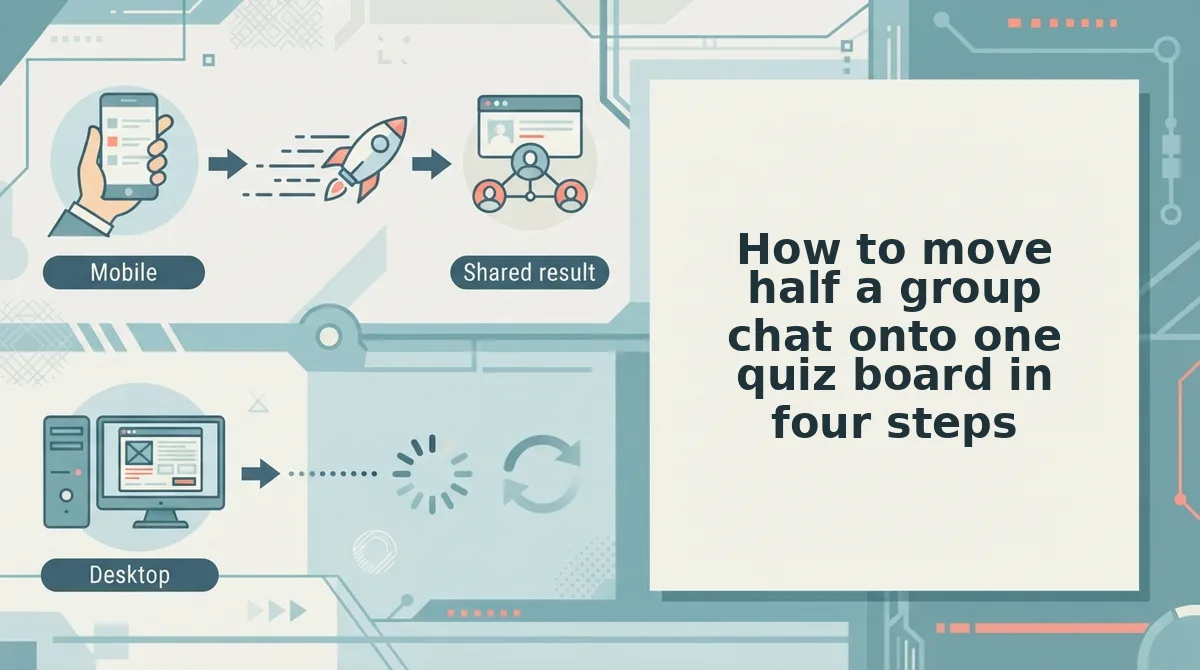
How to move half a group chat onto one quiz board in four steps
Move the chat in four steps: screenshot the old scores, build a fresh quiz link, send three targeted messages, then retire the old results without importing them. The whole switch runs on a phone in WhatsApp, iMessage, or Snapchat with no account and no download.
Before you start, have the old link open, the chat scrolled to the posted scores, and your phone in hand. Total time: roughly ten minutes of actual work, spread across a day of chatting.
- Close Round 1 with a screenshot (2 minutes). Open the old quiz link, screenshot every score already posted, and drop that image into the chat with one line: "That was the warm-up." Crown the top score with an emoji so early players get visible credit without any score merge. You should see the screenshot sitting above your new messages, acting as the permanent record of Round 1. Leave the old link exactly where it is â deleting it only makes people think their effort was thrown away.
- Build Round 2 in under two minutes. Open build your Round 2 best friend quiz on your phone, type your name, and cycle through the habit prompts â daily quirks, likes, dislikes â picking an answer for each. No account, no email, no app download. Copy the generated link. You should see a shareable quiz URL ready to paste straight into the group.
- Send three messages, not one (5 minutes). One blanket announcement plus two bucket-specific notes keeps the thread from filling with "wait, which link?". Copy these:
- Announce: "Round 1 is officially the warm-up â scores are screenshotted above. Round 2, same group, one board: [link]. Two minutes, no signup."
- Nudge (opened, never finished): "You got halfway last time, which still counts. Fresh one here, takes two minutes: [link]."
- Final call: "Scores lock tonight. Anyone not on the board takes the wooden spoon by default."
- Never opened it: "[link] â do it." Nothing else. Context is what stopped them last time.
- Retire the old scores â don't import them (0 minutes). This is the part everyone tries to skip. Merging two scoring systems means arguing about question difficulty, guessed answers, and who played which version, and that argument kills more banter than a clean reset ever does. Treat Round 1 as bragging rights already banked and let Round 2 stand alone. You should see one Friendboard, one winner, one argument worth having.
Once every score sits on a single board, the only thing left to confirm is whether the switch actually landed.
How do you check that the switch actually worked?
Run one verification pass about ten minutes after you drop the new link: every friend should hold exactly one spot on the Friendboard, and nobody should still be mid-answer on the old URL.
- One Friendboard entry per friend. Count the names on the board against your group chat roster before you celebrate a full house. A missing name is the earliest signal that someone played the wrong link, and it is far easier to chase now than after the banter has moved on.
- Zero stragglers on the old link. Ask the chat directly who is still finishing the first quiz and give them a two-minute window. Anyone who starts the old quiz after Round 2 goes live will post a score you cannot see, which reads as a glitch instead of a game.
- One URL, quoted in one message. Copy the new link from your own address bar and paste it as a single line rather than forwarding the earlier message. Two live links in one thread split the board, and the split stays invisible until the scores stop adding up.
- Duplicate plays settled by the player. If someone answers twice, let them say which score they are claiming and leave the other as banter. Reconciling two systems costs the chat more goodwill than a disputed score ever will.
- Old link unpinned, new link pinned. Swap the pin the moment Round 2 starts, because late joiners scroll to the pin first. Leaving both links pinned hands them a coin flip, and roughly half of them will lose it.
A friend reporting a score that never appears on the Friendboard has almost certainly finished on the old board instead. The fix is a screenshot of their old result, one fresh link pasted into the chat, and a request to replay â not a debate about whether the site is broken. That single symptom explains most "the quiz ate my score" messages, and it clears in under a minute once you look for a second live link instead of a bug.
Common questions about switching a quiz mid chat
The switch needs one link and no score migration, because old results stay on the old board and everyone replays fresh.
Can I carry my old quiz scores over to the new one?
No. Old scores count as Round 1 bragging rights only and are not imported, so the new board starts clean. Screenshot the old results into the chat if the numbers are worth keeping.
Is it unfair that some friends already saw my answers?
Not really. Treat Round 2 as the real round and let early players re-answer, since seeing your prompts changes nothing about guessing which answer you picked. Remembering the question is not the same as knowing you.
Do my friends need an account to play?
No. They enter a name and play in the browser, with no account, no email and no app download. Send the best friend test link and they start instantly.
What if some friends never opened the old link at all?
Send them the new link alone and skip the backstory. They lose nothing by missing Round 1, because the Friendboard ranks them on the round everyone actually plays.
Send Round 2 before the chat goes quiet
The switch was never a repair job. It is a two-round story: close Round 1 with a screenshot, open Round 2 with one link, and let the Friendboard settle it. Read it that way and the missing scores stop looking like damage and start looking like the end of a warm-up.
Three things to carry forward. One pinned link is the whole goal, so unpin anything older the moment the new one is live. The board outranks the old scores, because a live ranking generates more banter than an imported number ever did. And a clean rematch beats a messy merge â setup runs under two minutes with no account, which is roughly what you would spend arguing about whose score counted.
Enter your name on Friend Quiz and send the link. If your group finishes fast, keep the thread alive with a Friendship Dare round.