How Fast Does the Friendboard Update After a Friend Plays?
Your link has been in the group chat for four minutes, three friends say they've played, and your board still shows one name â the exact moment most people start typing friendboard update speed into a search bar. Here's the part that surprises them: a guess is logged when the friend taps an answer, not when they finish reading their result.
The frustration is real even when the platform is behaving. There's no published millisecond benchmark for a friendship quiz board, so the honest answer is a mechanism, not an invented number. Below: how a guess travels from tap to visible rank, the three clocks where lag hides, and the 30-second fix â and if you haven't built one yet, you can create a Best Friend Quiz in under two minutes, with no app and no login.
One detail to hold onto: the board belongs to the shared quiz link, not to the person who built it, so everyone opening the same URL sees identical standings. The reason a working board can still look stuck is almost never the writer â it's the tab. That's the loop we close at the end.
How fast does the Friendboard update after a friend finishes a quiz?
The Friendboard updates when each guess is submitted, not when the friend finishes the quiz â so an answer is already on the board while your friend is still reading their result screen.
A Friendboard is the live standings board attached to a shared quiz link: a running list of who has played and how many of your answers they matched. Real-time logging means the platform records a guess at the moment of submission rather than bundling everything up at quiz completion. That distinction is the whole answer most readers actually want, and it's why a five-question quiz and a twenty-question quiz behave identically.
In plain terms, four beats move a guess from a thumb to a ranking. Answer: your friend taps a choice. Log: that choice is written against your quiz â the shared link, not the device â the instant the tap registers. Recompute: the standings are re-ordered from the logged guesses. Display: any screen showing that link renders the new order without a manual refresh. Nothing waits for the results screen, the final question, or the friend closing the tab. If a row is missing, the tap itself usually didn't land.
Think of a bowling alley scoreboard: the frame is recorded when the pins settle, not when your friend stops celebrating the strike. The screen on the wall is only a rendering of something already written down.
Two honest exceptions exist, and neither is a speed problem. A partial submission â a friend who closed the tab midway â means no final tap ever happened, so there is nothing to log. A dropped connection can swallow the tap before it reaches the platform.
Sharing a BFF quiz link puts all four beats in motion the second the first friend opens it: no moderation queue, no login wall on the friend's side, no waiting on the creator to approve anything.
The Three Clocks where update lag actually hides
Update lag almost never lives in the database â it lives in the gap between three separate clocks, and only the third one is on your screen. Naming them turns a vague "it isn't working" into something you can check yourself.
- Submit clock â the moment your friend taps an answer. This is the only clock that depends on another person, so it's the one you can't influence; a friend who opened the quiz and got distracted mid-question hasn't started it yet. A "done" message in the chat is not the same as a tap.
- Write clock â the instant that tap is recorded against your quiz. It's fast and invisible, and it has already finished before your friend sees whether they were right. When troubleshooting, rule this clock out first, because it's the least likely culprit.
- View clock â whatever your screen is currently showing. In practice this is the slowest of the three: a tab opened before you shared the link, or a page parked inside an in-app browser, can keep displaying an older copy of the standings. Reopening the link resets it.
People say "speed" when they mean latency, throughput, refresh, or plain display lag, which is why the complaint so rarely matches the cause. Compare that with friendship test results, which you read once on the friend's side, while the board is the one view that keeps changing underneath you.
Once you know which clock you're actually watching, the fix for a board that looks frozen takes about thirty seconds.
Why is my Friendboard not updating and how do I fix it in 30 seconds
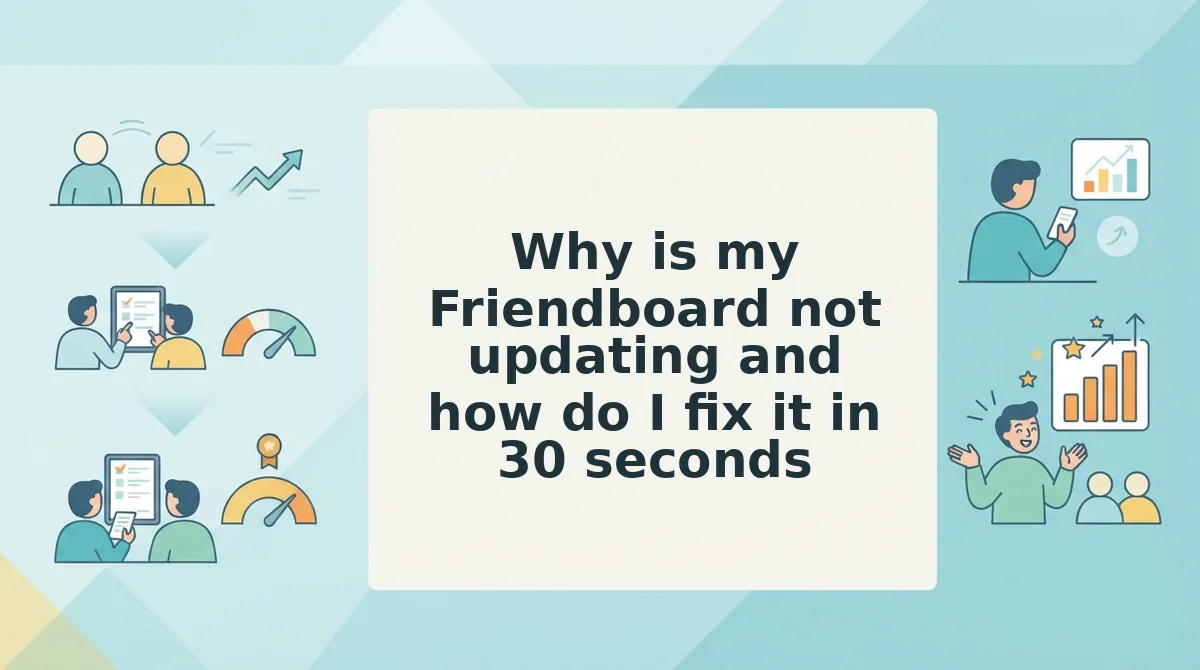
Your Friendboard is not slow â it is showing a page that was loaded before your friend's answers arrived. Opening the shared link fresh in a single tab forces the board to pull current standings, and clears the issue in about 30 seconds.
What you need: the original quiz link, a standard browser such as Safari or Chrome, and half a minute. No app, account, or download.
Work the ladder top to bottom â each rung is more likely than the one below it, and each has one action that clears it.
- Open the shared link in a new tab (5 seconds). Paste it into a clean tab instead of scrolling the session you already have open, because a tab that predates the submission loaded its standings once and never re-fetches them. You should see your friend's answers sitting in the standings.
- Leave the in-app browser (15 seconds). In WhatsApp or Instagram, tap the corner menu and choose Open in browser. Those in-app views keep a backgrounded page copy that looks live but is not. You should see a real address bar and an updated board.
- Confirm the quiz was finished (30 seconds). A partial submission looks exactly like lag from the viewer's side. Ask whether they reached the results screen, then have them reopen the link. Their row should appear complete.
- Check you shared the right link (10 seconds). A link copied from a chat preview can lose its query string. The creator name above the board should be yours.
- Test their connection (20 seconds). Load any other site on their phone. If nothing loads, the submission never left the device and the board is correctly empty.
Does a Friendboard update without refreshing? Yes, in one direction: new answers land on the board as friends submit them, and the ranking re-sorts without the creator touching anything. What does not update is a tab opened before the share link went out, because that page instance drew its standings once and has no reason to draw them again. In practice the board is live and the tab is not, which is why a fresh open fixes almost every "frozen" complaint and why telling a friend to refresh is usually the wrong advice.
Running a round in a group chat? Build a quiz for friends once, drop the link, and let the board do the chasing.
Do Friendboard rankings update live or do you have to refresh?
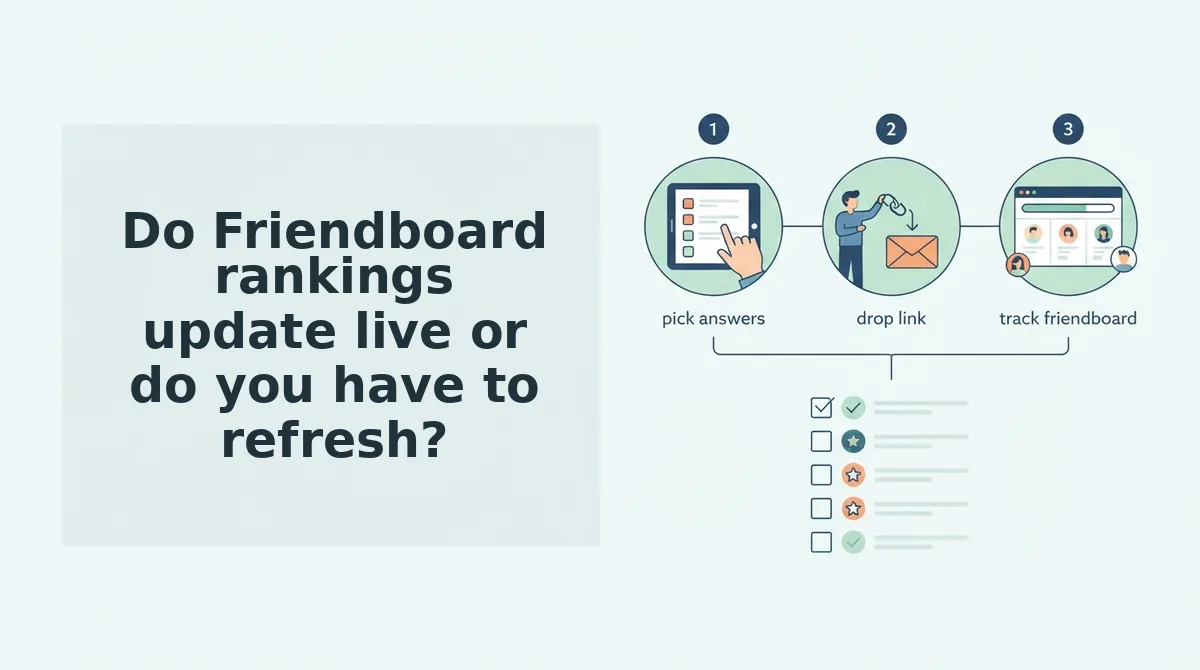
Friendboard rankings update in real time â each submitted answer is logged to the creator's board and the order re-sorts without anyone tapping refresh. The one exception is a tab opened before the submission, which is frozen at load time and needs a single reload.
A refresh-based scoreboard is only as current as the viewer's last tap, so the score it shows is locked to the moment the page opened. A live board re-orders on every new submission, meaning a rank can change while the viewer is still reading it.
| Factor | Live board (Friend Quiz) | Reload-based scoreboard tool |
|---|---|---|
| Refresh behaviour | Standings reflect a submitted guess with no manual reload | Frozen at page load until the viewer reloads |
| When rank changes | On each new submission, even mid-read | Only after a reload or a fresh open |
| Who carries freshness | The board itself | The viewer |
| Honest strength | Visible movement pulls the next player in | Simpler and lighter, and steady on weak connections |
| Best for | Group-chat instigators running a round live in one sitting | Async groups spread across time zones who check in later |
For a round happening in one sitting, live wins on the only metric that matters: nobody has to remember to refresh. For a quiz that trickles in over several days, a reload-based tool is entirely adequate, since the viewer is opening it fresh anyway.
What to do next so the standings move the second your friends do
Nearly every "slow board" turns out to be the view clock: the submit and write clocks were instant, and one stale tab hid the fact. A fresh open is the whole fix.
So build for movement rather than for a single score. Create the quiz â type your name, answer the habit prompts, done in under two minutes with no account. Share one link; it carries both the quiz and the board, so nothing extra needs sending after the first drop. Watch the board shift as answers land, then re-post the same link when the chat goes quiet.
If your circle prefers dares to trivia, the friendship dare quiz runs on that same link-and-board loop.
Start by opening friendquiz.org and typing your name. The board is the reward loop â the faster friends watch it move, the more likely they are to challenge the next person in the chat.