How Do I See Who Knows Me Best After Sending My Friend Quiz?
The link is out. The group chat has gone quiet. You're refreshing a page that hasn't moved yet, and what you actually want to know is how to see who knows me best on a friend quiz you already sent.
You've done the hard part: the quiz exists and the link is live. The only unknown left is where the scores actually land.
The check takes three steps, and none of them require a login, an app install, or a confirmation email. The board opens on the same link you shared â the exact friction point that account-walled quiz sites never explain.
Reopen that link, read the board top-down by accuracy score, then tap any row to see which prompts each friend missed. The whole pass takes about a minute.
One thing worth flagging before you start: the ranking is the tip, not the whole picture. A single number on that board says more about how you wrote your questions than about how much your friends pay attention, and that's addressed further down.
Still building? A best friend quiz takes roughly two minutes of habit and quirk prompts and spits out a share-ready link on the spot.
What Does Your Friendboard Actually Show You?
Your Friendboard is the live ranked list attached to the quiz link you shared: one row for every friend who finished, ordered by how many of your answers they matched. It fills in as players land, and no login stands between you and it.
Three terms do all the work on that screen.
- Accuracy score â correct guesses divided by total questions, shown per friend. A 6/10 is a percentage, not a verdict.
- Rank â that friend's position on your board, which resets visually as new players land, so an early leader is often just an early finisher.
- Completion â friends who finished versus friends who opened, the metric that explains an apparently empty board.
Think of it less like a scoreboard bolted to a gym wall and more like a seating chart at a dinner party: it's organized around who is at your table, not around who won something. A generic leaderboard measures who scored highest at a game. Your Friendboard measures who pays attention to you.
If your board looks sparse, check completion before you check accuracy. A board showing two finishers out of twelve invites is usually a friction artifact rather than a popularity verdict: app-install interstitials, ad banners sitting over the submit button, page reloads that wipe answers, and forced profile creation all cause mid-quiz drop-off. A quiz for friends that runs in the mobile browser with no install and no account eliminates those four exits, which is why a short board elsewhere often says more about the interface than about your group chat.
How Do You Check Who Knows You Best in Three Steps?
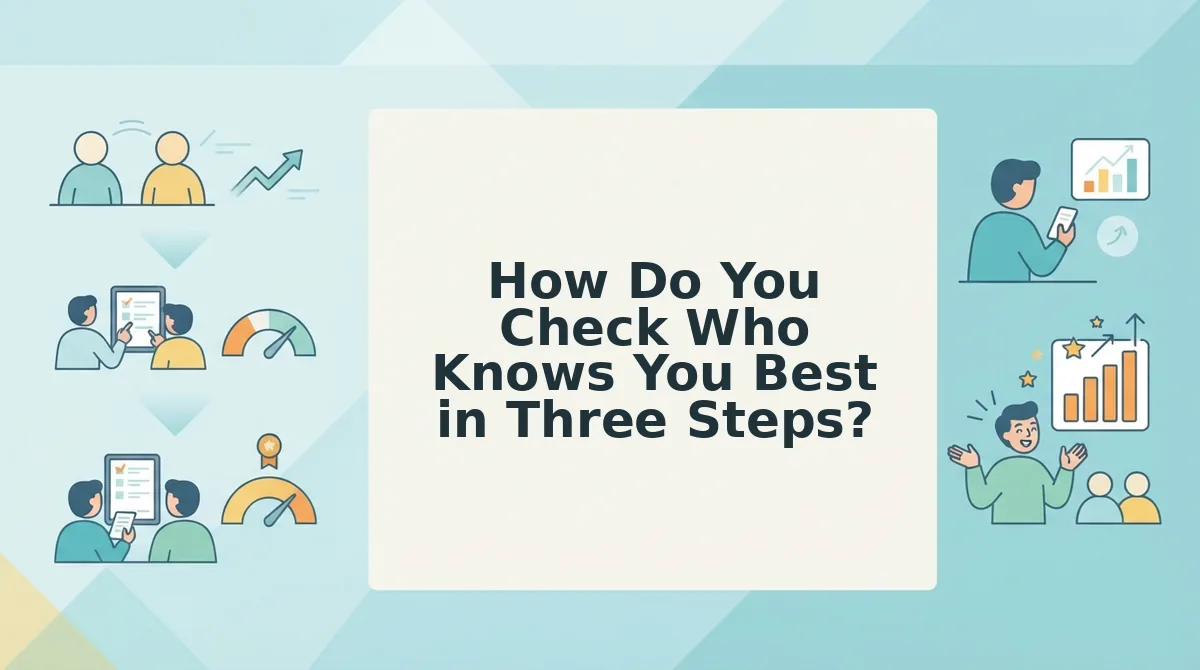
To see who knows you best after sending your friend quiz, reopen the exact link you shared, scroll to the Friendboard beneath the quiz, and read the rows top-down by accuracy score â the highest percentage sits at the top. No login, dashboard, or confirmation email is involved; the board lives on your own link and fills in as friends finish. Then tap any row to expand that friend's missed prompts, which is where the actual banter lives.
Before you start, you need two things: the quiz link you shared (still sitting in your sent messages) and at least one friend who completed it. Nothing else.
- Open the same link you shared â not a dashboard, not an inbox confirmation. Paste the URL into your mobile browser or tap it in your sent messages. Time: 15 seconds. You should see your quiz load with the Friendboard directly below it, already populated with any completed runs.
- Read the board top-down by accuracy score, not by timestamp. The friend who answered first is usually just the one holding their phone when the link dropped. Time: 30 seconds. You should see a ranked column with each finisher's percentage and a rank number beside it.
- Tap any row to open that friend's result detail. Time: 20 seconds per friend. You should see which specific prompts they got wrong â the list you'll screenshot back into the chat.
On the account question, plainly: no signup is needed to view a board you created, because the board is keyed to the link itself. If you're running several groups at once, see how to share one link across several group chats and let each Friendboard rank its own crowd.
The board's real payoff is that it updates in real time as answers land, so you can drop a fresh screenshot every hour and let the rivalry build itself.
What the numbers mean once the board is full is a separate question entirely.
What Does an Accuracy Score Actually Tell You?
An accuracy score is the share of your prompts a friend's answers matched, shown as a fraction out of ten on their Friendboard row.
The simple read: the number is a match count. Nothing is weighted, timed, or adjusted against other players, so 8/10 is eight correct taps out of ten questions and nothing more.
The intermediate read: bands are more useful than the raw digit, because the right response changes at each step. Treat the table as a decision rule, not a verdict.
| Score band | What it signals | Your next move |
|---|---|---|
| 9â10 of 10 | An attentive friend who has been paying attention | Defend your title |
| 7â8 of 10 | A solid read with a couple of gaps | Rematch with harder prompts |
| 5â6 of 10 | Partial overlap on the easy stuff | Swap question sets |
| 3â4 of 10 | Mostly guesswork | Try a lighter question set |
| 0â2 of 10 | A rushed or distracted run | Ask what they were doing |
The advanced read: a score is only as sharp as the question it grades. Think of it like a pub quiz round where two answers were arguably right â the team that "lost" a point was guessing at the quizmaster's wording, not at the fact. If three friends all landed near 5/10 on the same prompts, the prompts are the problem: any question that allows two defensible answers reads to the player as a wrong guess and scores as one.
Rank is not destiny either. The board reshuffles every time another friend finishes, so the leader at hour one is the fastest replier, not the closest friend. Before you screenshot anything into the chat, separate a low score from a weak friendship â a distracted run on a phone in a queue looks identical to indifference on the board. If you would rather raise the stakes on purpose than guess, a friendship dare quiz makes the prompt itself the wager.
Why Did Only Two of Your Twelve Friends Finish?
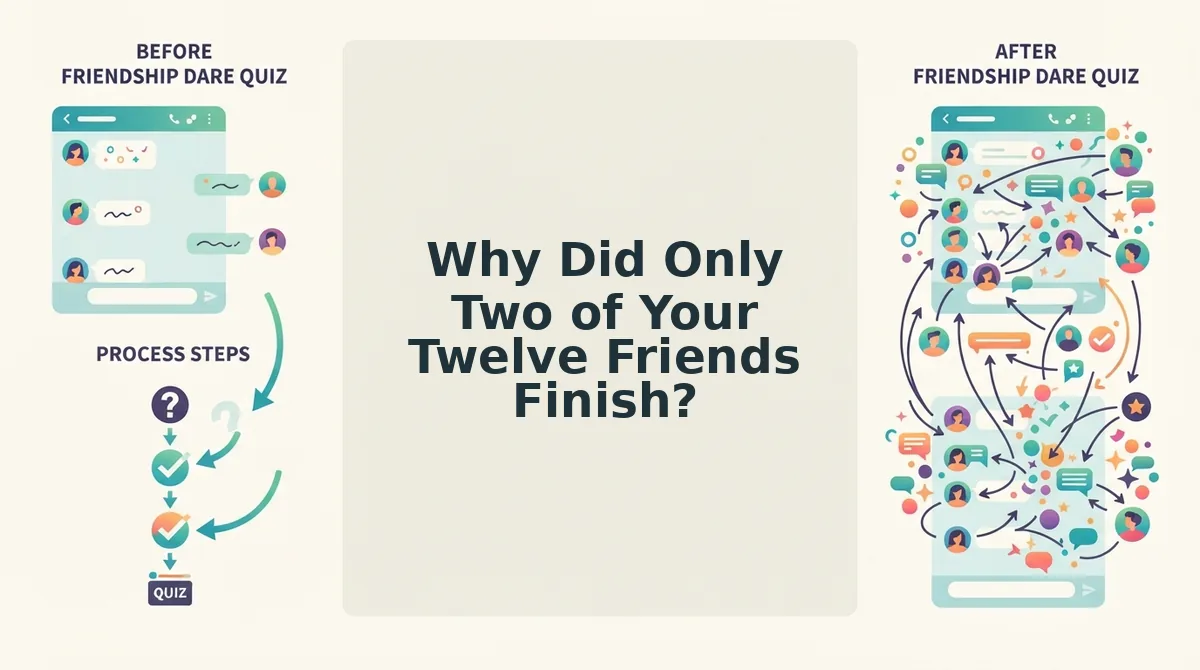
A near-empty board is usually a friction problem rather than a social verdict. Four specific design failures account for most abandoned runs, ranked here from worst to mildest.
- An app-install or signup prompt appearing mid-quiz. This is the single most common reason friends bail between question two and three. Someone tapping a link in a group chat has roughly thirty seconds of patience and no intention of installing anything, so the quiz that opens straight into question one keeps its players.
- An ad banner sitting over the submit button. On a phone screen, a banner that overlaps the tap target turns a confident answer into a mis-tap or a stray redirect. Open your own link on your phone and tap through to the end before you judge the board â if you cannot finish it one-handed, nobody else will.
- A multi-page form that reloads and dumps answers. Losing tapped answers mid-run forces a redo, and almost nobody redoes a ten-question quiz for fun. Single-screen prompts with an answer saved on each tap remove the failure entirely.
- Forced profile creation before a friend can see their own result. People finish a quiz to find out their score, so gating the payoff behind an account kills the last question. Let the result land first; identity can stay anonymous on the board.
Then nudge once, in the same chat, with copy built to be replied to: "two minutes, no download, and I already know you'll get a 4" plus the direct link, followed by a second line naming the current leader to trigger a challenge. Send it inside the first hour, while the chat is still on the topic â the identical message a day later reads as homework.
Stack that short format against a longer one and the gap gets obvious. A BFF test built from ten tap-to-answer prompts finishes in under two minutes, which is the window your friends actually have.
Quick Answers Before You Refresh the Board Again
The questions this guide left open, short enough to answer in one breath each.
Do I need an account to see my Friendboard?
No. The same link you shared opens the ranked board for you, with no login, email, or download. That single link is the board â bookmark it rather than hunting for a dashboard.
Can friends see each other's scores?
They see the ranked board: each player's row and score, ranked against the group. What they do not get is a broadcast of individual answers, which stay visible to the creator instead.
Does 6/10 mean they're a bad friend?
No. It means six of ten prompts overlapped with what they remember about you. Ambiguous prompts cap everyone's ceiling, so a mid-band score often measures your wording more than their attention.
Why does my link show no board?
The board fills only as friends finish. A quiz opened but abandoned leaves no row behind, so silence usually means a half-finished run rather than nobody caring.
One rule before you publish: get a yes from anyone whose habits or private jokes appear in your prompts. Consent first, banter second.
Then close the loop in about ninety seconds â type your name at friendquiz.org, lock in ten prompts, and drop the link in the chat that started this. When that board fills, the next rung up is a best friend test with tighter, single-answer prompts that leave no room to argue.