How to keep a group chat from ignoring your new quiz link
Your quiz link is sitting in the chat under three grey ticks and zero replies, and you are quietly deciding whether sending it again makes you the person who spams the group.
It stings more than an outright no. A chat that sees your link and scrolls past lands differently than one that never opened the app at all â an observation that explains why the silence feels personal when it usually isn't.
So agree on the facts first: group chat ignoring your new quiz link is usually one of two problems, and only one of them is about you. What follows is a five-minute relaunch â a 60-second diagnosis, the exact words to paste, and the one move that pulls quiet members in without chasing anyone.
The surprise is that the leaderboard does the recruiting, not the link: once one name lands on the Friendboard, everyone else has a score to beat. You can start a friend quiz with no account and no download, and share the link in the same minute.
Is your quiz link broken, or is the chat just quiet?
Check the message before you resend it: if your name appears on a preview card, the link works and the room chose not to tap; if the URL arrives as bare blue text, the link never rendered and nobody saw it.
Link silence is a delivery failure â the preview card never rendered, so the URL landed as plain text with nothing to tap. Social silence is a choice: the card rendered with your name on it and the chat scrolled past. Think of a paper invitation: one envelope arrived empty, the other is still sealed on the hall table.
The tell is visual and needs no analytics. A card carrying your name means the link worked.
- Preview missing or generic: the card shows a blank icon or the raw URL â resend with the link on its own line, not mid-sentence.
- Link stripped: the app dropped the URL from a forwarded message â type or paste it fresh.
- In-app browser stalled: a tap opens a blank pane â reopen in the phone's main browser.
- Chat muted or archived: nobody was pinged, so nobody saw it.
A link that opens in Safari or Chrome but stalls inside WhatsApp is not a broken quiz â it is an in-app browser problem. The chat app hands the URL to a stripped-down viewer, and a stalled viewer looks identical to a dead link from the sender's side. Copy the URL, paste it into your phone's main browser, tap, and wait for the quiz title to appear. If it loads there, the link is fine and the silence is social.
Two prerequisites for the relaunch: a link that opens in a plain mobile browser with no install and no sign-up, and a chat that is genuinely active that day. If the card rendered, stop worrying about the one cause you cannot control.
How do you relaunch the link so people actually tap it?
Relaunch in four steps: confirm the link opens in a plain browser, wait for a thread that is already moving, paste the link with one line of copy instead of a paragraph, then let the first score on the Friendboard do the recruiting.
You need nothing but the quiz link and an active chat that day. If the link only loads inside a chat app, fix that first â a stalled viewer looks exactly like a quiz nobody wants to play.
- Confirm the link opens outside the chat (60 seconds). Copy the URL, paste it into your phone's main browser, and tap. You should see your quiz title and the first question. A blank pane means the chat app's viewer is the problem, not the quiz.
- Wait for a thread that is already moving. Attach, don't announce â a cold link dropped into a quiet chat reads as homework. Hijack a live moment: a debate in progress, a plan being made, or the message right after someone else's joke lands. Success looks like your link arriving mid-conversation, not as the first message in three hours.
- Paste the link with one line of copy, never an instruction paragraph. Three that work: the dare â "Six questions. I bet you get three." The deficit â "Someone is on 5/6 and nobody has beaten it." The brag-bait â "Only one person actually knows me. Prove it." A friendship dare quiz suits the first framing best, because it hands the group a challenge rather than a form. Two that fail: explaining how the quiz works, and "please play ð".
- Post the first score the moment a name appears. Before: "Why has nobody done my quiz?" After: "4/6 is the score to beat." That single line reframes the ranking as an invitation instead of a callout. Do not tag anyone â tagging makes joining visible and raises the social cost of showing up late, so reply publicly to one person instead and let the rest arrive unannounced.
If you'd rather the questions carry the momentum, build a best friend quiz whose prompts the chat will argue about, and the Friendboard keeps score while you stay out of it.
That sequence is what a working relaunch looks like in practice.
What does it look like when the relaunch works?
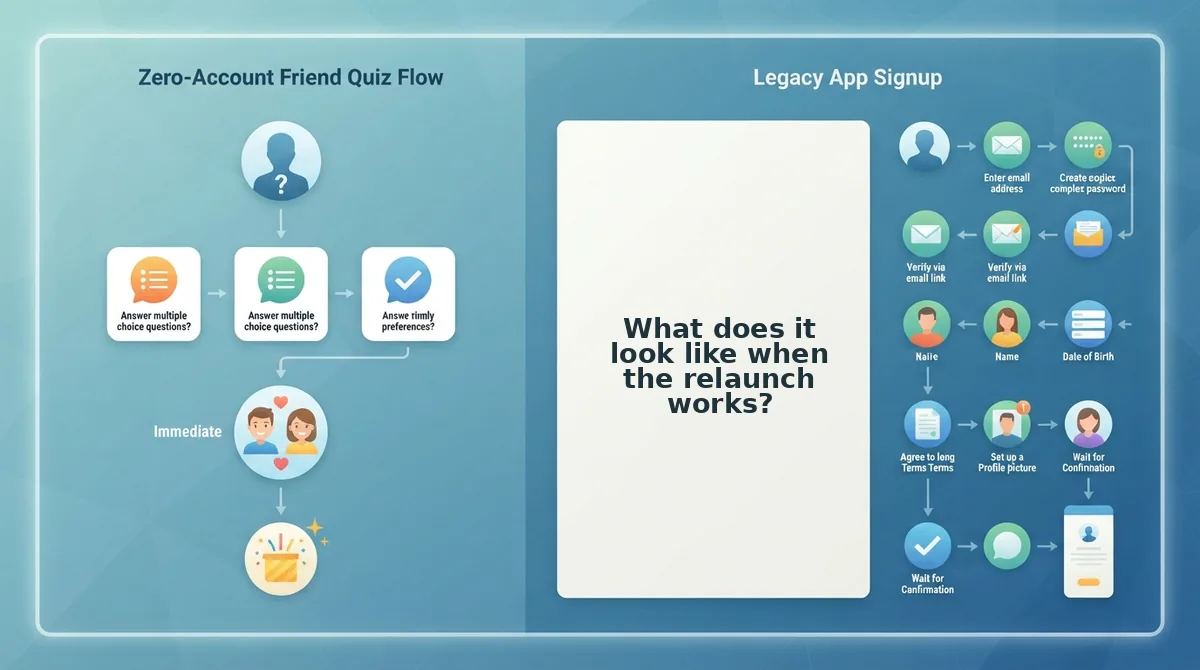
Success shows up as four observable events in a fixed order, not as a burst of replies. Watch for them in sequence and you can judge a relaunch within an hour instead of waiting on your nerves.
- A preview card with your name renders in the chat. A card means the link arrived intact, so any quiet after that is social rather than technical. Check for it before you resend anything, because a bare blue URL is the one signal that the link itself failed.
- Exactly one person taps, because you asked them directly. Replying to a single message with the link makes joining feel like being invited rather than conscripted. One tap is enough to break the group's freeze, since nobody wants to be first in an empty room.
- The first score lands on the Friendboard. A visible score turns an abstract quiz into a leaderboard someone can beat. Point the group at it directly â see the friendboard and let the ranking do the recruiting.
- Names appear without you asking twice. This is the loop closing: the quiz is now carrying the conversation, and each new entry pulls in the person who was waiting to see who else played.
- A second share goes out on a new day, not a new hour. Twice on two different days is the ceiling, never twice in one hour. Treat the second share as a fresh morning rather than a reminder, because group attention resets overnight, not on the hour.
What else keeps a group chat from playing?
Most dead links fail on four mechanical or social blocks rather than on disinterest: a URL that renders as plain text, an assumed app install, a resend that reads as nagging, and a group waiting for someone else to go first.
How many times can I repost a quiz link without being annoying?
Twice, on two different days, and never twice in one hour. A first share plus one overnight follow-up is the practical ceiling. After that, resending the same link reads as pressure rather than invitation, and the silence stops being about the quiz.
Why is my quiz link preview not showing in WhatsApp?
The app is usually reading your link as plain text. That happens when it is pasted with leading spaces, tucked inside a sentence, or wrapped in a shortened redirect. Paste the full URL alone on its own line so the preview card can generate.
Do my friends need an app or an account to take the quiz?
No. Guests answer in their mobile browser with no download and no profile, which is the assumption most likely to be the real blocker â people skim a link in a chat and assume it wants an install. Say so in the message itself.
What should I do when only one person ever plays my quiz?
Run the first-scorepost once more for that one name, then let it go without commentary. A single visible score sometimes pulls in a second player, but explaining the silence out loud guarantees nobody else joins.
Why does the quiz link open as a blank page on some phones?
In-app browsers inside WhatsApp, Instagram and Messenger sometimes stall on a redirect before the quiz loads. The fix is to send the full https://friendquiz.org URL as a standalone line with no text wrapped around it, and to ask the person to open it in Safari or Chrome if the in-app view stays blank. Testing the link yourself in the same app first tells you whether the problem is the link or the handset.
Pick one step and send it in the next five minutes
You do not need a better quiz or a better set of friends. You need one action matched to where the relaunch actually stalled.
If no preview card ever rendered, rerun the two silences diagnosis and repaste the full https://friendquiz.org URL on its own line â the link never had a chance, so nothing about your questions needs changing.
If the card showed but the scores came back flat, rebuild the question set. A sharper BFF test gives the group something worth arguing about.
If you are ready to relaunch, create a quiz and send it into a thread that is already moving.
And the honest part nobody else says: you cannot know why a specific group stayed quiet. Two genuine attempts, on two different days, is a complete effort â after that you are allowed to drop it. The only proof of effort worth chasing is the preview card with your name on it.