Quiz maker features worth switching for and ones to skip
You have watched someone abandon your quiz on question three, and you never found out why. The quiz maker features worth switching for are the ones that keep that friend in the browser, not the ones that make your dashboard look impressive.
That gap is documented nowhere in the current wave of comparison videos. Nearly every creator-side review scores features from the maker's seat, so a 79-question-type library gets listed beside "opens in one tap" as if the two carried equal weight. But the friend answering is the only voter who matters, and no comparison table gives them a column. Drop-off rarely happens on your screen. It happens on a mid-range phone opening a link inside WhatsApp's in-app browser, where a single reload or a stray account prompt ends the run before question two loads.
Here is what this guide delivers: a seven-point audit you can run on your own phone in about 12 minutes, plus a skip list of features that feel essential in week one and are dead by day eight. The prerequisites are honest and small â a 10-question set, one mid-range phone, one group chat, and 15 minutes. You will rebuild nothing to test it.
You will also see one finding that runs against the whole AI quiz-generator category, and it explains why so many polished quizzes still die at question three. Start by trying a BFF quiz built for the chat you actually use, and watch how few screens stand between the link tap and question one.
Which quiz maker features are actually worth switching for?
The quiz maker features worth switching for are the ones that reduce taker-side friction first, portability second, and creator convenience third. Taker-side friction is the count of taps, prompts, and reloads between a friend tapping your link and reading question one â every one of them is a place the quiz can die.
Think of a switch like moving apartments. Everyone tours the new kitchen, but the cost you actually feel is packing, hauling, and re-printing the address on everything. Portability is your question set walking out the door with you. Feature decay is the furniture that looked great in the showroom and turned out to be the thing you never used.
Run a taker-side walkthrough using a best friend test before you commit. Send yourself the link in a group chat, tap it, and score what happens: the browser opens in-app, question one loads, no account prompt appears, no page reloads, no notification permission pops up. That is five checkpoints, and a quiz that clears all five in the chat app itself beats a richer editor every time. Free tiers, notably, usually differ on branding and caps rather than on whether your friend has to sign up.
The two-user test is the frame competitors omit: score every feature twice, once for the creator and once for the taker. A question-type library scores high for you and zero for them. A no-login link scores near zero on the feature list and wins the run. Try the best friend test format to feel the difference: name entry, instant link, no install.
How to test a quiz maker before you switch, step by step
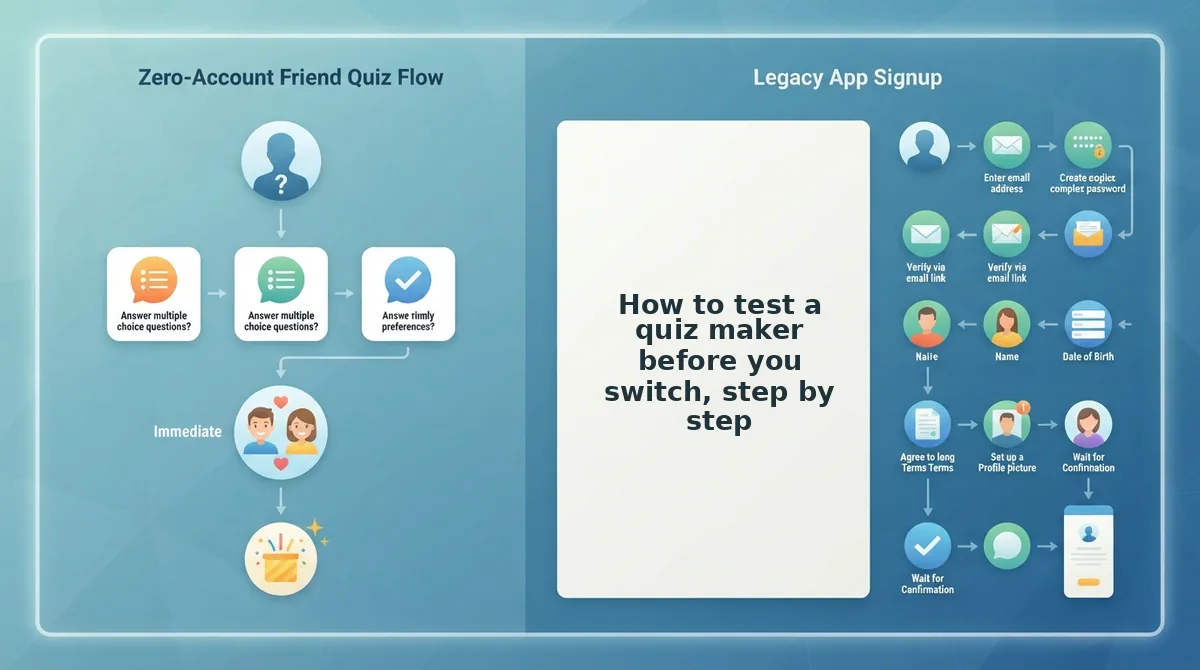
Audit a quiz maker in about 12 minutes by counting taps and prompts instead of evaluating menus: build a 10-question set, open it inside the chat app on two phones, and score seven checkpoints yourself. You need one mid-range phone, the messaging app you actually use, and a second friend in the same chat.
- Build a 10-question set (about 5 minutes). Type your name, cycle through the habit and preference prompts, and publish. Success looks like a shareable link on screen with no email field demanded first.
- Send the link into the group chat (1 minute). Paste it into WhatsApp or iMessage rather than copying it to a browser tab. Success is the link previewing as a tappable URL.
- Count taps to question one (1 minute). Open it inside the chat's in-app browser and tap through. Your target is link tap to question one in two taps or fewer; write the number down.
- Watch for account prompts and reloads (1 minute). Note every sign-up wall, cookie interstitial, or page refresh. Any of these before question one is a fatal drop-off point on a mid-range phone.
- Log permission pop-ups (1 minute). Record notifications, location, or contacts requests. A quiz should need none of them to display a question.
- Edit after sending (1 minute). Change one answer option on the live quiz, then reopen the shared link. Success means the friend sees the edit without a new URL being circulated.
- Test link portability (2 minutes). Ask whether your 10 questions can leave with you, then have a second friend in the same chat take it and time them. The second player feels every extra screen.
Score one point per checkpoint cleared, including the two-player run. Seven is a quiz worth keeping; five or fewer means rebuilding that question set is the real cost of staying.
Those seven checkpoints tell you what works. The harder question is what you paid for that never gets used.
Which quiz maker features look impressive and go unused?
Seven features get bought on the demo and abandoned by day eight: scheduled sends, completion certificates, deep response analytics, custom domains, custom branding, AI question generators and CSV exports. Each adds creator-side surface area that a five-person friend group never touches twice.
- Scheduled quiz sends. Queues a quiz to publish at a preset time. Friend quizzes go out while the chat is live, so the queue never fires. Keep it only if your group spans time zones.
- Completion certificates. Generates a shareable badge proving someone finished. Nobody frames proof of knowing your coffee order, and the badge screen adds a step right where takers drop off.
- Deep response analytics. Breaks results down per question and per second. The creator checks it once, then reads the standings instead. Skip it unless you are grading a class.
- Custom domains. Points the quiz at your own URL. A friend group types the link once, inside a chat, and never again. The DNS setup outlives the quiz.
- Custom branding and themes. Uploads logos, fonts and color sets. It photographs well in a comparison table and changes nothing about a link opened for ninety seconds on a phone.
- AI question generators. Drafts questions from a short prompt. Faster to start, but friendship questions turn on hyper-specific detail only you hold: the nickname, the wrong turn, the order nobody else remembers. Generate a skeleton, then rewrite every line.
- CSV exports and integrations. Pushes responses into a spreadsheet or webhook. Useful for lead capture, dead weight for banter that already lives in the thread.
One honest caveat: graded assessment, lead capture and classroom reporting are real reasons a heavier tool earns its friction. If you need those, stay put.
If the friction you actually feel sits on the taker's side, read signup walls that make friends bounce from a quiz link before you migrate anything.
How to check the switch worked before you tell the group chat
Verify on a second device, inside the chat app itself, before you announce anything. A quiz that opens fine in a desktop browser can still stall behind an in-app signup prompt.
Before you start: the new quiz link, the old link, a phone with WhatsApp or iMessage, and a second phone (or a friend on standby). Budget 15 minutes.
- Rebuild the set (10 minutes). Type your name in the new maker and re-answer all ten prompts. Success looks like a fresh share link you can copy in one tap.
- Paste the link into a chat with yourself (1 minute). Tap it from inside the message. It should open in the in-app browser with no account prompt and no app-store redirect.
- Answer all ten on the second phone (3 minutes). Move question to question without the page reloading. You should land on the standings screen with no email field blocking the result.
- Send the replacement message (1 minute). The old link is still sitting in the thread and will keep collecting stray taps. One line fixes it: "new link, same quiz, no login this time."
- Watch the first three replies (same day). If anyone asks how to sign in or says the link is broken, the switch has not worked yet.
Switching one 10-question quiz costs roughly 16 steps: 10 re-entering your answers, 1 copying the link, 3 for a friend to open, answer and reach the standings, and 2 re-sending into a thread that has already moved on. The dead old link is the step almost every comparison forgets, because it stays in the chat indefinitely and keeps pulling taps toward the version you abandoned. Count the steps before you commit, not after. First-time guest players and how each tool treats them are covered in Friend Quiz vs Buddy Meter.
Switch for the taker, skip the dashboard
Score every feature twice and the decision makes itself: creator conveniences decay, taker friction compounds. The seven-item keep list and the seven-item skip list are the same insight sorted two ways.
Take the three steps in the order you would actually take them. First, answer someone else's quiz to feel the taker path from the inside; the friendship dare quiz is a fast way to do it. Second, open both makers side by side and count taps to your first question. Third, build your own set and send it into the chat you were already going to send it to.
And question three from earlier â whether an AI generator does the work for you â resolves the same way as everything else here: it drafts the frame, you supply the detail that makes a friend laugh.
The only number that matters is whether the person on the other end reached question three at all. Type your name on the homepage and find out.