Does a love calculator link work in a chat without an app?
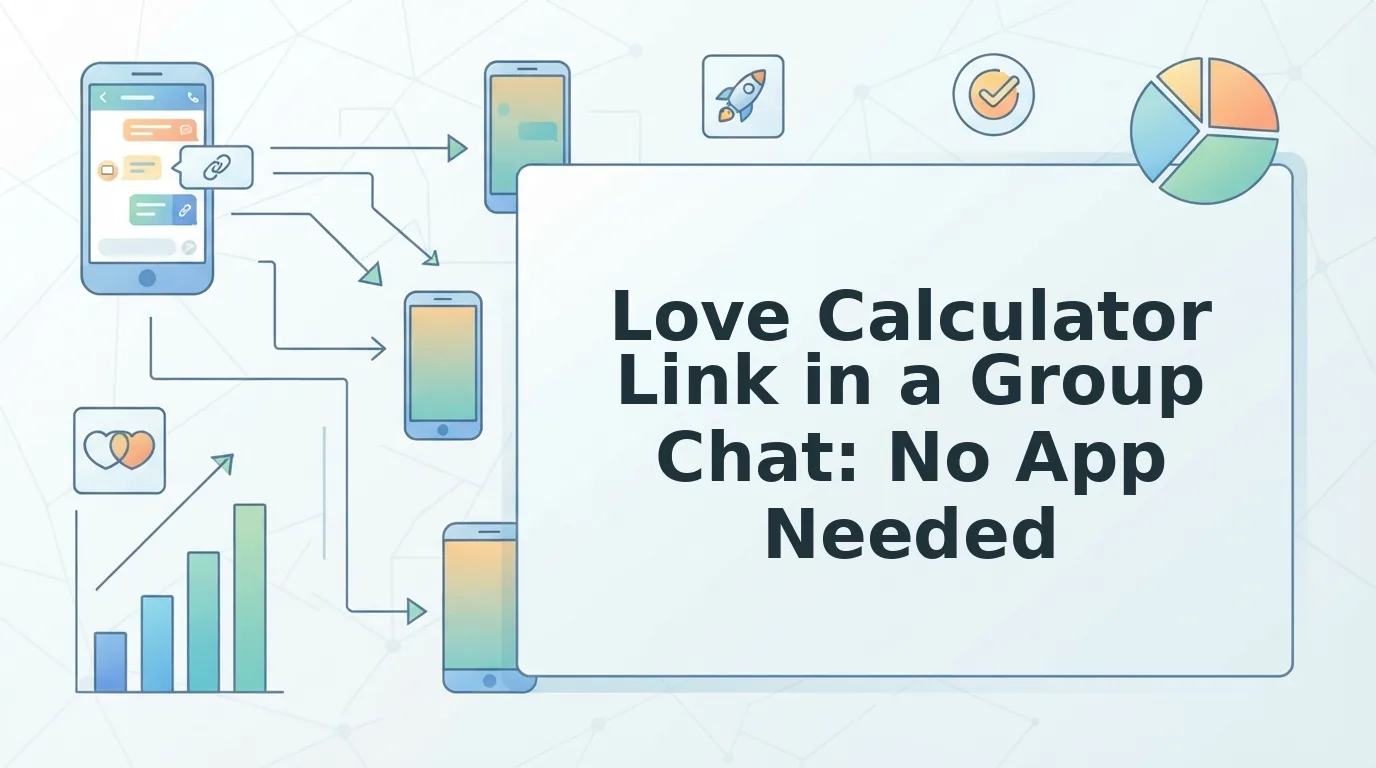
The link is already in the thread. Someone dropped it with no context, two people have typed "???" and nobody wants to leave the chat to find out what it does. Here's the short version: a love calculator link in group chat works without installing anything, because it runs entirely inside the browser your messaging app opens the moment you tap.
Your hesitation is fair â an unexplained link deserves a second look before six people tap it. What follows is the full path that link travels, the two prerequisites that decide whether it belongs in your thread at all, and tap-by-tap steps for WhatsApp, iMessage and Instagram DMs. You'll also get a plain answer on what the percentage actually is, which is where most pages get vague.
One thing worth flagging now: every love calculator is built for exactly two names. That single constraint decides whether your group chat gets a result or a dead end, and it's the part almost nobody explains. If you want to see the tool before you paste it anywhere, the love calculator takes two names and returns a percentage on one screen.
What a Love Calculator Link Actually Does When Someone Taps It
A love calculator link is a single web address that opens a two-name form in your phone's in-app browser and returns a percentage on the same screen. No install, no login â just a chat that accepts pasted links and two names.
The in-app browser is the stripped-down browser your messaging app opens instead of throwing you out to Safari or Chrome. Think of it as a pop-up counter inside the shop you're already standing in: same building, no trip across town, and closing it drops you straight back into the conversation.
The simple layer is one tap, two names, one percentage, one screenshot. The intermediate layer is the link preview card â the rectangle showing a page title and thumbnail â which has to render before anyone trusts the link. The advanced layer is what that percentage means: it's a name-hash novelty, a fixed number generated from the letters in the two names. Same two names always produce the same figure, which is exactly why it feels uncannily consistent and measures nothing.
The prerequisites are only two: a chat that accepts pasted links, and exactly two names belonging to people in that chat. That second one is the whole decision. A love calculator is the right send when exactly two people in the chat are the subject. In a six-person thread, five people have nothing to type. A wider group needs a best friend test you build around your own answers, or a friendship dare quiz that gives everyone a turn â both take roughly two minutes with no account and no download.
Does a love calculator work in a group chat without an app? Yes. The link opens in the in-app browser the messaging app already provides, so typing both names, reading the percentage and screenshotting the result all happen without leaving the conversation or installing anything. There's no account creation and no email field. The real limits are the two-name format and whether the chat renders preview cards â if the card appears, the link works; if it doesn't, most people scroll past it.
How to Share a Love Calculator Link Step by Step
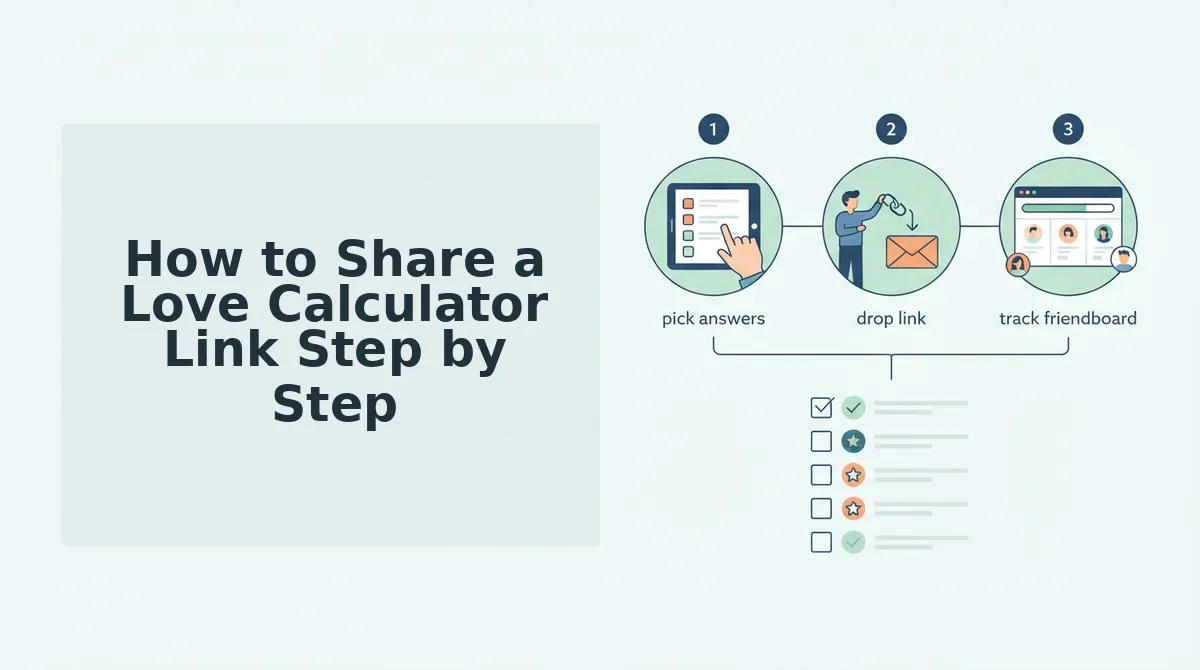
Sharing a love calculator link takes about two minutes: open the calculator, enter both names, copy the link, paste it into the thread, and let the first tapper type both names themselves. You need three things first â a chat that accepts pasted links, the names of exactly two people in that conversation, and a phone with a working browser.
- Open the calculator page (about 15 seconds). Tap through to the love calculator on the same phone you'll share from. You should see the two-name form fill the screen with no app-store banner in the way.
- Type both names. Enter the two people the chat is about â first names are enough. Keep the spelling identical to how the group spells them, because the tapper will retype both.
- Copy the share link, not the screenshot. Use the copy control on the results screen. You should have a URL on your clipboard; that address is what travels, not the percentage image.
- Paste it into the thread and send. Long-press the message box, tap Paste, then Send. Add one short line like "two names, go" so nobody assumes it's spam.
- Wait for the preview card (5â10 seconds). Success looks like a rectangle with the page title and a thumbnail sitting under your message. If only the bare URL appears, send the link again as a fresh message â a dead-looking link is the main reason nobody taps.
- Let the first tapper type both names. They enter both, not just their own; nothing is pulled from anyone's profile. The percentage renders on that same screen in one step.
- Screenshot the result back into the chat. That screenshot is what starts the banter â the reply thread does the rest.
Per-app notes
- WhatsApp: previews render in both one-to-one and group chats. If yours doesn't appear, check your connection before assuming the link is broken.
- iMessage: the card usually appears once the message actually sends. Tap the link once and let the in-app browser load rather than tapping repeatedly.
- Instagram DMs: links can open in Instagram's own browser with no visible address bar. The calculator still works, but copying the URL back out is harder â screenshot the result instead.
How do I send a love calculator link in a WhatsApp group? Copy the URL from the calculator's results screen, paste it into the group message box, and send it as a single message with no other text so the preview card renders cleanly. Give it five to ten seconds to load. The first person who opens it types both names â the calculator never reads WhatsApp profiles â and the percentage appears on the same screen, ready to screenshot back into the group.
For the full sequence of what friends actually see after they tap â including the exact screens and how to read their replies â see what friends see when they tap your quiz link. Next, here's how to confirm it worked and how to spot a prank link before you tap.
How to Check It Worked and Spot a Prank Link
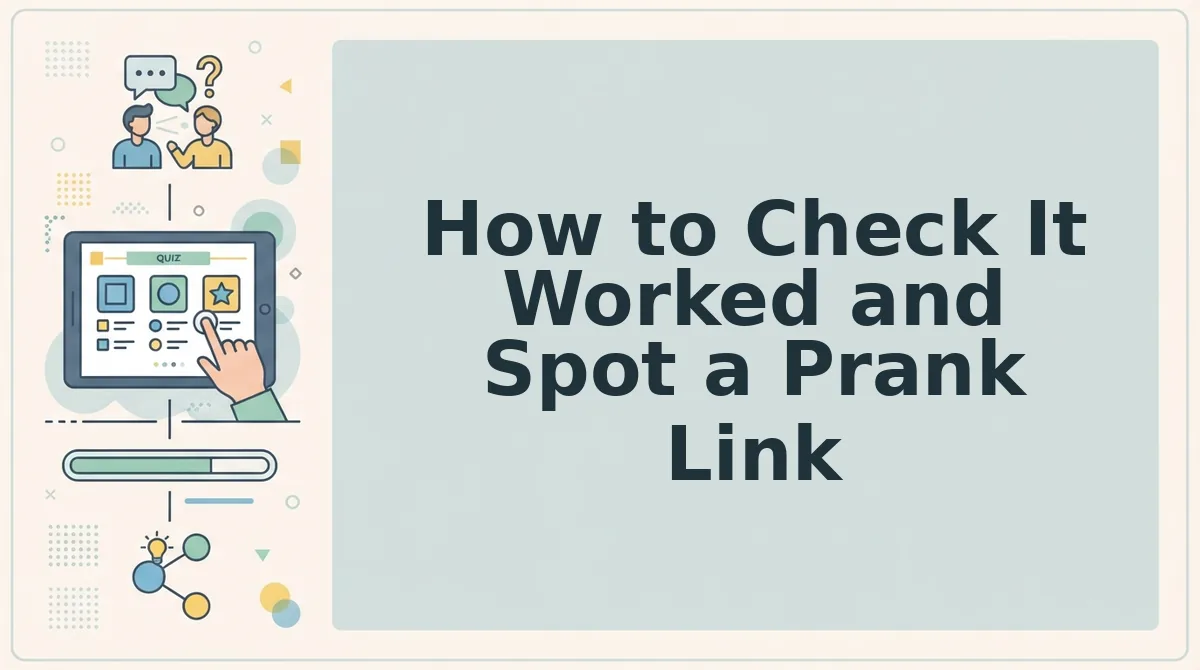
A love calculator link is safe to tap when it opens inside the chat's in-app browser, asks for two typed names, and never pushes a download, contact list, or login. Run five checks â three on what the page should never ask for, two on whether a real calculation happened â and you will know within a minute which kind of link you were sent.
- No download prompt or app-store handoff. A browser-based calculator runs inside the tab it opens, so the first screen should show two empty name fields and nothing else. An install badge or store redirect before you have typed anything is the standard opening move of prank and ad-wrapper links â close the tab.
- No request for contacts, camera, microphone, or account access. Two typed names are the entire input a score needs, so any permission dialog means the page wants something the calculation does not require. Decline it rather than granting it, then tell the chat which link asked.
- Both names typed by the player, not imported from a profile. The joke depends on the pair choosing the names themselves, and a prefilled field pulled from a logged-in account is a lookup rather than a calculation. Clear both boxes, retype them, and watch whether the number moves.
- The result stays on the domain you tapped. Prank formats circulating as "Real Love Calculator Prank Link" and "Is Your Partner Your Soulmate?" exist to send you to a second page built for a reaction shot. Follow the address bar: a domain swap mid-flow is the cue to back out.
- The percentage changes when the spelling changes. Because the score is generated from the two typed strings, "Katie" and "Katherine" should return different numbers. A figure that never budges across inputs is a fixed image or animation, not a calculation.
If a link asks for notifications, installs, or permissions, stop. A working love calculator needs two text fields and a button; anything beyond that on the screen is serving the page owner, not the joke. Close the tab without granting the request, screenshot the message that sent you there, and post the screenshot in the chat so the sender knows their link redirects. Permissions you already granted can be revoked in your browser's site settings. Then send a link whose destination you can see, or start a quiz you control.
Love Calculator Questions People Ask Before Sending One
Is a love calculator accurate?
No. The score is generated from the two typed names, so it changes with spelling and predicts nothing about compatibility. Treat it as a novelty hash of text rather than a relationship metric â which is exactly why it is fun to send and pointless to argue about.
Do both people need to be present to get a result?
No. One person can type both names and get a number in seconds, which is why the link travels so easily through a chat. If you want a quiz where everyone answers for themselves, a friendship test suits the room better.
Is the result saved anywhere?
Nothing is stored against the chat or tied to a phone number. The percentage lives on the screen until the tab is closed or someone screenshots it, and the next person to open the link starts from blank fields.
Does a love calculator link work on iPhone?
Yes. iPhone and Android both render the tool in the same in-app browser, so the flow is identical on either platform: tap, type two names, read the number. No download step appears on either one.
Send the Link Now or Send the Right Quiz Instead
The decision comes down to a count, not a compatibility score. Two people in the chat means the love calculator link does its job: one number, one screenshot, one round of teasing. A full group means the same two-field tool leaves four people with nothing to answer.
So count the people the joke is about before you paste anything. Two names, send the calculator and let the percentage do the work. Three or more, open the friendship test and share a single link every person in the thread can answer for themselves. If the group is the inner circle and the banter is already merciless, the BFF test ranks them without leaving anyone out of the joke.
Start by typing your name at friendquiz.org and building the quiz in under two minutes â no account, no download, no install prompt. The link you send next decides who gets to laugh, so make sure everyone in the thread is holding a score of their own.