What friends see when they tap your BFF test link in a chat
You paste the link, watch the typing dots appear, and then â silence. Your best friend has your quiz open on their phone right now, and you have no idea what's on their screen.
That gap is genuinely nerve-wracking. Dropping a quiz link into a WhatsApp, iMessage or Snapchat group means handing over a live page you can't see, and nobody explains the other side of that transaction. So the question sits there: what friends see on a bff test link, exactly, before the first score comes back.
This walkthrough answers it from the player's seat. You'll get the page that opens, the questions in order, the score screen, and the leaderboard where their name lands â four steps, no jargon, plus what they never see.
Start by creating your BFF quiz if the link isn't live yet; it takes one name and a run of quick personal prompts. One detail matters more than the rest: a single screen decides whether your friend finishes or bails, and it isn't the first one.
What Do Friends See When They Open a BFF Test Link?
They see a plain mobile web page that opens inside the chat app, shows your name, and asks them to guess your answers one question at a time â no download, no account, no email.
A BFF test link is a shareable web address that loads your quiz directly in whatever browser your friend's phone hands it to, so the quiz is the page itself rather than a program they install. The Friendboard is the live ranking of everyone who has taken your quiz, ordered as each score arrives.
Think of the link like a photo you text someone. It appears in the conversation, opens in one tap, and never routes them through an app store first.
Two things must be true before that page appears. On your friend's side: a phone and the chat app they're already holding, and nothing more. On your side: a saved quiz and the link it generated.
Friend Quiz runs as a mobile web app, so answering requires no account, no email address and no app download. You type your name, cycle through the habit and quirk prompts, and the platform packages your picks into a link you can share as a best friend test straight into a group chat.
What Happens Step by Step After Your Friend Taps the Link
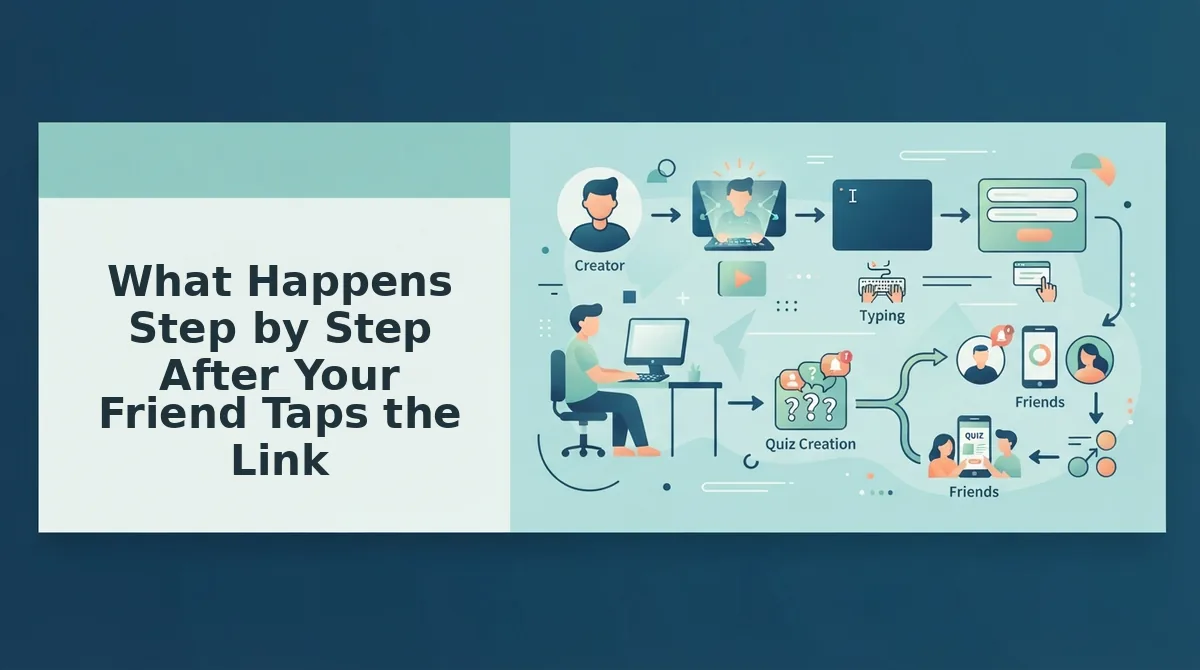
The tap-to-reveal sequence is four screens long: the link opens in the chat app's built-in browser, your name and first prompt load, your friend answers one question at a time, then they see a score and a Friendboard placement.
Prerequisites are thin. Your friend needs a phone and the chat app they were already using. You need a finished quiz and its link â a BFF test built from your own answers is enough.
- Tap the link. Your friend taps the pasted URL and the page loads inside the chat app's own in-app browser â WhatsApp, iMessage or Snapchat â with no app-store redirect and no "open in Safari" detour. Expect the first screen in roughly one to three seconds. Success looks like your quiz page, not a download prompt.
- Read your name and the first prompt. They see your name at the top and question one underneath, with no signup form, no email field and no login wall between the tap and the question. This is the screen that decides whether they finish: if a form had loaded here, most people would have closed the tab. Success looks like a question with tappable answers and a visible progress cue.
- Answer one question at a time. They tap an option, the next prompt replaces the current one in place, and the page never reloads from the top. Because the flow stays on a single page, nobody loses their place or re-enters their name. Budget 60 to 90 seconds for the full set. Success looks like a tap followed instantly by the next question.
- Submit and land on the Friendboard. After the final answer they submit, see their score out of the total, and drop onto the Friendboard with their name and placement alongside everyone else who has played. Success looks like a ranked list showing their entry highlighted.
Follow one tap end to end: the link goes into a group chat, one member taps it mid-conversation, the quiz loads without leaving the chat app, they answer in sequence, submit, and a moment later their name is sitting on the Friendboard next to a score. Nothing was installed and nothing was typed except answers.
The fastest way to see it from their side is to take your own quiz, which walks you through the exact screens your friends get.
Knowing the flow is one thing; confirming the link actually opened for them is another.
How to Check the Link Worked and What Friends Never See
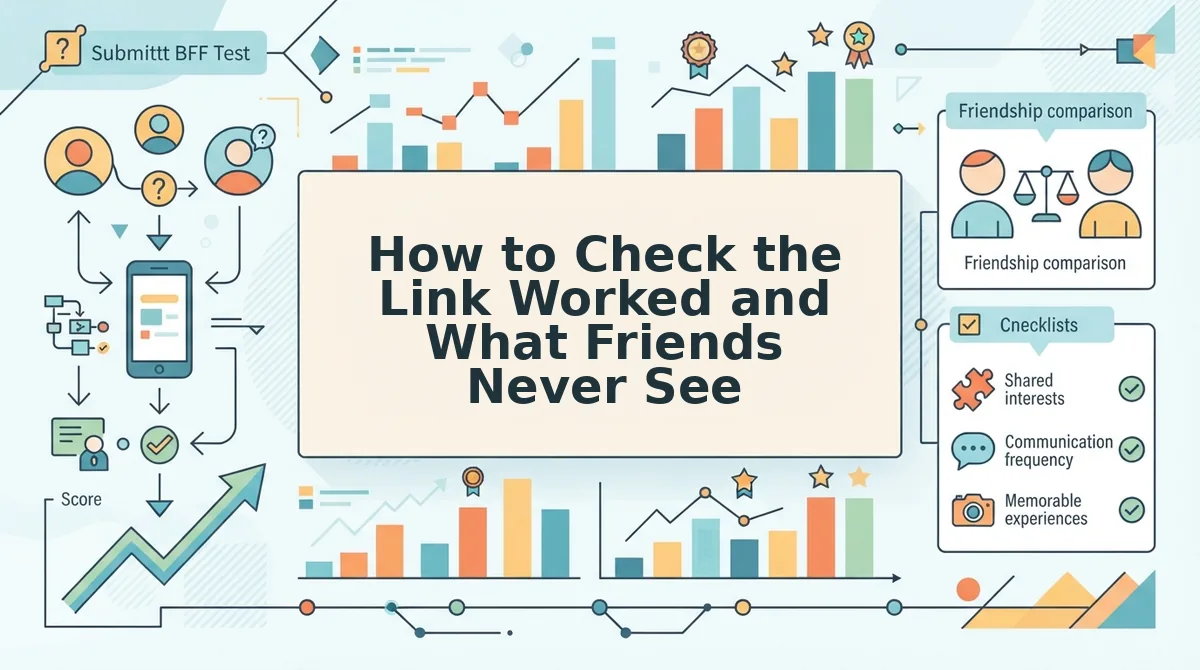
You can confirm a BFF test link worked in three fast checks: the friend reaches your first prompt without leaving the chat app, their name appears on the Friendboard after they submit, and the URL you pasted is the complete link rather than a truncated preview.
Three quick checks that the link is live
- They reached your first prompt inside the chat. If your name and the first habit prompt render without the app handing them off to a browser or an install screen, the link is working. This is the earliest signal, and it arrives before they answer anything.
- Their name appears on the Friendboard after they submit. The Friendboard is the real-time scoreboard, so a new placement is proof the whole flow completed rather than stalling midway. If a friend finished but no placement shows, the fix is usually a half-loaded page â see our walkthrough on why a score may not show on the Friendboard.
- The link was pasted whole. Chat apps often shorten long URLs visually, and a link clipped at the tail opens to nothing. Copy the full generated link again rather than retyping it from a screenshot.
When the link opens oddly inside a chat app
- Open it in the phone's own browser instead. WhatsApp, Instagram and Snapchat run links inside stripped-down in-app browsers that can stall on interactive pages. Reopening the URL in Safari or Chrome usually resolves it.
- Resend the link as plain text. A resent full URL, sent as a message rather than forwarded media, clears most "it doesn't work" reports.
Here's the part nobody writes about
- No email field. The guest screen never asks for an address, so a friend can play without a form or a confirmation step.
- No download prompt. Nothing interrupts the quiz flow to suggest an app store.
- No account wall. Nobody creates a login to see their own score.
- No view of your setup answers or other players' guesses. Friends see their own result and Friendboard placements â not the answer key, and not who else guessed what. That's the same privacy logic behind every friendship test we host.
| Friction point | Where it usually appears in the guest view | What happens on Friend Quiz |
|---|---|---|
| Account wall | Before question one | No signup to answer |
| App install | Link tap | Opens in the browser |
| Ad clutter | Between questions | No interstitial ad gate |
| Multi-page reload | Between questions | Single continuous flow |
The passage worth quoting: You can tell whether a friend finished the quiz by watching the Friendboard rather than asking them. A completed attempt produces a named placement with a score, and that entry appears without you refreshing the page or approving anything. If the friend says they finished but nothing shows, the usual cause is a page that was closed before submission, not a broken link â resending the full URL and having them reopen it in their phone's browser fixes it in nearly every case.
| Momentum killer | What keeps the chat alive |
|---|---|
| Link sent as a DM to one person | Link dropped in the group thread |
| Silence after the first score | Second and third placements visibly stacking up |
| Answering feels like admin | Answering takes one tap per prompt |
Pro tip: reshare the link in the group thread rather than a DM â group visibility is what pulls in the second and third player, because the first placement is the invitation.
BFF Test Link FAQ
Short answers to the questions friends and creators ask after the link has already gone out.
Can my friends see my answers or who else took it?
No. Friends see their own score and their placement on the Friendboard, not your answer key. They also can't browse other players' individual guesses beyond where those players sit on the board. That keeps the quiz a scoreboard rather than a public record of everyone's wrong answers.
Can I watch results come in live?
Yes. The Friendboard updates in real time, so new placements surface as friends submit rather than after a batch refresh. You can watch the board stack up while the group chat is still active, which is when the banter is loudest.
Does the link work on a laptop or desktop?
Yes. The quiz is mobile-first rather than mobile-only, so a friend on a laptop can answer in a browser tab. Most shares happen in phone chats, where the link opens directly â no install step, no account, no redirect to an app store.
Is there a harder version for groups that ace it?
There is a dares format for groups that want higher stakes than trivia. Try the friendship dare quiz when your circle clears the standard round and wants something less polite.
Ready to Drop Your Link in the Chat?
Your friend's view is four moves long: tap, read your name and the prompt, lock in guesses, land on the Friendboard. Everything that makes the link spread or die happens inside that sequence â which is why the group thread beats the DM, and why testing the link in the chat app yourself before sharing is worth the thirty seconds.
The format rewards volume. One placement is a curiosity; three placements in the same thread turn into a competition, and the Friendboard does the nudging for you.
Creation takes under two minutes and needs no account, no email, and no download â just your name and a run of prompts about your own habits. Create your BFF quiz and see how fast your group fills the board.