Signup walls that make friends bounce from a quiz link
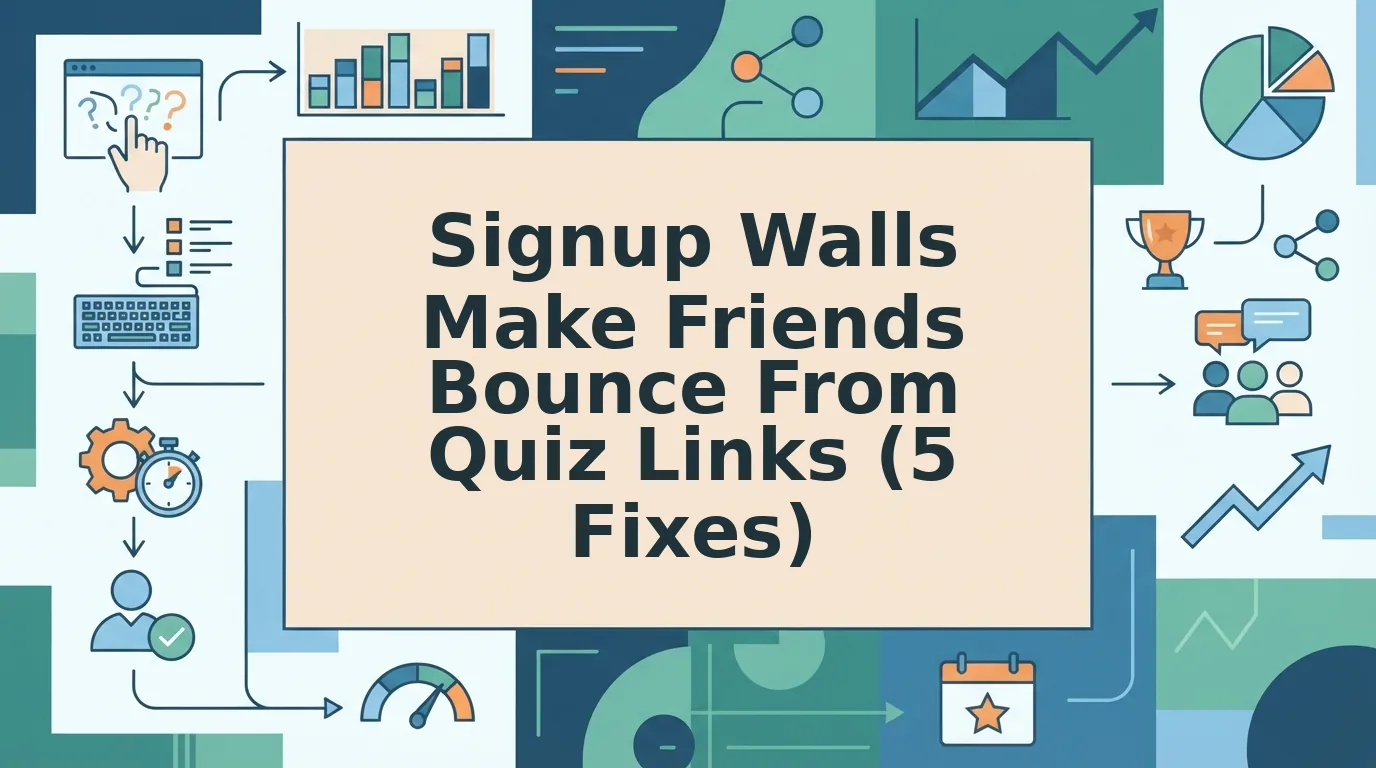
You dropped the quiz link in the group chat at 9:14pm. Three dots appeared, held for a second, and vanished. By morning, nobody had posted a score.
That silence probably isn't your friends losing interest in you. It's usually one gate in the wrong place â the signup walls friends bounce quiz link problem, where a login screen, an email field, or an app install sits between the tap and the first question. People opening a link from WhatsApp, iMessage, or Instagram give it the same patience they give a meme: none.
This guide fixes that. You'll get the diagnosis first, meaning exactly where players exit and what you see at each stage. Then the repair: five changes you can make before you share again. Finally, a six-point scorecard for checking any quiz link, including someone else's.
All you need to start is one quiz link and a phone to test it on, the way a friend would open it. Do that before you read on, because the worst leak of all happens before anyone taps the link.
Why Do Friends Leave a Quiz Link When It Asks Them to Sign Up?
A signup wall is any prompt that demands an account, an email address, or an app install before a player reaches the first question. It causes bounces because the friend never agreed to a relationship with your quiz tool.
Short answer: friends leave because the wall turns a two-tap favor into a multi-step commitment they never chose. The recipient tapped a link in a chat expecting a quiz and got a registration form instead â time lost, an email exposed, trust not yet earned. So they close the tab rather than comply. Friction is any step between the tap and the first question; a bounce is that tab closing. Zero-account play removes both by letting a player open, answer, and see a result with no profile at all.
Picture a restaurant that hands you a membership form at the door before you can see a menu. You don't argue â you walk next door.
The drop-off happens in four predictable stages, which we'll call the 4-Second Leak. Each has a symptom you can spot from the creator's side.
- Preview and tap. The unfurled chat preview advertises a form, not a quiz. Symptom: the link is seen, but no answers arrive.
- First prompt. A login or email screen appears before question one. Symptom: taps register, answers don't.
- Page reload. Each question reloads the browser or moves to a new page. Symptom: partial answers, then silence.
- Results claim. The score hides behind "create an account to see how you did." Symptom: answers submitted, no score ever shared back.
Here's the asymmetry almost nobody names: you chose this platform, your friend didn't. Every gate is a cost only the player pays â and the loudest players, the ones who'd have posted a screenshot, quit first. That's why what friends see when they tap your link matters more than how your builder looks. A link that opens straight into question one, with answers landing on a shared Friendboard, skips all four stages.
How to Remove Signup Walls From Your Quiz Link Step by Step
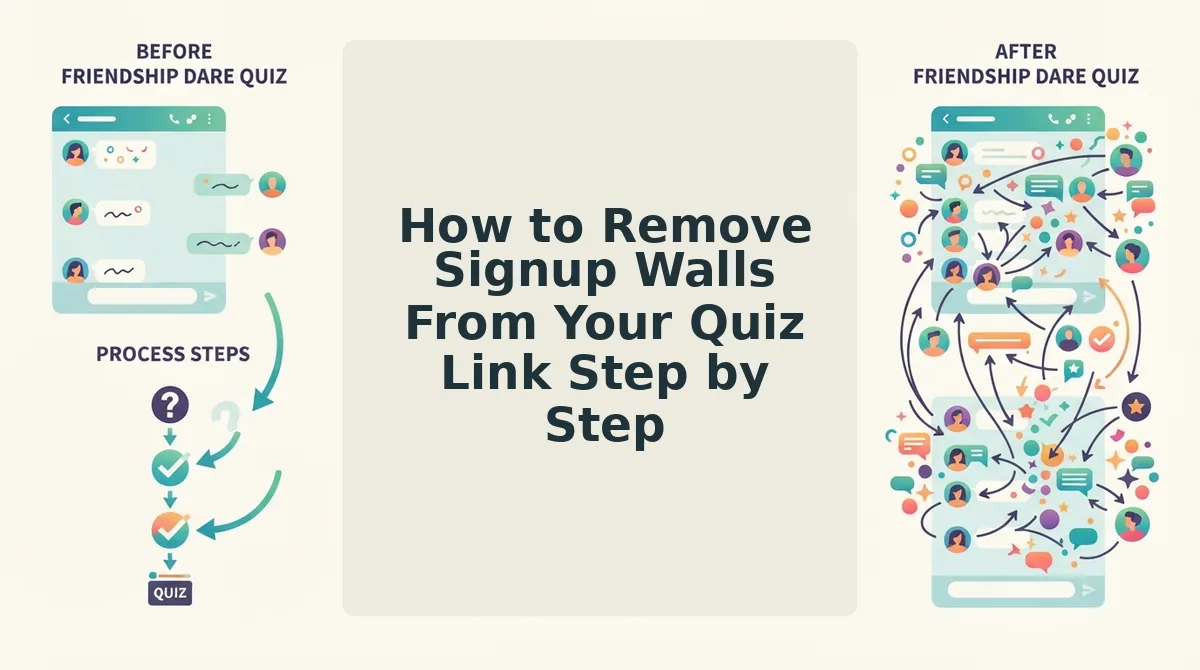
Removing a signup wall takes one quiz link, a phone, and about 15 minutes â most of it spent testing what a friend actually sees. Work the five fixes in order, shortest first; the opening one usually recovers most of the drop-off.
Before you start: have your live quiz link and your phone ready, and open the link in a private or incognito tab. That tab is the closest thing you have to a friend's first visit.
- Drop the player account requirement (about 2 minutes). Open your quiz settings and find any option labeled "require login," "sign in to play," or "collect player emails." Turn it off, then reopen your link in the private tab. Success looks like landing on question one with no form in the way.
- Skip the app store detour (about 3 minutes). Check whether the link plays in the mobile browser or pushes visitors toward an app store page. An install page pulls your friend out of the chat entirely, and few come back. Success looks like your quiz rendering inside the chat's browser with the URL bar still visible.
- Cut multi-page reloads and clear the submit button (about 5 minutes). Answer your own quiz on the phone. If each question triggers a full reload, or a cookie banner sits over the answer button, players lose progress and quit. Success looks like every question advancing without a reload and every button tappable on the first try.
- Fix the link preview that reads like a form (about 4 minutes). Paste your link into a chat with yourself and read the unfurled title and description. If it says "Create an account" or "Register," rewrite it to promise the quiz. Success looks like a preview a friend taps without asking what it is â which is the open loop from earlier, closed.
- Never gate the result or chase players afterward (about 2 minutes). Confirm the score appears the moment the final answer lands, with no login and no follow-up email. Success looks like a finished result screen and a score your friend can paste back into the chat.
That sequence is the whole zero-friction flow: enter your name, cycle through personal prompts, get one shareable URL, and friends answer instantly in their mobile browsers with no account, email, or download â a build that takes under two minutes. The same flow carries a best friend quiz or a friendship dare quiz; only the prompts change.
Run your link through the list once, then share it into the group chat you started with. Once the wall is gone, the leaks that remain are smaller and far harder to see â which is what the next check is built to catch.
How to Check Your Quiz Link Works With a 6-Point Friction Scorecard
A friction scorecard is a six-item, 0â2 point audit you run on a quiz link before you share it. Open the link from the chat thread on your own phone, score each item, and a total of zero means nothing stands between a friend's tap and question one. Run it on your own friendship test link â or a competitor's.
- Account required. Score 0 if friends answer with no email, username, or profile, 1 if a signup prompt appears after finishing, and 2 if a form blocks question one. Any 2 here is the wall to fix first, because it costs you the tap before the first question loads.
- App store detour. Score 0 for browser play, 1 for a dismissible "open in app" banner, and 2 for a redirect to a store listing. An install decision in the middle of a group chat is where casual players quietly leave.
- Login needed to see results. Score 0 if scores display on the page, 1 if a soft prompt overlays them, and 2 if results are gated behind a sign-up. Gating results discards a finished quiz, the most expensive exit point on the whole link.
- Tap count to the first question. Score 0 for one tap, 1 for two or three, and 2 for four or more. Count from inside the chat app on mobile â a desktop browser hides steps your friends actually take.
- Banner over the submit button. Score 0 if nothing covers it, 1 if a dismissible banner sits nearby, and 2 if a popup must be closed before answering. A mis-tap on a small close button can end the session outright.
- Multi-page reload. Score 0 for one scrolling page, 1 for a single reload, and 2 for a load per question. Every reload is another chance for a weak mobile connection to drop the thread.
Zero across all six means the link behaves like a message rather than a form, and that is what a clean score looks like.
What makes a quiz link get ignored?
A quiz link gets ignored when the cost of the first tap outweighs the curiosity behind it. Friends open shared links inside a chat app, on a phone, often one-handed and half-distracted, so anything that interrupts the path from tap to question one reads as work rather than play. The scorecard captures that path as six checks worth 0â2 points each, and a single 2 marks one hard stop standing between your friend and the quiz. A total of zero means the link behaves like a message and gets answered before the conversation moves on.
Quiz Link Signup FAQ
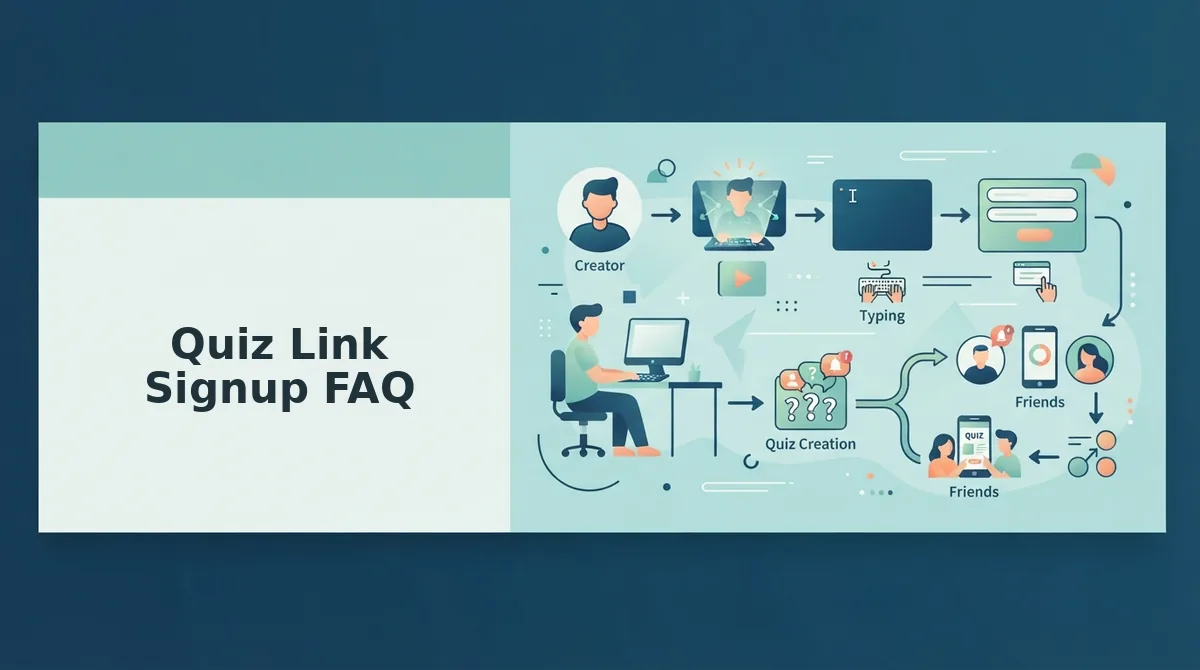
Recipients never need an account, an email, or a download to answer a shared quiz link.
Do my friends need an account to play my quiz?
No. Friends open your link in their mobile browser and answer without creating a profile, entering an email, or installing anything. A BFF test you build works the same way, so the whole exchange stays inside the group chat where you posted it.
Can they play inside WhatsApp or iMessage?
Yes. In-app browsers open the link directly, so the same quiz works for Android and iPhone friends in a single thread â see our guide to sharing a friendship test link on Android and iPhone in one group chat.
Why did my quiz link not open?
Usually the URL was cut short when it was pasted, or the in-app browser reloaded an old failed attempt. Resend the complete address as plain text and ask your friend to refresh; the quiz loads without a login.
Is a quiz with no sign-up still private?
The link is the only thing a friend needs, and nobody registers to answer. Treat it like a group-chat invite rather than a public post, because anyone holding the address can open it â so share it with people you actually know.
Share One Link With No Gates
The 4-Second Leak is four exits on a single link; the scorecard turns those exits into six numbers you can check in under a minute. Run it on the quiz link you are sharing now, and if the total lands above zero, rebuild that quiz as a zero-account link instead of asking friends to push through the wall. Then paste it and let the group chat do the work. Build your best friend quiz in under two minutes with no account, no email, and no download â one tap is all your friends should ever need.