How to tell a spammy quiz site from a clean one
You've copied the link. The group chat is open. Your thumb is hovering over send, and then the doubt lands: what if this quiz is the kind that harvests emails, buries the Start button under three ad banners, or never shows your friends a score at all? That hesitation is the useful part. Knowing how to tell a spammy quiz site from a clean one takes about 60 seconds, and it's worth spending before your name becomes attached to a junk link in six people's chats.
Good instinct, and cheap to act on. This guide gives you a four-stage visual audit, sorted by when a signal appears rather than how alarming it sounds, so you always know what to check next. You'll get the single red flag that outweighs nearly everything else, a contrarian answer about ads that most safety guides get backwards, and a signal that shows up at the exact moment everyone stops paying attention.
How Do You Check a Quiz Link in Under a Minute?
A quiz link is clean if it opens straight to question one, carries you through without losing an answer, and shows a score without demanding an account or an email. Run the check in four stages â before you click, before question one, before you submit, after the score appears â and stop the moment a stage fails.
You need only the browser already on your phone, plus a throwaway answer set for the final step. Budget 60 seconds.
The four-stage check
- Inspect the URL before you tap it (about 10 seconds). Long-press the link on mobile to open its preview, or hover over it on desktop. Read the domain right to left â the word just before the final dot is the site you're actually visiting. Success looks like a short, readable domain and a preview card showing a quiz title or image, not a login prompt.
- Open it and scan the first screen before answering (15 seconds). A name field and a start button are ordinary; an email field, a phone number, or a "continue with" account button are not. Success looks like question one loading with a visible progress count and no sign-up wall in front of it.
- Play three questions and watch the page between them (20 seconds). Tap an answer and note whether the screen updates in place or reloads the whole page â multi-page reloads are where answers vanish, the exact frustration covered in forms that reload the page and lose your spot. Then check ad placement: one banner below the fold is normal for an ad-supported site; a banner sitting over the submit button, or a full-screen ad between questions three and four, breaks the flow you're asking friends to finish.
- Submit a throwaway answer set and read the result screen (15 seconds). Success is a score on the same page, in the same tab, with nothing else asked of you. A redirect to an unrelated offer, an install prompt, or a "share to reveal your result" gate is a failure.
| Stage | Spammy signal | Clean signal |
|---|---|---|
| Before you click | Mangled or lookalike domain; preview card shows a login | Short readable domain; preview shows the quiz |
| Before question one | Email, phone, or account required | Name field and a start button |
| Before submit | Full-page reloads; ads covering the submit button | Answers hold in place; one banner below the fold |
| After submit | Off-site redirect, share-to-reveal gate, install prompt | Score on the same page, no account needed |
Weight the stages, not the alarms. An email demand before question one outweighs almost anything else on the page, and the post-submit redirect is the signal most players never think to check.
Buddy Meter and QuizYourFriends show the pattern in the wild: multi-page forms that reload between questions, banners that can overlap a submit button, and account walls in front of results. That's observed behaviour rather than a study â and it's exactly what this walkthrough is built to catch.
For a clean baseline to compare against, look at a BFF test that opens question one immediately, holds every answer in the browser session, and posts the score to a live Friendboard. Friend Quiz builds that shareable link from a name and a few habits in under two minutes, with no account and no download.
How Can I Tell if a Friendship Quiz Site Is Spammy Before I Share Its Link?
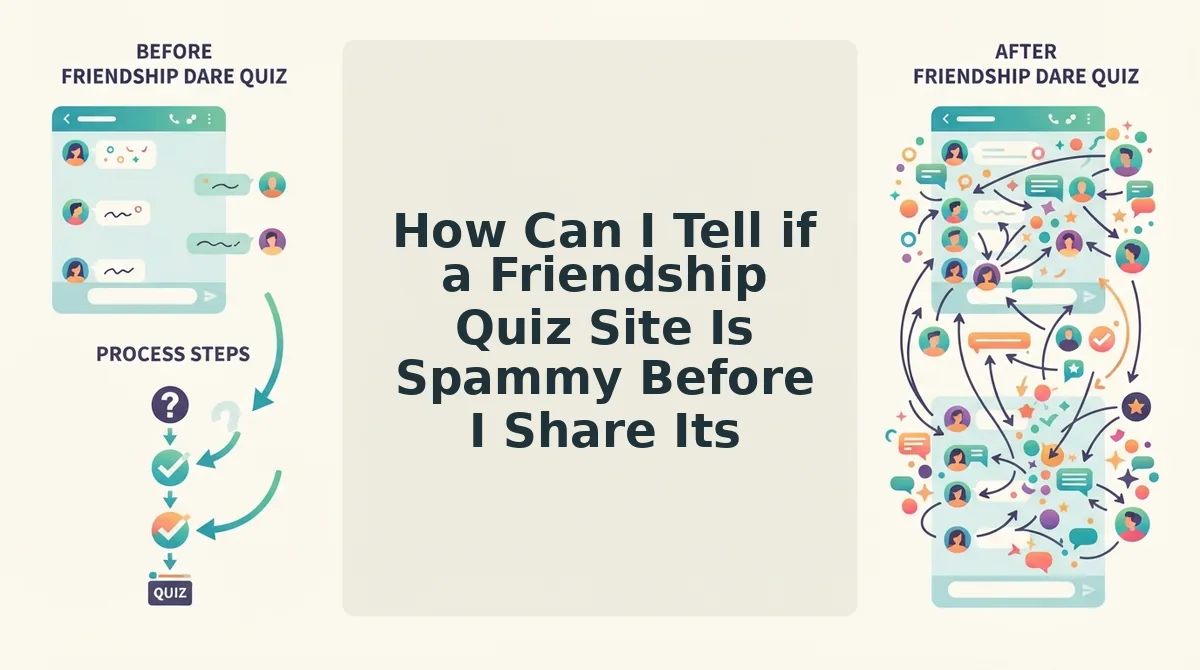
A spammy quiz site is one that trades the quiz for something else â an email address, an install, a forced share â before it hands over a result. The tell is sequence, not design quality.
A spammy quiz site is one that trades the quiz for something else: an email address before question one, an app install before the score, or a forced share before the result is revealed. It is identifiable because the friction arrives before the payoff, not after. Harvesting means collecting contact details or answers for use beyond the quiz itself, and an interstitial is any full-screen ad or prompt that interrupts the space between questions. Judge the order of events, and a polished skin stops being persuasive.
Think of a quiz link the way you'd think of lending a power drill to six neighbours: you want to know it works before it leaves your hands, because once it's in the group chat, you're the one who recommended it.
Junk links outlive warnings because the share-to-see-results gate pays the sender before it charges anyone. The creator gets a link and a small boost; the cost lands on whoever opens it, which is why the check has to happen on your side, before the send. The worked version is mundane: one person builds a quiz and gets a link, drops it in a group chat, and a friend taps it, answers ten questions in her browser, and sees a score â no account, no email, no install. That path is the clean-flow baseline, and it's also why friends who play without a profile are the best test audience for any link.
Not every loud signal turns out to be a real problem, though.
Which Quiz Site Red Flags Actually Mean Nothing?
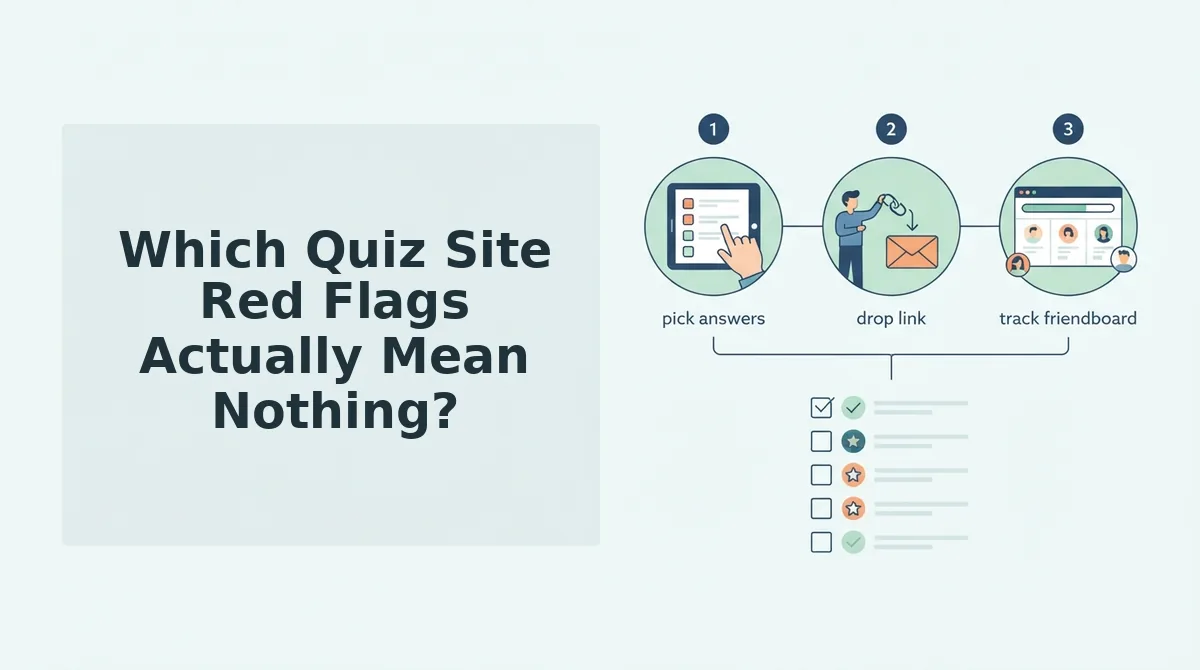
Three signals people are taught to trust do not prove a quiz site is clean: the padlock, the privacy policy link, and the cookie banner. They describe the domain, not what happens to your answers.
- The padlock and HTTPS. The padlock proves your connection is encrypted in transport, not how the site behaves once your answers arrive. Treat it as the minimum, then check what the page asks for before question one.
- A linked privacy policy. A privacy policy link is boilerplate that costs nothing to paste into a footer, so it does not show careful handling. Check whether the flow itself demands an email or an account.
- A cookie banner. A consent banner is legal furniture that sites display whatever their intent. Judge the site by where its ads sit relative to the submit button.
Most advice on checking whether a website is legit was written for retail and banking pages, where the main danger is a fake checkout, so it relies on domain-level signals. Generic scam-site guides, including those from TechSimplify and Tranium, answer the question for shops and banks but never for quiz links, and none asks where the ads sit relative to a submit button. That gap matters most on mobile, where ad clutter on a phone screen can put a fake "Next" button right under your thumb.
Replace the familiar three checks with the four-stage check. Read the link before you click, look for any gate before question one, check ad placement before you submit, and see where your score goes afterward.
Quiz Link Questions People Actually Ask
People who start auditing quiz links tend to ask four things. Each answer below stands on its own.
Are ads on a quiz site automatically a red flag?
No. Placement matters more than presence. Ads beside or below the questions are normal on free sites. Ads stacked around the submit button, or styled as "Next" or "See results," are the warning sign because they are built to catch accidental taps.
Is a padlock enough to trust a quiz link?
No. HTTPS only confirms that the connection between your phone and the server is encrypted. It says nothing about whether the site gates questions behind an email, keeps your answers, or hides your score.
What if the quiz asks for my email after I finish?
That is a much milder pattern than an email request before question one. A request after your score appears can be skipped once you already have your result. A gate before the first question makes your address the price of entry, which is the harvest-before-play pattern.
How do I check a quiz link without opening it?
Read the URL and the link preview card in WhatsApp or iMessage before you tap. A clean link shows a recognizable domain and a short path. A preview that mentions sign-up, login, or unrelated prizes is your cue to skip it.
Run the Check Once, Then Make Something Worth Sharing
You now know how to audit a quiz link, so the next step is to send one yourself. Two moves are worth making.
- Share the check. Send the four-stage check (pre-click, pre-question, pre-submit, post-submit) to whoever sent you the link, so your group chat can filter its own spam.
- Build to the clean standard. Create a best friend quiz using the clean flow as your checklist: enter your name, answer the prompts, and share one link. No account, no email gate, and the score shows on submit.
Want to see prompts before you commit? Try the friendship test first. Then make the next link your friends check one that passes every stage.