Make a BFF test on a slow phone connection without reloads
One bar of signal, a group chat already asking "where's the quiz?", and a quiz maker that loads like it expects home Wi-Fi. Almost no one writes for that moment. If your bff test on slow connection keeps stalling, you're not doing anything wrong, and your data plan probably isn't the real problem.
This guide shows you how to build a quiz and drop the link in the chat in under two minutes, even on patchy mobile data. You'll also see why the real issue is how many pages a quiz maker makes you load, not how fast your signal is. That detail decides whether your quiz ever finishes.
The guide covers three things. First, what you need before you start. Second, the three hidden failure points that stop quizzes on weak data. Third, a one-bar workflow for you and the friend you send it to. The same approach works for a full friendship test. Start with your name: on Friend Quiz, you enter your name, answer the prompts and copy the link in one session, with no account and no email.
Can You Make a BFF Test on a Slow Mobile Connection?
Yes. You can make a BFF test on a slow mobile connection if the quiz maker uses a single-flow setup. Fewer page loads give a weak signal fewer chances to drop your progress.
A BFF test is a short personal trivia quiz you create about yourself and send to friends to see who knows you best. On a weak connection, the number of times the builder reloads matters more than your download speed. On Friend Quiz, you type your name, answer a sequence of prompts about your habits, quirks, likes and dislikes, and then copy the link. It all happens in one session, with no account, no email and no app download. Your friend opens that link in their mobile browser and answers. Slow data doesn't break a quiz. Extra page loads do.
Two terms the rest of this guide depends on
A single-flow setup is a quiz builder that keeps creation in one uninterrupted session: one form, one submit, one shareable link.
A round trip is one request your phone sends to a server plus the reply it waits for. Every new page is a fresh round trip, and each one can fail on its own.
Think of round trips like texting someone who only replies after each message. On one bar, a single exchange usually gets through. A chain of five back-and-forths is where things stall, even if each message is tiny.
So the useful question isn't "how fast is my data?" It's "how many round trips stand between me and the link?"
What you need before you start
- A mobile browser you already have, such as the one your group chat opens links in.
- Your name, typed once on the homepage.
- A few minutes to answer the prompts about yourself.
- Nothing else. You don't need an account, an email address or a download.
What Actually Breaks a BFF Test on Weak Data?
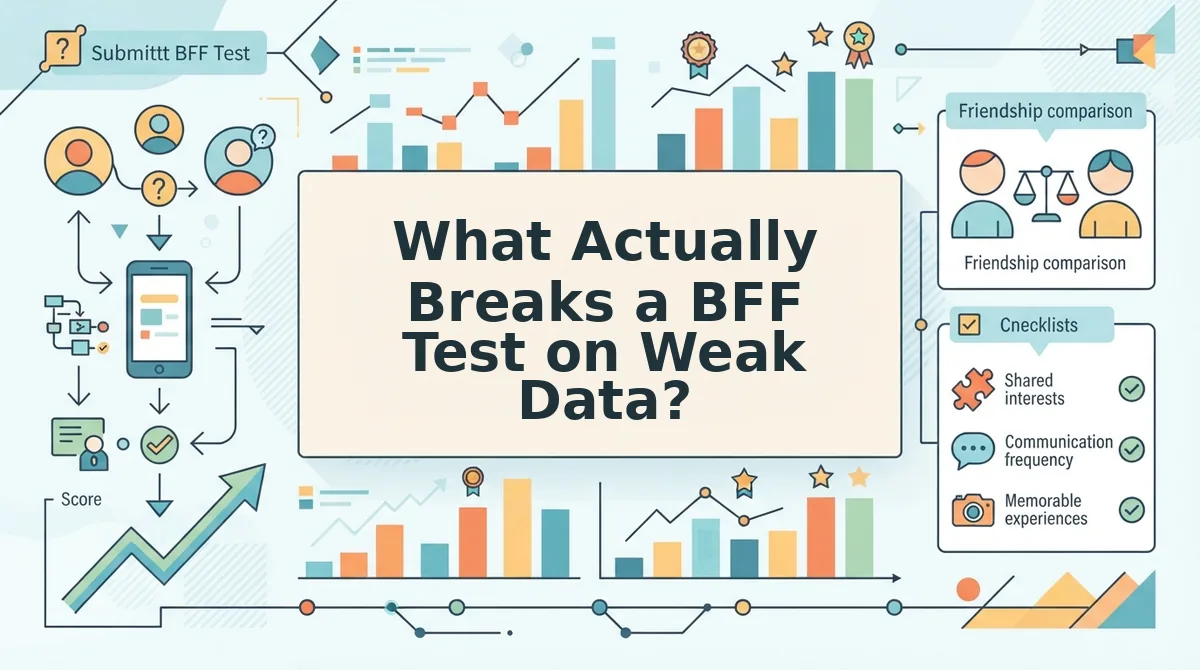
Three things break a BFF test on weak data, and signal strength alone is rarely one of them. The real failure points are a new page load for every step, an email verification round trip and an app install prompt that interrupts the form. Most people never see these three as separate problems.
- A new page load for every step. Multi-page builders send a fresh request for each screen, and each request can fail independently. Friend Quiz's own site guidance names multi-page form reloads as a core source of lag for mobile users. To avoid this, choose a builder that keeps every prompt inside one continuous flow.
- An email verification step before the link exists. A "check your inbox" gate adds a second round trip before you can continue, and your signal has to carry that email too. If the message arrives late, your quiz sits unfinished in another tab. To avoid this, skip any tool that asks for an email before it gives you a shareable link.
- An app install prompt arriving mid-flow. A download request in the middle of the form pulls you to a store page and a much larger file than the quiz itself. On weak data, that detour often ends the session entirely. To avoid this, stick with tools that run fully in the mobile browser.
This is the honest answer to why some friend quizzes never finish loading. The cause is usually stacked round trips, not one bad bar of signal. When the flow is short, you can focus on writing good best friend test questions instead of watching a spinner.
So what does a one-bar build look like, step by step?
How to Build and Share Your BFF Test on One Bar of Signal
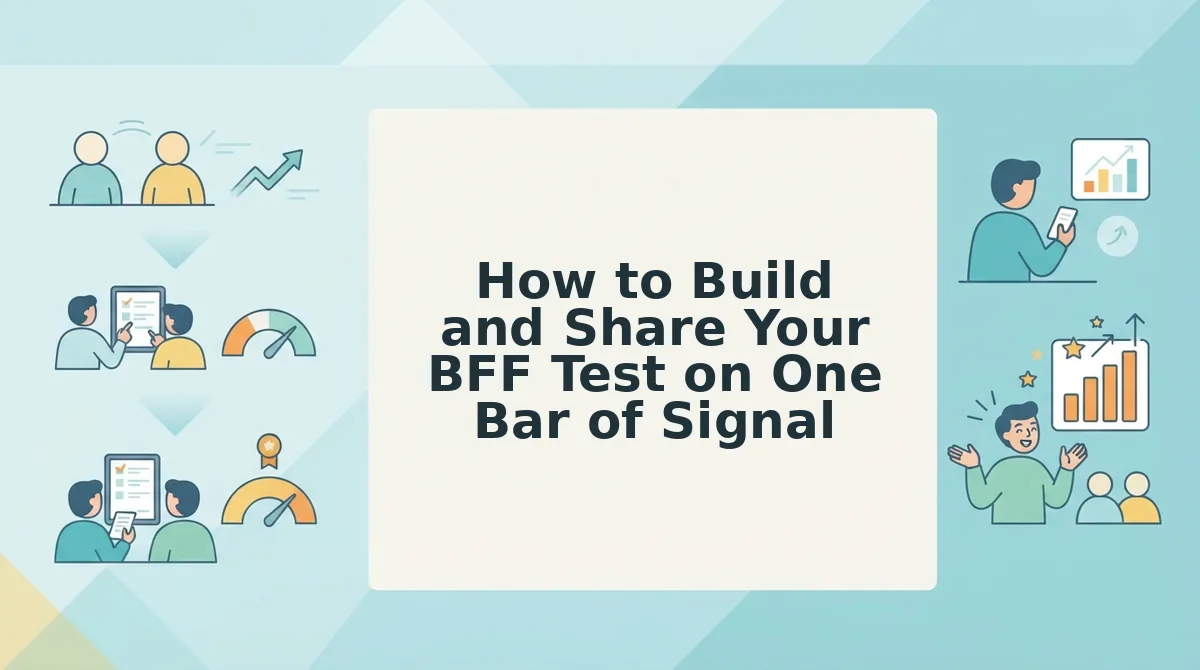
You can build and share a BFF test on one bar of signal because the entire task runs inside a single browser session: one page, one submit, one link. Your connection only has to survive one round trip, not five.
What you need first: a phone with any data or Wi-Fi, a browser, and roughly 90 seconds. No app, no account, no email address.
Creator checklist: build it without leaving the tab
Do all four steps in the same tab. Closing it mid-build is the most common way an unfinished quiz disappears.
- Type your name into the name field on the homepage and tap start. You should see the first personal prompt appear without a page change.
- Answer the prompts in sequence â habits, quirks, likes, dislikes. Tap a choice wherever one is offered instead of typing: a handful of taps in one session costs far less than a fresh page load per screen across a five-screen builder. Budget 60 to 90 seconds.
- Copy the link the moment it appears, before you refresh or leave the tab. You should see a shareable link on screen.
- Paste it into your group chat and send. You should see the URL sitting in the message field, ready to deliver.
Answerer checklist: open it properly, submit once
- Open the link in the browser, not in an in-app preview pane, which often reloads and drops the page.
- Answer straight through without switching apps. A mid-quiz drop can lose an answer you never submitted.
- Tap submit once and wait. You should see a score screen carrying your friend's name.
Confirm it worked before you troubleshoot
Three signals prove success: the link opens for you, your name shows on the first screen, and your friend's single submit lands a score. If any of those stall, escalate in order of effort â retry the same tab, toggle Wi-Fi off to force mobile data, request the desktop site, then retry off-peak.
If the quiz stalls halfway through: don't reload instantly. Wait ten seconds first, because a slow request frequently completes on its own. If the screen stays blank, retry the same tab once before changing anything â a new tab costs a whole new round trip. Toggling Wi-Fi off pushes the request onto mobile data, which sometimes succeeds where a congested network fails. Requesting the desktop site changes how the page renders, not how much it downloads. Off-peak hours help on shared or throttled connections.
Ready to test your own signal? Start a BFF test, tap through it in one sitting, and copy the link before the tab gives up.
What Else Do People Ask About a BFF Test on Slow Data?
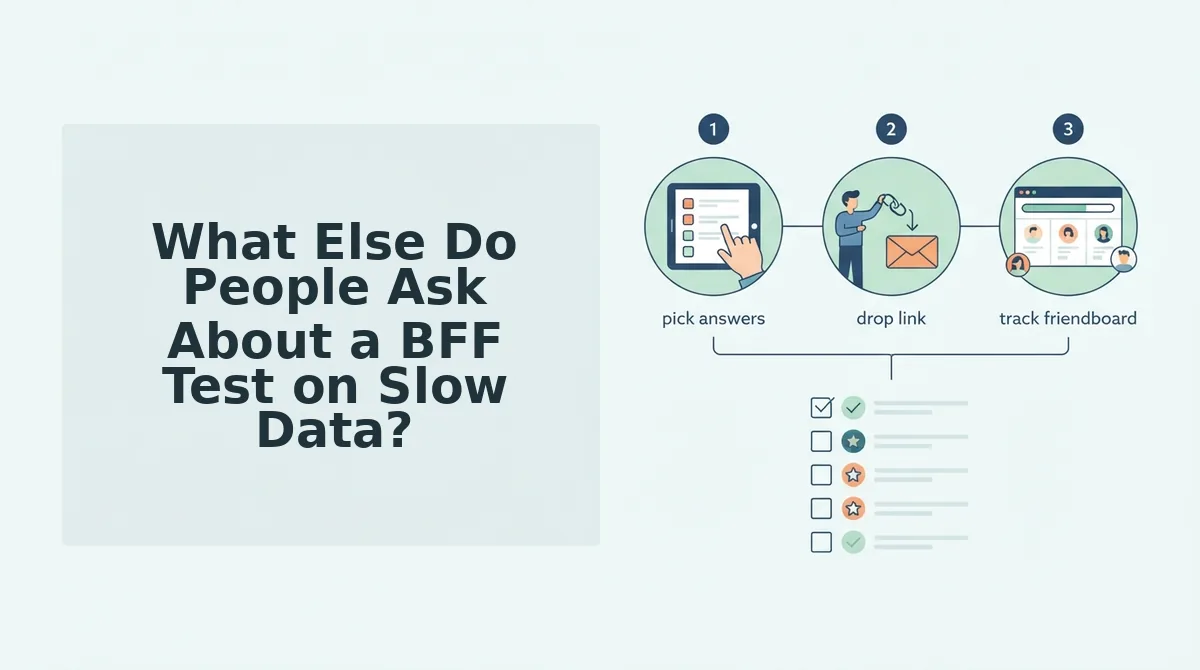
The remaining questions are mostly about the friend receiving your link, not about your own connection. Short answers below.
Does my friend need an app to take my BFF test?
No. The answerer needs only a mobile browser, matching the creator's no-download path. They tap the link, the quiz opens in the browser, and they answer in-page. Nothing installs, nothing signs up, and there is no store listing to find on a weak signal.
Does the quiz save if my data drops?
Unsaved answers are the real risk of a mid-quiz drop, not the link itself. The link stays valid, but an answer you typed and never submitted can be lost when the page unloads. Submit once and stay on the tab until the score appears.
Can I resend the same link?
Yes. One link can go back into a group chat as many times as you need, and each friend who opens it takes the same quiz. Resending costs you nothing beyond the message and saves you rebuilding from the prompts.
Why does the quiz page look so plain?
Plain-looking pages are a deliberate weight decision, not a broken page. Fewer images and scripts mean less to download per visit, which is what keeps the quiz usable on one bar. A bare-looking screen is the speed trade-off made visible.
Finish Your BFF Test Before Your Data Gives Up
The takeaway in your own words: one flow, one submit, one link. Your signal never had to be fast â only good enough to carry a single round trip from your thumb to the score screen.
If your group has already played and the scores are sitting in the chat, you have a warm audience and a working link pattern. Keep it going with a friendship dare quiz, which loads on the same lightweight page and the same weak signal.
Stop waiting for better bars. Start a BFF test now â name it, tap through the prompts, copy the link, and send it before the tab times out.