HolaQuiz vs Friend Quiz for making a quiz link on your phone
You type a perfect quiz about your coffee order and your worst habit, drop the link into the group chat, and get silence. Nobody can open it, or it asks them to log in first.
That frustration is fair. It is exactly why this HolaQuiz vs Friend Quiz quiz maker comparison focuses on one job: getting a working quiz link from your phone into a chat.
HolaQuiz's own YouTube demo, with 8,414 views, describes its loop as create a quiz, share it, let friends answer, and see the results. Friend Quiz documents a flow of name, then prompts, then a shareable link in under two minutes, with no account, email, or app.
The sources gathered include video walkthroughs but no written head-to-head comparison of the two tools. So instead of a vibe verdict, you get a repeatable method you can run on both tools yourself.
Read on for the direct speed answer, a five-checkpoint Tap-to-Link Audit, and a closer look at each creation flow. Keep your phone handy, and watch for one twist: the slowest step is usually not where creators expect it to be.
Is HolaQuiz or Friend Quiz faster for making a quiz link on a phone?
Friend Quiz has the faster documented path: name, then prompts, then a shareable link in under two minutes, with no account, email, or app download. HolaQuiz's own demo shows a complete create, share, answer, and results loop but publishes no timing, so its speed remains unconfirmed.
| Factor | Friend Quiz | HolaQuiz |
|---|---|---|
| Documented flow | Name, prompts, shareable link | Create, share, answer, see results (YouTube demo) |
| Published speed | Under two minutes | None published |
| Account, email, or app before link | None required | Human verification step noted; placement undocumented |
| Interstitials or ads | None documented | Needs human review |
| Results view | Real-time Friendboards | "See the results"; format unverified |
How long does it take to make a friend quiz on a phone? On Friend Quiz, you open friendquiz.org in a mobile browser and type your name on the homepage. You then answer the habit and quirk prompts and copy the finished link into a WhatsApp chat. Friend Quiz documents that whole sequence inside a two-minute band, with no account, email, or app download between you and the link. That figure is the only quotable speed claim in the available research. No source publishes a stopwatch time for HolaQuiz, so the honest comparison is to count taps and gates yourself rather than trust an invented benchmark.
HolaQuiz deserves credit for its visual demo. Its full loop, including results, is easy to follow on video.
- Best for group chat instigators: Friend Quiz, when you want a link in the chat before the conversation moves on.
- Best for visual learners: HolaQuiz, if you prefer a video walkthrough and don't mind a verification step.
If you want to try the documented path, make a best friend quiz and watch scores land on a live Friendboard.
What is the Tap-to-Link Audit and how do you run it on both tools?
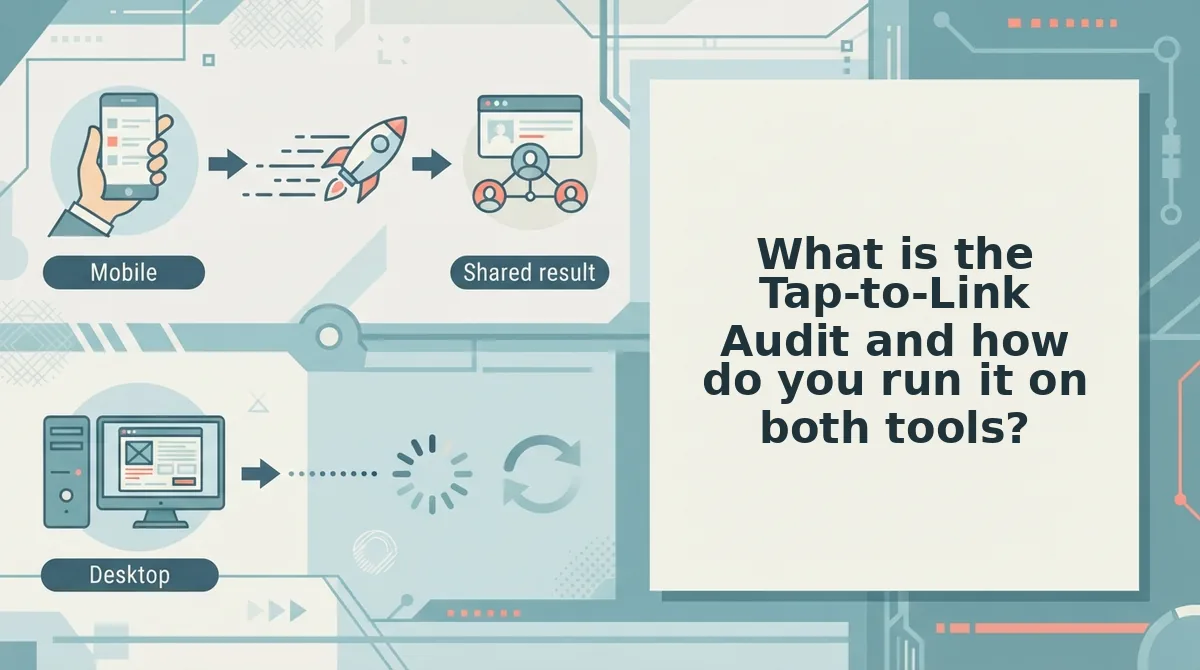
The Tap-to-Link Audit is a five-checkpoint test that measures how directly a quiz maker gets you from its homepage to a copyable link that works on your phone. Each checkpoint scores zero to two points, for a maximum of ten.
Why count taps instead of timing quiz makers? Stopwatch results change with network speed, typing speed, and how long you spend on each answer, so a timed number from one phone tells you little about yours. Counting taps, gates, and interruptions measures the tool itself. The audit asks five fixed questions in the same order for every quiz maker, so anyone can repeat it and compare scores fairly. It also tests the finished link inside a chat app, because a fast creator flow is pointless if your friends can't open the result.
What you need: one phone, both sites open in a mobile browser, a WhatsApp or iMessage thread, and about ten minutes per tool.
- Enter your name. Type it on the homepage and count the taps before the first question appears. One screen with one field earns 2 points.
- Answer the question flow. Move through every prompt and note any page reloads. Smooth, continuous prompts earn 2 points.
- Check for gates. Watch for signup, email, or verification steps before the link appears. No gates earns 2 points.
- Count interstitials and clutter. Log popups or overlays that block your next tap. None earns 2 points.
- Share and test the link. Copy the URL, then open it inside WhatsApp or iMessage. A link you can copy on the first try that also loads in the in-app browser earns 2 points; if it fails there, the checkpoint scores 0.
| Points | Meaning |
|---|---|
| 2 | No friction at this checkpoint |
| 1 | One extra tap, gate, or scroll |
| 0 | Blocked, broken, or multiple obstacles |
| Review | Undocumented; not scored |
Follow the verify convention: if a fact is undocumented, mark the cell for human review instead of guessing. HolaQuiz's on-screen clutter is unverified, so checkpoint four stays marked for review until someone confirms it on a live device.
A perfect ten means zero gates, zero clutter, and a copyable URL without a scroll hunt. To see how HolaQuiz performs against these checkpoints, start with its creation flow.
How does HolaQuiz's creation flow actually work?
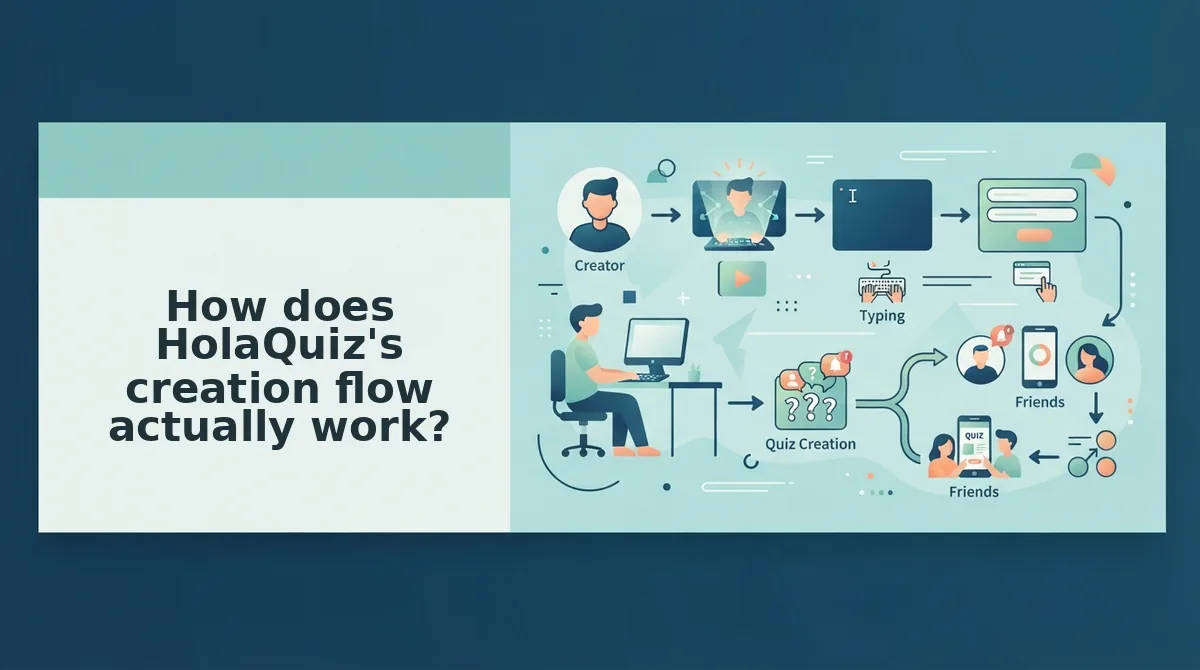
HolaQuiz runs a create, share, answer, and results loop, with a human verification step before your quiz link goes live. Its own promo video shows that loop, so the basics are documented even where some details are not.
HolaQuiz is a web quiz maker that turns answers about yourself into a challenge link your friends try to solve. Its official video, How Well Do Your Friends Know You, frames the product around three moves: create a quiz, share it, and see the results.
Step 1: Build the quiz
You answer questions about yourself, and those answers become the key your friends are scored against. Our research does not document the exact number of questions or screens, so count them yourself during the audit.
Step 2: Pass human verification
Before the link appears, HolaQuiz asks for human verification, a check that confirms a real person is making the quiz rather than an automated bot. Think of it like a bouncer at a club door. It adds a pause, but it comes before you get inside.
In the Tap-to-Link Audit, this step sits inside checkpoint three. Every tap or puzzle it adds belongs in your count.
Step 3: Share, answer, and check results
HolaQuiz has a visible sharing culture, and that is a real strength. Users post their challenge links publicly and ask friends to solve them. One example is Jeet Solanki's "solve friends holaquiz challenge" video on YouTube, which has 2,067 views.
The official video says you can "see the results." Our research does not confirm whether that view is a ranked scoreboard or a simple score list.
What we could not confirm
Some content describes HolaQuiz as ad-heavy. That claim is unverified in our research and is flagged for human review, so we do not state it as fact. Check ad placement on your own phone while you run the audit.
How fast does Friend Quiz get a friend from tap to score?
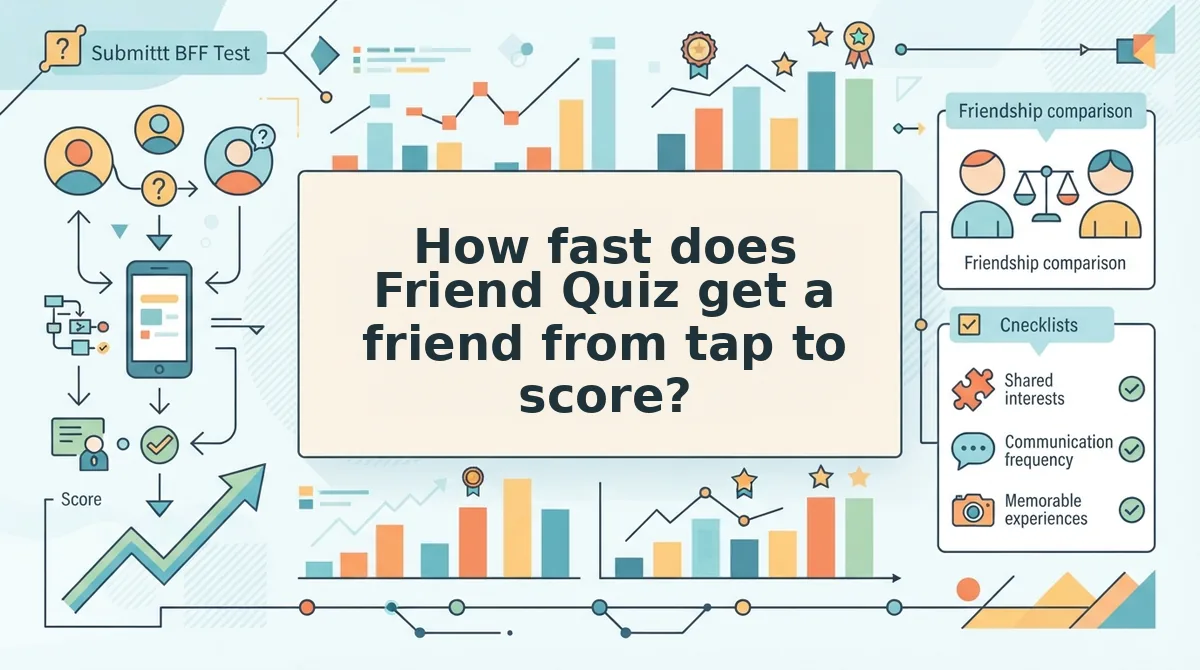
Friend Quiz takes a friend from tap to score without an account, an app, or an email on either side of the link. The creator builds the quiz in the mobile browser, and the friend answers in the mobile browser.
The creator types a name on the homepage, then cycles through prompts about daily habits, quirks, likes, and dislikes. The platform packages those answers into an instant quiz link, a process the site says takes under two minutes. That full creation-to-link flow skips the account, email, and download steps that audit checkpoints two and three are designed to expose.
| Checkpoint | Friend Quiz | HolaQuiz |
|---|---|---|
| Creator account or email | Not required | Verify |
| App download | Not required | Verify |
| Human verification before link | Not part of the documented flow | Yes, documented |
| Friend needs account to answer | No | Verify |
| Results view | Friendboards scoreboard | "See the results" (format: verify) |
| Ad volume | Run the audit | Verify (unconfirmed) |
Do friends need an account or app to answer a Friend Quiz? No. Friend Quiz uses zero-account participation, which means anyone who taps the quiz link can answer in their phone's browser without signing up, logging in, entering an email, or installing an app. The link opens the quiz directly, the friend picks answers to the creator's personal trivia prompts, and the score is calculated when they finish. Their result then appears on the creator's Friendboard, a shared scoreboard that shows who leads once everyone has replied. Because the link is the only entry point, a friend in WhatsApp, iMessage, or Instagram can go from tap to score in one sitting.
Here is how that looks in practice. A friend taps the link inside iMessage, and it opens in the in-app browser, the small browser built into the chat app. They answer the prompts without creating a profile, land on their score, and post it back into the thread.
Best for: Friend Quiz suits group chat instigators who want no logins and a running scoreboard. HolaQuiz suits creators who already follow its public challenge-sharing culture and do not mind a verification step.
Friend Quiz has limits too. Its under-two-minute figure is the site's own claim, so time your own run. For how each tool stores scores over time, see how each tool handles real score tracking. Then build a quiz and send the link to your busiest chat.
Which quiz maker fits your group chat, and where does Friend Quiz fall short?
The right quiz maker is the one that clears the most audit checkpoints with the fewest taps for your specific group. Friend Quiz fits most no-login chat situations, but it is the wrong tool when you need records or grading.
The faster tool is not decided by a stopwatch. It depends on which flow puts fewer gates between your thumb and a sendable link, and between your friend's tap and a score.
| Situation | Friend Quiz | HolaQuiz |
|---|---|---|
| Solo creator testing a link | Name, prompts, link, with no account | Verification step; other gates: verify |
| Big group chat | Zero-account answers in the in-app browser | Friend sign-in requirements: verify |
| Competitive friend group | Friendboards rank every reply | Results format: verify |
| Classroom or icebreaker | Alternate formats such as the Friendship Dare quiz | Verify |
Every "verify" cell marks a claim our research could not document. Those cells are the open questions to test yourself.
Picture a competitive friend group that has just finished a quiz. They open the Friendboard, see who scored highest, and settle who actually knows who.
Friend Quiz has two clear limits. Zero-account access means the link itself is the record, so there is no login history behind each answer. Friendship trivia is also not a graded assessment, so do not use it to evaluate students.
- Run the Tap-to-Link Audit on both tools from your own phone.
- Try the friendship test or the BFF test with no sign-up to match your group's tone.
Recommendation: Choose the tool whose audit score holds up against your own tap count, then send the link. The quiz that reaches the chat first is the one that starts the banter.