Free BFF quiz maker with no download for a quick phone setup
The quiz idea is already in the group chat. Then someone taps the link, hits a "Get the app" screen, and the thread moves on to something else. That's where friendship quizzes die â at the install prompt, not at the questions.
So you want a free BFF quiz maker no download required before the banter cools off. Completely reasonable, and it comes down to one yes/no capability question that most ranked lists in this niche never answer directly.
Here's the full build: the four checks that separate a real browser quiz maker from an app in disguise, then the tap-by-tap phone setup, ending with a link you paste straight into the chat. No email, no password, no install. You build a BFF quiz by typing a name and cycling the prompts; the platform hands back a shareable URL on one screen at a time.
One flag before you start: the friend answering has far less patience than you do, and that asymmetry decides whether your quiz ever gets finished. A working no download quiz maker clears the first hurdle. The rest is thumb work.
What Counts as a No Download Quiz Maker, and What You Need Before You Start
A no download quiz maker is a web app that creates, shares, and completes a quiz entirely inside a mobile browser, with nothing installed on either person's phone.
Is there a free BFF quiz maker that works without downloading an app? Yes â it runs in the mobile browser. The creator types a name, answers a run of personal prompts, and receives a shareable link. Friends open that link and answer in their own browsers with no install and no login. That's the whole loop: name, prompts, link, answers, results.
Think of it less like a photo app and more like a shared album link â the content lives at a URL, and everyone who opens the URL sees it without installing anything first.
Apply these four pass/fail checks to any quiz maker and you'll have your answer in under a minute:
- Install required? If the first tap lands on an app store listing, fail it immediately.
- Account required for the respondent? Ask about the friend answering, not about you. A signup wall on their side is the quiet killer.
- Does the link open in-browser? Paste it into a chat and tap your own paste â if it bounces back to an app, fail it.
- Single-page flow? Multi-page reloads lose answers on flaky mobile connections.
Prerequisites are short: a mobile browser and a display name. No email, no password, no install. Friend Quiz doesn't publish a price on its page, so nothing here is promising a tier the site never stated â check the page yourself before planning around one. If you'd rather see the format first, the best friend test page runs the same idea as a single quiz.
How to Make a BFF Quiz in a Mobile Browser Step by Step
You can make a BFF quiz in browser in about three minutes: enter your name, cycle the setup prompts, copy the custom URL, and paste it into the group chat. Everything happens one screen at a time, with no reload and no install. All you need beforehand is an unlocked phone and a chat thread to drop the link into.
Budget three to five minutes for creation, most of it spent choosing prompt answers.
- Open your mobile browser and go to friendquiz.org. Type the address instead of searching an app store â skipping that detour is the entire point. You should land on the name field on the first screen.
- Type your display name. This is what friends see on the quiz, so use the name they actually call you. Tap the field, type, and continue â there's nothing to verify and no email to confirm.
- Cycle through the setup prompts (about two to three minutes). Answer prompts about habits, quirks, likes, and dislikes â one prompt per screen, so there's no long form fighting your thumb. Pick the true answer over the flattering one, since friends score higher on honest ones. If one prompt stalls you, this guide on how to answer the setup prompts gives you a tie-breaker method.
- Generate your custom quiz URL. When the prompt cycle ends, the platform packages your selections into a personalized challenge. Success looks like one shareable link on screen â copy it before you navigate away.
- Paste the link into your group chat. WhatsApp, iMessage, Snapchat â wherever the thread already lives. Add one line of provocation ("bet you get 6 of 10") because a bare link gets scrolled past. Tap your own paste to confirm it opens.
- Let friends answer in their browsers. They tap, answer, and submit with no install and no login. Nobody leaves the chat to create an account, which is exactly why this version of the quiz survives contact with a group.
- Check the friendboard for results. Scores land there as answers arrive, and that running tally is what turns a one-way form into an actual rivalry. Screenshot the standings back into the chat while the thread is still warm.
Your custom URL is the handoff point â everything after it belongs to your friends, not to you. Start a BFF quiz and the setup flow opens on the name field.
Once the link is out, the one variable you can't control is how long your friends stay interested.
Why Your Friend's Patience Matters More Than Your Setup Speed
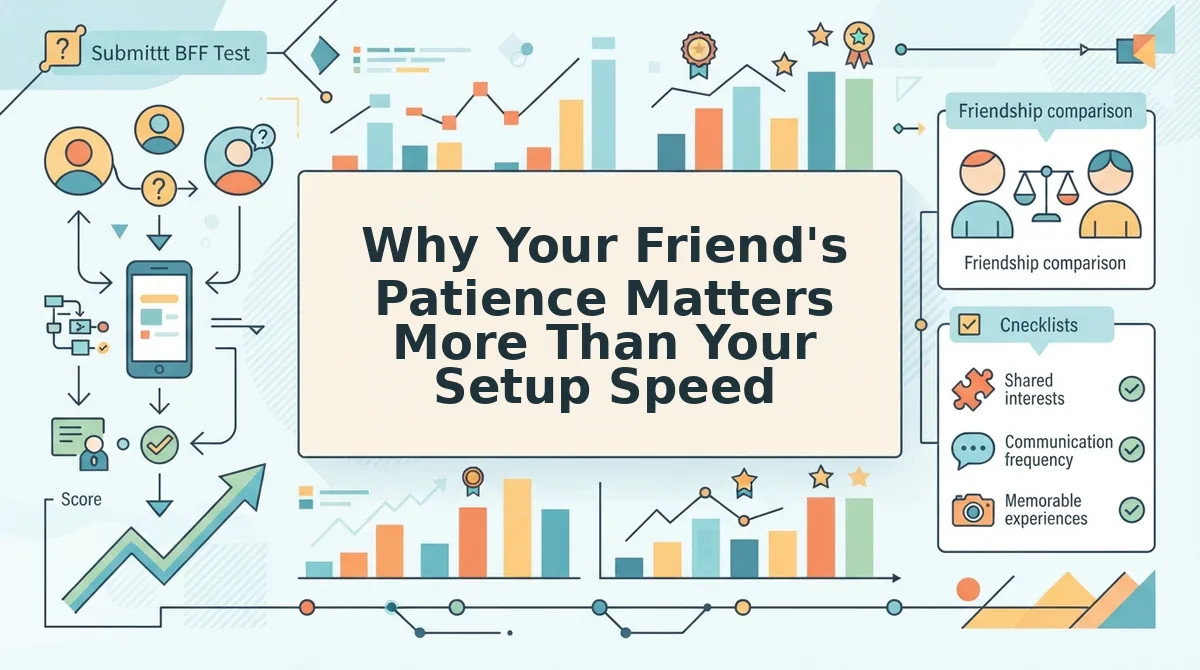
Respondent friction is the number of steps the person answering your quiz must take before they reach question one, and it decides whether your quiz gets finished. Creator friction is what you do to build the quiz; respondent friction is what your friends do to play it, and only one of those two shows up on your own screen.
Here is the part the roundups skip: every ranked list scores the builder and ignores the friend.
You have already opted in. You chose to make a quiz, so you will tolerate a name field, a run of prompts, and one sharing step. Your friend did not opt in â they opened a group chat, saw a link, and gave it about three seconds. Every extra respondent step costs you a completed quiz.
| Option | Creator effort | What the friend must do | Best for |
|---|---|---|---|
| Native quiz app | Install, create an account, build inside the app | Install the same app or answer through a reduced web view | The host who runs quizzes weekly and wants app-only features |
| Browser-only maker (friendquiz.org) | Enter a name, answer prompts, copy one link | Tap the link and answer in the browser, no account | The group chat instigator who needs a quiz ready before the banter dies |
| Hand-typed questions in the chat | Write and paste questions manually | Reply in chat, scores tracked by hand | The host with five friends and no interest in scoring |
The trade-off, stated openly: a browser-only tool has fewer features than a native app â no push notifications, no home-screen widget, no offline play. In exchange, nothing is installed on either side.
On cost, the site does not publish a price on its page, so treat that as unpublished rather than promised. Do not assume "free forever" from any maker that stays quiet about pricing.
If your group wants a second round after the first, the friendship dare quiz and the friendship test both run in the same browser tab, with the same no-install handoff to your friends.
That is the trade-off nobody names: you are spending features to buy taps.
How to Check It Worked, and What to Do if the Link Will Not Open
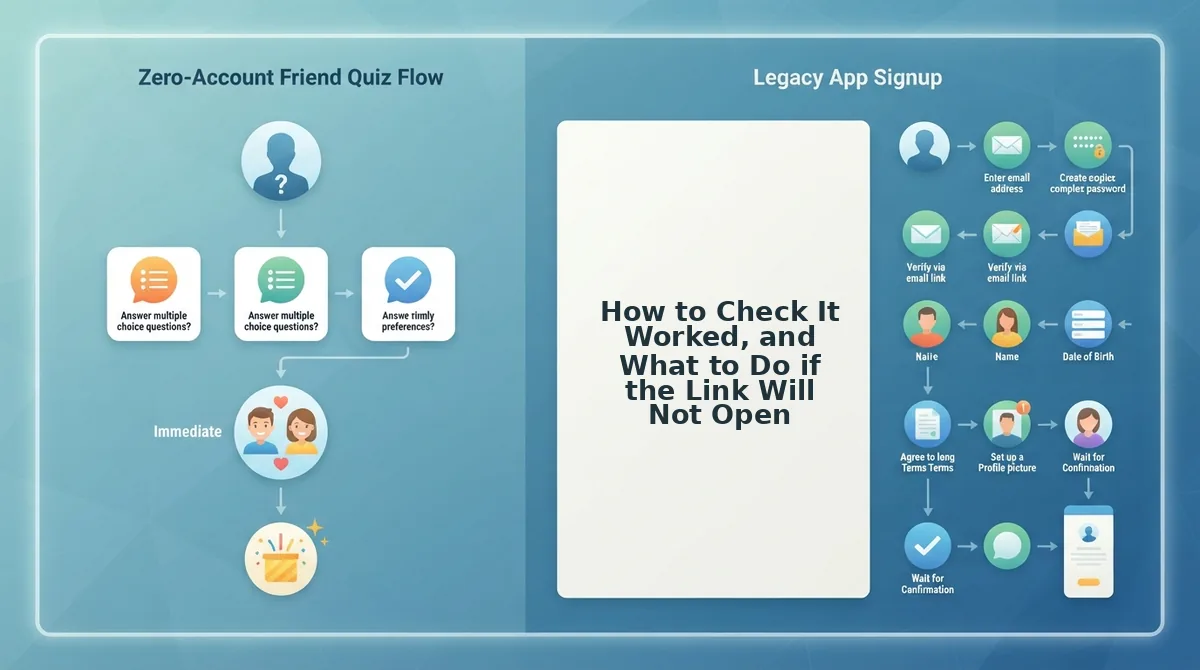
Before you paste the link into a group chat, run a 60-second pre-send verification: open your own link in a private browser tab, confirm the preview title is not mangled, and tap through to the first question. If it stalls there, the cause is almost always the in-app browser your chat app uses.
- Open your own link in a private tab. This shows what a friend sees with no saved session, so you catch a broken link before ten people do.
- Confirm the preview title is not mangled. WhatsApp and iMessage build a preview card from the page title; a garbled card reads as spam and gets skipped.
- Tap through to the first question. Reaching question one on your own phone proves the quiz loads and that the flow has no dead end.
- Use the open-in-browser control if it stalls. WhatsApp, iMessage and Snapchat all render links inside their own shell, and that shell can block or misdraw a quiz.
A link that will not open is the third friction, and it is the one that silently kills a quiz you thought was live. If your friends answer and nothing appears afterward, the fix is covered in score not showing on the friendboard.
Build Your BFF Quiz Now and Let the Group Chat Settle It
The payoff from the whole workflow is narrower than it looks â not a better quiz maker, just three habits: apply the four-check test to any tool you consider, build inside the browser instead of an app store, and verify the link once before you paste it.
Do that and the friend on the other end never has to decide whether to install anything, which was the friction all along.
Your next step is one field: enter your name and build it now at BFF quiz. Answer the prompts, copy the link, and let the group chat decide who actually knows you.