How do non-techy friends play a BFF quiz link on their phone?
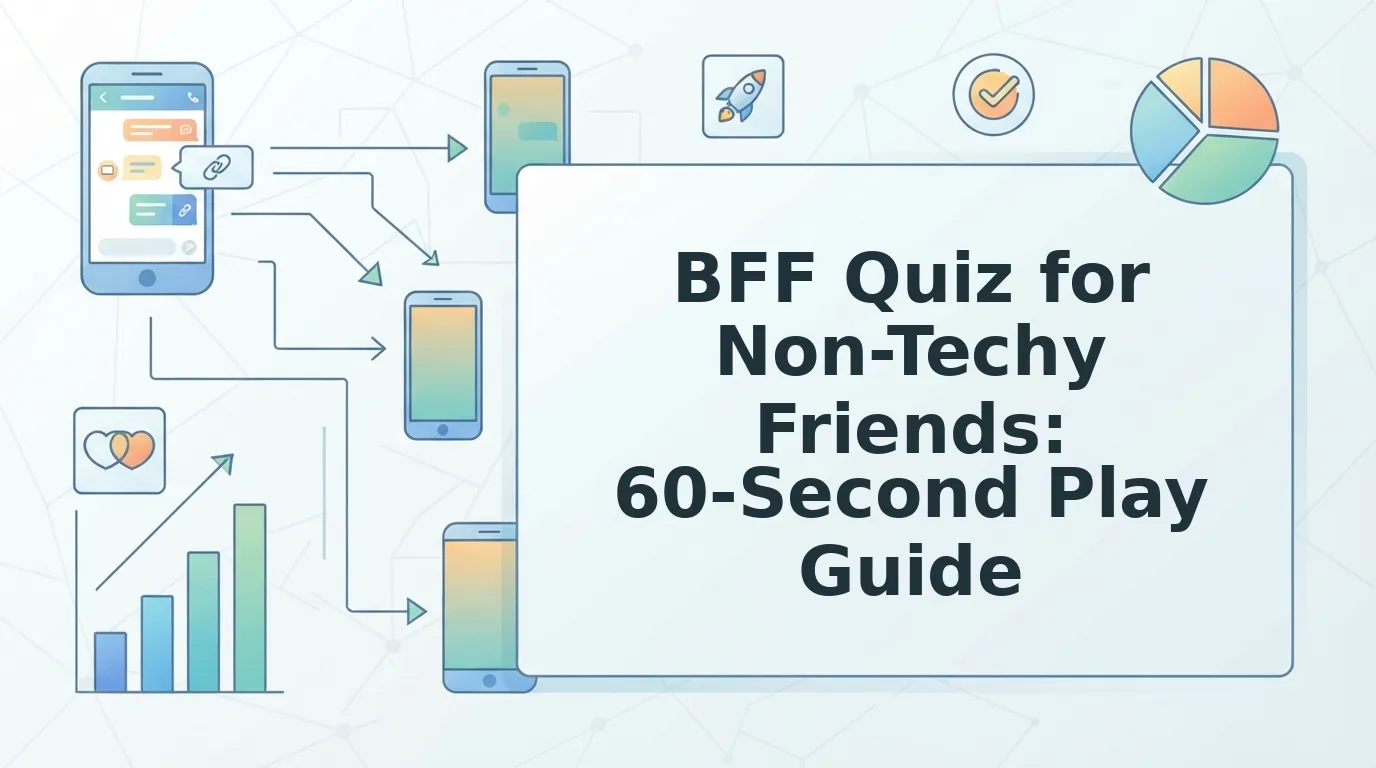
You dropped the link in the group chat. Someone reacted with a thumbs-up, then nothing â no score, no reply, and by evening you are certain the quiz is broken.
It almost never is. A bff quiz for non techy friends usually stalls on the sender's side: a bare web address with no instruction, sent to someone who cannot tell whether tapping it installs an app or asks for a password. They are not being rude. They are being careful.
This guide covers the half nobody writes about â the recipient's screen. You will get the five taps your friend actually makes, a paste-ready message that kills every doubt before it forms, and the one line that gets replies where "can you do my quiz" gets silence.
That line is shorter than you think. Want to act first? Make a BFF quiz in under two minutes â no account, no email, no install, on either phone.
How Do Non-Techy Friends Play a BFF Quiz Link on Their Phone?
The friend taps the link and answers in the browser already installed on the phone. No app, no download, no account, no email â the quiz is simply a web page.
A BFF quiz link is a web address that opens a personalised trivia challenge inside a normal mobile browser. The friend taps the link, types a first name, taps one answer per question, hits submit, and sees a score beside the Friendboard â a live scoreboard where the whole group's results stack up in order. Nothing installs, no sign-up screen appears, and the run finishes in under two minutes on an ordinary phone connection. The creator watches the same scores arrive on the same board, so nobody has to report back manually.
Think of it as a paper menu passed across a table: the friend reads it, picks, and hands it back. The menu never ends up in their bag â the quiz page closes when the tab does.
Rehearse the friend through five beats and most of the anxiety disappears:
- Tap the link. The page loads in whichever browser the phone already uses â Safari on iPhone, Chrome on Android.
- Type a name. A first name is enough; there is no login step and no verification code.
- Tap answers. One choice per question, straight through the set.
- Hit submit. The button sits at the end of the final question.
- See the score. The result lands on the Friendboard beside everyone else's.
Prerequisites: a working browser, a tap, and a name. That is the entire list. Every quiz built at friendquiz.org generates its link and Friendboard automatically, so for a screen-by-screen version, read what friends see when they tap your link.
The Copy-Paste Checklist to Send With Your BFF Quiz Link
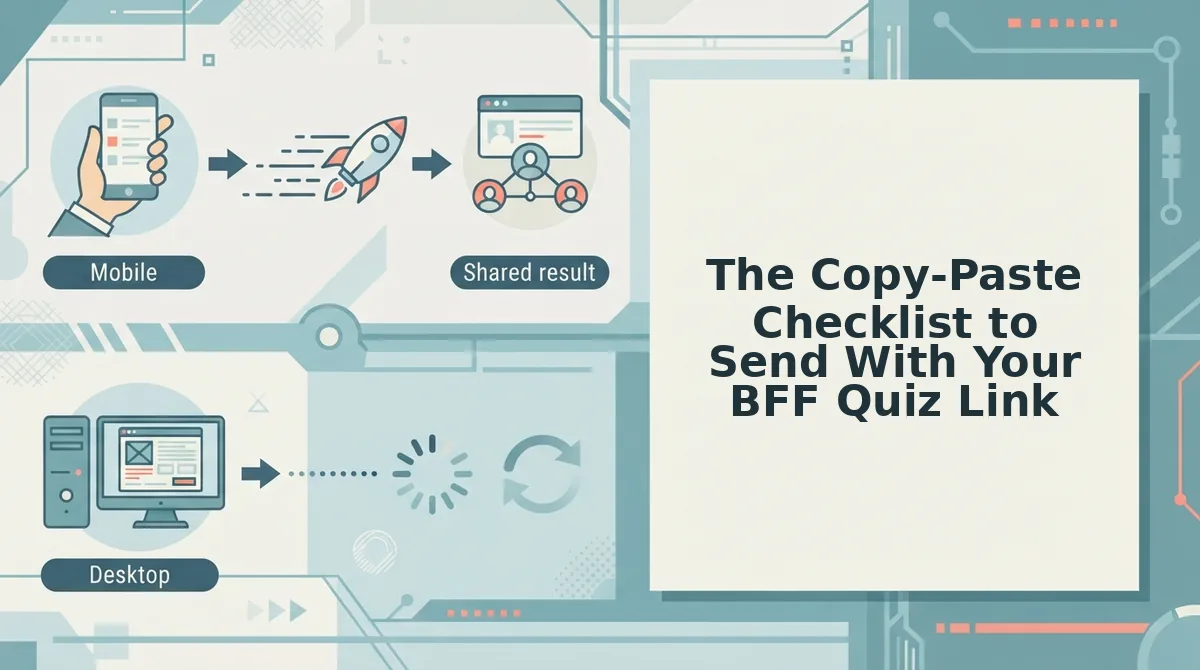
Send the link with one sentence that says what happens when the friend taps it. That line removes the four silent questions â what is this, does it cost anything, will it install something, and how long will it take.
What you need: your finished quiz link and the chat app you already use. Nothing else.
- Open the link yourself first. Tap your own quiz link on your phone. You should see the quiz load with no login screen â that is exactly what your friend will see. (20 seconds)
- Send the link plus one sentence. Paste the address, then add: "Two-minute quiz about me â tap it, answer the questions, nothing to install." A link preview should appear in the chat bubble. (30 seconds)
- Name the time cost. Write the real length â "about 90 seconds." Vague asks get postponed; a stated cost gets scheduled.
- Ask for a reply when done. Type "Send me your score when you finish." The friend now knows the loop ends with a message, not silence.
- Screenshot the Friendboard. Once two or three scores land, screenshot the live scoreboard and drop it in the chat. Quiet friends see it working and join without being asked.
- Nudge once after a day. One line â "still curious what you scored" â then stop. Silence usually means the message scrolled away, not refusal.
| Say this | Not this |
|---|---|
| "Two-minute quiz about me â tap the link, answer the questions, send me your score. Nothing to install." | "can you do my quiz" |
| "Still curious what you scored â no rush." | "did you do it yet" |
The link behaves the same on both phone systems, so one group chat can mix Android and iPhone without a broken page. Every quiz built on friendquiz.org arrives with its link and Friendboard already attached; the message above is the only part you supply.
If the chat stays quiet even after a nudge, the useful question is no longer what to send.
How Do You Know It Worked, and What If It Didn't?
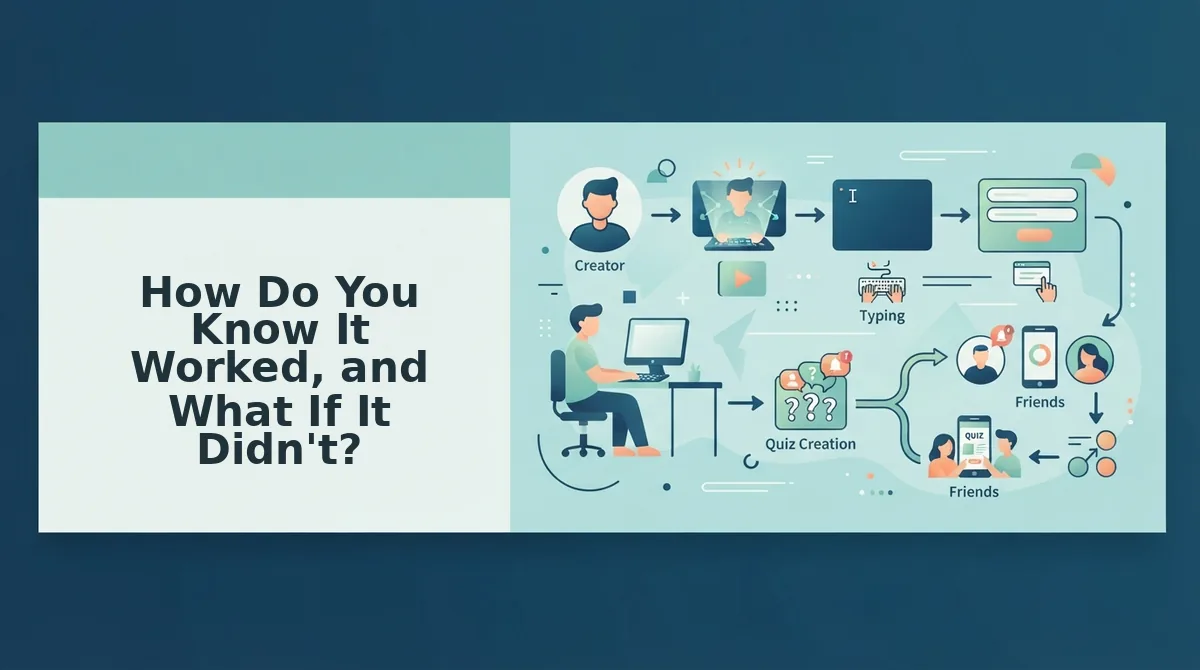
You know it worked when your friend's name and score appear on your Friendboard â there is no read receipt, no email alert, and no completion popup on your end. The name with a number beside it is the only proof the link opened and the answers were submitted.
- Check the Friendboard, not the chat. The Friendboard is the score list attached to your quiz, and it updates when a friend submits. A name sitting there with a score means the run finished cleanly, so you can stop watching for a reply.
- Fix the link the chat app cut in half. Long URLs wrap inside WhatsApp and iMessage, and the broken half stops being tappable, so the friend lands on an error page. Send the full https:// address on its own line, with no words pressing against it, so there is one obvious target to hit.
- Fix the submit button that sits below the fold. The mini browser inside chat apps sometimes loads the page with submit just out of view, and people assume the quiz is broken. Tell them to scroll to the bottom and tap once â a double-tap can bounce them back to the top.
- Fix the privacy worry. Plenty of people stall because they assume their wrong answers get posted to the group. Only a name and a score reach the Friendboard; saying that before they ask removes the hesitation.
| What they say | Likely cause | Your one action |
|---|---|---|
| "It won't open" | Chat app truncated the URL | Resend the full link on its own line |
| "There's no submit button" | In-app browser hid it below the fold | Ask them to scroll down and tap once |
| "Can everyone see my answers?" | Privacy assumption | Explain that only names and scores show |
One honest limit: a genuinely old phone browser or a strict data-saving mode can fail to render the page at all, and no chat instruction fixes that. Ask them to reopen the link in the phone's main browser instead.
Why the Link Beats Download the App for Non-Techy Friends
A quiz link is one web address that opens the whole test inside the browser the phone already has. Think of it as handing someone a single page from a magazine rather than asking them to take out a subscription before they can read it.
An install is four decisions in a row â find the store, approve the permission, wait for the download, then open the thing. A link is one tap, and the friend never leaves the chat app they were already using.
Nothing is left behind either: no storage to clear, no update prompts, no password to remember before question one. That is the argument behind a friend quiz with no account logins, and it is why a link travels further in a group chat than an invitation to install something.
Do friends need an app or an account to play? No. A BFF quiz link opens as an ordinary web page: the friend taps it, types a name, answers the prompts, and submits, all inside the browser bundled with the chat app. Nothing is installed, no email is collected, and no password is created or forgotten. That is what makes the format work with parents, classmates, and group members who never install anything â though a very old browser or strict data-saving mode may need the link reopened in the phone's main browser.
The honest limit is that same one: page-based play depends on a browser rendering the page, and a decade-old handset may not. For everyone else, the link is the whole product. Once it is on the board, the next thing people want is harder material, so best friend test questions keep a quiz worth replaying.
Questions Friends Ask Before They Tap
Do I need an account to make a BFF quiz?
No. Creating a quiz starts with typing your name and answering the personal prompts, with no signup, email, or download at any point. The same is true on the other side of the link: the friend playing it also creates nothing, which is exactly why the asymmetry confuses people who expect a login screen somewhere.
Does a BFF quiz link stop working after the first friend plays?
No. The link is a permanent address, not a one-time code, so it keeps opening the quiz after the first result lands. That matters for the friend who replies three days late â the link they scroll back to still works, and you do not need to generate a fresh one.
Can a friend retake the quiz for a better score?
Yes, and the retake does not erase the first attempt. Results appear on the Friendboard under the name the player typed, so a second run shows up alongside the original rather than replacing it â useful when someone insists they misread question four.
Will the quiz open on an iPad or a different phone?
It will. A BFF quiz runs in the browser, so the same link behaves identically on an iPhone, an Android handset, a tablet, or a laptop. Nothing is stored on the friend's device, which means switching devices mid-quiz costs them nothing but a re-tap of the link.
Get the score on the board and there is one job left: send the link, then send the checklist.
Send the Link, Then Send the Checklist
The message outworks the quiz every time. A bare link asks a non-techy friend to guess what happens next; the same link with six numbered lines removes the guess â and that is what turns a dropped link into a filled scoreboard.
So the whole play comes down to two moves:
- Build the quiz at friendquiz.org, name in, prompts answered.
- Paste the block from the checklist section into the chat, above the link, not after it.
Expect the Friendboard to fill within minutes â and expect a second wave of "do me next" before you close the tab. Keep a friendship dare quiz ready for the groups that burn through round one fast.
A quiz never tested a friendship; the message wrapped around it does.