How to share one friend quiz link across several group chats
Your quiz is finished, the link is sitting on your clipboard, and you hesitate â because you have four group chats and exactly one URL.
That single URL is all you need. You can share one friend quiz link multiple group chats and let every score collect in the same place, with no second quiz and no per-chat version of the link to generate. Building it is the only setup: type your name, answer the habit prompts, copy the link. There is no account creation or app install in between, so you can be holding a finished best friend quiz link in under two minutes.
Next you will get the straight answer on whether each chat needs its own link, then copy-and-paste steps for WhatsApp, iMessage, and Snapchat. One thing to flag now: the decision that settles whether the scores you get back are honest has nothing to do with which chat app you pick â and it is easier to control than most people assume.
Do You Need a New Link for Every Group Chat?
No. One link covers every chat you paste it into, and every guest who opens it answers the same quiz and lands on the same Friendboard â you never merge results by hand.
A quiz link is a single web address that points to your quiz and its shared Friendboard, the running scoreboard listing everyone who has played and what they scored. That address identifies the quiz, not the person holding it. A guest player is anyone who opens the URL and answers; no account, email, or app install is needed on their end.
Think of it as link identity versus session identity. The URL carries the quiz's identity, and each visit spins up a temporary session for that one player. It works like a shared photo album link â everyone who opens it adds photos to the same album instead of getting a private copy. A chat with three friends and a chat with thirty both write into one result set.
Prerequisites take ten seconds to check: a finished quiz, the copied link, and a chat to paste it into. That's it for host and guest alike.
Two honest limits are worth knowing before you send. Anyone holding the link can open the board and read the scores, and the platform does not attribute plays to individual chats, so you won't see which group a score came from. Build the quiz at friendquiz.org and keep the URL â it is the only thing you need to distribute.
How Do You Paste the Same Link Into WhatsApp, iMessage, and Snapchat?
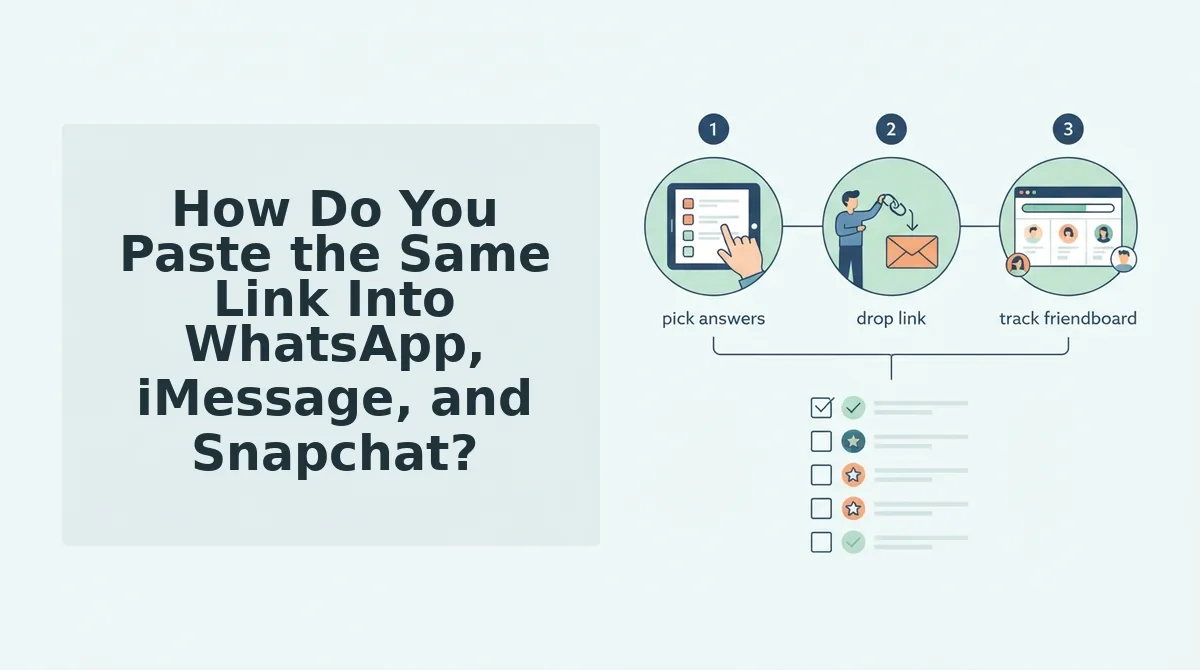
Copy the URL once and reuse it in every chat; there is no per-group variant to generate. You need three things before you start: a finished quiz, the copied link, and the chat you are sending to â no account is required on either end.
- Copy the link from your finished quiz. Tap the share or copy control on the results screen, then paste it into a draft message to yourself. Success looks like the full URL appearing with no missing characters.
- Open the target chat rather than a broadcast list. Broadcast lists deliver a one-way message and can suppress replies. A normal group chat keeps everyone in the same thread.
- Paste and send the link as its own message. Send it alone, not buried mid-sentence, so the tap target is unambiguous and the preview card renders cleanly.
- Repeat in the next chat with the same URL. Expect a new preview card to generate each time. All of those cards point to one quiz and one board.
WhatsApp: the preview card that steals the tap
WhatsApp usually renders a preview card for the link, and that card often becomes the larger tap target instead of the blue text. If the card does not appear, the plain URL still works as a tappable link. Sending it as a standalone message keeps the card from being visually swallowed by a paragraph above it.
iMessage: tapbacks and truncation
iMessage shows longer URLs truncated, so the visible text may stop partway through while the underlying link stays intact â tapping the bubble still opens the full quiz. What friends see when they tap your quiz link in a chat depends on how their device renders the preview, so avoid stacking the link directly beneath a wall of text where a tapback can shift it. If you want questions worth answering first, start from a BFF test built for the group.
Snapchat: the in-app browser handoff
Snapchat opens links in its own in-app browser rather than handing off to Safari or Chrome, so the quiz loads inside the conversation and the friend stays in Snapchat. If someone reports a blank screen, have them tap the browser menu and choose to open in the system browser. The quiz takes under two minutes to build at friendquiz.org, which leaves the sharing itself as the only step left.
Where you send the link matters far less than who else is already in the room.
Group Chat or DM, Where Do Quiz Scores Stay Honest?
Direct messages usually produce more honest scores than group threads, because a group thread exposes the link to everyone at once, including friends who have not played yet. The platform you choose changes how cleanly the link travels â not where the scores land.
| Platform | Link clickability | Preview card | In-app browser | Score visibility | Best for |
|---|---|---|---|---|---|
| Tap-to-open, works in groups and DMs | Yes, pulls title and image from the URL | Yes, opens in-app | On the Friendboard, never in the chat | Large group chats and class groups that need one paste | |
| iMessage | Tap-to-open, rich link bubble | Yes, with a large preview | Yes, opens in-app | On the Friendboard, never in the chat | Close-knit iPhone friend groups of four to eight |
| Snapchat | Works in Chat, but link text is easy to miss | Inconsistent â often plain text | Yes | On the Friendboard, never in the chat | Broadcasting to a wide, casual audience who need a nudge |
| Instagram DM | Works in DMs and group threads | Usually plain text, no card | Yes | On the Friendboard, never in the chat | Friends you already talk to daily in a shared DM |
Every one of these apps is good at moving a URL. None of them is good at protecting an answer set.
A public group thread is the worst first destination for honest scores: the link sits in front of ten people at once, and anyone who opens it before playing can read the Friendboard first. That is not a measured statistic â it is how group chats work. Seed privately, broadcast second.
Where do the quiz scores actually appear after I share the link? Nowhere inside WhatsApp, iMessage, Snapchat, or Instagram. The chat only carries the URL; every answer a friend submits writes to the Friendboard at friendquiz.org, and the board is the same page for every guest who opens that one link. That is why the platforms above differ on previews and tap behaviour but not on results â the score set never fragments across apps, and you never need to collect screenshots from four different threads.
- Open the link yourself in a private tab to confirm it loads.
- Send it to two friends and let them finish.
- Broadcast the same link to the group.
- Nudge once, a few hours later.
If you are distributing inside a single thread first, this walkthrough of a friendship test link in one group chat covers the phone-level details. Then create your quiz, copy the link once, and let the board do the collecting.
How Do You Check It Worked, and Why Is a Score Missing?
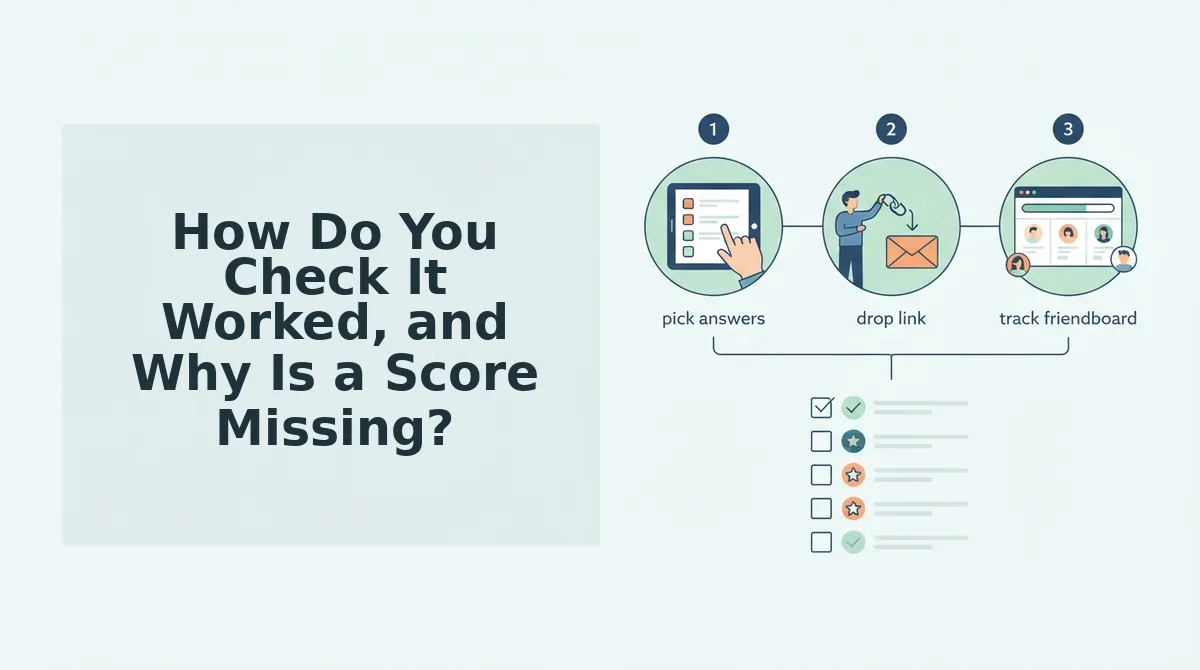
Open the link yourself in a private tab to confirm it loads, then watch the Friendboard after your first two friends finish â if their scores appear, the link is working and every later guest will land in the same place.
- Two identical labels on the board. Two friends can type the same name and produce two indistinguishable rows, so ask one of them to add an initial or a nickname before they play â that single edit makes the board readable.
- A copy that grabbed the wrong URL. Long-press the message and re-copy the link text instead of retyping it, because a truncated paste sends friends to a dead page rather than your quiz.
- A tap on the preview card. Some apps route a card tap to a different destination than the link text, so tell friends to tap the URL itself.
- A board that never updates. Confirm with the product team whether a link expires or can be closed before you publish any claim about it; until then, re-share the original link rather than creating a second quiz.
Once the board is filling correctly, keep the momentum going with a friendship dare quiz.
One Link, One Board, Every Chat
The link is the board, so sending it five more times cannot fragment your results â it only adds players to the same set. Copy once, seed two friends, then broadcast.
That is the finding the sharing problem hides: most people assume each chat needs its own link, and the assumption is what makes multi-chat distribution feel complicated. It is not. One URL carries one identity, every guest writes to it, and the chat app you pick only decides how neatly the link looks on the way in. The honest-score trick is sequencing, not technology.
Three actions, in order: confirm the link in a private tab, hand it to two friends, then drop it in every group you care about and nudge once. Your next step is to create a quiz, grab the link, and watch one Friendboard fill up from four different chats.
When that board is full, keep the group talking with a friendship test built on the same one-link rule â the payoff is bragging rights that survive the group chat scroll.