What to do when only three friends play your quiz link
Three names. That is the whole response list, and you have refreshed the page enough times to know it is not going to grow by itself.
It is deflating, and the instinct is to blame your questions. But when only a few friends play my quiz link, the cause is almost always the number of taps between the group chat and question one â not how clever the questions are.
Here are seven fixes, ranked by effort: link and signup friction first, question count in the middle, message wording last. The only prerequisites are your quiz link, a phone, and about 10 minutes.
One thing to flag up front: the single biggest fix involves no editing at all. It is about who sees you ask, and why a group chat is often the worst place to ask â that is step 2.
Picture the usual scene: the link lands in a WhatsApp group, the preview shows a login prompt, and the chat scrolls on. The fix is swapping in a link that opens straight into question one.
Why do only a few friends play your quiz link?
Because participation is a friction problem, not a content problem â friends who never reach question one cannot be bored by your questions.
A tap audit is a count of every tap, form field, and screen between a friend opening your link and seeing question one.
Four blockers cause most of the drop-off:
- Account wall: a login or sign-up form before the quiz loads.
- App install: a "download to continue" prompt.
- Multi-page forms or reloads: pages that stall or reset on mobile data.
- A public ask: a group chat where a wrong answer is visible to everyone.
Run the 30-second test: open your own link on a phone in a private tab and count the taps to question one. Three taps or fewer is the benchmark. More than that, and your quiz is not boring â your link is asking too much before the fun starts.
Think of it like a shop door that sticks. A friend who must install an app, create an account, then clear two form pages is pushing that stuck door while three open ones sit beside it. Each step looks trivial on your own phone, where you are already logged in; to someone half-reading a chat on mobile data, each step is a reason to scroll past. If the link preview shows a sign-in box, that is your answer â see why a quiz link asks friends to sign in.
Friend Quiz removes the first three blockers by design: quizzes play in the mobile browser, with no account, email, or app download.
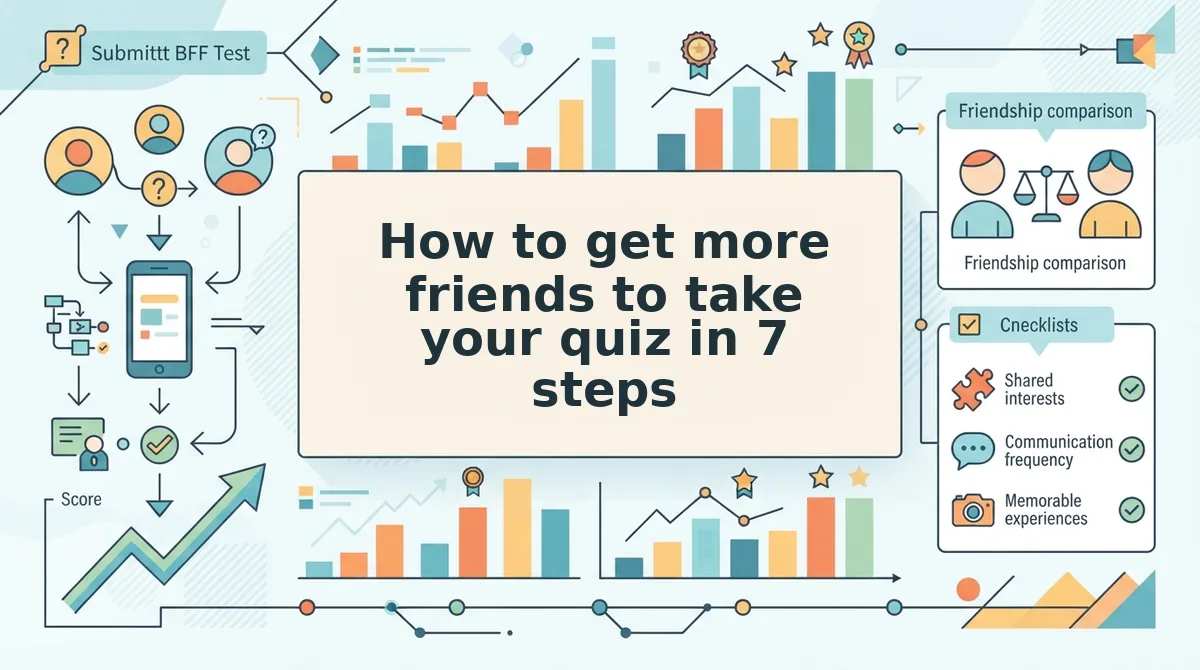
How to get more friends to take your quiz in 7 steps
Work down this list in order, because the first two steps remove most of the drop-off before you touch a single question. You need your quiz link, a phone with a private or incognito tab, and roughly 10 minutes.
- Open your own link in a private tab and clear every signup wall. Load it the way a stranger would, with no saved logins. If a form appears, switch to a version that starts at question one â a best friend quiz should never ask a player to register first. On Friend Quiz, quizzes play in the mobile browser with no account, email, or app download. You should see question one with no form on screen.
- Send it to three named people in a DM instead of the whole chat. Pick the three friends most likely to bite and message each one separately: "You, 10 questions, 60 seconds â I bet you get 6." Naming someone removes the public-performance problem, where answering feels like a stage and skipping feels invisible. Expect replies faster than a broadcast, because a direct question is harder to scroll past than a link in a busy thread.
- Rewrite the message so the link reads like a dare. "Take my quiz" is a chore; a dare is a challenge. Swap the ask for a claim about yourself that invites contradiction, then send it.
You should see replies that open with a score instead of silence. For a spicier version, a friendship dare quiz gives the same link a competitive edge.Instead of this Send this "Take my quiz please" "Everyone says they know me. Prove it in 60 seconds." "New quiz, link below" "I bet you can't get more than 6/10 on me." "Would love your answers" "You're the only one I think could beat my score." - Turn the scoreboard into the reason to come back. Bragging rights do the re-sharing for you: when a friend lands on a live Friendboard and sees a score they can beat, they have a reason to forward the link themselves. Keep it banter, not humiliation â the goal is a friendly rivalry, not a roast.
- Cut the quiz to 8 to 12 questions, under 60 seconds, in one sitting. Commitment size drives completion more than question quality does. If a friend opens the link on a commute and drops off at question 6, the fix is not a new quiz â trim it to ten questions and re-send the same link. A friendship test that finishes inside a minute gets finished.
- Re-ask once, 24 to 48 hours later, in a DM. One follow-up, never three. "Still curious whether you'd beat my score" works because it gives a reason beyond politeness. You should get either a score or a clear no â both are useful, and neither costs you the friendship.
- Make answering feel low-risk. State in one line exactly what a player will see: a score and a comparison. No essay, no explanation of the answers, no pressure to post anything. When the stakes read as low, curiosity does the work.
Pro tip: send the link with your own score already visible in the message. It turns the link into a challenge with a target on it, and a target is far easier to answer than an open request.
None of this requires a new quiz. Build it once at friendquiz.org in under two minutes, play it yourself on a phone, then send it to one person before you send it to nine. Fixing the ask is the difference between three responses and a chat that will not stop arguing about question 4.
Once those seven are in place, the question becomes whether they actually moved the needle.
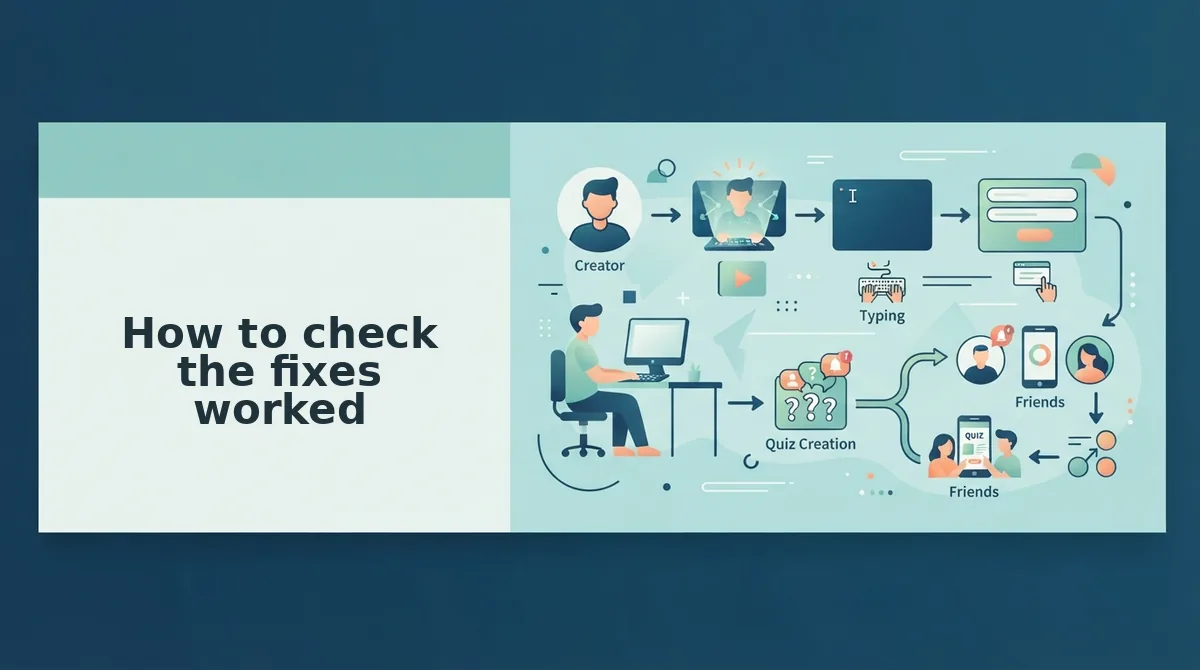
How to check the fixes worked
Re-run the Tap Audit: open your quiz link on a phone in a private tab and count the taps before question one. If a stranger reaches the first question in three taps or fewer, the fixes worked and the remaining problem is distribution, not friction.
That pass condition is the whole test. Verification is the step most creators skip â they rewrite questions when the real bottleneck was the tap count between the link and the first prompt.
The same check catches broken links before a group chat does; our guide on how to test a quiz link before your group chat opens it walks through it in detail.
The re-share ladder
The re-share ladder is a four-rung escalation that widens your audience one step at a time, and you only move up a rung once the current one has produced answers.
| Step | Where | When | Best for |
|---|---|---|---|
| 1 | 1:1 DM | Right after the link is ready | Best for close friends who will answer without an audience watching |
| 2 | Re-ask in the same 1:1 thread | 24 to 48 hours later | Best for people who saw the message and meant to reply |
| 3 | Small group of 3 to 5 | Once two or more DMs have answers | Best for tight friend circles and classmate clusters |
| 4 | Story or status | Once the small group has answers | Best for wider circles on Instagram, WhatsApp status, or Snapchat |
Compare the two approaches honestly
| Approach | Tap count to question one | Signup required | Best for |
|---|---|---|---|
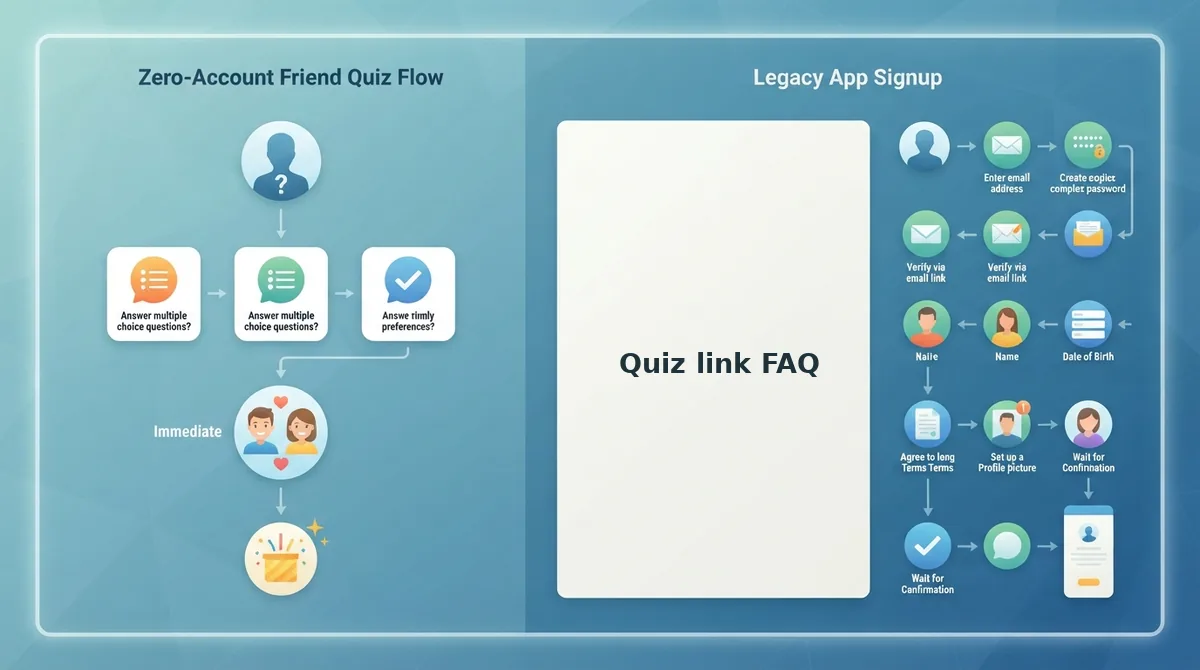
| Zero-signup web quiz (Friend Quiz) | Three or fewer, when shared as a direct link | No account, email, or app download | Best for group chat instigators who need answers in minutes |
| App-based or account-gated quiz tools | Higher â install or signup sits before question one | Typically an install or account | Best for friends who already use that app daily and don't mind the extra steps |
Account-gated tools are not automatically worse: they often carry richer analytics and persistent profiles. If your circle already lives inside one app, that convenience can offset the extra taps â but for a link dropped cold into a busy chat, every gate is a exit.
Quiz link FAQ
These are the questions creators ask after a quiet first share, answered short so you can act on them immediately.
What should I do when only three friends play my quiz link?
When only three friends answer, change the ask before you change the quiz. Friction and a public ask are the usual blockers, not your questions. Open your own link in a private tab and count the taps to question one. If it takes more than three, the link is the problem. If it takes three or fewer, move to a 1:1 DM where nobody has to answer in front of an audience.
Is my quiz boring or is my link broken?
The link is the likelier culprit. A broken link produces zero answers and no page load; a working but friction-heavy link produces a few answers from your most motivated friends. Run the three-tap test on your own phone before rewriting a single question.
How many questions should a best friend quiz have?
Aim for 8 to 12 questions. Below eight the result feels thin, and above twelve completion drops as the commitment grows. Twelve is a comfortable ceiling for a mobile quiz someone answers one-handed, and our BFF test is built around that range.
Do friends need an account to play?
No. On Friend Quiz, friends open the link and start answering â no account, email, or app download needed. That matters because every gate between the link and question one is a place where a casual friend quietly drops out.
Why is nobody answering my quiz link in the group chat?
Group chats reward the first responder and punish hesitation. When a link lands in a busy thread, answering publicly means risking a wrong answer in front of everyone. A private DM removes that risk and reliably converts better than a broadcast.
Send it to three friends now
The diagnosis is the same every time: friction and a public ask, not your questions. Change the ask before you change the quiz.
Start with the softest move â trim to a ten-question version so the commitment feels small. Then create a zero-signup best friend quiz; it takes under two minutes, with no account or app. Then the strong step: DM the link to three named friends, one at a time, and watch the Friendboard fill.
Three real answers beat a hundred silent reads, and the first three are the ones that get the rest of the chat moving.