How often to send a friend quiz link in one group chat
You built the quiz in under two minutes, dropped the link in the group chat, and got nine replies and one "lol." Now you're hovering over the keyboard wondering whether a second link is fun or just spam.
Fair worry. Most people never send a second quiz because they'd rather go quiet than be the friend who plugs their own link twice, and the quiz dies with four unanswered questions still sitting on the board.
Here's the fix: a cadence instead of a rule of thumb. You'll learn how often to send a friend quiz link by reading what the Friendboard is doing rather than what the calendar says, plus a group-size matrix, a three-rung drop ladder, and fixes for the link nobody opened. Friends play in their mobile browser inside WhatsApp, iMessage, or Snapchat with no account and no app download, and the quiz itself takes under two minutes to build, so timing the drop is the only hard part left.
Hold onto one thing as you read: the second link usually flops for a reason that has nothing to do with your quiz being boring. We'll get to that reason before the ladder.
How Often Should You Send a Friend Quiz Link?
Once per group chat every 7 to 10 days is the working answer, with one nudge in between if the board stalls. Treat that as a recommended practice, not measured data; nobody has published a benchmark for quiz-sharing frequency.
Short answer: Send a new friend quiz link to one group chat roughly every 7 to 10 days, and never twice in the same 24 hours. While the Friendboard is still collecting scores, resend the existing link instead of building a new quiz. Cadence follows score activity, not the calendar.
A quiz link is the shareable custom URL your friends open in their mobile browser to answer your questions. A Friendboard is the real-time leaderboard of friends' scores attached to that link, and it's the meter you read before deciding anything.
Three things have to exist before cadence matters: a chat with at least one friend willing to answer, a link to send, and a Friendboard you can actually watch. Miss the last one and you're guessing.
Think of it like a dinner reservation rather than a subscription. You don't rebook the table every hour; you glance over and check whether people are still eating. A friendship test works the same way â scores arriving means the table is still full.
A Friendboard is useful here because it separates "nobody saw the link" from "everybody already played." Those two states look identical in a silent chat, and they call for opposite moves. That's also why the second link flops: a fresh link starts a fresh board, so anyone who already played has to start over, and they don't. The board wasn't dead â the old link was still working. Every quiz you make on Friend Quiz ships with its own Friendboard, so you can watch the scores land before you decide to nudge or rebuild.
The Drop Cadence Ladder, Rung by Rung
The ladder turns "when should I send this" into three steps with one trigger each. Before rung one, line up your three prerequisites: a group chat with at least one friend who'll answer, one quiz link, and a visible Friendboard â the board loads with the link, so there's nothing extra to install.
-
Rung 1: Build and drop one link
Open the quiz maker, type your name, and answer the habit and preference prompts â about two minutes. Copy the link and paste it into the chat with a message that names the quiz ("Ten questions, no app, be honest about the 2am snack").
Then stop. Let the Friendboard fill for 48 hours without posting anything else. Success looks like two or more names appearing on the board with scores attached.
-
Rung 2: Post one nudge, not a second link
If 48 hours pass with no new score, post a single status update on the live Friendboard â a short line pointing back at the existing link. Don't build a replacement and don't repost the URL cold.
One nudge, once. Success looks like two to four quiet players converting within the day. A second nudge in the same window is what actually reads as spam, not the first one.
-
Rung 3: Switch the format
When scores stop moving for 5 to 7 days, or everyone in the chat has already played, the round is over. Rather than a sixth repost, change the format: switch to a Friendship Dare quiz or move to a new topic entirely.
Success looks like a fresh board filling from zero. If you'd rather stay on the classic format, make a best friend quiz with new questions instead of resending old ones.
Resending the same link beats reposting a new one for as long as the Friendboard is still active. A new link means a new board, which means everyone's bragging rights reset to zero, and nobody wants to defend a title they have to re-earn on questions they already answered.
One self-contained rule for the group-size question: small chats of three to five people need the longest gap, about 10 days, because the same four people are the whole audience. Medium chats of six to fifteen handle the 7-day rhythm well. Large chats of twenty or more can take a new topic every 5 days, since a fresh link reaches people who never saw the first one.
The ladder assumes you're still working with the link you already sent.
Resend the Same Link or Make a New Quiz?
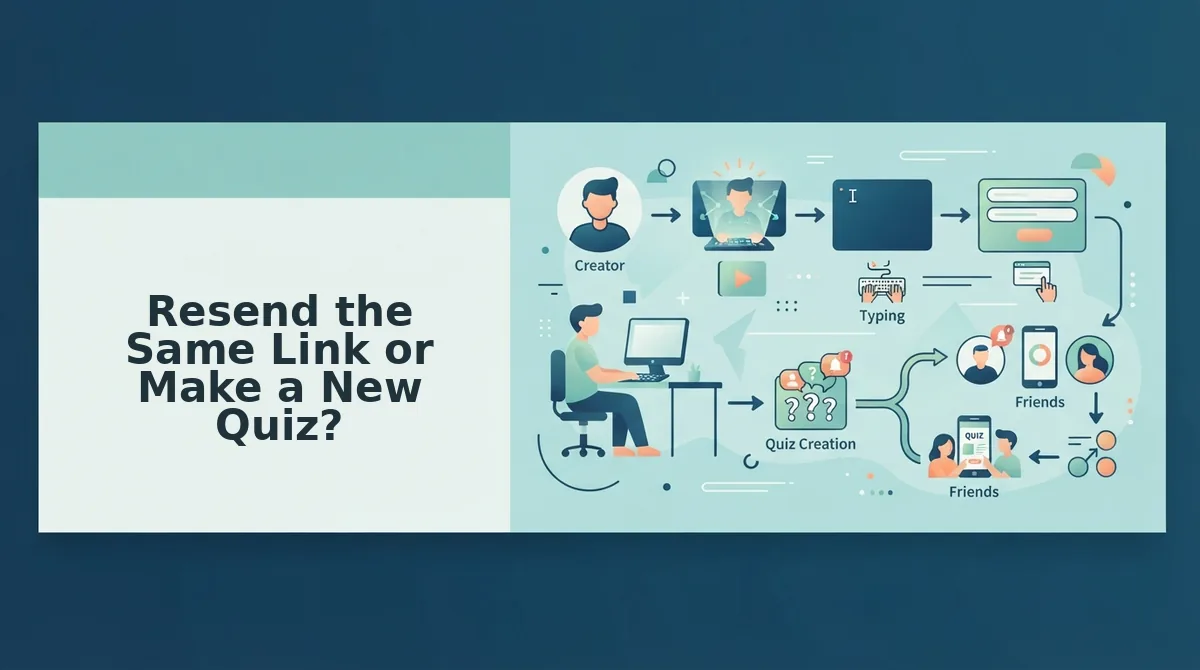
Resend the same link while the Friendboard is still moving â new answers landing, rankings shifting, banter in the thread. Make a new quiz only once the board has been flat for a full day and replies have thinned to emoji.
Resending keeps one scoreboard alive. Late friends still see their name climb, and early friends come back to defend a rank. It costs the chat nothing: no new link to tap, no new round of prompts to read.
A new quiz wins when the questions themselves are stale. If everyone already knows your coffee order and your worst habit, a second pass at the same trivia reads as a repeat rather than a rematch.
The contrarian rule: more links do not equal more banter. One live Friendboard outlasts a flood of fresh links that each collect two answers and then die.
| Decision factor | Resend the same link | Make a new quiz |
|---|---|---|
| Friendboard activity | Answers still arriving today | Board flat for a full day |
| Question freshness | Most friends haven't played yet | Most friends have finished |
| Chat energy | Thread is joking about results | Replies are "another one?" |
| Chat size | First nudge | New quiz | Format switch |
|---|---|---|---|
| 2â4 friends | Next morning | Every 1â2 weeks | When replies go emoji-only |
| 5â15 friend group chat | 4â6 hours after the drop | Weekly | When the board stalls mid-round |
| 15+ classmates or socials | 2 hours, before it scrolls away | Twice a week at most | When new answers stop landing |
Every value above is a recommended starting point, not a measurement.
Best for the resend: the instigator in a 2â4 friend chat, where one missing reply stalls the whole board. Best for a new quiz: a 15+ classmates chat that fills fast and goes stale just as fast. Either way the next move is the same â run a BFF test round, share the link, and let the board tell you which rung you're on.
How to Check It Worked and Fix a Quiet Chat
You don't need to guess whether the cadence is working â your chat surfaces four signals first. Read them, then apply the matching one-step fix.
- Answers slowing. If replies that came within minutes now take hours, the round is spent; let the board fill and hold your next drop.
- Link buried. When the quiz sits above ten messages of unrelated chat, repost it once at a high-traffic hour instead of twice at random.
- Emoji-only replies. Laughs with no answers mean the format is tired, so switch to a friendship dare for the next round rather than sending another link.
- "Another one?" replies. That's quiz fatigue talking; stop sending and let a week pass before the next drop.
Then match the symptom to the fix:
- Link buried: repost once at a high-traffic hour.
- Sign-in fear: say in the same message that no account or app is needed.
- Wrong timing: send when the chat is already awake, not at 7 a.m.
- Too many links: pause and watch the live Friendboard rankings instead.
Pick Your Cadence and Drop the First Link
The cadence was never a number of days on a calendar. It's three actions repeated until the board tells you to stop: drop one link, nudge it once, switch the format when the replies flatten out.
So run it as a sequence rather than a schedule. Drop the quiz, give the Friendboard its window to fill, send a single nudge at the hour your chat is actually awake, and only then decide between a resend and a fresh round. The board's activity answers the "how often" question each time, which is why nobody can hand you one fixed interval.
Your next step is immediate: make your quiz in the mobile browser â no signup, no download â and paste the link into the chat you've been trying to wake up.