Live friendboard rankings after every friend quiz
Your quiz link lands in the group chat and two friends have already answered before you've set your phone back down.
You reopen the results screen braced for a loading spinner. There isn't one. The live friendboard rankings simply reorder themselves, which is exactly why that first minute after sharing feels so odd.
Most quiz pages explain how to author questions, then stop cold before the results screen. The part you actually share â the board â stays unwritten.
This section covers only the results side: what happens after a friend submits on friendquiz.org, from scoring to board scope to refresh behaviour. Here's the map:
- How one submission becomes a placement
- What a score does and doesn't say about a friendship
- Why a missing score is usually a stale tab, not a lost answer
That third one trips up more creators than the other two combined, and the fix is smaller than you'd guess.
A quick workflow: share your link, keep the results tab open in your mobile browser, and check the board once the first reply comes in. Creators tend to refresh out of habit or assume a delay; the placement is already sitting there, registered the moment the submission landed.
To read those placements well, start with what the board is actually counting.
What do live friendboard rankings actually measure?
Live friendboard rankings measure how many questions each friend answered correctly on your quiz, ordered against the friends who have already submitted. They rank accuracy inside your own circle â not popularity, and not friendship quality.
Four terms do the work here, and each is narrower than the word "leaderboard" implies.
- Friendboard is the results page attached to your quiz link, scoped to the people who actually answered that quiz.
- Accuracy score is the number of correct answers a friend recorded against the questions you wrote.
- Placement is a friend's position relative to the friends already on the board.
- Board refresh is the update that re-renders the ranking for anyone holding the same link.
Think of a bowling scoreboard. Your score is the pins you knocked down, fixed the moment your turn ends. Your position depends on how everyone else in the lane is bowling.
What is a live friendboard ranking? A live friendboard ranking is an ordered view of everyone who has answered a specific friend quiz, sorted by how many questions they got right. Because the board is scoped to that one quiz link, it never mixes in other players from the wider site. Placement is relative, so the same accuracy score can sit at the top when three friends have answered and slide down when a fourth scores higher. Board refresh is what makes the view feel live: when a new submission lands, the ranking re-renders for anyone still holding the link, no reload required.
When a submission lands, the pieces combine in a fixed order: the accuracy score comes from the answers, placement is recalculated against the board as it stands, and board refresh re-renders the order for everyone still watching.
That is why it pays to keep your friendboard open in a second browser tab while friends answer â the same link refreshes itself, so you can watch new names slot in instead of chasing screenshots in the group chat.
The order of those steps shapes what you see first, which is exactly where the next section picks up.
The submit-to-placement sequence, step by step
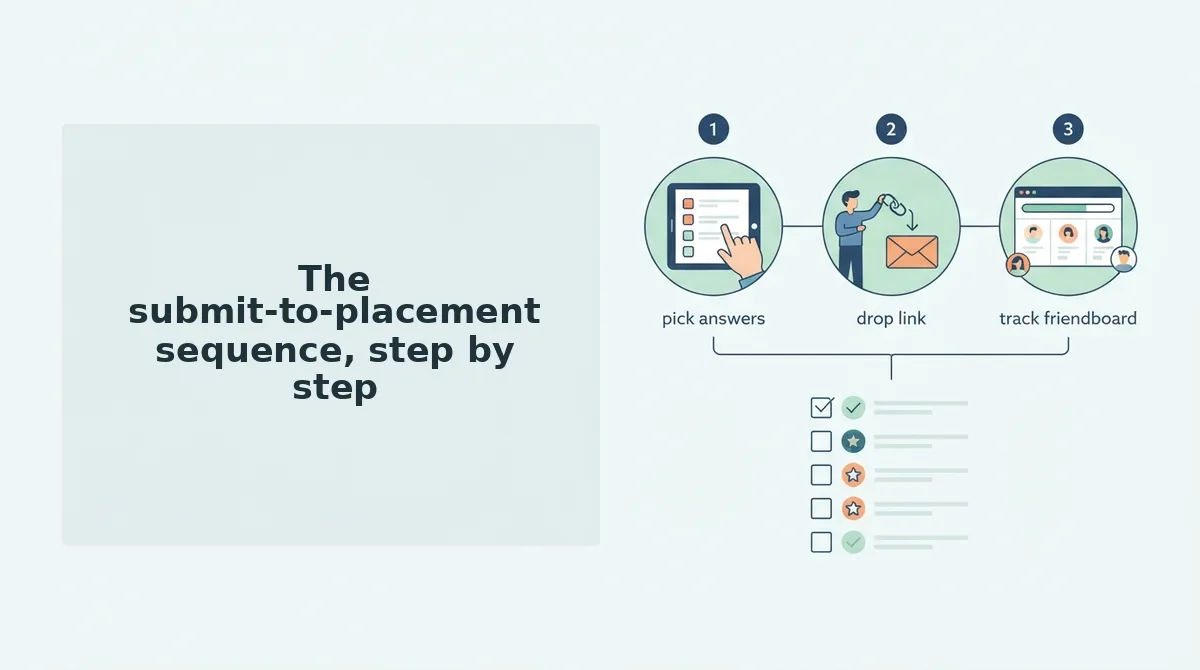
A friend quiz score is calculated the instant a friend taps submit, and the name is placed on the live friendboard at that same moment â there is no queue, no review step, and no waiting period for the creator to sit through. Here's the part nobody explains: most people expect a lag between the tap and the ranked name because they're used to forms that email a result later. This one doesn't.
What you need before starting: a quiz link the creator has already generated and shared, plus a mobile browser on the friend's end. No account, no email address, no app install, no download.
- Open the shared link. The friend taps the quiz URL in WhatsApp, iMessage, or wherever it landed and arrives directly on the first question. Nothing stands between that tap and the board â no login wall, no signup form, no permission prompt. You should see the creator's name and prompt one on screen.
- Answer each prompt in order. The friend selects an option for every personal trivia prompt â habits, quirks, likes, dislikes â and the sequence advances on each selection. You should see the question counter move forward with no page reload.
- Tap submit on the final prompt. This is the scoring trigger, not the start of a processing wait. The submit control is the last interactive element in the sequence; once tapped, the answers are final.
- Let the score compute at submission. The platform compares the submitted answers against the creator's recorded selections and totals a score immediately, in the same instant the submit lands. You should see the friend's own result screen confirm the submission â not a "pending" state.
- Watch the board re-render. The last state is the creator's screen updating with the new name placed among the existing ones, sorted into its rank position. You should see the name sitting in the list next to the friends who answered before it, with nothing to refresh manually.
How do live friendboard rankings work after a friend quiz?
Live friendboard rankings work by scoring a submission at the moment it is sent, then re-rendering the shared board with the new name ranked against everyone who has already answered. The friend opens the shared link, answers the creator's personal trivia prompts, and taps submit â that tap is the scoring event. There is no approval step, no creator action, and no delayed batch that runs later. The board is the record of every completed submission, and a placement appears only after a submission is finalized.
Ready to see it happen on your own link? create a BFF quiz and watch the board fill up â the first name usually lands within minutes of the share.
What that placement actually reflects is a separate question from how fast it appears.
Why your score lands where it does
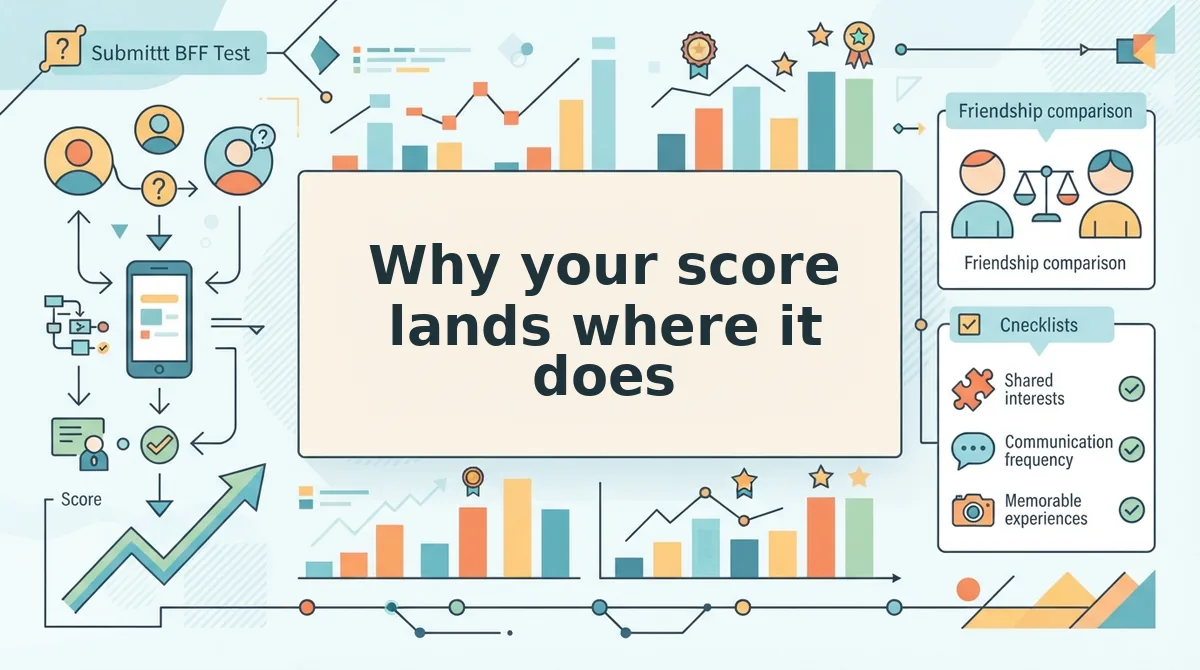
A placement is the position your match count earns when the board sorts everyone from highest to lowest, so it depends on two separate things: how many of the creator's answers you matched, and how many the other friends matched.
Start with the unit being counted. A match is a single guess that equals the answer the creator recorded â nothing more, nothing less. The leaderboard ranks by total matches, which means your placement is a comparison, not an absolute score. Think of it like a school exam graded on a curve: your raw mark stays exactly the same whether the class average is high or low, but your rank shifts with everyone else's papers. The friend quiz board works the same way, except the curve moves in real time as each submission lands.
At the intermediate level, three mechanics explain most placements. First, speed is never scored â tapping through in forty seconds and taking four minutes produce the same match count. Second, habit and preference questions separate friends far more than generic trivia, because a group will split on how you take your coffee but rarely on a question everyone can guess. That split is why a board of six friends seldom ties. Third, a reverse-question item â a prompt that asks the friend to pick what the creator would choose â carries exactly the same weight as any other item, so one flushed answer moves a placement more than most friends expect.
Here is the cause-and-effect in practice: a friend races through the quiz in a single pass and misses two habit questions, say which drink the creator orders and how they like their eggs. The speed cost them nothing. The two misses dropped them below everyone who caught those items, and they land in the bottom third of the board. That is the whole story â no hidden percentage, no secret accuracy formula, just matches counted and ranked. The questions behind each match live in the best friend test.
But a rank is not a report card. It is a snapshot of a shared set of answers, and it says more about which questions happened to come up than about the friendship itself.
Private friend group board vs a distant global list
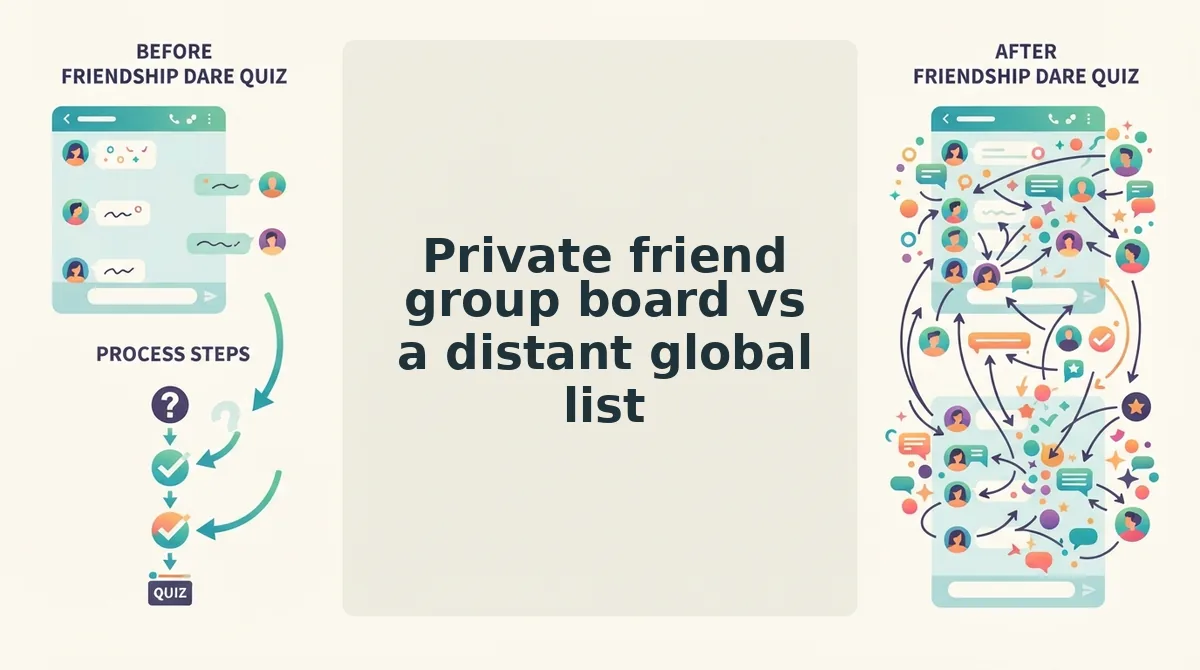
A private friend group board ranks the people who actually know you, while a global list ranks strangers against strangers â same interface, completely different signal.
That difference is scope, not features, and it settles the "is this public?" worry before anyone shares a link.
| Question it answers | Private friend group board | Global top-score list |
|---|---|---|
| What it measures | How well specific friends know you | Who scored highest today, against anyone |
| Who appears on it | Only friends you shared the quiz with | Strangers from unrelated quizzes |
| When it changes | Every time one of your friends submits | When someone you have never met submits |
| What a low placement means | Which questions this friend missed | Nothing about you at all |
Only the private board changes meaning when a specific friend submits. A global list can move all day for people the creator has never met, which makes it entertainment rather than feedback. The site-wide list of top scores is worth a glance for context, but your actual bragging rights live on your own board.
Is your friend quiz leaderboard public? No â your board is a private link. Only people who receive the quiz URL can open it, answer the prompts, and appear in the rankings. Nothing is indexed, no profile is created, and no account or email is required from you or from anyone you send it to. Scope is visible before you share, so you always know whether you are looking at a friend group board or the site-wide list.
Here is the payoff promised at the start: a placement only means something against the people it is stacked with. Your friend's bottom-third finish is a fact about two habit questions, not a verdict on the friendship â and the same friend who flops on your coffee order usually tops the board on someone else's. Compare boards with the friendship test scores to see how differently the same group performs across creators.
Next step: open the homepage, type your name, and answer the prompt sequence to generate a private board link â then drop it in the group chat and watch the first placement land in seconds.