Friendboard recap post ideas for the morning after quiz night
The quiz link is still pinned at the top of the chat, the Friendboard has ranked everyone, and nobody has typed a line since. That silence â not the quiz â is the part worth fixing, and a friendboard recap post is the lowest-effort way to break it.
You already did the bit that takes nerve. You typed your name, cycled through the prompts about your habits, likes, and quirks, shared the link, and your friends guessed. No account, no email, no app download was needed to run it, and none is needed to recap it. What is missing is a message that gives the group a reason to look at the board again. A recap is not a summary of the quiz; it is a re-entry trigger.
Below is one repeatable format â the 4-Beat Recap â plus three paste-ready templates sized for WhatsApp, iMessage, and a Story caption, and the two-wave timing rule that catches the friends who played late. Beat four is the one almost every recap skips, and it is the single reason most of them get one reply and then die. We will come back to it.
What Is a Friendboard Recap Post and What Four Beats Make It Work
A Friendboard recap post is a short group-chat message that restates who leads the board after a quiz night and hands friends a fresh reason to play. It works because it follows four fixed beats: hook, standings, one callout, and a re-entry link.
Four terms carry the rest of this article. The Friendboard is the live ranking that reorders itself every time another friend finishes the friendship test, so a recap always reflects a moving board rather than a frozen score. A recap post is the message you send the morning after. A callout is one named, specific mention of a friend. A re-entry link is the next quiz URL you paste so the loop keeps running.
The 4-Beat Recap is a four-line message where each line does one job. The hook names who moved on the board overnight, so there is news to read. Standings list the top three names, which turns a score into a hierarchy people want to defend. One callout cites a single specific guess or miss, giving the chat a joke to pick up. The re-entry link closes the message with the next quiz URL, so replying costs one tap instead of a search.
Think of it like the voicemail you leave after a party: the opener, who was there, one inside joke, and where to meet next time. Skip any beat and the message reads like a scoreboard announcement rather than an invitation.
How Do I Post a Recap of Friend Quiz Results in My Group Chat
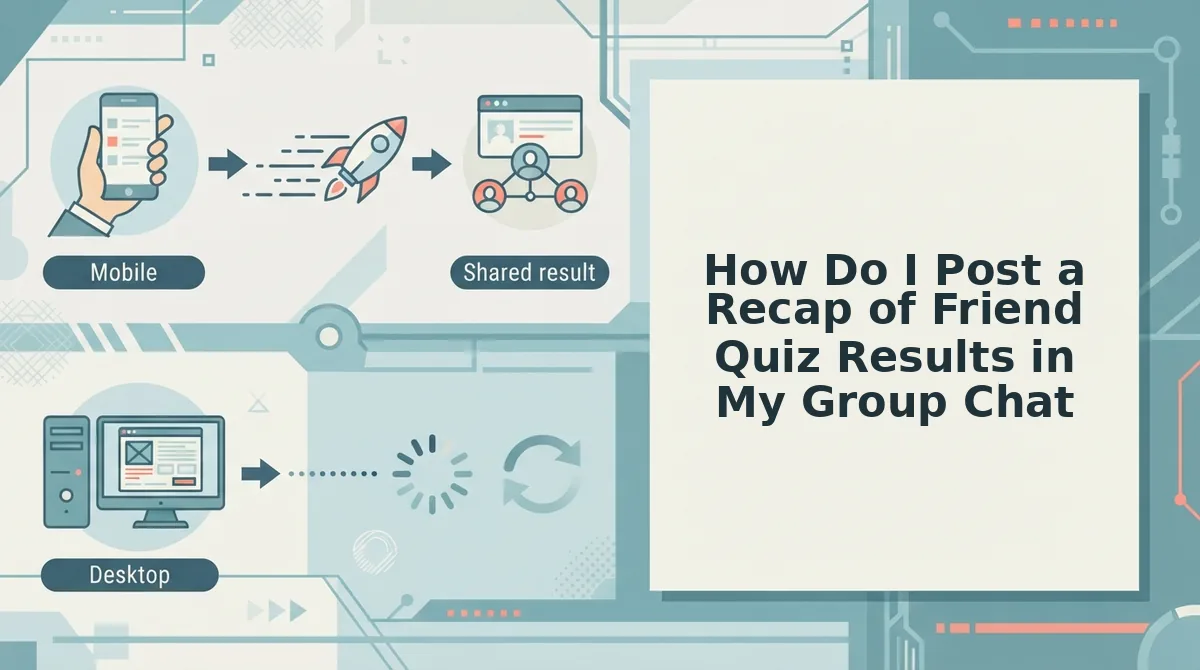
To post a recap of friend quiz results, read or screenshot the Friendboard, take the top three names, write one line about who moved, make a single callout, then paste the next quiz link. Done on a phone inside WhatsApp, the whole loop takes about three minutes.
You need three things before you start: the quiz link, a screenshot or clear view of the current standings, and the group chat open. That is all â recapping requires no dashboard, no export, and no login.
- Open the Friendboard and capture the standings. Scroll to the ranked list and take a screenshot, or read the top of it directly. You should see a clear order of names before you type anything. About 30 seconds.
- Pick the three names in the lead. Select the first, second, and third places exactly as they appear. If two friends are tied, list both and say so â the tie is the interesting part, not a formatting problem.
- Type the hook line about who moved. Write one sentence naming the person who climbed or dropped since the last time anyone checked. You should have a single line that makes sense with no screenshot attached.
- Make exactly one callout, using tiered disclosure. Celebrate the top three and never publish the lowest score â a recap that names the bottom of the board ends the game for whoever is there. If you want to post a Friendboard rankings screenshot, send the consent line first: âAnyone mind if I drop the standings? Say no and I will post names only.â
- Paste the next quiz link last. Put the URL on its own line so it previews as a tappable card. Because play runs in the browser, one tap opens the quiz inside WhatsApp with no install step. If names look shuffled, check how to read Friendboard placements before you announce anything.
Because the Friendboard updates live after every new quiz, you can reuse the same four-line format all week without recalculating a thing â the board does that for you.
With the mechanics settled, the only remaining variable is the wording â which is where three paste-ready templates do the work.
Which Three Recap Templates Should You Paste Right Now
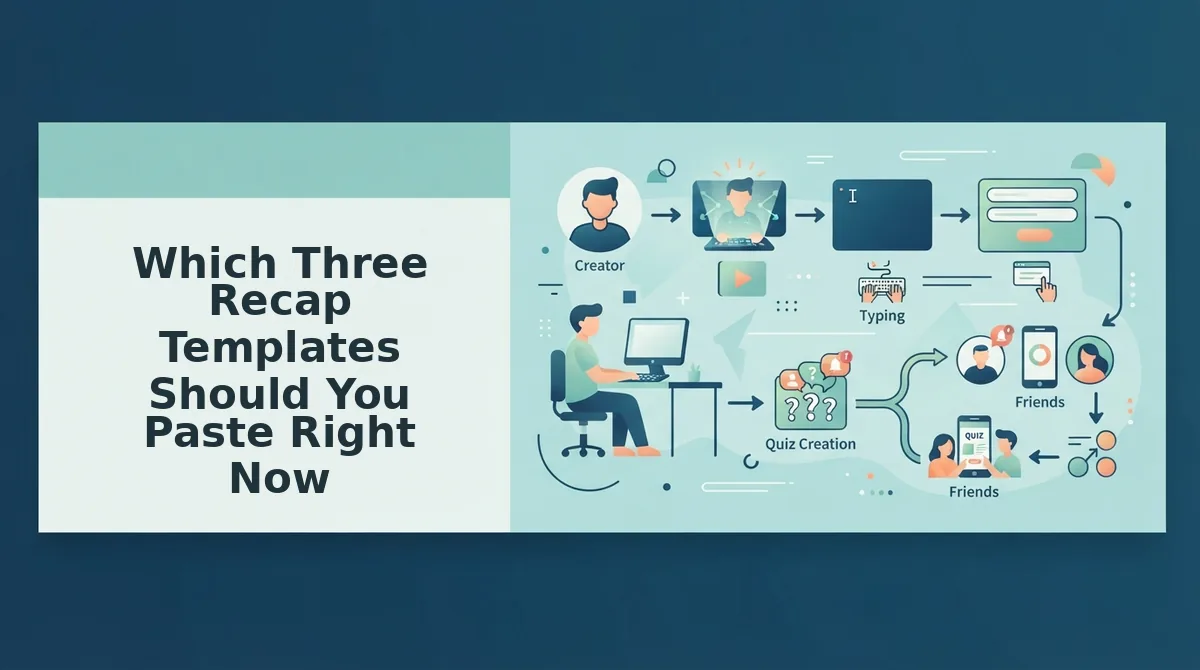
You need three copy-paste blocks sized to three platforms, not one long paragraph rewritten for each. Every block keeps the same bracketed slots â [your name], [winner], [streak], [placement count] â so you fill and send instead of composing from scratch.
- The long WhatsApp block. A five-line message that carries all four beats: score callout, winner, funniest wrong answer, and the re-entry line. Use it when the chat has six or more players and last night's thread has already scrolled out of view, since the extra length gives people something to quote-reply. Fill the four slots before you hit send, then post it as the first message of a fresh day so it lands at the top.
- The short iMessage version. Two lines: who won, by how much, plus one dare. It compresses the score callout and drops the funniest-wrong-answer beat entirely, because nobody reading a lock-screen preview scrolls past line two. Best for three-person chats where everyone already knows the standings and only needs the punchline.
- The one-line Story caption. A single sentence that sits under a standings screenshot and names the top placement count â nothing else. Screenshot the board first and ask the group for consent ("posting the board, anyone want their score hidden?") before the caption goes live. It compresses all four beats into the image, so the caption only has to point at it.
All three end the same way: with a fresh link rather than a dead end. Point the re-entry line at the friendship dare quiz so the recap carries a payload instead of an empty call to action.
When Should You Post the Recap and Which Window Wins
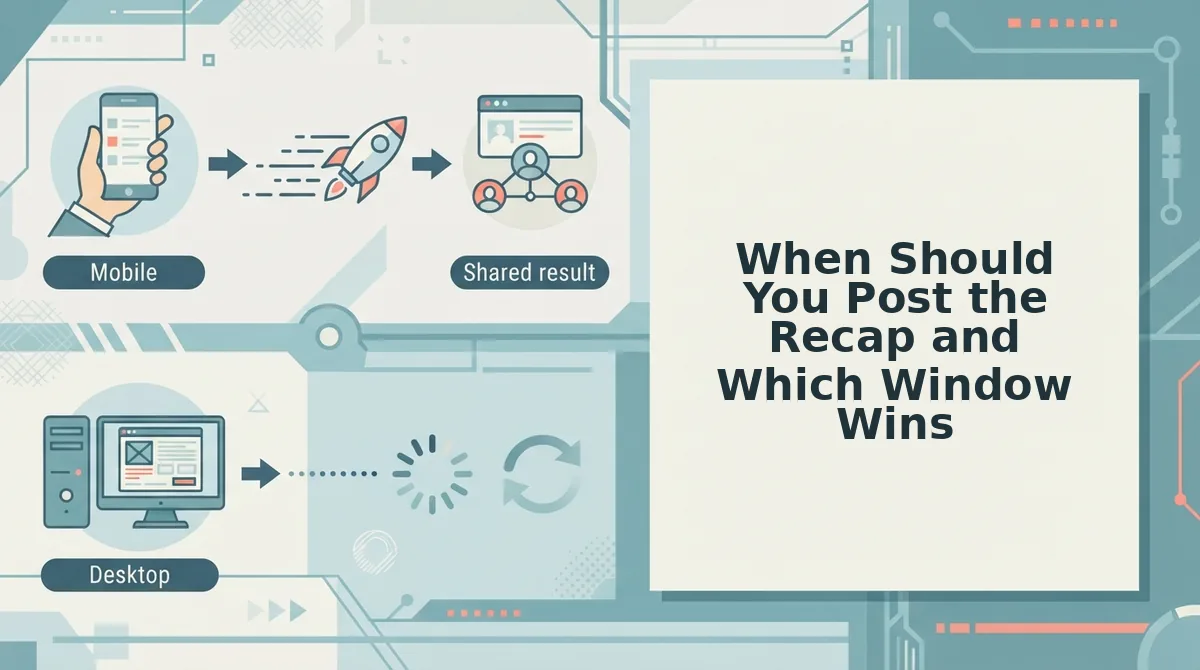
Post wave one within two hours of sharing the quiz link and wave two around 24 hours later, because late players can reorder placements on the live Friendboard rankings after your first recap has already gone out. Most guides stop at "after the quiz" and never plan for that second send.
| Window | Who has played | Board state | What to post |
|---|---|---|---|
| Same night (0â2 hours) | The three or four fastest friends | Thin and unstable; one late score flips it | Long WhatsApp block, framed as "first results" |
| Next morning (~24 hours) | Most of the chat, including stragglers | Reordered; a new leader may have appeared | Second send using the short version plus a "board changed" line |
| Next weekend (5â7 days) | Effectively everyone who will ever play | Frozen; no new entries | One-line Story caption on a final standings screenshot |
Same night is the highest-energy window and the least accurate â you are publishing a leaderboard that will be wrong by breakfast. Next morning trades novelty for accuracy and is the send most chats actually need. Next weekend has the final board but almost no momentum, which is why it works as an archive post rather than a relaunch.
Best for a three-person chat: same night, because everyone has played by the time the thread cools and a 24-hour wait kills the joke. Best for a busy group of ten or more: next morning, when the second wave catches the stragglers and the standings have settled.
Your Next Friendboard Recap Post Takes Two Minutes
Four beats and two waves are the whole method, and the mistake most creators make is treating the recap as a finish line instead of a handoff. Quiz creation takes under two minutes, so a recap plus a fresh link fits in one sitting.
The re-entry loop is three moves: recap the board, drop a new quiz link, let the next round start in the same thread. That third move is the one that decides whether round two happens at all.
Your next step depends on appetite. Save the three templates if you have a minute. Run all four beats on last night's board tonight if you have ten. Or create a best friend quiz and post the recap in the same sitting, while the standings are still fresh enough to argue about.
A friendboard recap post that opens a rivalry is worth more than one that closes a thread.