Do friends need a profile to see their friend quiz score
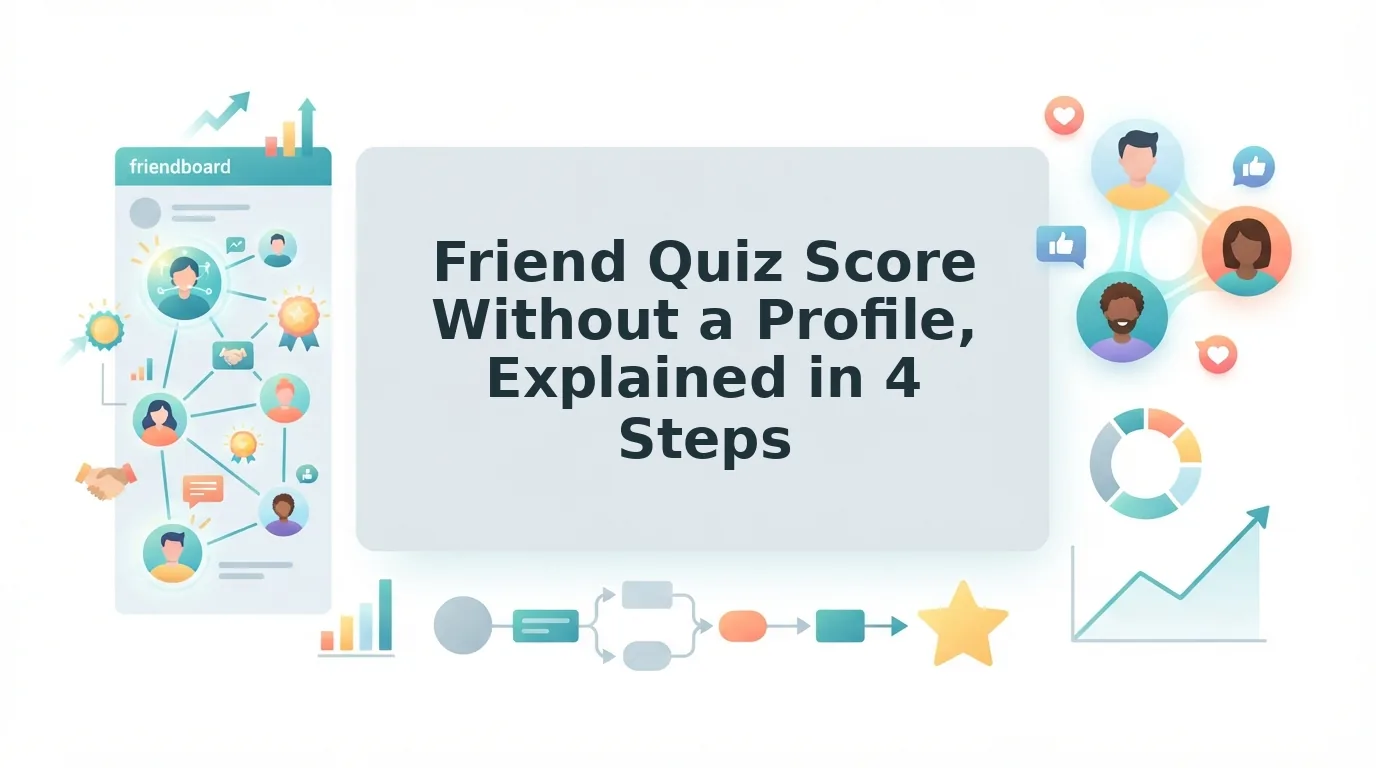
A friend taps the link in WhatsApp, works through your quiz, and a moment later asks the group chat whether 7/10 is bad. Nobody made an account to get that number â their friend quiz score without a profile is the default on a link-based quiz, not a workaround.
You already skipped the signup when you built the thing, so it makes sense to check the friend side before you drop the link. The promise here is narrow and complete: your friends play in a phone browser, finish, and land on a score plus a placement in your ranking.
The full prerequisite list is short. A shareable URL, a mobile browser, and a name to type in. That is everything a friend needs to play and to see the result.
So the direct answer to the question you actually came for: no profile, no email, no app download. The score appears the moment the last question is answered.
Below you get the friend-side steps in order, then the creator-side view â the part almost nobody writes down, where a finished round turns into a named, ranked entry you can read at a glance.
How Do Friends See Their Score Without an Account?
Friends open your link, type a name, and answer the questions; the score screen appears as soon as the final question is answered. Nothing in that sequence asks anyone to create a profile.
Can my friends see their score without creating a profile? Yes. A friend sees a score and a placement with no account, email, or download, and that score is submitted the moment the last question is answered â the score screen and the submission are the same event.
A guest score is the result a friend gets without ever making an account. A submission is the instant that result is sent to your quiz, which happens on the last answer rather than through a separate save or share button. You need the shareable link, a phone browser, and about a minute of patience.
- Tap the link in the chat and let it open in your phone's browser rather than an in-app preview. You should see the quiz load with the creator's name at the top.
- Enter your name in the field on the first screen, using the name your friends will recognise. You should see the first question appear as soon as you continue.
- Answer each question by selecting the option you think fits. The next question loads in place, so you should see the progress advance without a page refresh.
- Finish the last question. This is the moment your score is submitted â there is no save button to hunt for afterwards.
- View your score and placement on the screen that appears. That pairing is the payoff: a number out of the total plus a position against everyone who has played.
A quick worked example: post the link in a group chat, and the first person to open it can be finished before the conversation moves on â answered instantly in the phone browser with no reloads, ending on a score and a placement.
Here's the part creators never see written down: that finished round does not vanish into an inbox. It becomes a row you can read.
Want a ready-made format to test the flow yourself? The best friend test runs on the same link-first model â share it, and friends play without signing up.
How to Check a Friend's Score Reached You on the Friendboard
A finished round reaches you as a new named entry on your Friendboard, ranked against everyone else who has played. There is no email and no notification bell â the board itself is the confirmation.
Simple: scan for the new name
The Friendboard is a live ranking of every friend who finished the quiz, listed by the name they entered. Think of a bowling alley screen: nobody texts you that your score posted, you look up and find your name in the list.
Open the board and scan for the name your friend typed. A new named entry with a placement means the guest submission worked, with no account on either side.
Why a Friend Might Not Get a Score
A friend gets no score when their quiz never reaches the final submission. A quiz closed before the last answer leaves no score, and there is no recovery step. Each fix below is a fresh, complete play-through.
- They left mid-quiz. Closing the tab or switching apps before the last question means no submission exists, so no score appears and their name never reaches your Friendboard. Ask them to reopen the link and play through to the end.
- An in-app browser reloaded the page. WhatsApp and Instagram open links inside their own built-in browsers, which can reload the page when the friend switches apps and wipe their progress. Have them open the link in the phone's main browser and start again. If they want to keep it off their history, here is how to play in private browsing.
- A slow connection dropped at the final question. The last tap sends the answers, so a weak signal at that moment can stop the score from loading. Tell them to finish on stable Wi-Fi or a strong data connection.
- They are unsure whether it counted. A friend who glanced away from the score screen may not know whether their attempt went through. Check the Friendboard for their name. If it is there, their score counted. If it is missing, they need to replay.
Friend Quiz Score FAQ
These answers cover the questions people still ask after their link is out, from answer privacy to replays.
Can friends peek at my answers before playing?
Friends pick their own answers to each question and see their score only after the final one. The quiz is built so they play first and get the result at the end. Answer privacy is a named weakness of Buddy Meter in competitor analysis, and it is the main thing to check when you compare quiz makers.
Do I need to sign in to see my own result?
No. Neither you nor your friends need an account at any point. Creating a quiz takes only your name and your answers, with no email and no app download. Your friends' results appear on your Friendboard, and each friend sees their own score straight away in the browser.
What happens if a friend plays twice?
Don't assume a second play replaces the first. Check your Friendboard to see which entries appear under that friend's name. If you're running a friendship test for bragging rights, agree in the chat beforehand that the first finished attempt is the one that counts.
Can I share the same link in a second group chat?
Yes. It's the same quiz, so you can paste your link into any chat, and new players join the same Friendboard as everyone who has already played.
Pro tip: Drop the link into a second chat once the first group's scores are on the board. The new players will want to beat the current leader, which keeps the race going.
Share Your Link and Watch the Board Fill Up
Your friends never need a profile. They get their score the moment they answer the last question, and you see each of them by name with their placement on your Friendboard.
The guest score screen is only half the payoff. The real reward is watching names stack up and positions shift as each friend finishes. One habit makes that work: tell friends to finish the last question, because that final tap is what puts their score on the board.
Your next step:
- Start now: Create your quiz link in under two minutes. You won't need an account, an email, or an app download.
- Then share it: Drop the link into your busiest group chat with a "finish all the questions" nudge.
Your first ranking appears as soon as your first friend finishes.