How to explain a no-login quiz link in one group chat message
You dropped the quiz link in the group chat an hour ago. Two people reacted with an emoji, and nobody played.
That silence is almost never a quiz problem. It's a message problem â nobody explained what happens after the tap.
Here is the 60-second fix. When you explain a no-login quiz link, the whole promise fits in one line: your friends tap, the quiz opens in their mobile browser, and there is nothing to download, no account to create, and no email to hand over.
Ranking videos on this topic jump straight to a screen demo, so almost no one says that out loud. This page fixes it: a copyable invite message, a 20-second pre-send check, and a plain-English reason a link works without a login.
Three things your friends will not be asked for:
- An app install
- A sign-up or email
- A password to remember
Try it before you send it: open your friendship test link in a private window, then tap through as a friend would. If the quiz loads and asks for nothing, the message can say exactly that. If anything blocks the first screen, you've found the problem before your group chat did.
Start with what the phrase itself actually means, because it is doing more work than it looks.
What does a no-login quiz link actually mean?
A no-login quiz link is a plain web address that opens a friend's quiz directly in whatever browser they already have â no account, password, email, or app install required. The visitor taps, answers, and sees a score on the spot.
A no-login quiz link works through four steps. The link is only a URL, so the browser handles it like any web page â no download, no store listing. Opening it starts a temporary browser session, which is the short-lived memory a site keeps while you sit on a tab. That session pulls the quiz ID from the server, where the questions live and where answers get scored. Close the tab and the session ends, with no quiz file left sitting on the player's phone. Same result on an old Android, a new iPhone, or a borrowed laptop.
Think of it as a view-only shared document
A view-only document opens the instant you click it. A locked file makes you sign in before you can read a word. A no-login quiz link is the first kind: the quiz lives on the server, and the link is just the door.
Two people touch that door, and only one of them does any work up front:
- The creator builds the quiz â name, habits, quirks â and receives one shareable link.
- The player taps the link, types a display name, and answers.
That second step is where people get confused: no login is not the same as no name. Most no-account quizzes still ask for a display name so each score has somewhere to land on a friendboard.
As for privacy, the creator sees scores and the names attached to them â not a private window into a player's phone.
Want to watch the mechanism work before you explain it to anyone? Type your name on friendquiz.org, cycle through the prompts, and the link it hands back is the exact one your group chat will open.
The link is only half the job, though â the words wrapped around it decide whether anyone taps.
What is the exact message to send with the quiz link?
The exact message is three sentences plus a link: name the quiz, remove the two questions that stop people tapping â is it free, do I need the app â and ask for a score back. Group chats get the longer version; a one-to-one chat gets the short one.
Before you start: a finished quiz link copied to your clipboard, and about sixty seconds. No screenshot, no PDF, no attached file.
- Open Friend Quiz and create the link. Type your name, cycle through the prompt sequence, and copy the generated link. You should end up with a shareable URL in your clipboard.
- Paste the group chat version. It names the quiz, states no app, no account and free, gives a time estimate, and asks for a score back: "Took the Friend Quiz â the one about me. It's free, there's no app and no account, you just tap and answer. Takes about a minute. Reply with your score so I know who actually knows me: [link]"
- Paste the one-to-one version. Same facts, fewer words, no group framing, one reason to tap now: "My Friend Quiz â no app, no sign-up, about a minute. Think you can beat my score? [link]"
- Send it and wait. You should see scores land in the thread within a minute or two of the first tap.
Both messages answer the blocking questions in the chat, before the link is ever opened â so the tap becomes the friend's first decision, not their third. The closing ask is what turns a link into a thread; drop it and you get a thumbs-up and silence.
Worked example
You finish a quiz during a lunch break and copy the link. Instead of sending the bare URL, you paste the longer message into a five-person group thread where two people have previously asked whether quizzes need installing. Nobody asks this time. The first friend taps, plays, replies with a score, and the second friend treats that score as a challenge. Within a couple of minutes the thread is a running scoreboard rather than a link nobody touched.
The single most useful habit is writing your invite once and reusing it: Friend Quiz generates the challenge for you, so the message is the only part you compose by hand.
Before you paste it into a live thread, spend twenty seconds confirming the link opens cleanly for someone who isn't you.
How do you check the link before the group chat opens it?
Run a signed-out check by opening the quiz link in a private window or second browser and playing through as a stranger. If the name field, the questions, and the score page all appear with no login prompt, the link is ready for the group chat. The check takes about 20 seconds.
You need: your finished quiz link, a phone or laptop with a private (incognito) window or a second browser, and one trusted friend for the final check.
- Copy the full link. Use the copy or share control on your finished quiz, then paste the link into a notes app. You should see one complete friendquiz.org address with nothing cut off.
- Open it signed out (about 5 seconds). In Chrome, tap the â® menu, then New Incognito tab. In Safari, tap the Tabs button, then Private. Paste the link. You should land on the quiz, not a sign-in screen.
- Play through as a stranger (about 15 seconds). Type a test name, answer every question, and submit. Success means the name field, the full question set, and a score page appear in that order.
- Send it to one trusted person first. Message the link to one friend before the group sees it. Their real phone catches anything the private window hid.
For a deeper walkthrough, read how to test a quiz link before your group chat opens it. If you have not built one yet, make your best friend quiz first, then run this check before your first paste.
Why does the link look odd inside WhatsApp?
WhatsApp and other chat apps often open links in their own stripped-back in-app viewer. That viewer can squash layouts or freeze buttons. To fix it, tap the viewer's â® or â¢â¢â¢ menu and choose Open in browser (Chrome on Android, Safari on iPhone). This clears most odd layouts and stuck buttons.
What does no-login still not promise?
- Links are not permanent. Share the link while the chat is active, and do not treat it as an archive.
- One player per device per submission. Each run on a device counts as one entry.
- A display name is still requested. "No login" means no account. It does not mean anonymous.
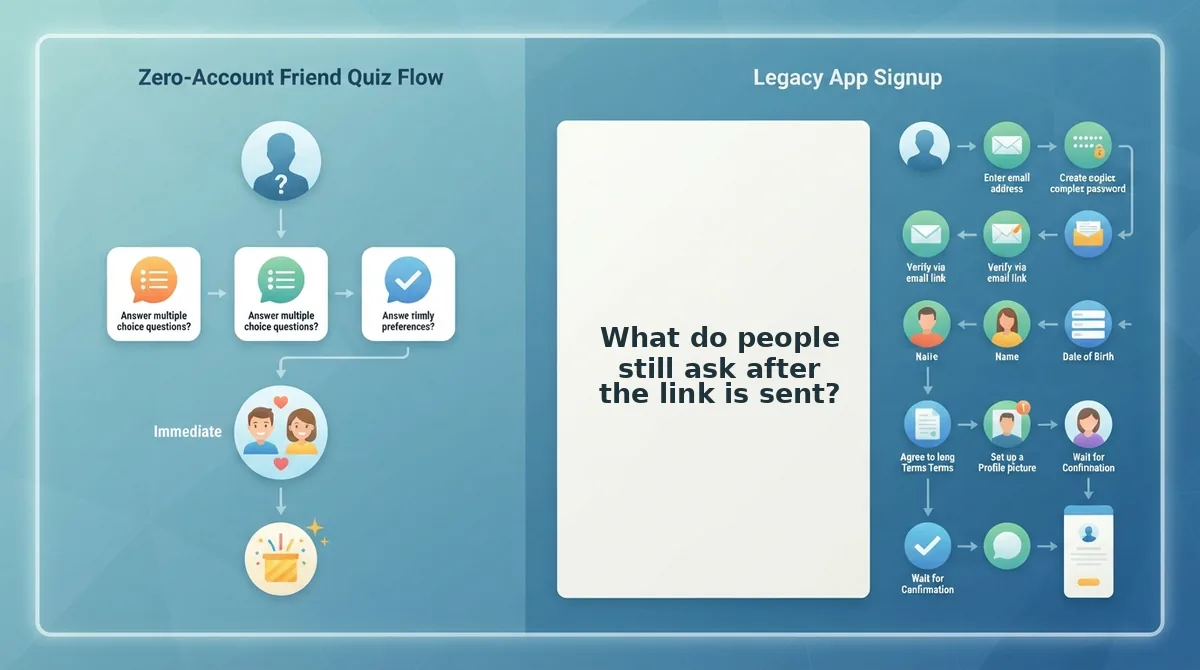
What do people still ask after the link is sent?
Once the link is in the chat, the questions shift from "how do I open this" to "who played" and "can I change it." Each answer below works on its own.
How do I see who answered my quiz?
You see who answered on the Friendboard. Each player's display name and score appear there as their submission arrives. You do not need to ask anyone to screenshot results. Open the Friendboard after the link goes out and watch the rankings fill in.
Can two friends take the quiz on one phone?
Yes, two friends can share one phone if they take turns. The first friend submits their answers and closes the tab. Then they hand the phone over so the second friend can start a fresh run from the same link.
Can I edit a quiz after I've sent the link?
Plan on no. A sent link points at the quiz as it was when you shared it, so later changes will not reach people who already have it. Finish the version you want before your first paste. Then run the signed-out check before sending.
How do I make a quiz for a different friend group?
Build a separate quiz and send its own link. Each quiz you create gets a new link, so one group's scores never mix with another's. For a closer circle, try the BFF test.
Send it before the chat goes quiet again
The message that gets replies answers "do I need the app?" and "is it free?" before anyone types them. When nobody has to ask, the first tap happens while the chat is still active.
Your next step is to build your quiz. Creating it and sharing it both fit inside the two-minute window, with no account and no email.
Once the link passes the signed-out check, copy your message, paste it into the group chat, and send it now. A single tap from you is enough to start it.
When the group has already played once, do not write a longer explanation. Switch to a bolder format with a friendship dare quiz. Every new round gives the Friendboard another set of scores for your friends to argue over.