How to test a quiz link before your group chat opens it
Three friends tap your quiz link inside the first ninety seconds. If the page spins or throws up a sign-up box, the group chat has already moved on â and the banter dies before question three.
You built the quiz, and now your thumb is hovering over Send. Before you paste that URL into a twelve-person thread, learn to test a quiz link before sending with the 60-Second Pre-Flight: four gates â Opens, Loads, No Wall, Plays Through â that separate a link people finish from a link people abandon.
What follows is what "working" actually means, the four checks with pass-or-fail signals, and a symptom-to-fix table for links that still misbehave. Gate four is the one almost every creator skips, and it's the only one that proves your friends reach a results page.
What Counts as a Working Quiz Link?
A working quiz link is a URL that opens in any phone browser, loads the first question, and runs all the way to a results page without demanding an account or an app.
Judge yours against four pass-or-fail criteria:
- It opens in a browser â a plain mobile browser, not the app you built it in.
- The first question loads â visible text and answer options, no endless spinner.
- No account or app prompt appears â no email field, no store redirect.
- The final submit produces a results page â a score, not a dead end.
Think of a restaurant. A host waving you in from the sidewalk means nothing if the dining room is locked â the door has to open, the table has to be set, and the food has to arrive. Each gate passes independently.
Four terms carry the rest of this guide. Guest mode lets someone play without creating anything. A login wall is the opposite: a screen demanding an account before question one. The link preview card is the thumbnail and headline WhatsApp, iMessage, or Instagram builds from your URL. Your friendboard is the live results panel where scores stack up.
How can you tell whether your quiz link works for someone else? Open it in a private or incognito window, where nothing from your creator session carries over. If the quiz starts, shows a question, and accepts an answer, it behaves like a first-time visitor's. If it bounces to a sign-in screen or an app store page, your friends hit the same wall. This single test catches the most common failure â a link that works perfectly for the person who made it and fails for everyone else.
Haven't built one yet? The BFF quiz maker generates a shareable link in under two minutes with no account, and quizzes run as one-tap play inside WhatsApp â no install step for your friends.
How Do You Run the 60-Second Pre-Flight?
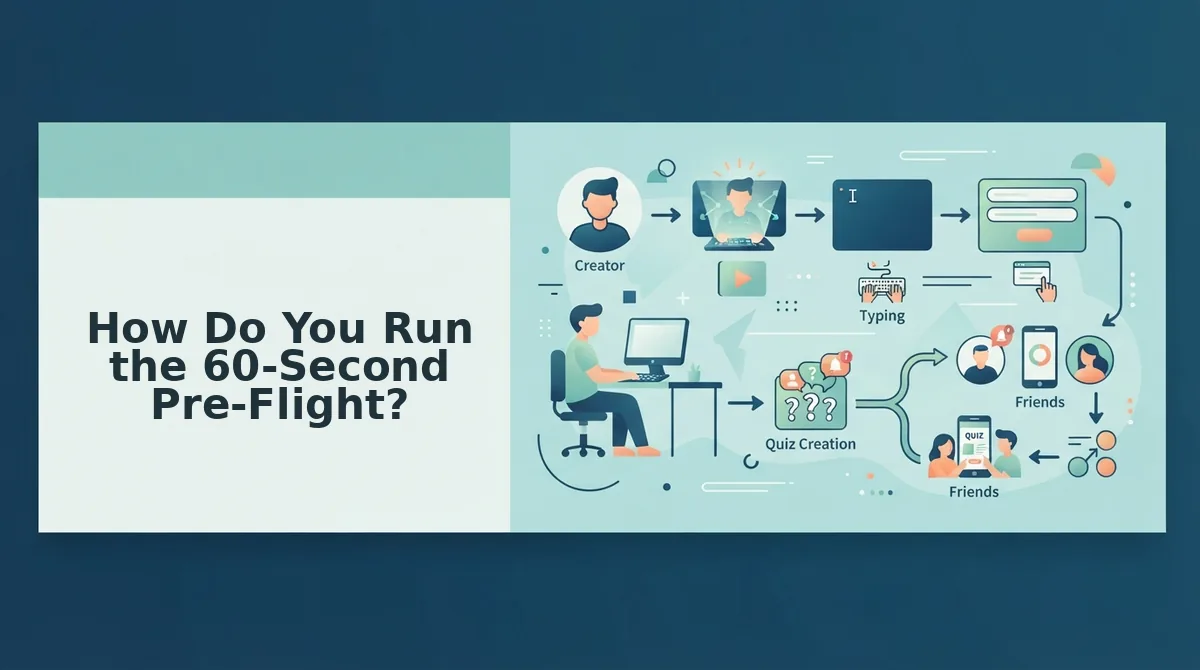
Run the Pre-Flight on your phone in a private tab, using the browser rather than the app you created the quiz in. You need your quiz link copied, one browser, and â for the fallback â a second device.
- Open a private or incognito tab and paste your own link into the address bar. Do not open it from your creator dashboard. Pass looks like: your quiz title and your name appear at the top of a clean page.
- Wait for the first question to render without touching the screen. Give it a few seconds, then judge. Pass looks like: question one and its answer options are readable, and any loading indicator has resolved. If it spins past ten seconds, treat it as a fail.
- Scan for a wall before answering. Look specifically for an email field, a "Continue with" button, a password prompt, or a banner pushing an app download. Pass looks like: none of those exist and you can answer as a guest.
- Play through to the end and submit. Answer every question, including the ones you'd normally skip, then hit the final submit button. Pass looks like: a results page with a score appears, and the attempt registers on your friendboard.
| Check | How to run it | Pass looks like |
|---|---|---|
| Opens | Paste the link in a private mobile tab | Quiz title and creator name load |
| Loads | Wait without tapping anything | Question one is readable |
| No Wall | Scan the page for prompts | No email field, no app redirect |
| Plays Through | Answer all, then submit | Results page with a score |
| Symptom | Likely cause | One-line fix |
|---|---|---|
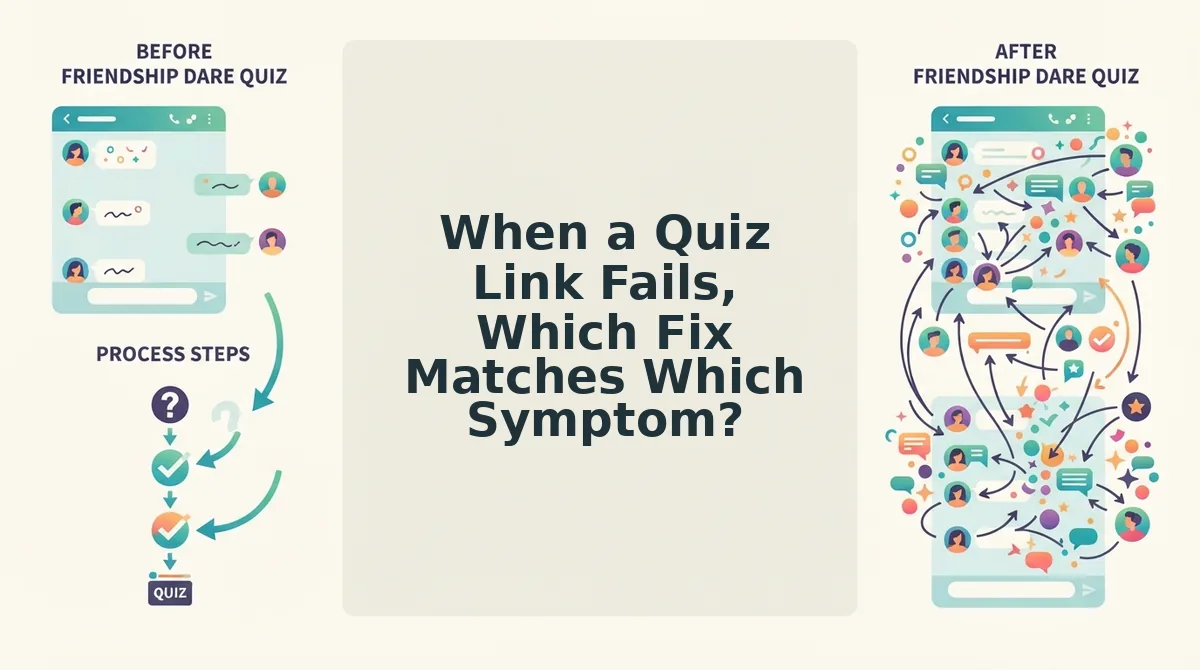
| Spinner never resolves | Slow or filtered connection on the guest's device | Retest over cellular, then resend as plain text instead of a card |
| Login prompt appears | The shared URL points at a gated copy | Open it logged out, then reshare the public link |
| Submit button does nothing | Answers aren't registering â often a truncated link | Re-copy the full link from the maker and resend |
| Preview card is blank | No preview metadata rendered before the first send | Send it to yourself in a solo chat and wait for the card |
| Friendboard placement looks wrong | Results posted under a nickname or duplicate entry | Drop the duplicate name and replay once |
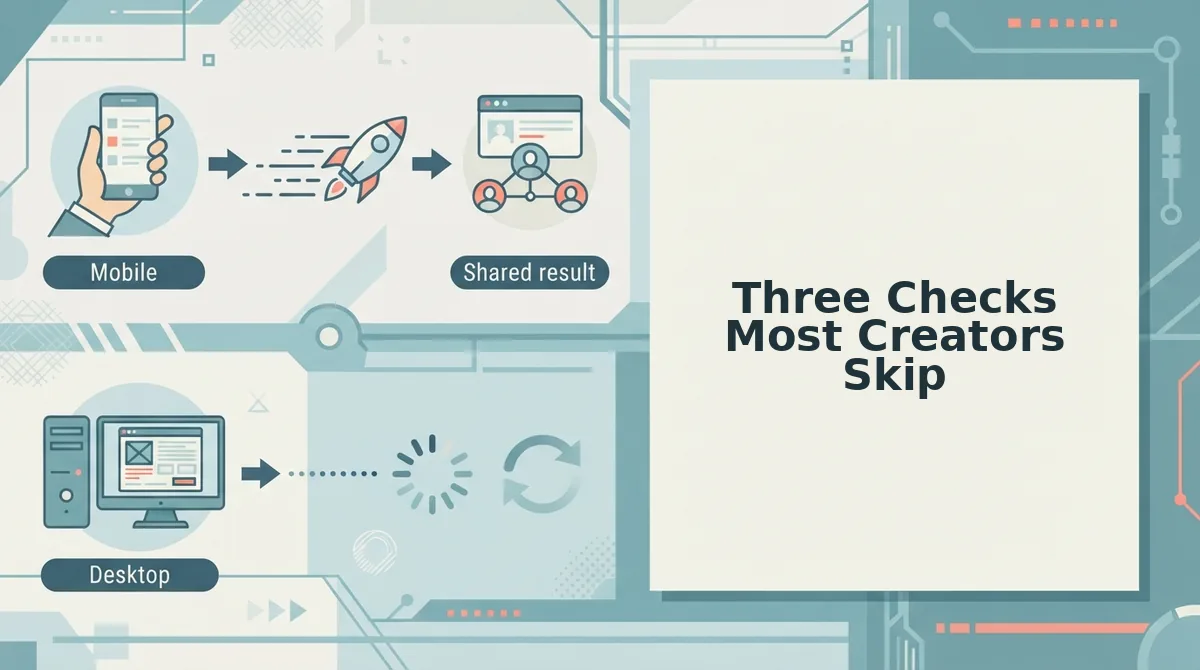
| Works on one device only | Device or network asymmetry â OS version, browser, Wi-Fi vs cellular | Confirm on a second device over cellular before sharing |
Best for first-time creators: rerun the four gates on the spinner, dead-button, and login-prompt rows. Best for creators whose link already went out: delete the message rather than editing it, since an edited post often keeps the old preview cached, then resend the verified link once to a single friend before returning to the group.
If you're swapping formats for the second attempt, a fresh friendship test generates a new link and card, so you can run the gates cleanly from the start instead of inheriting a cached preview.
Run the Four Gates, Then Hit Send
The pre-flight is not a formality â it's the difference between a friendboard race that starts on the first reply and a chat full of "it's not loading."
Treat it as a habit with triggers rather than a one-time step. Rerun the gates whenever you edit a prompt, rename the quiz, or move the share from WhatsApp to Instagram: each of those refreshes the link or its preview card, so yesterday's pass expires. That closes the loop this guide opened â a link checker only proves a URL resolves, while the four gates prove a guest can actually play and score correctly.
Three ways forward: reread the gates and rerun them on your live link, build a quiz and put it through the pre-flight before you paste, or open the maker at friendquiz.org and start with a friendship dare quiz.
Sixty seconds now buys a leaderboard that fills itself while you're still typing the message.