Buddy Meter vs Friend Quiz one tap play inside WhatsApp
Someone drops a link in the group chat. Eight seconds later, three people have replied with a laughing emoji, one has typed "what is this," and nobody has reached question one. That gap â between the tap and the first prompt â is where most quiz links die, and it decides the Buddy Meter vs Friend Quiz one-tap play question inside WhatsApp far more than the questions themselves.
Verdict first: neither tool requires your friends to install an app, so "no download" is not the tiebreaker. The tiebreaker is how many screens sit between the link tap and question one, and whether WhatsApp hands the link to its own in-app browser or kicks the reader out to Chrome or Safari mid-flow.
You already know the frustration of a link that loads four times before it loads once. Below you get a side-by-side comparison scored on three criteria that actually change a group-chat outcome, a plain-language explanation of the open-in-browser handoff, and the specific drop-offs that quietly kill participation.
One finding runs against intuition: the quiz that feels slower to load sometimes keeps more players, because of what happens after the final question rather than before the first.
Buddy Meter vs Friend Quiz Side by Side Before You Share Anything
Both tools ask personal questions and score the answers, so content parity is not what separates them. What separates them is the number of screens a friend survives before question one, and whether anything is demanded of them before they can start.
Run these four checks on your own phone, in this order:
- Taps to question one â count every tap from the chat bubble.
- Account or install requirement â anything demanded before the first prompt.
- Interstitial screens â "open in browser" prompts, app banners, cookie notices.
- Results screen â what the whole group sees after submitting.
| Checkpoint | What to count | Buddy Meter | Friend Quiz |
|---|---|---|---|
| Link tap | Does the preview show the quiz name or a bare URL? | Time it yourself | Named quiz link generated at creation |
| Interstitial screen | "Open in browser?" prompts, ads, cookie walls | Time it yourself | No account, email or install before playing |
| Name entry | Keystrokes required before question one | Time it yourself | Friend opens the shared link and plays |
| Question one | Seconds from tap to first prompt | Time it yourself | Seconds from tap to first prompt |
| Results screen | Score, ad load, share prompt | Time it yourself | Real-time Friendboard score view |
Observation map: fill the two middle columns on your own handset, inside WhatsApp, and write the date and browser build in the caption before you trust it. Behaviour shifts with OS version and in-app browser, so a map from someone else's phone is not a benchmark.
Taps to question one decides whether the casual friend plays at all â every extra screen loses the person who opened the link while waiting for a coffee. The account-or-install question decides whether a stranger in the group can join without a signup detour. And the results screen decides whether anyone shares it onward; ad-heavy results pages get screenshotted and mocked, not forwarded, which is why results pages with fewer ads matter as much as the questions.
In fairness, Buddy Meter earns its place for groups already using it: if your friends know the format, the familiarity beats a marginal difference in taps. Switching costs are real.
Best for the habit-driven group: Buddy Meter, if it already works on everyone's phones. Best for the cold group chat: Friend Quiz, where the creator types a name, answers habit prompts, and shares one link that needs no account from anyone who taps it.
Can Friends Play a Quiz From a WhatsApp Link Without Opening an App
Yes. No install is required, because the quiz is a web page and WhatsApp already carries a browser inside the chat. The friction is the handoff, not the quiz.
Answer box: A friend taps your link, WhatsApp opens it in its built-in viewer, and the quiz renders as a normal mobile page. Nothing is downloaded, no account is created, and the score appears at the end of the questions. The only interruption is the moment WhatsApp hands the page to an external browser â the "open in browser" prompt â which looks like an error but is usually a deliberate handoff. One-tap play, meaning one tap from the chat to question one, works when the page needs no login and no app deep link.
A WhatsApp in-app browser is the stripped-down web viewer that opens links without leaving the conversation. Link handoff is the instant that viewer passes the page to Chrome or Safari. Drop-off is anyone who leaves between the tap and question one.
Think of it like a hotel-room TV versus walking to the lobby: same channels, different walk. The in-app browser is the room TV â instant, limited, occasionally refusing a channel. The external browser is the lobby set â fuller, but you had to get up.
A link sometimes bounces outward because the page requests it, because a phone setting prefers external browsers, or because a deep link tries to wake an app that is not installed. That reload reads as breakage to someone standing in a queue, so they close the chat. Plain pages that load fast and ask nothing avoid the bounce entirely.
Whether a creator can see your answers before you submit is a per-product question, not a WhatsApp one â see whether a creator can see answers before submitting.
Answering without an app is the easy part; keeping people through the screens around it is where links get lost.
The Three Drop-Offs That Kill a WhatsApp Quiz Link
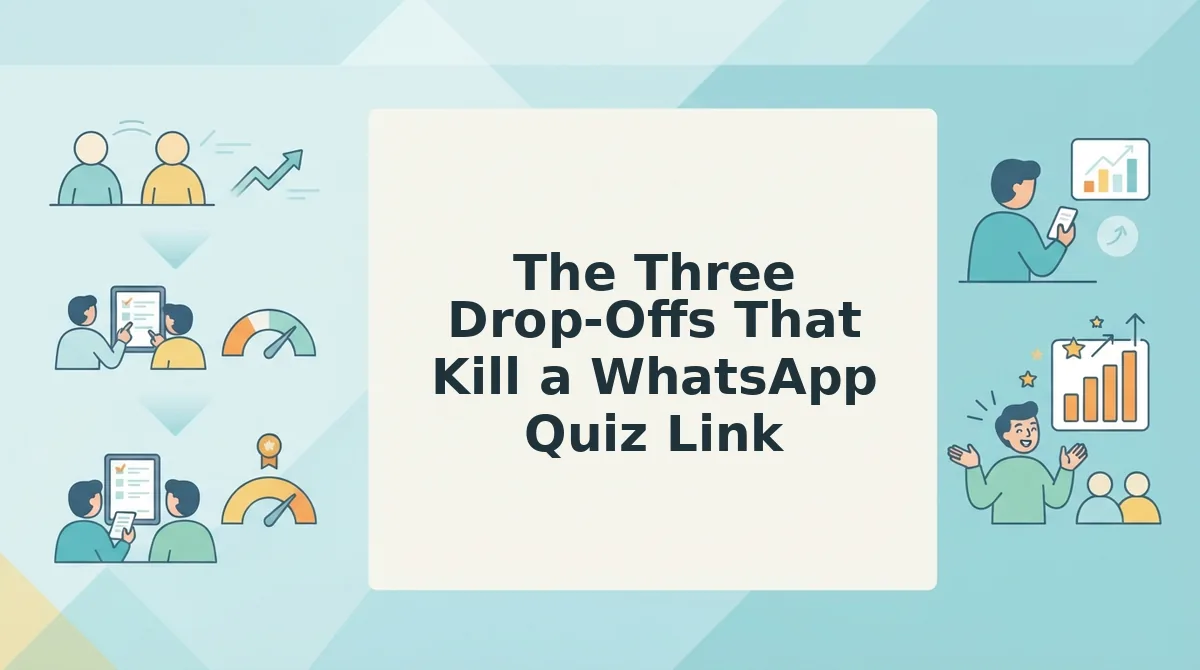
A WhatsApp quiz link fails at three points: the link handoff, first-screen friction, and the between-question reload. Fix those three and friends reach question one. Miss any one and they leave without answering.
The Three Drop-Offs framework is a way to audit any friend quiz by where a player abandons it, not by how clever its questions are. You can apply it to Buddy Meter, Friend Quiz, or any other maker before you share. Each drop-off has a one-line fix. The handoff needs a link that opens straight into the quiz. The first screen should ask for a name only. Questions should advance without a page reload.
The contrarian part: better questions do not save a slow quiz. Picture a group chat of six. The link lands, two friends hit a sign-up wall, one waits through a reload, and nobody reaches question three. A plainer quiz with fewer screens wins that chat.
1. Link Handoff
- What the friend sees: A tap in WhatsApp that may open an in-app browser or a prompt to switch apps.
- Why they leave: Every extra prompt is a moment to go back to the chat.
- The fix: A plain web link that loads the quiz in whatever browser opens.
2. First-Screen Friction
- What the friend sees: An account form, email field, or install banner before any question.
- Why they leave: They came to answer trivia, not to register.
- The fix: Ask for a name, then show the first question.
3. Between-Question Reload
- What the friend sees: A blank screen or spinner after each answer.
- Why they leave: Each wait resets their attention back to the chat.
- The fix: Questions that advance in place, without a full page reload.
Run the lens on Friend Quiz's own setup. You type your name on the homepage, cycle through prompts about your habits and quirks, and get an instant quiz link with no account and no install. Then post it using the tips on sharing a quiz link in a group chat, or start from the BFF test for group chats.
The real test is what your friend sees after that link lands.
How Friend Quiz Handles the Tap From Group Chat to Question One
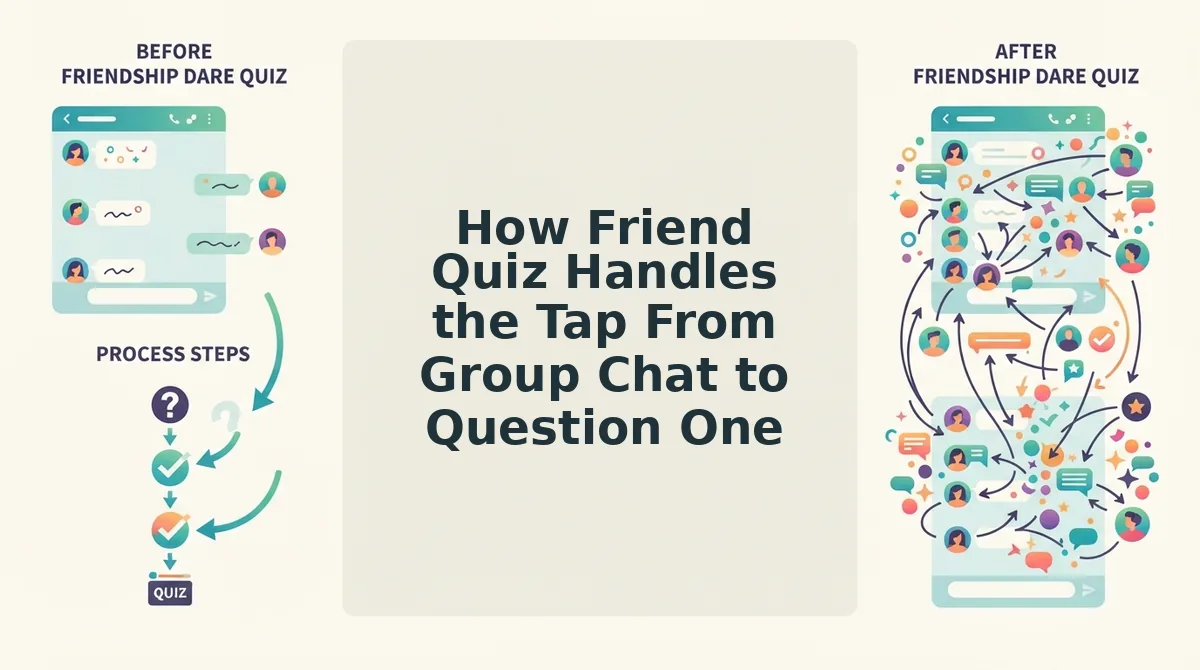
Friend Quiz keeps the entire path from tap to question one inside the browser your friend already has open, which is the part the drop-offs on the previous list can't touch.
Picture the group chat at 11pm. Someone drops a link with no caption. Two friends tap it before anyone asks what it is, and the quiz is already asking them something about you.
Enter a name, answer the prompts, copy the share link
The creator types a name, cycles through personal trivia prompts about habits, quirks, likes and dislikes, then copies the share link. Friend Quiz describes this setup as a custom Best Friend Quiz created in under two minutes, with no account, email or app download.
That matters for a comparison reason rather than a speed one: there is no signup screen between wanting to share and having something to share, so the creator never leaves the conversation to go build it.
Friend taps, friend answers, results land on the Friendboard
- Open the group chat and tap the link.
- Land on question one in the in-app browser.
- Answer the prompts about the creator.
- Submit, and watch the placement appear on the Friendboard.
Because friends answer in the browser they are already in, nothing is installed to reach question one. Results then land on the Friendboard, where the group sees placements and bragging rights settle in real time.
No millisecond figures here, deliberately. No verified timing exists for either path, so the honest comparison is how many frictions were removed, not a stopwatch reading.
If you want to see the sequence for yourself, start with the best friend test and post the link where your loudest group chat can find it â the Friendboard does the rest of the talking.
The wider takeaway is that all four sections point the same direction: in a WhatsApp comparison, the fastest quiz is the one that removes steps instead of adding features. A quiz that never asks a friend to leave the app they are already in is a quiz that actually gets answered.